
Image template
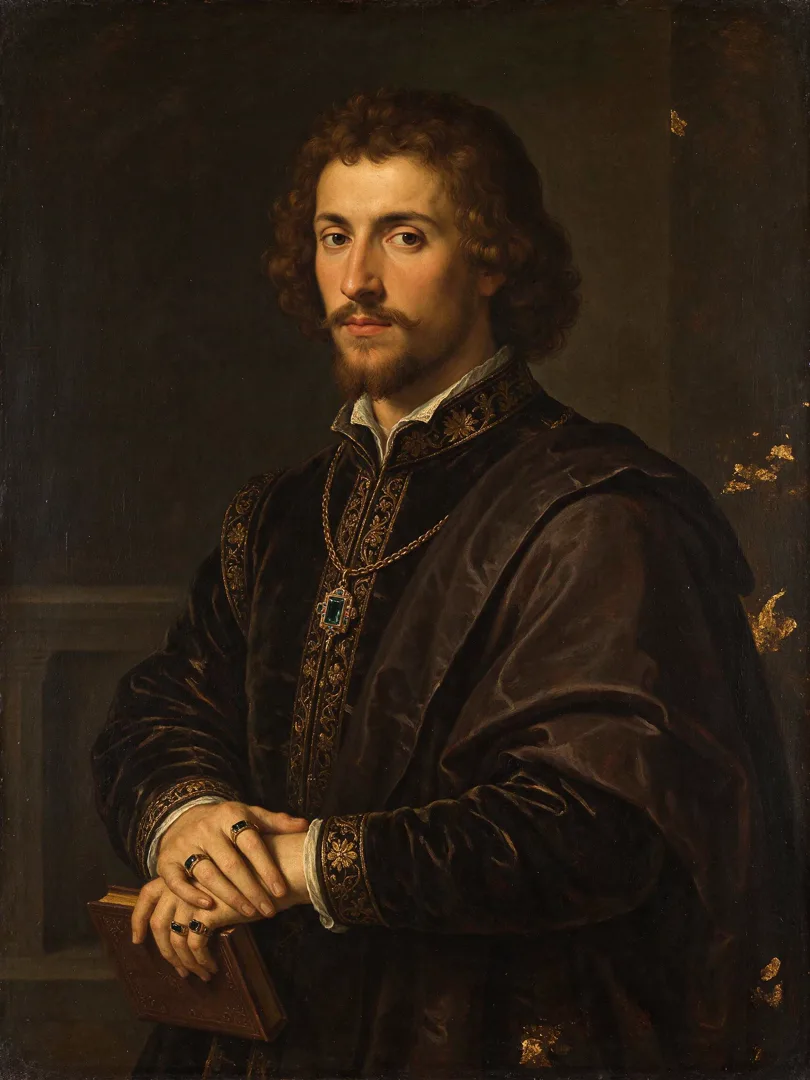
Renaissance Painting AI Image Template
The subject rendered as a classical Renaissance oil painting with rich textures.
- Image template
- Portrait (3:4)
- From 3 credits per image
 Official BytePlus partnerBytePlus, a ByteDance company
Last updated
On this page
What the Renaissance Painting template makes
This template turns your subject into a classical Renaissance oil painting. It uses rich textures and a traditional style. The result is a 3:4 image. You provide the subject text. The studio handles the rest. It is ready for immediate use.
Ideas to try
- Portrait of a historical figure
- Still life with fruit
- Classical landscape scene
How it works
Opens in the image studio.
- 1
Open the template
Press Use this template to open Renaissance Painting in the image studio.
- 2
Enter your subject
Type the required text describing your subject into the input field.
- 3
Generate and save
Click generate to create the image, then save your result.
Questions
What shape is the image?
What do I need to start?
Who is this for?
How much does Renaissance Painting cost?
More image templates

Billboard Mockup
16:9
Show the design on a huge city billboard, photographed from the street for a realistic urban context.
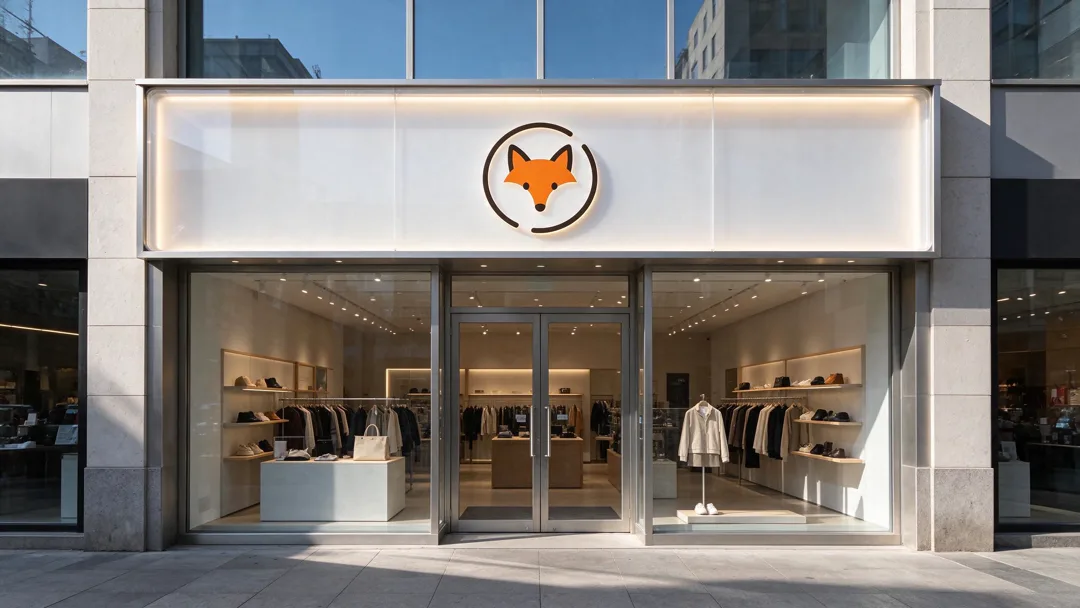
Storefront Logo
16:9
Render the logo as a real sign on a shopfront, photographed in daylight for a realistic business look.
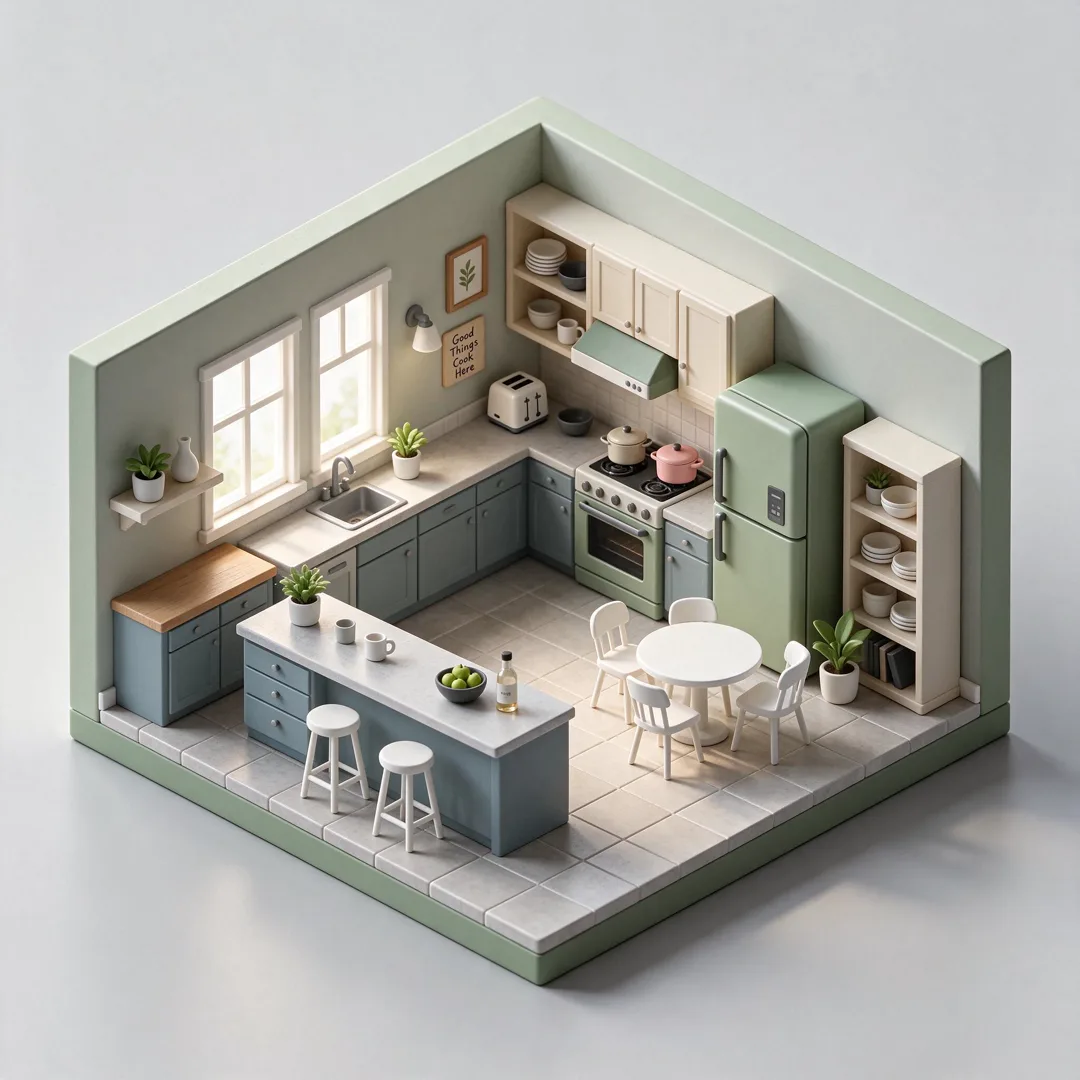
Isometric Mini Room
1:1
Creates a tiny isometric 3D room diorama on a plain background based on the reference.
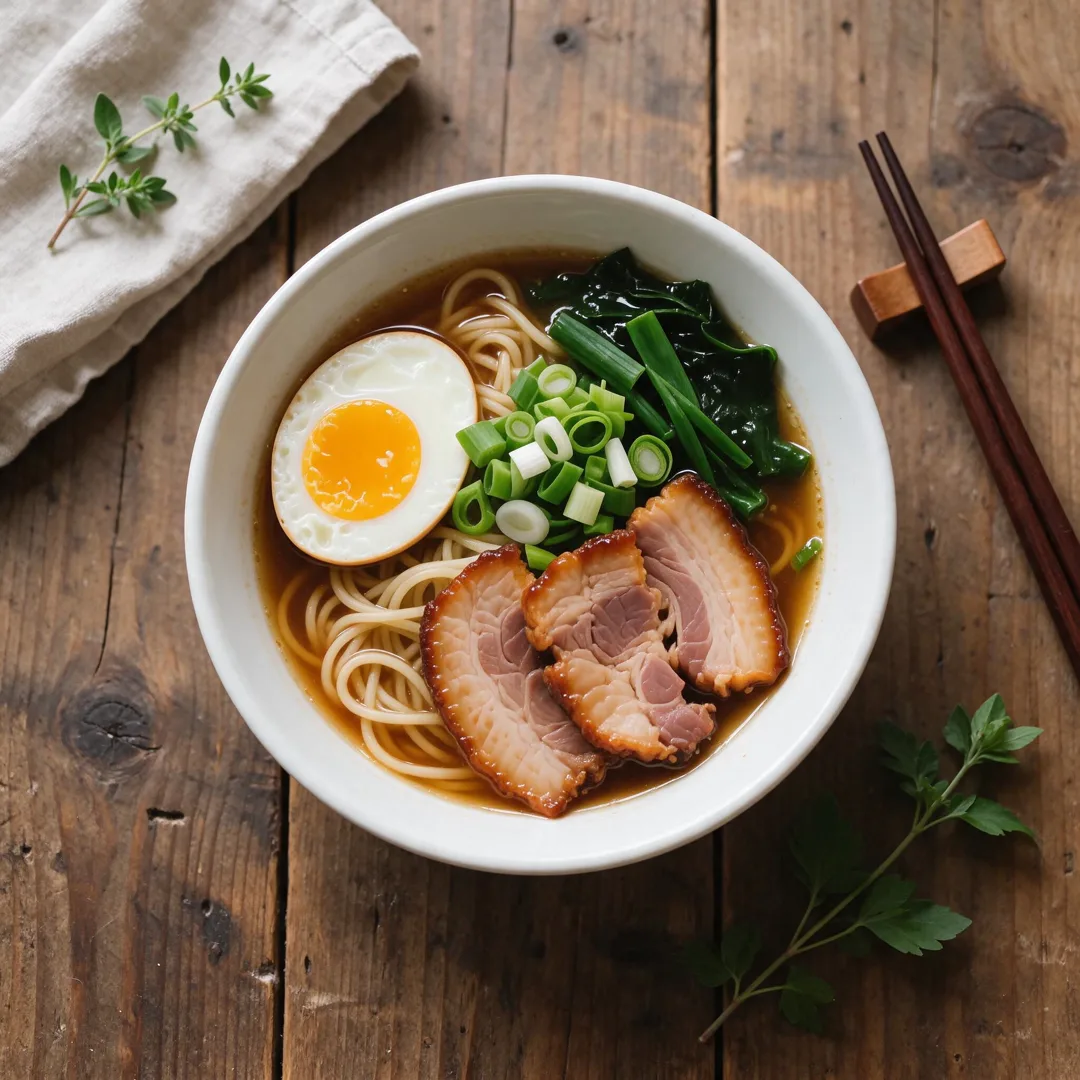
Food Flat-Lay
1:1
Styles the food as an overhead flat-lay on a textured table with natural lighting.
Try Renaissance Painting
Open the template in the image studio, add what it asks for and generate. New accounts get 110 free credits: 10 on sign-up + 100 for linking Discord.