
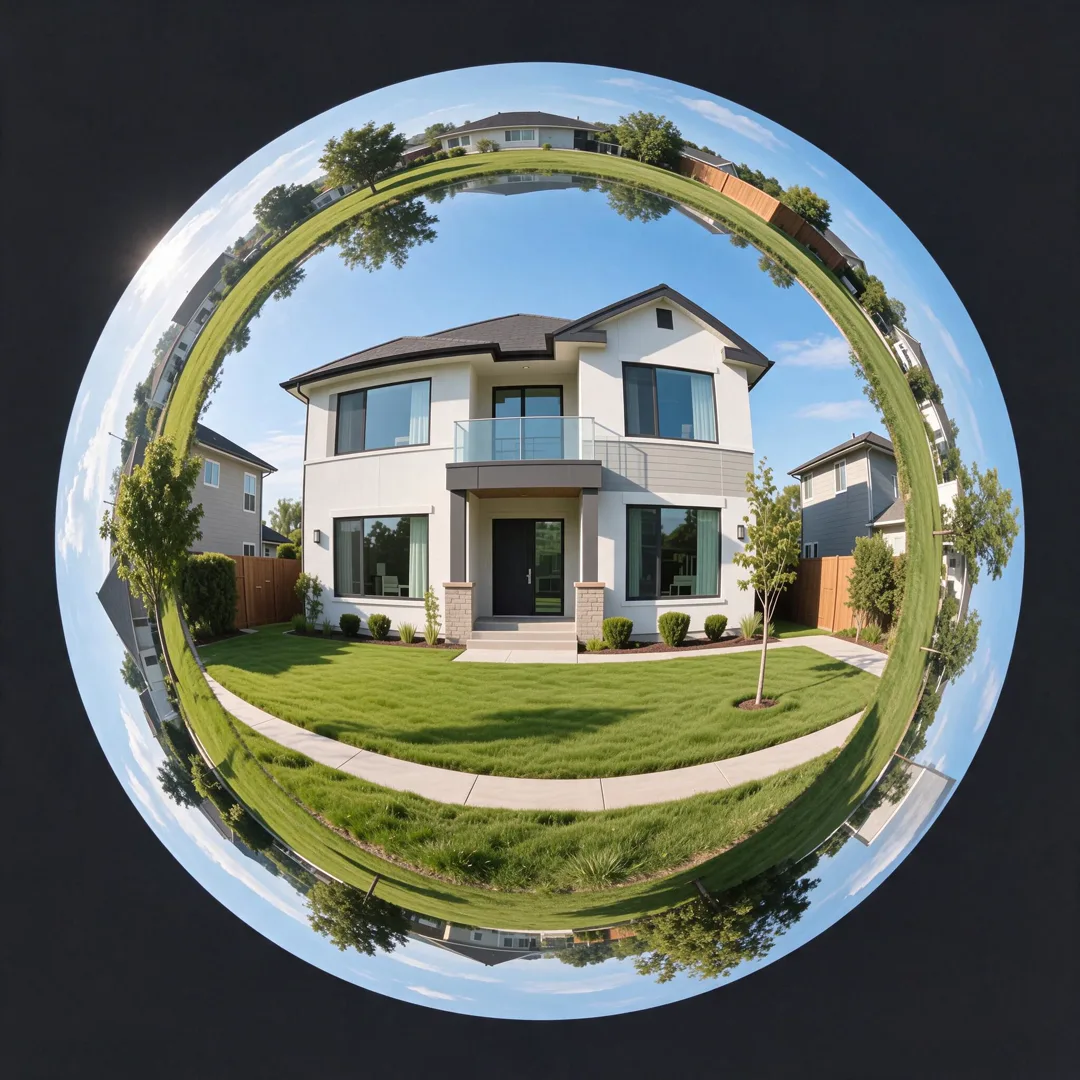
Image template
Tiny Planet AI Image Template
Curves a place into a tiny planet photo with a 360-degree spherical distortion.
- Image template
- Square (1:1)
- From 4 credits per image
 Official BytePlus partnerBytePlus, a ByteDance company
Last updated
On this page
What the Tiny Planet template makes
This template turns a regular photo of a place into a tiny planet image. It applies a 360-degree spherical distortion to curve the scene. You upload a single photo of the location. The tool processes the image to create a unique, rounded view of your spot.
Ideas to try
- Share a unique view of your hometown
- Create a fun profile picture
- Show off a travel destination
How it works
Opens in the image studio.
- 1
Open the template
Press Use this template to open Tiny Planet in the image studio.
- 2
Upload your photo
Add a clear photo of the place you want to transform.
- 3
Generate and save
Click generate to create the image and then save it.
Questions
What do I need to start?
What shape does the image have?
Who is this for?
How much does Tiny Planet cost?
More image templates
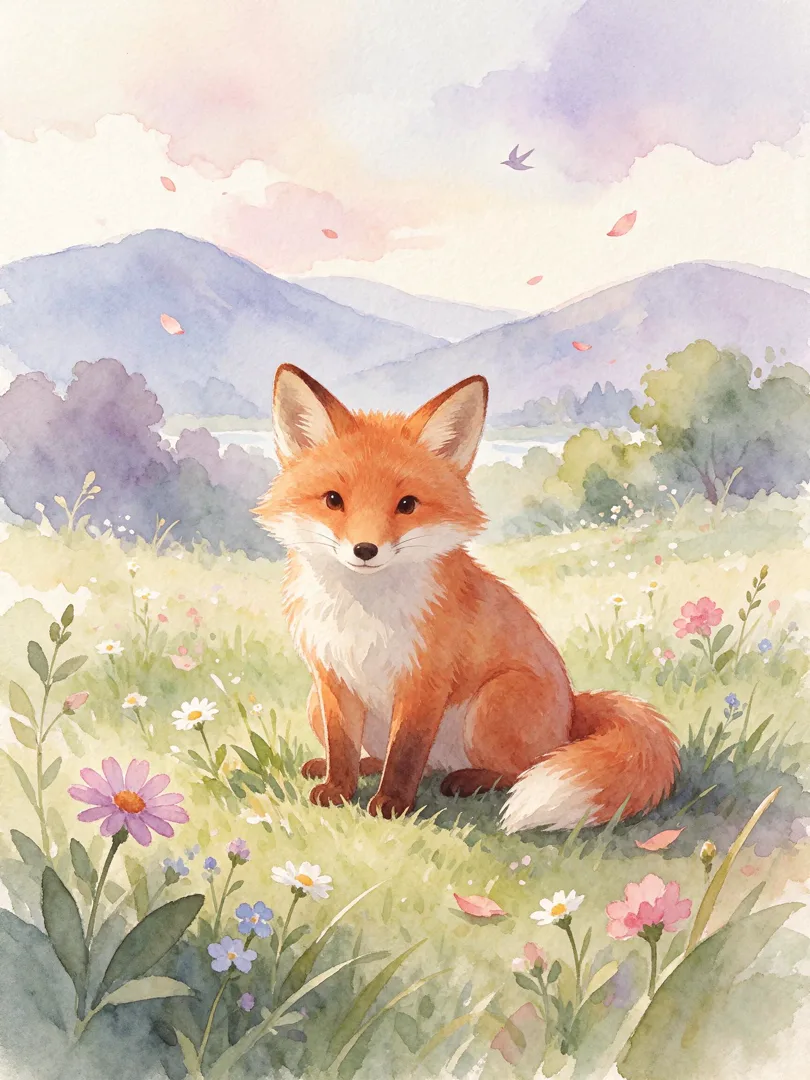
Watercolour Storybook
3:4
Transforms the scene into a soft, dreamy watercolour illustration for a children's storybook.
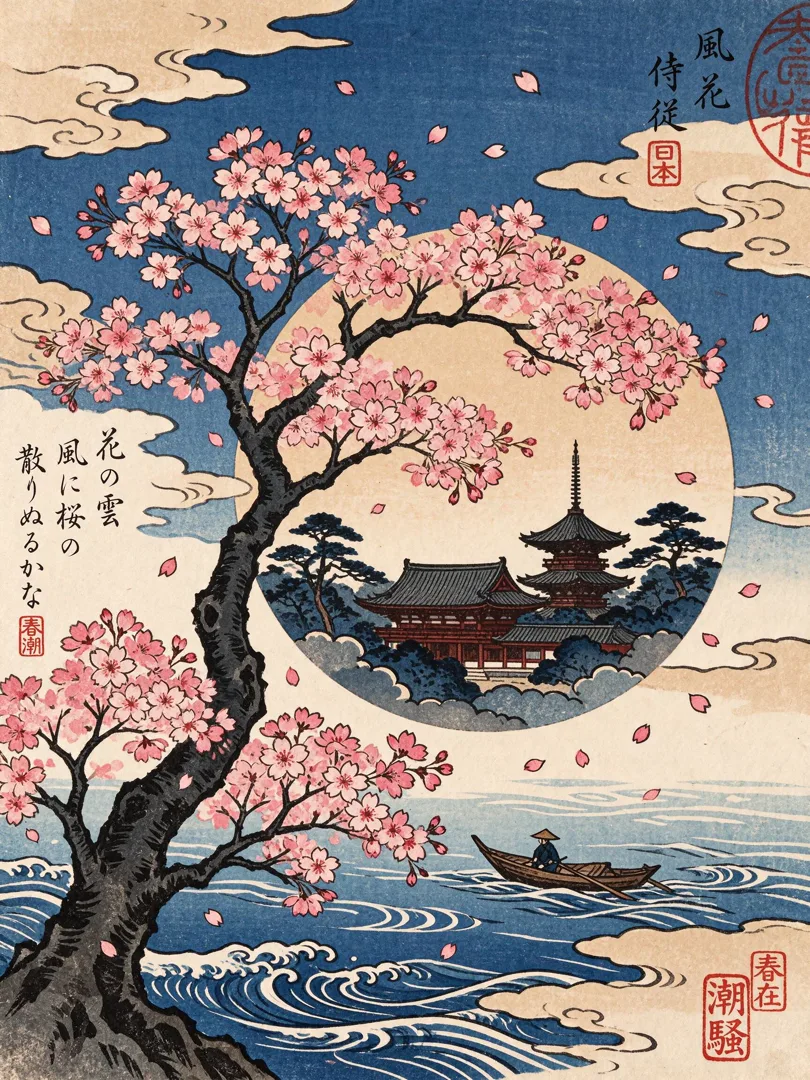
Woodblock Print
3:4
Renders the scene as a traditional Japanese woodblock print with bold lines and flat colors.
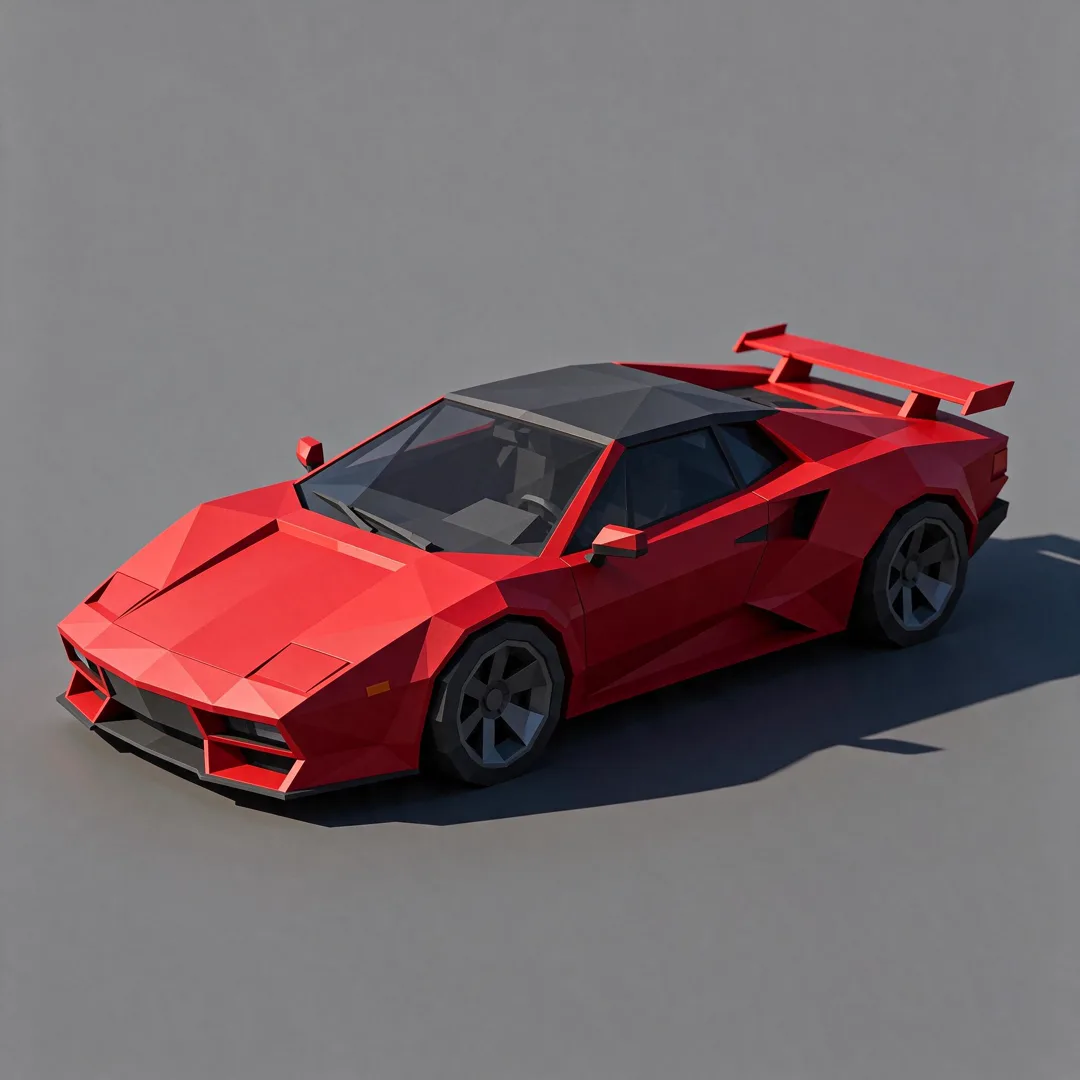
Low-Poly 3D
1:1
Converts the subject into a geometric low-poly 3D render with flat shading.
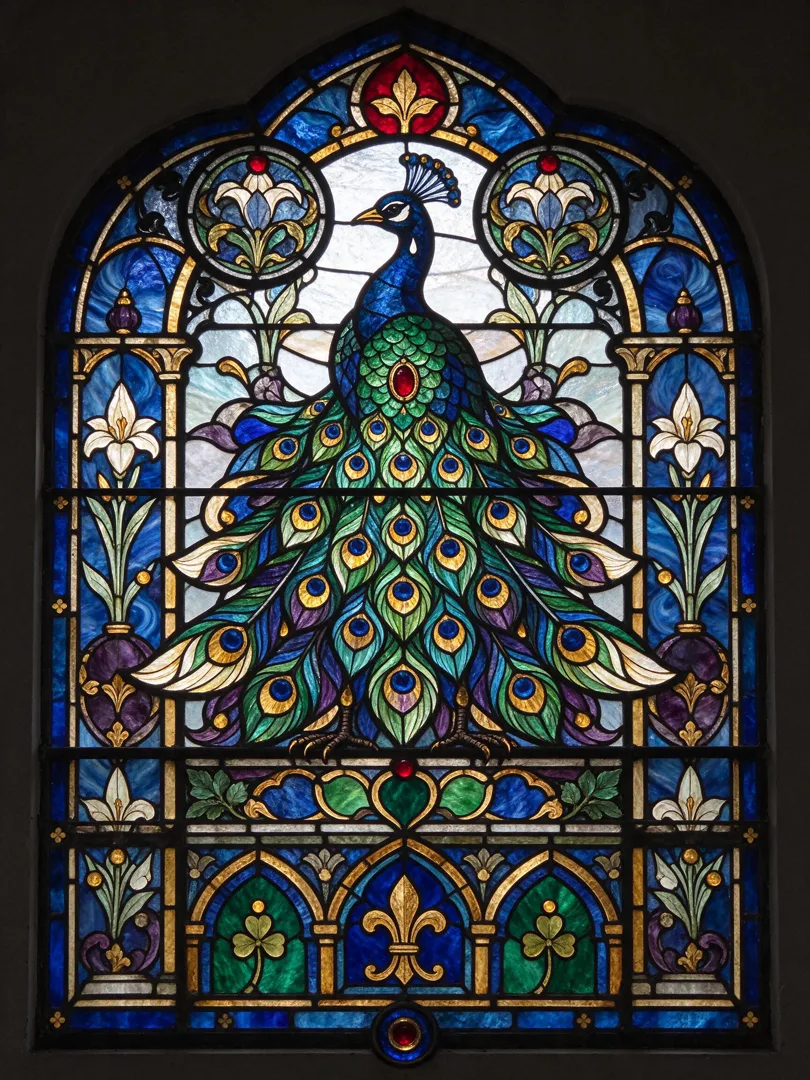
Stained Glass
3:4
Depicts the subject as a colorful stained glass window with lead lines and vibrant hues.
Try Tiny Planet
Open the template in the image studio, add what it asks for and generate. New accounts get 110 free credits: 10 on sign-up + 100 for linking Discord.