
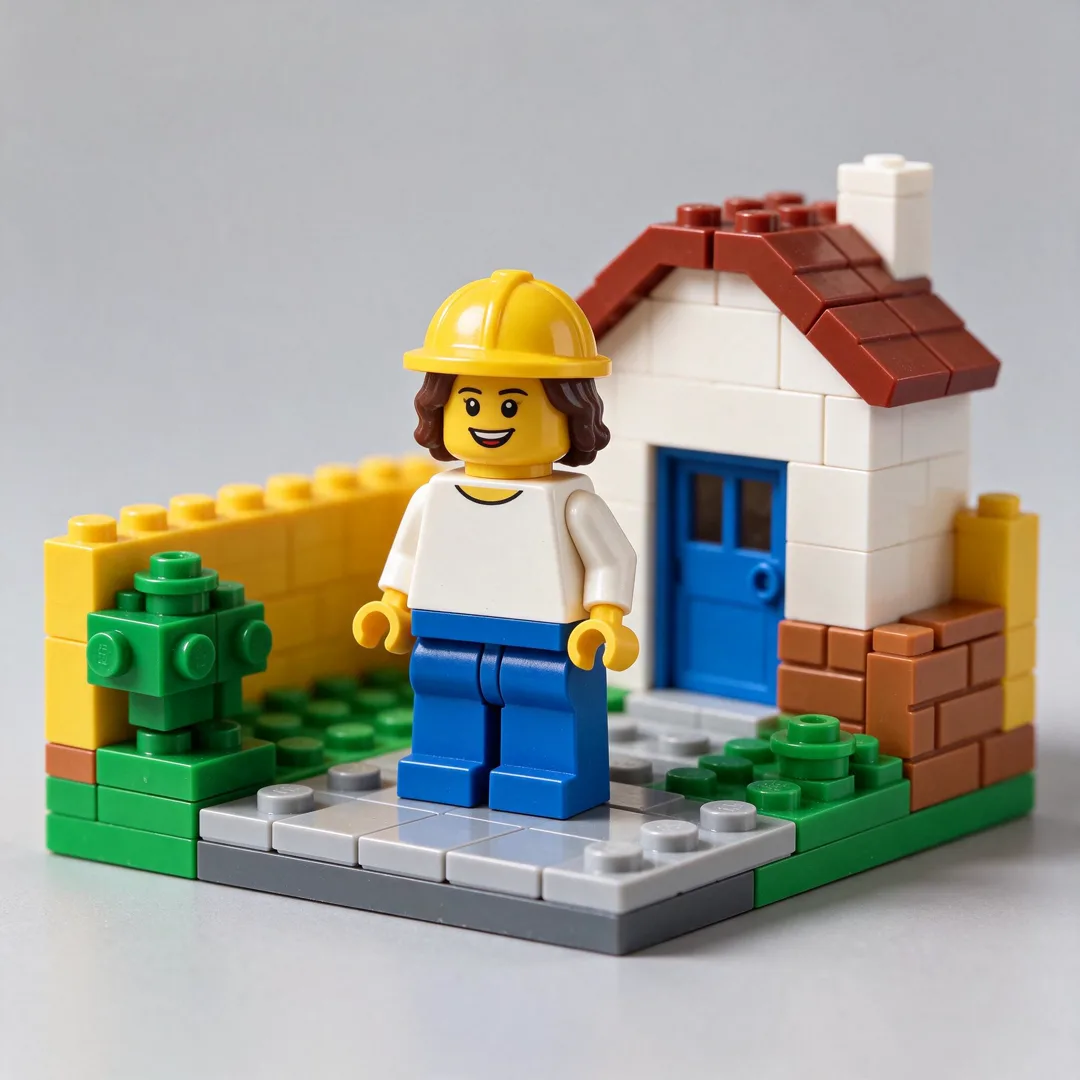
Image template
Toy Brick Figure AI Image Template
Renders the subject as a generic toy-brick minifigure in a brick-built scene.
- Image template
- Square (1:1)
- From 4 credits per image
 Official BytePlus partnerBytePlus, a ByteDance company
Last updated
On this page
What the Toy Brick Figure template makes
This template turns your photo into a toy brick minifigure in a brick-built scene. It uses a square 1:1 shape. You upload your photo and can add optional text. It works with Seedream models. The result is a playful, blocky character image.
Ideas to try
- Turn a team photo into a fun group shot
- Create a unique avatar for your profile
- Make a playful gift for a friend
How it works
Opens in the image studio.
- 1
Open the template
Press Use this template to open Toy Brick Figure in the image studio.
- 2
Upload your photo
Add your required photo to the input field.
- 3
Add optional text
Enter any accessory text if you want to include it.
- 4
Generate and save
Click generate to create the image and save the result.
Questions
What image shape does it use?
Can I add text to the image?
Which models does it work with?
How much does Toy Brick Figure cost?
More image templates
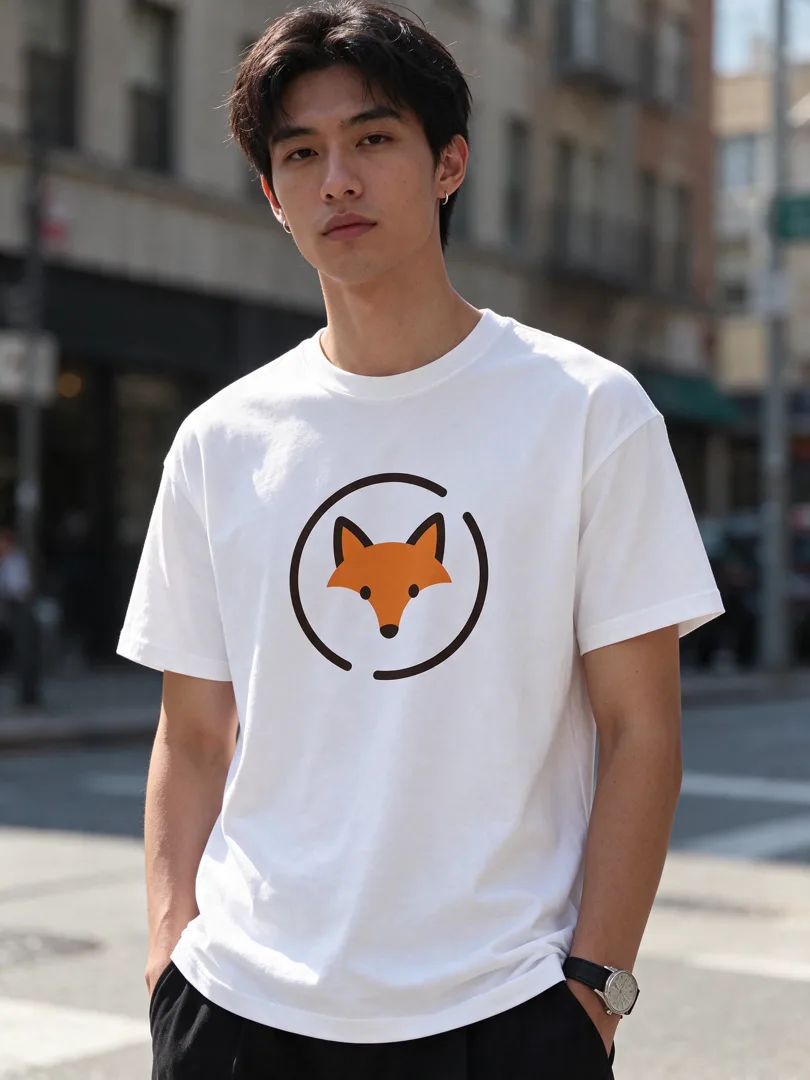
T-Shirt Mockup
3:4
A logo printed on a plain t-shirt worn by a model in a street setting.
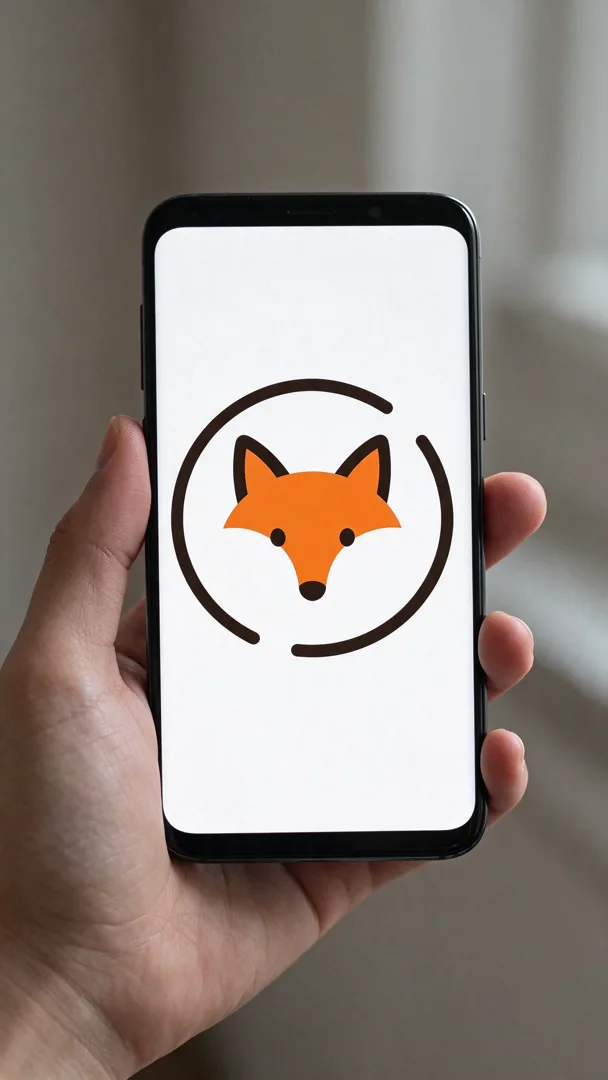
Phone Screen Mockup
9:16
A design shown on a phone screen held in a hand, with a blurred background.

Coffee Mug Mockup
4:5
A logo printed on a ceramic coffee mug on a cafe table with soft light.
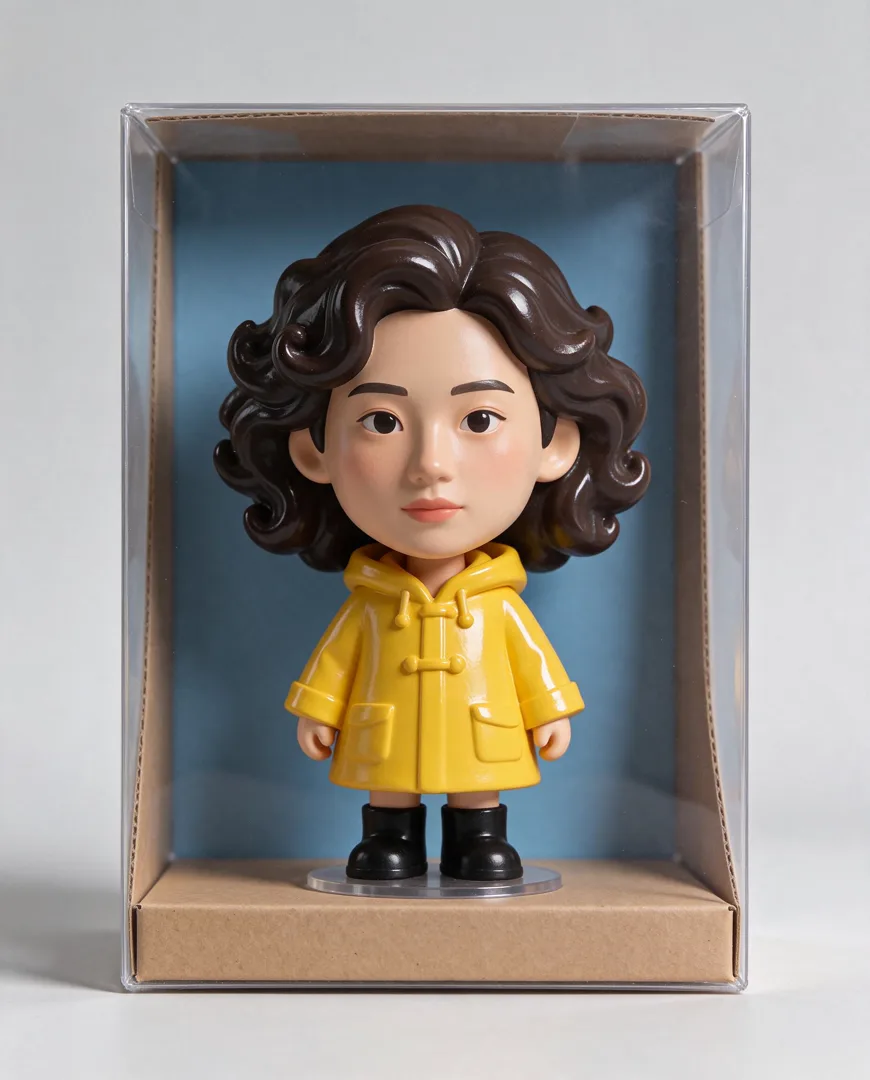
Big-Head Vinyl Figure
4:5
Transforms a person into a stylized big-head vinyl collectible figure displayed in a box.
Try Toy Brick Figure
Open the template in the image studio, add what it asks for and generate. New accounts get 110 free credits: 10 on sign-up + 100 for linking Discord.