
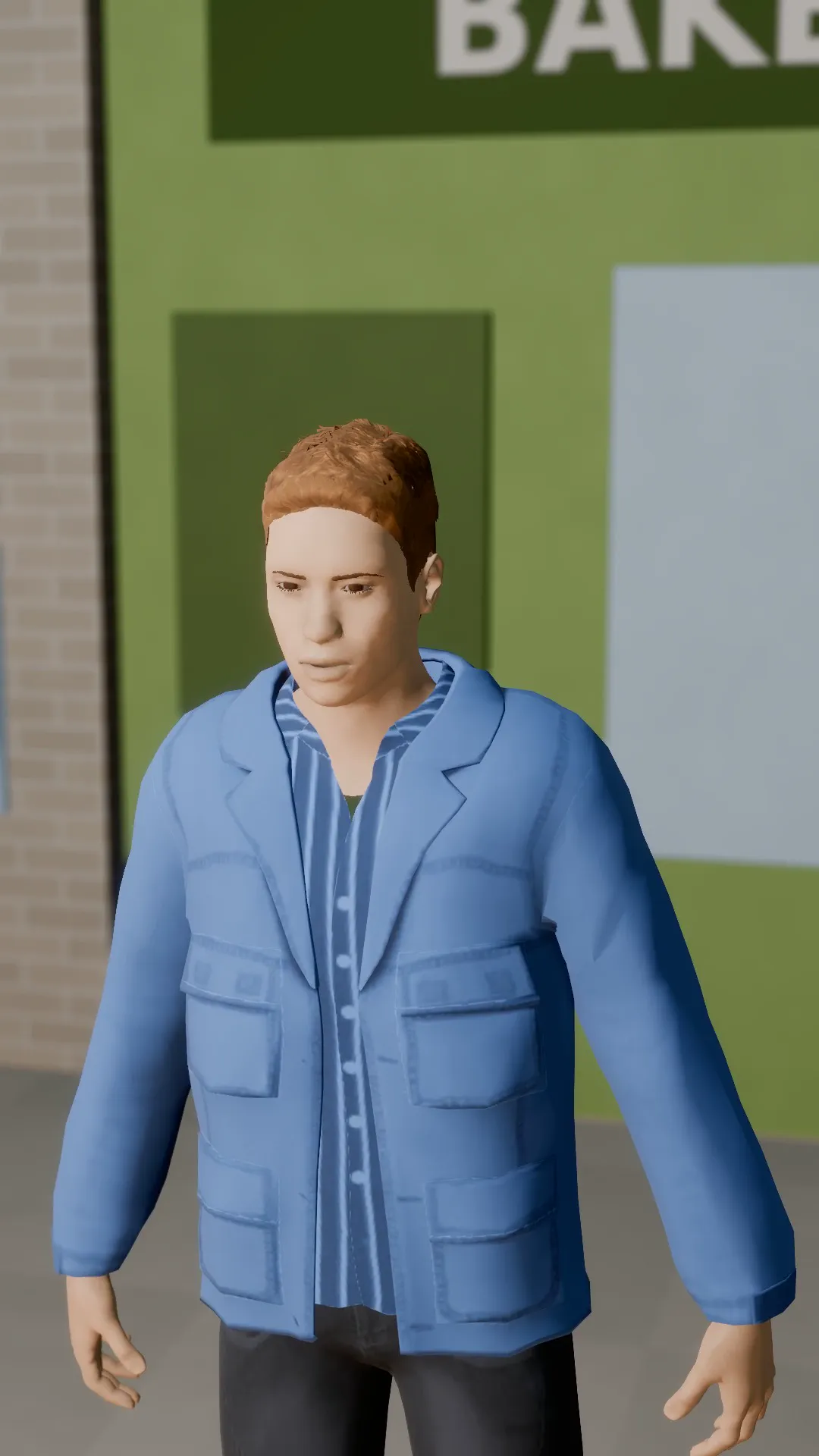
Stage template
Drone pull-back Template for Stage
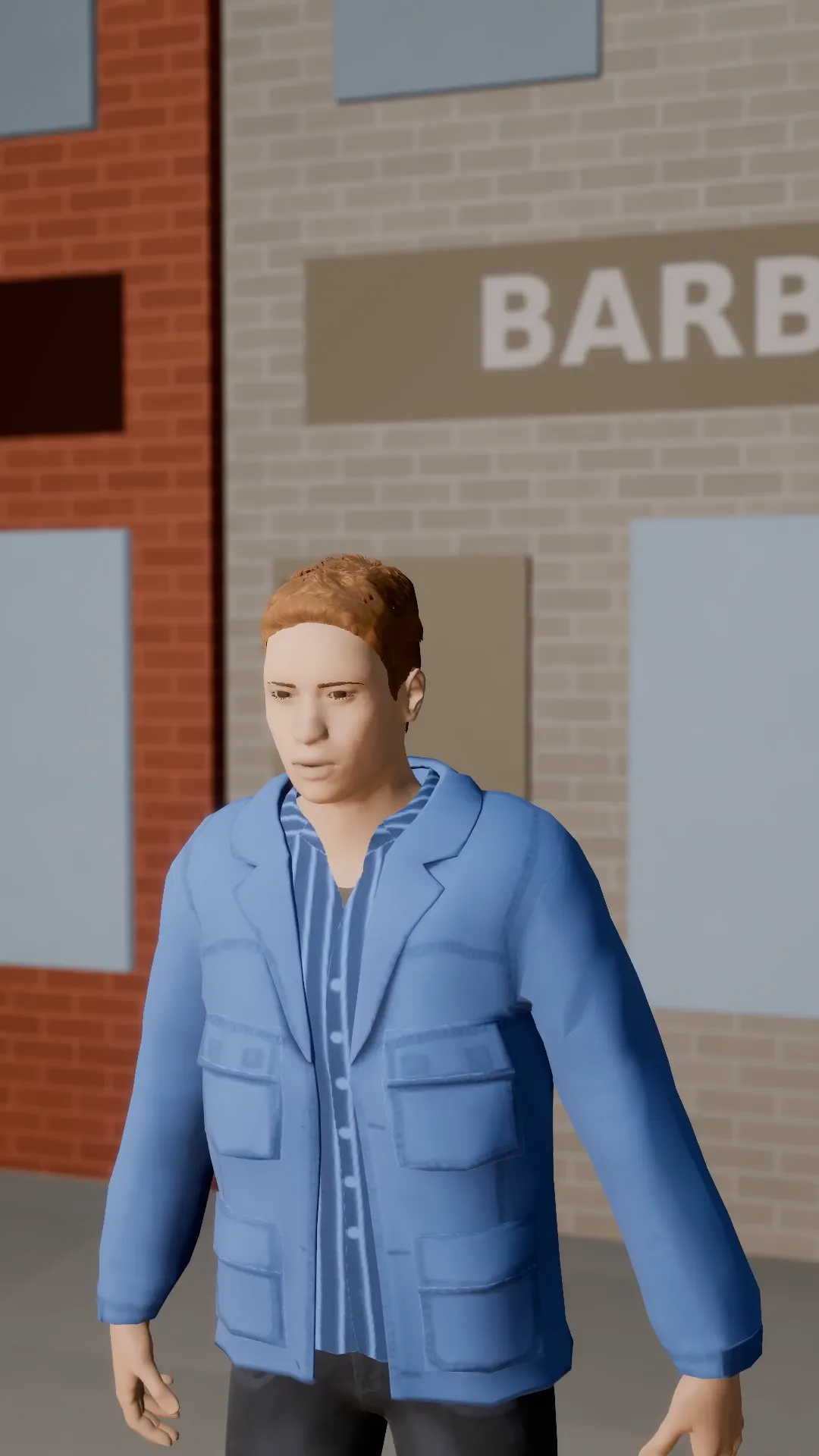
Start close on the subject, then a drone-style rise and pull-back reveals the street around them.
- Stage template
- Portrait (9:16)
- 5 second move
 Official BytePlus partnerBytePlus, a ByteDance company
Last updated
On this page
What the Drone pull-back template makes
This template creates a drone-style pull-back camera move. It starts close on your subject, then rises and pulls back to reveal the surrounding street. The five-second sequence fits a vertical 9:16 frame. You apply it to a shot in Stage or open it in the video studio to move the camera around your photo.
Ideas to try
- Reveal a street scene from a close subject
- Show a portrait with background context
- Create a vertical video intro
How it works
Opens in Stage.
- 1
Open your scene
Open a scene in Stage and pick the shot.
- 2
Apply the template
Apply the drone pull-back template to the selected shot.
- 3
Preview and adjust
Preview the move and adjust the camera if you want.
Questions
What shape or size does it suit?
How long is the move?
Where does it open?
Is Stage free?
More Stage templates
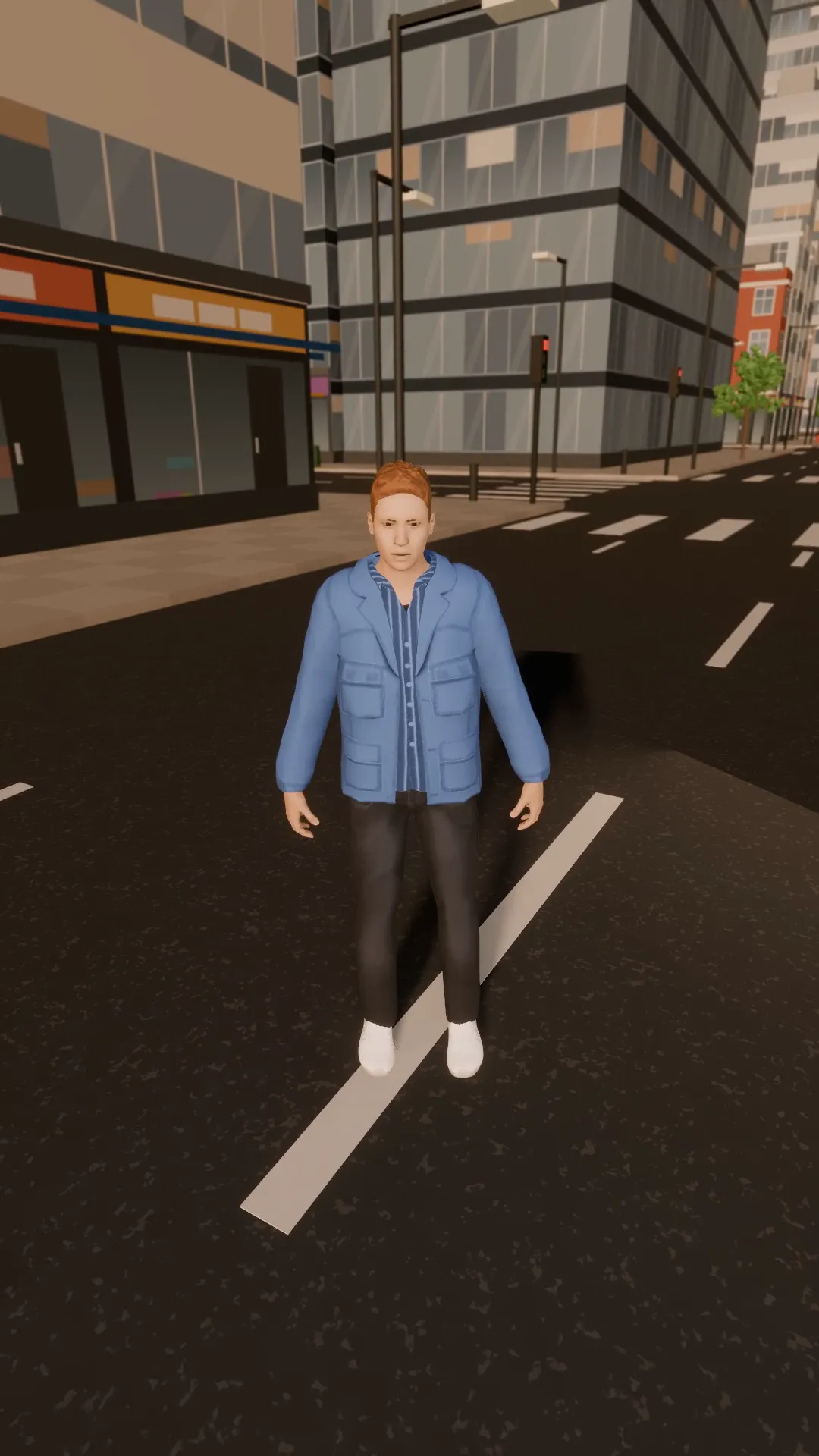
City drone flyover
9:16
A high drone pass over the rooftops, easing down toward the subject.
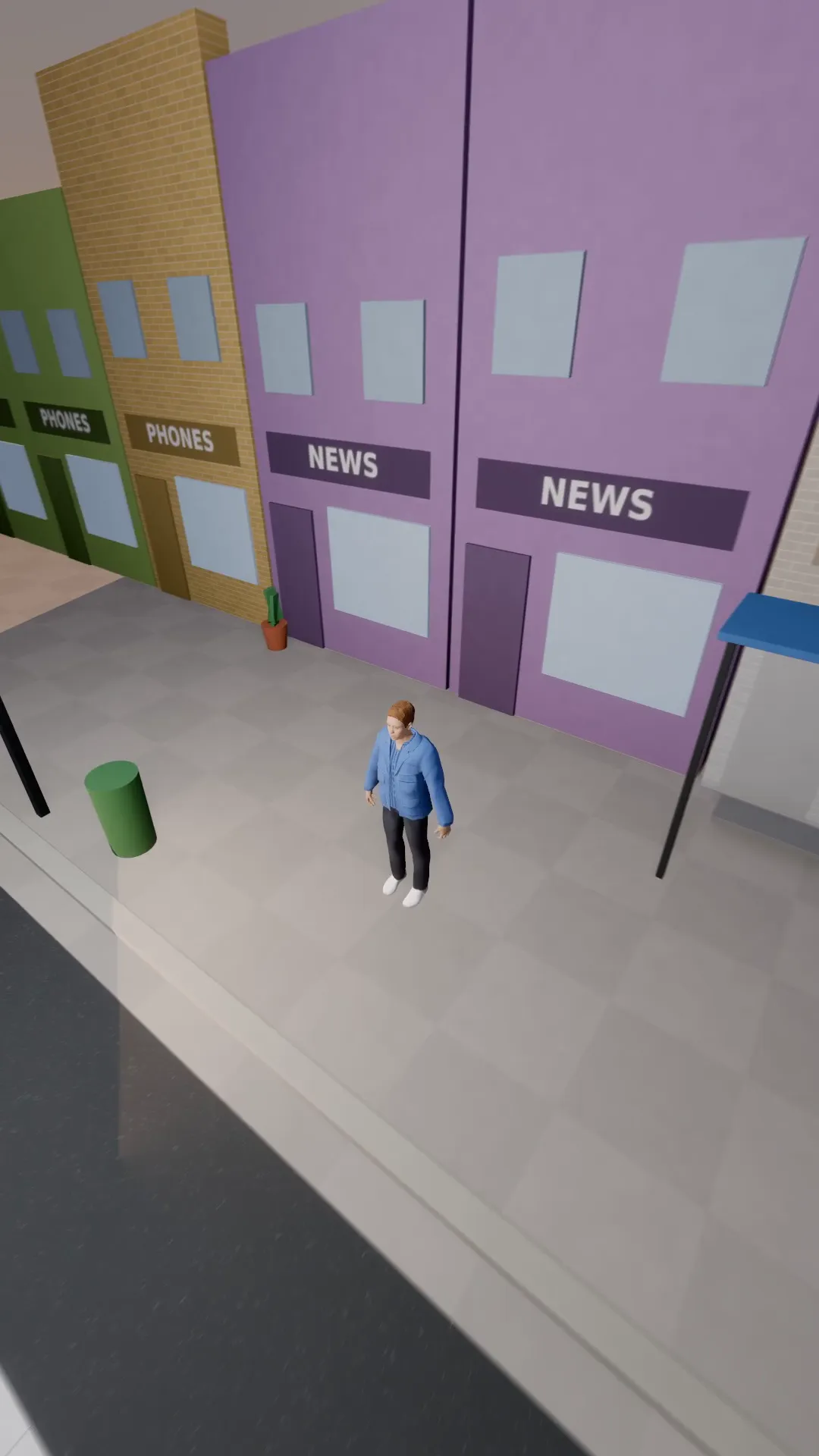
FPV dive
9:16
A fast first-person drone dive down onto the subject, ending on a wave.
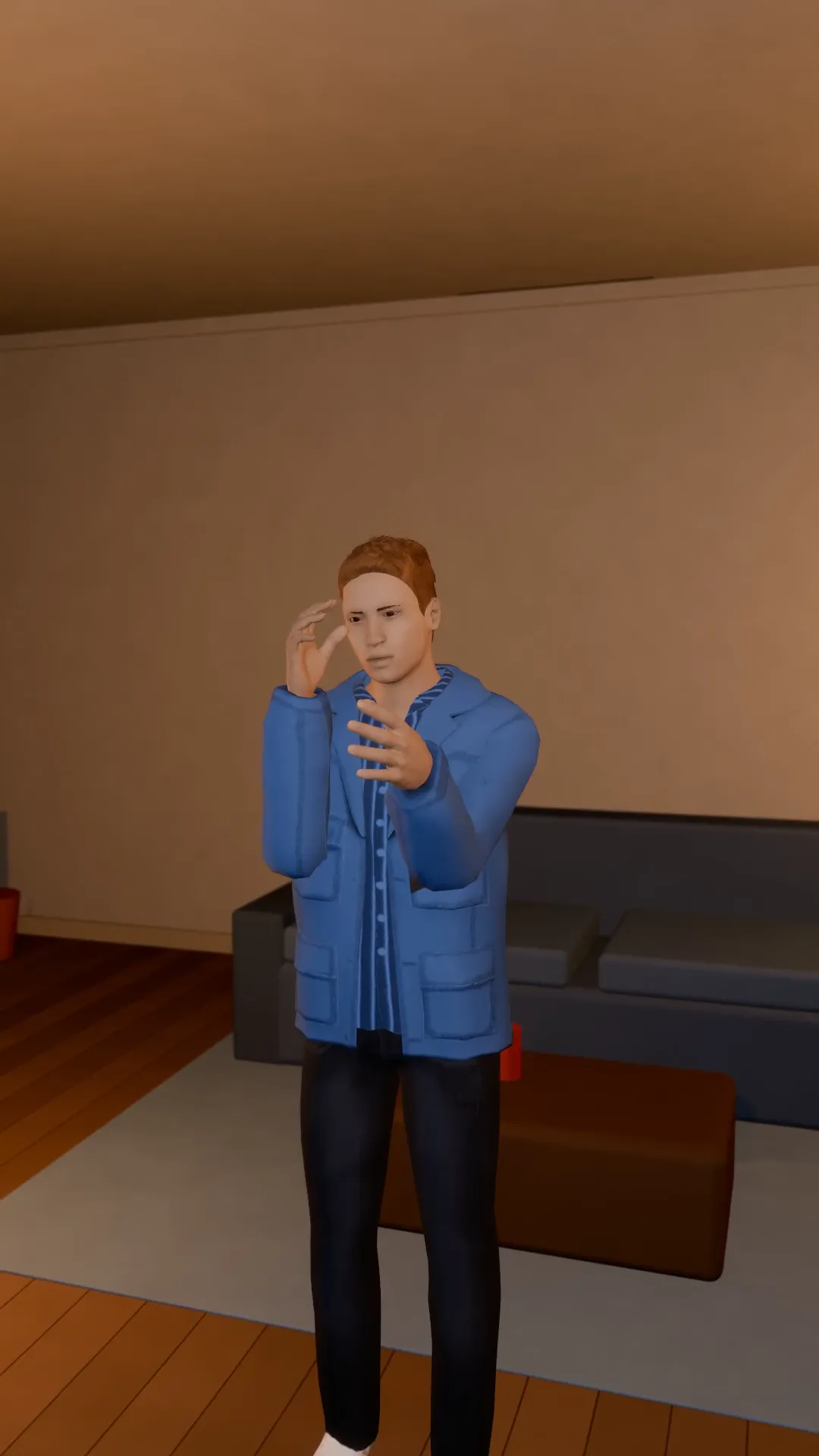
Slow push in
9:16
A slow, steady push toward the subject. Tension, focus, the emotional beat.
Pull-out reveal
9:16
Start tight on the subject and pull back to show where they are, and who is with them.
Try Drone pull-back
Open the template in Stage, make it yours and preview it. Planning in Stage is free.