
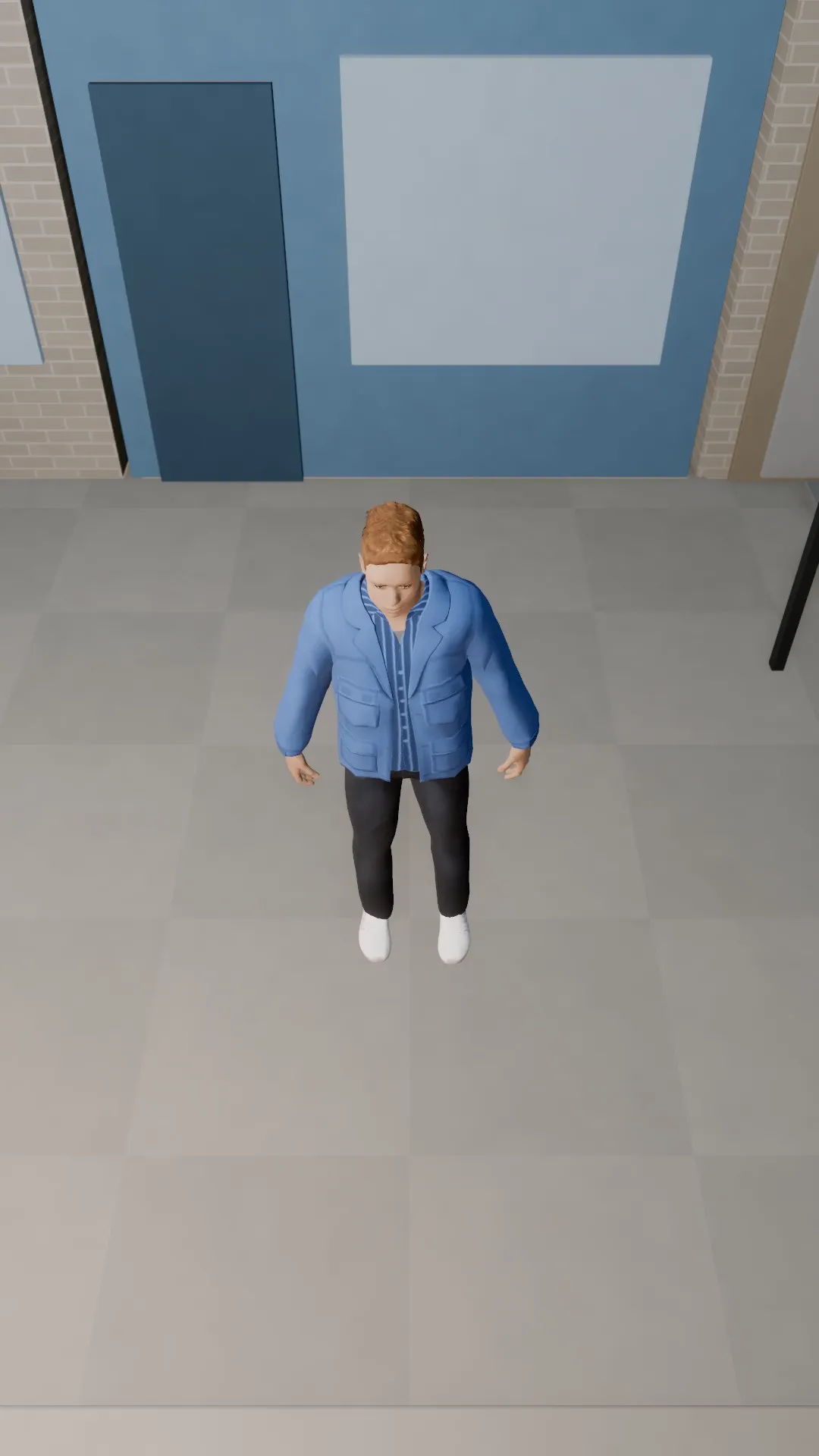
Stage template
High angle look-down Template for Stage
The camera looks down on a small subject: lonely, lost, outmatched.
- Stage template
- Portrait (9:16)
- 4 second move
 Official BytePlus partnerBytePlus, a ByteDance company
Last updated
On this page
What the High angle look-down template makes
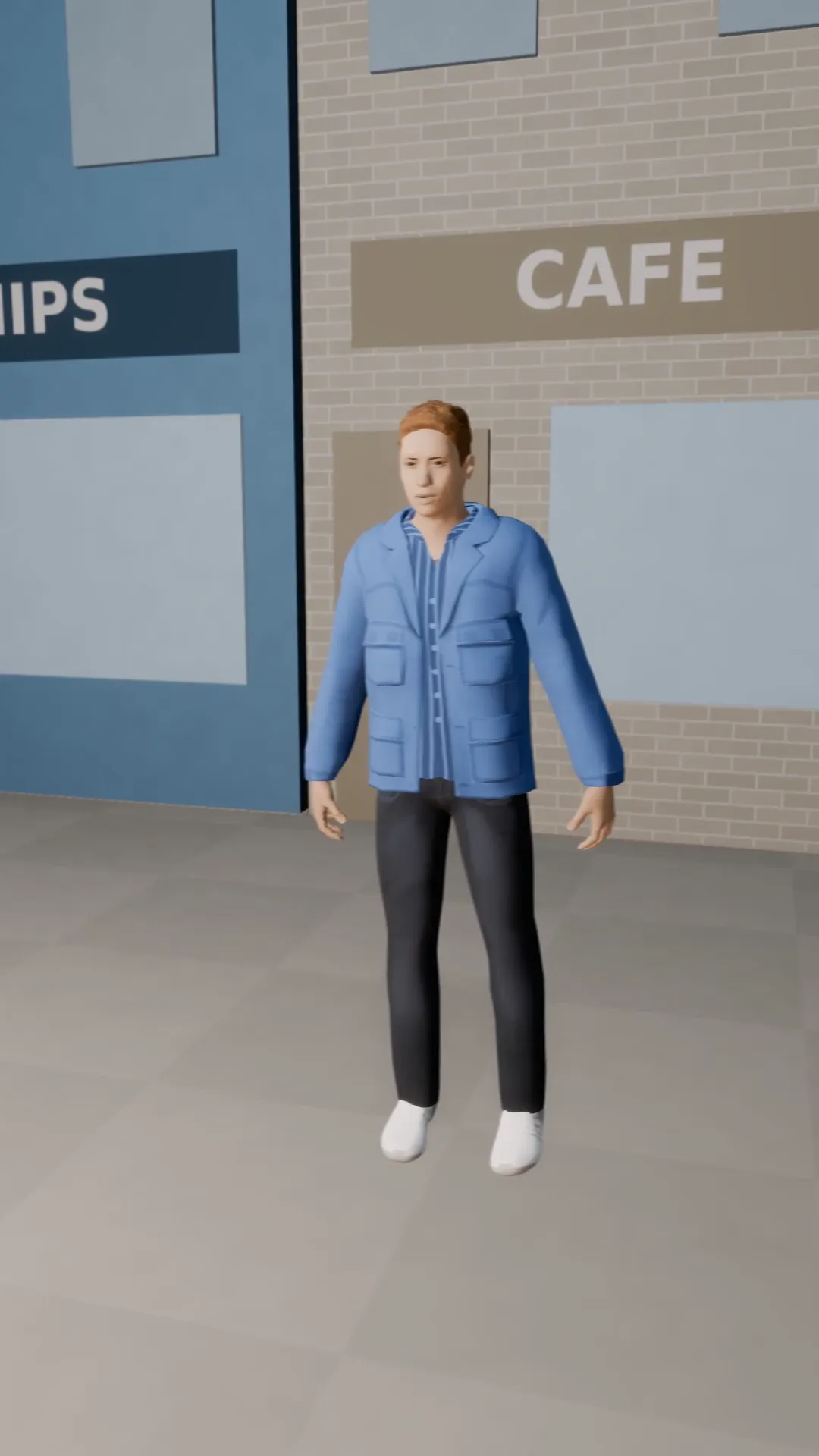
This template places the camera high above a small subject, creating a lonely or outmatched feeling. It works in Stage and the video studio. The move lasts four seconds. You apply it to a selected shot, then preview and adjust the camera angle as needed.
Ideas to try
- Show a tiny figure in a large room
- Highlight isolation in a crowd
- Emphasize vulnerability in a scene
How it works
Opens in Stage.
- 1
Open your scene
Launch Stage and load your project.
- 2
Select the shot
Pick the specific shot you want to animate.
- 3
Apply the template
Choose the high angle look-down option.
- 4
Preview and adjust
Watch the move and tweak the camera if needed.
Questions
What do I need to start?
Who is it for?
How long is the move?
Where does it open?
Is Stage free?
More Stage templates
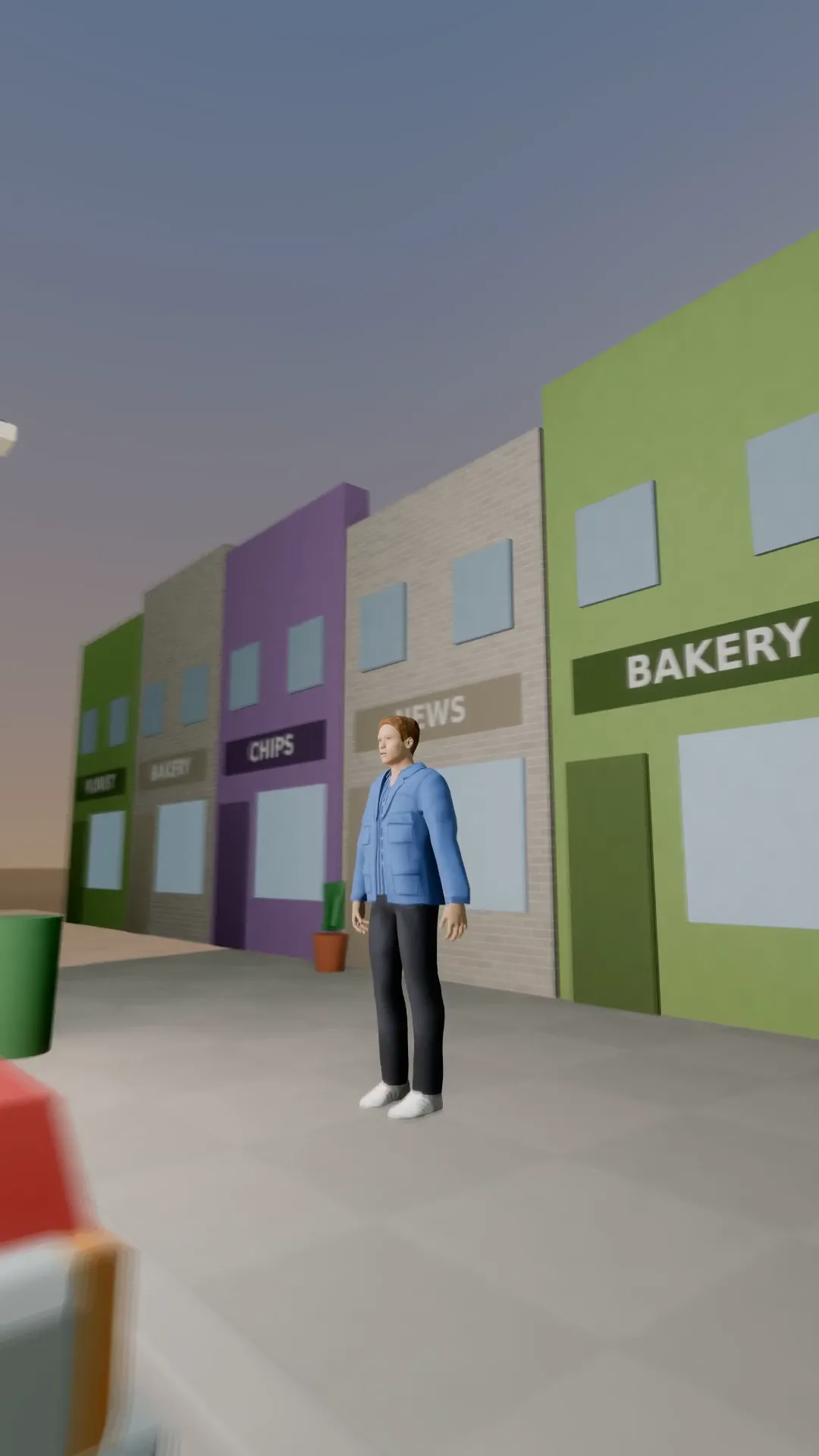
Push through the car
9:16
The camera glides through a parked car to find the subject behind it.
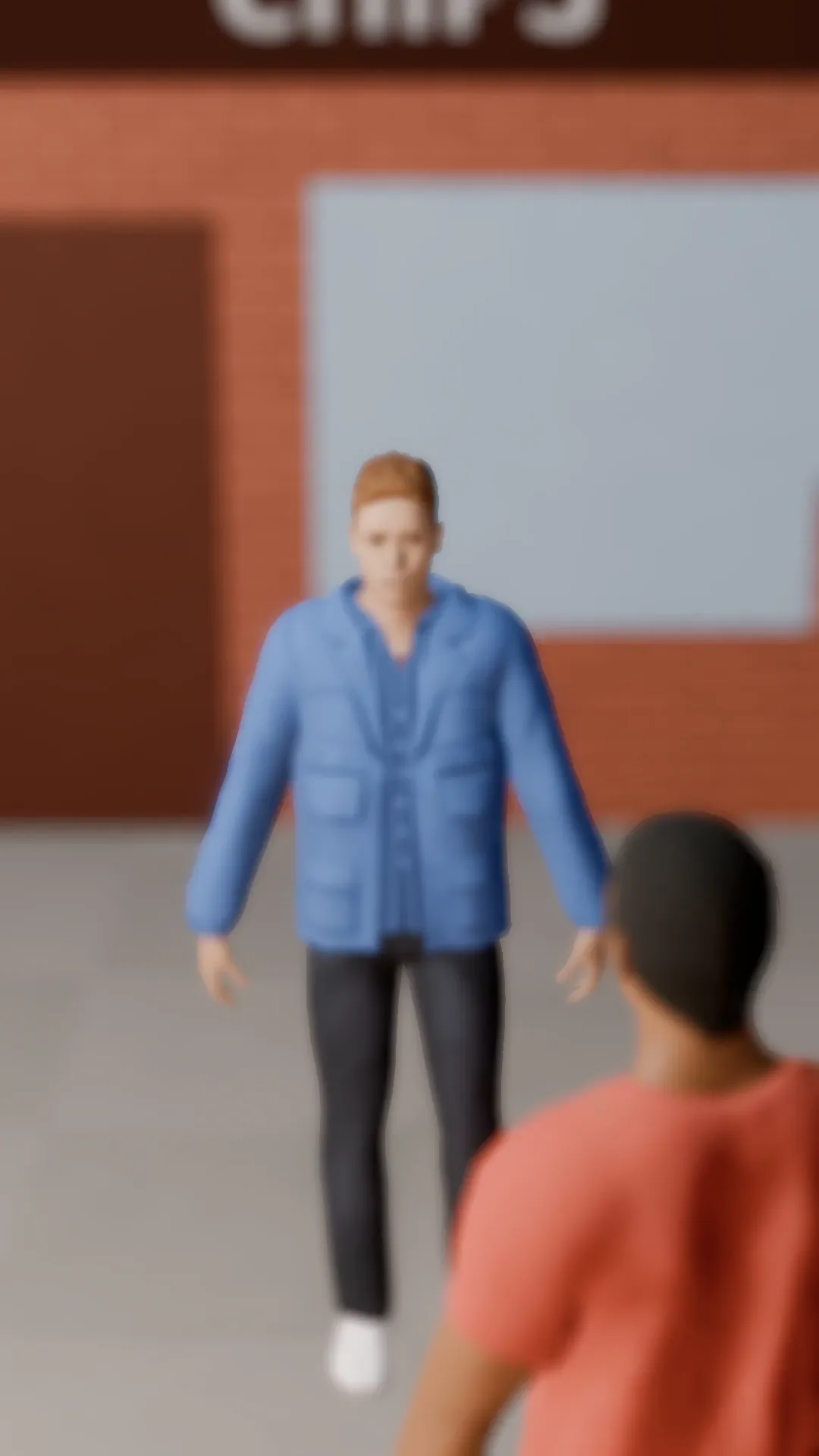
Rack focus
9:16
Focus flips from the person near the lens to the one further back. Attention moves with it.
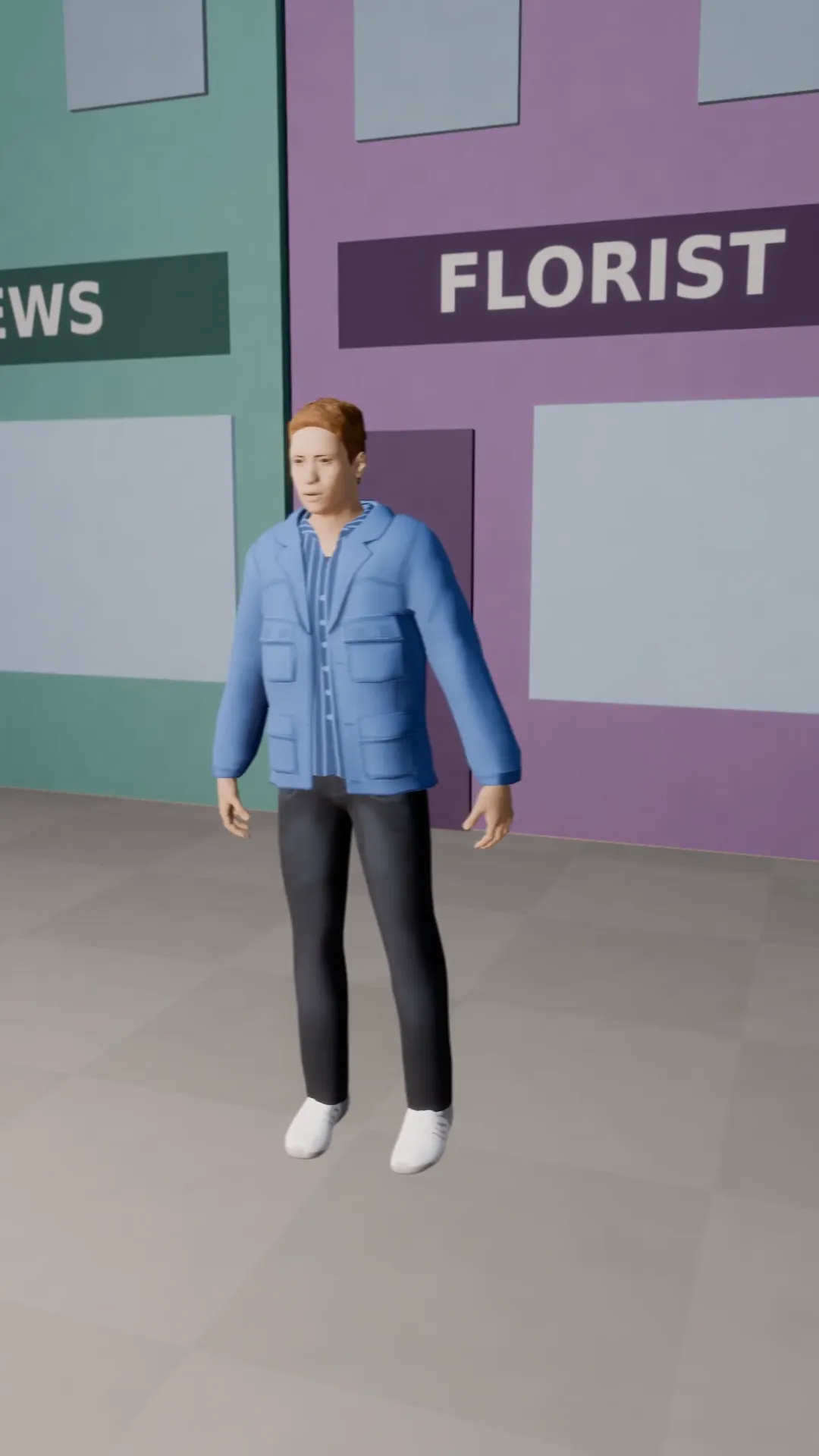
Truck left
9:16
The camera slides sideways while the subject stays in frame. Smooth parallax.
Truck right
9:16
The same sideways slide to the right. Pair it with truck left for a back and forth.
Try High angle look-down
Open the template in Stage, make it yours and preview it. Planning in Stage is free.