
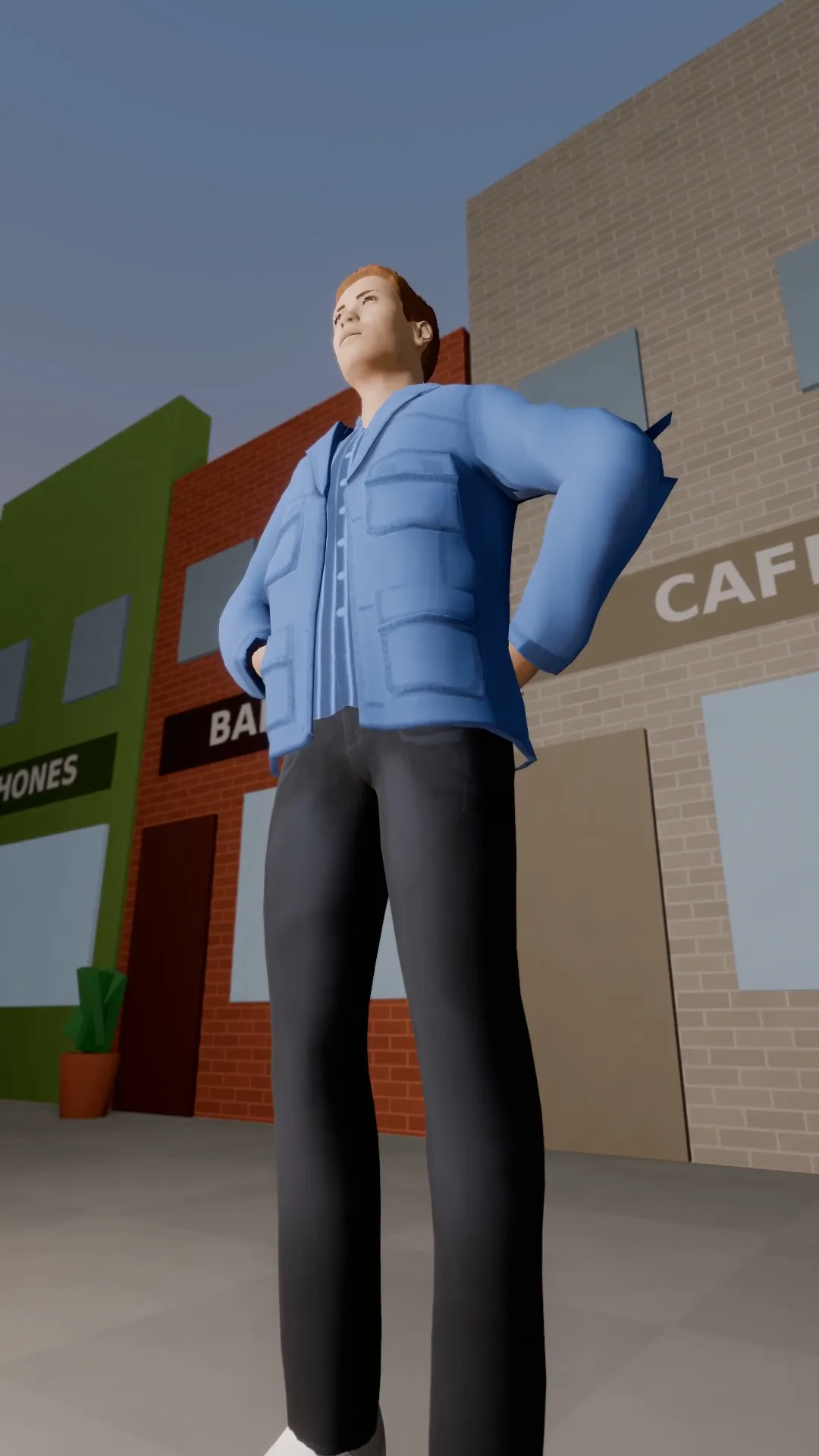
Stage template
Worm's-eye hero Template for Stage
From ground level, looking up at a subject who owns the frame.
- Stage template
- Portrait (9:16)
- 3 second move
 Official BytePlus partnerBytePlus, a ByteDance company
Last updated
On this page
What the Worm's-eye hero template makes
This template creates a dramatic low-angle shot from ground level. It makes the subject look powerful by filling the frame. The camera moves upward for three seconds. It works well for 9:16 vertical videos. You can use it in Stage or the video studio.
Ideas to try
- Hero shot for a character introduction
- Dynamic angle for a product reveal
- Low perspective for a dramatic scene
How it works
Opens in Stage.
- 1
Open scene in Stage
Select the shot you want to feature.
- 2
Apply the template
Choose Worm's-eye hero from the list.
- 3
Preview the move
Watch the camera rise for three seconds.
- 4
Adjust if needed
Fine-tune the camera position in the studio.
Questions
What is the video format?
How long is the camera move?
Can I change the camera angle?
Is Stage free?
More Stage templates
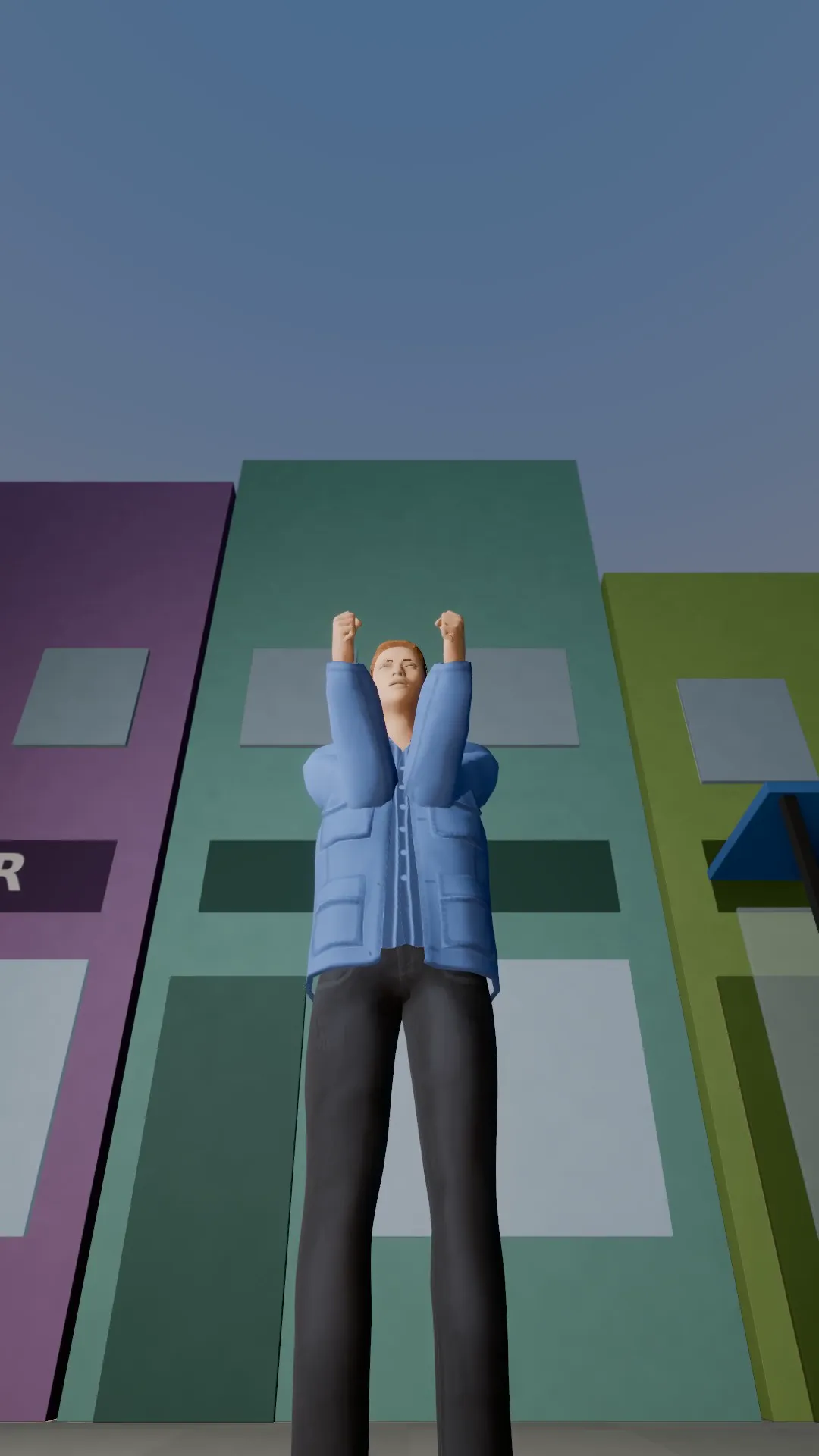
Low-angle push
9:16
A low angle that creeps in on the subject. Power, menace, a villain walking in.
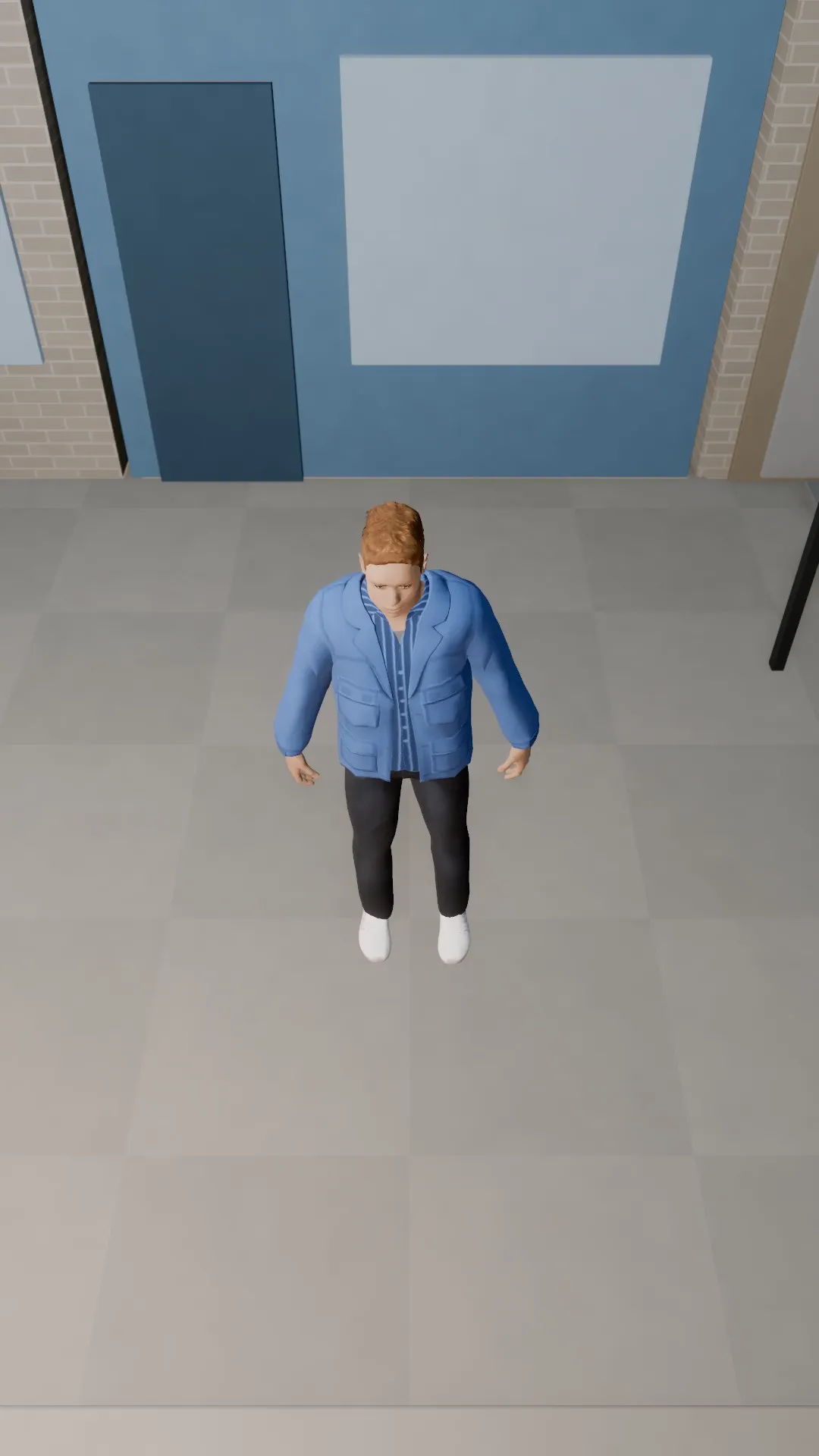
High angle look-down
9:16
The camera looks down on a small subject: lonely, lost, outmatched.
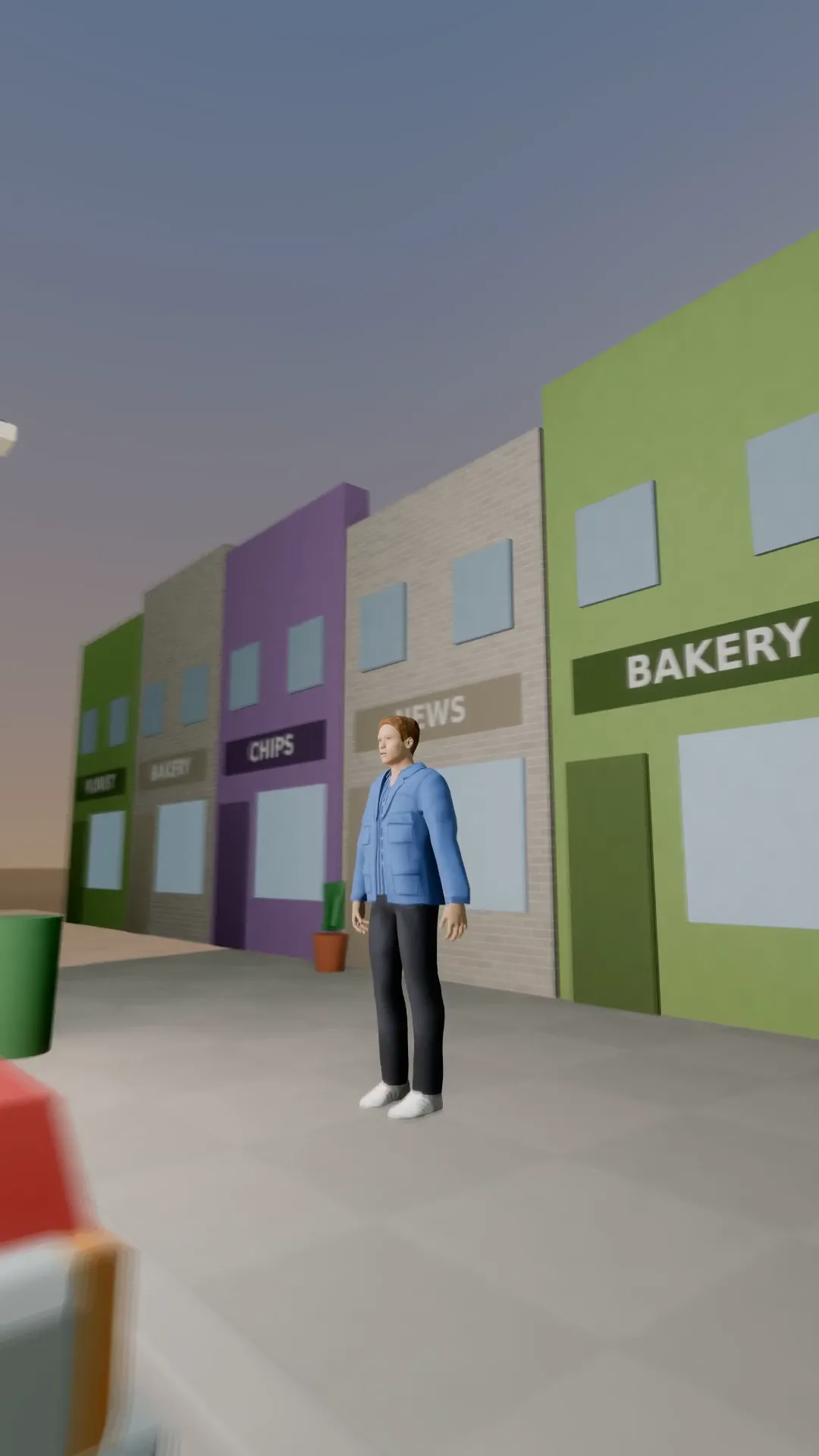
Push through the car
9:16
The camera glides through a parked car to find the subject behind it.
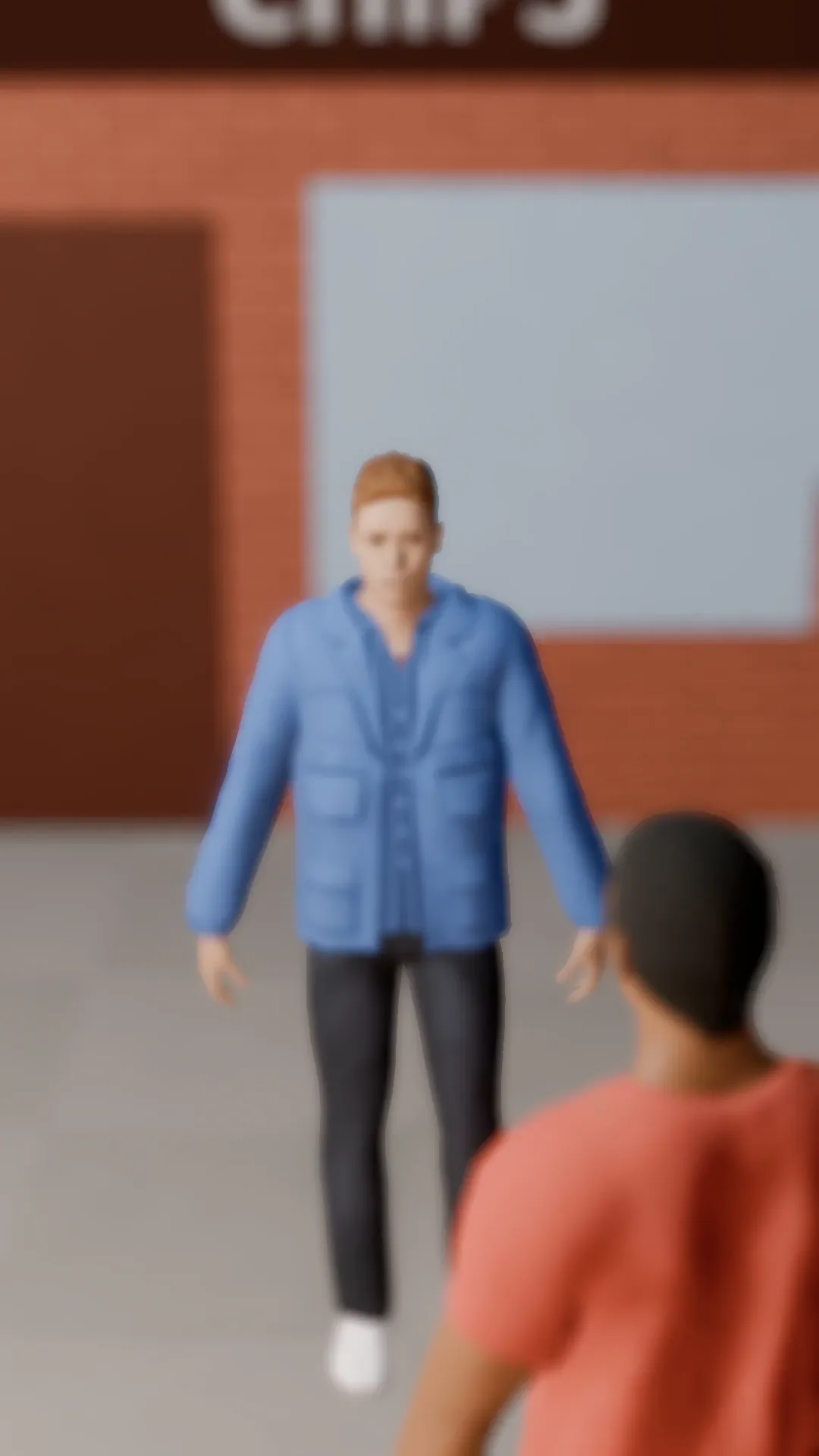
Rack focus
9:16
Focus flips from the person near the lens to the one further back. Attention moves with it.
Try Worm's-eye hero
Open the template in Stage, make it yours and preview it. Planning in Stage is free.