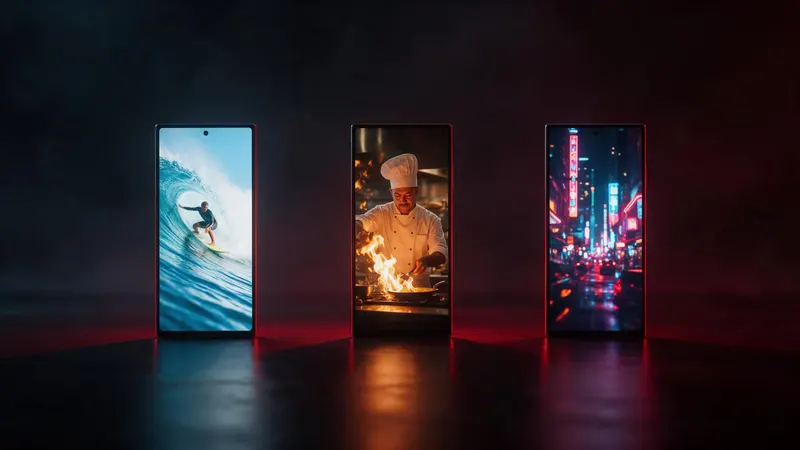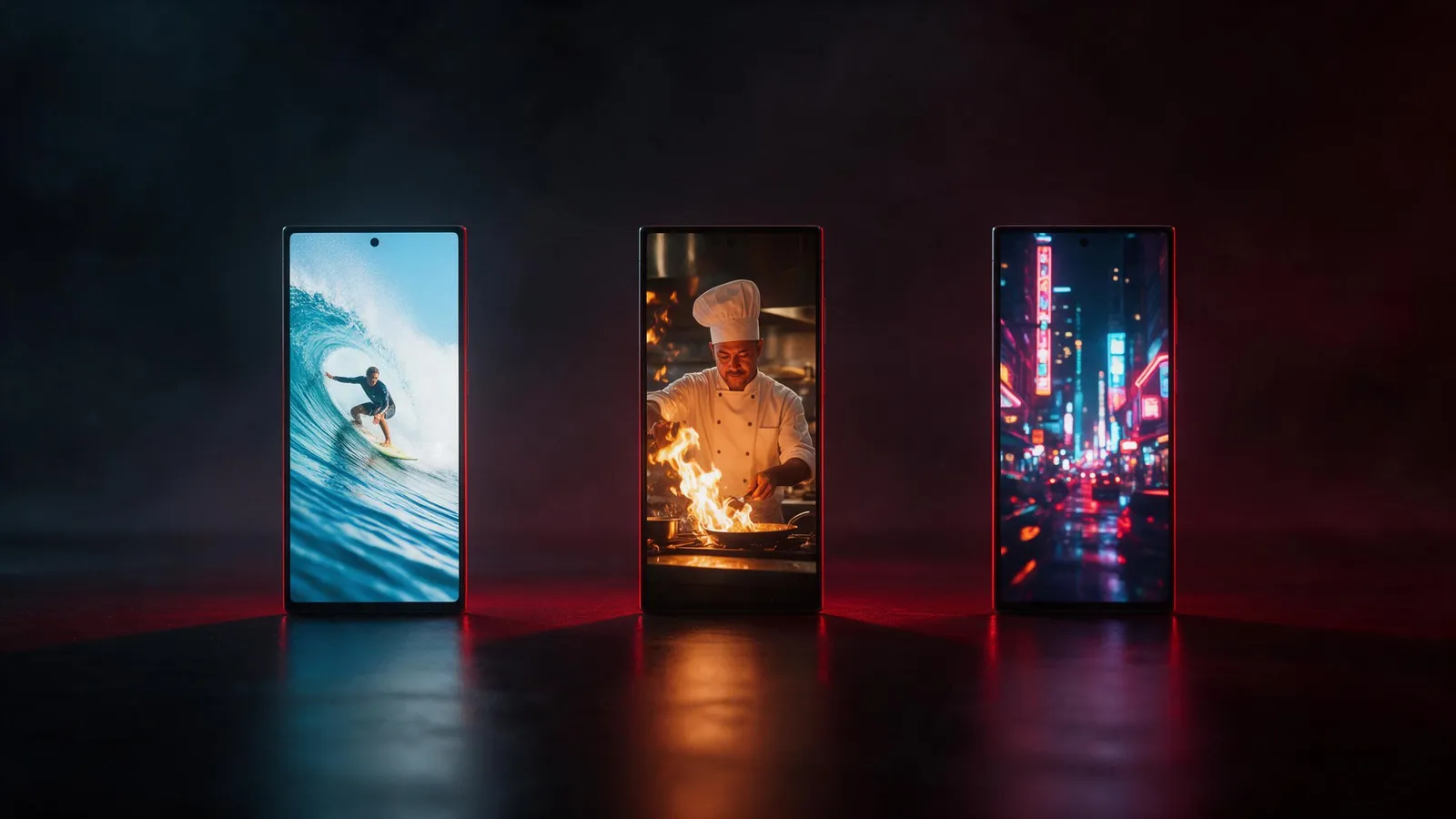


Try this in the studio
Choose the shape in four steps
- 1
Decide where it will play
Phone feed or full-screen vertical: 9:16. YouTube, a website or a TV: 16:9. A square post: 1:1.
- 2
Set the shape first
Choose the aspect ratio in the video studio before you write the prompt. The model frames the shot for that shape.
- 3
Write for the frame
In 9:16, think tall: a person from head to toe, a building going up. In 16:9, think wide: a landscape, two people side by side.
- 4
Make a second version
For another platform, make a second clip with the other shape from the same prompt, instead of cropping the first.
Which shape for which use
A simple guide to the shapes in the studio.
| Shape | Good for | Framing tip |
|---|---|---|
| 9:16 | TikTok, Reels, Shorts | Keep faces and text away from the top and bottom edges |
| 16:9 | YouTube, websites, trailers | Use wide scenes and side-by-side subjects |
| 1:1 | Square feed posts | Centre the subject |
| 4:3 | Classic TV look, slides | A little taller than 16:9, good for a calm scene |
| 3:4 | Tall portrait posts | Subject from waist up works well |
| 21:9 | Film look, banners | Wide landscapes and slow side moves |
Why choosing the shape first beats cropping
A 16:9 clip cropped to 9:16 loses two thirds of the picture and may cut off the subject. A clip made in 9:16 keeps the subject in frame and uses all the pixels for the phone.
If you need both, run the same prompt twice, once per shape. The credits for the two clips are the same as for any two clips of that length.
When you start from a photo
Match the shape of the clip to the shape of the photo when you can. A tall photo suits 9:16 or 3:4. A wide photo suits 16:9 or 21:9.
Platform limits change
Each platform sets its own length and file rules, and they change. Check the current rules on the platform before you export. The shapes above are the studio's, not a promise about any platform.
Shape and resolution
Shape and resolution are separate settings. Seedance 2.5 offers 720p, 1080p, 4k and 4 to 30 second clips. Pick the shape for where it plays, then the resolution for the quality you need.