 Official BytePlus partnerBytePlus, a ByteDance company
Resize a video for TikTok, Reels and YouTube
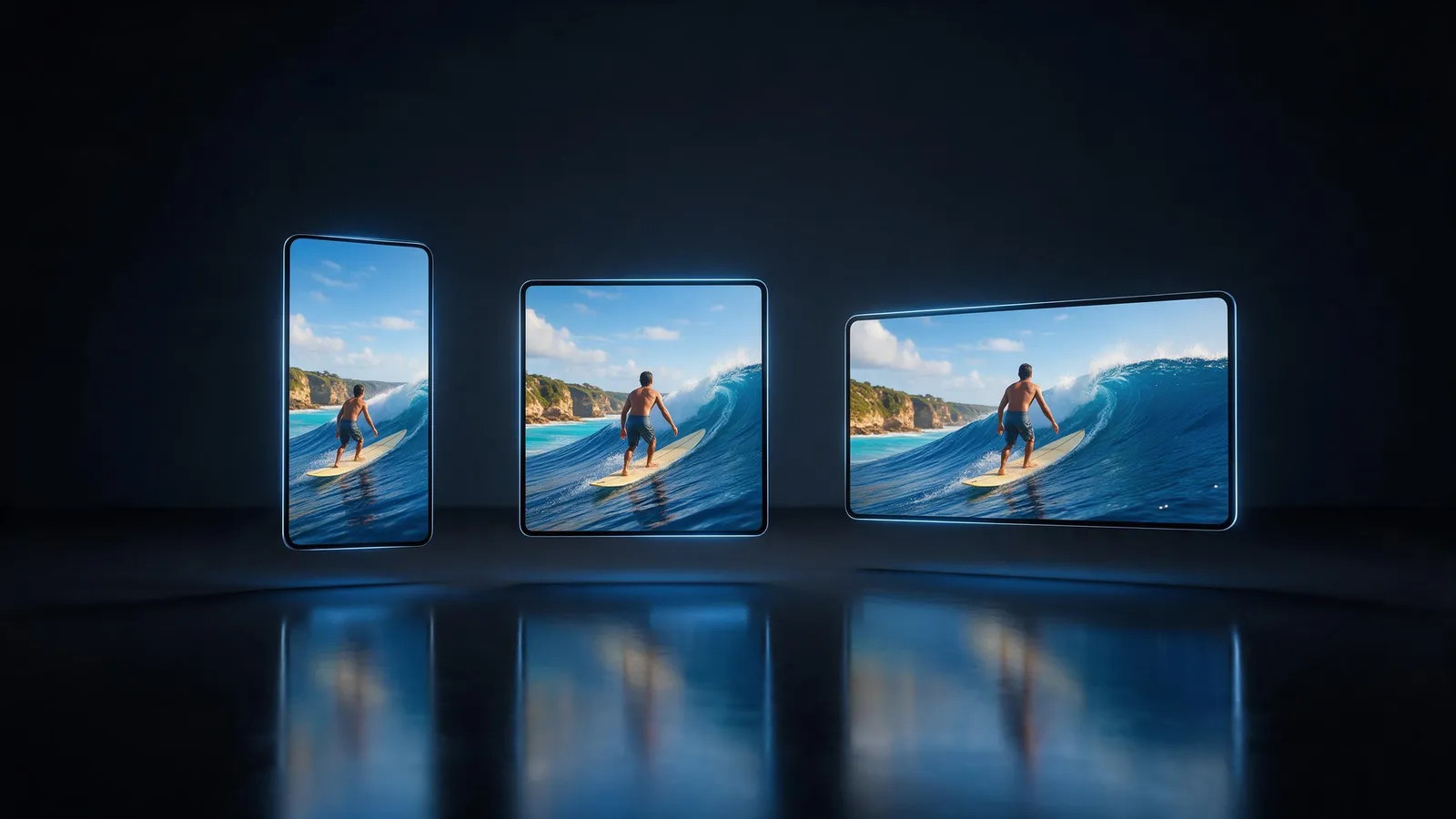
Turn one video into every shape you post: 9:16, 16:9, 1:1, 4:5, 4:3. Keep the whole frame with bars, or fill the new shape and crop the edges. Free in your browser with a KreatorFlow account.
- 9:16 · 16:9 · 1:1 · 4:5 · 4:3
- Fit or fill
- 24, 30, 60 fps
- No download
On this page
How do you resize a video?
- 1
Upload your video
Open the editor, press Import and upload an MP4, MOV or WebM file up to 200 MB.
- 2
Pick the canvas
Switch the ratio under the preview between 9:16 and 16:9 while you edit, and the clips refit.
- 3
Choose the export shape
In Export, pick 9:16, 16:9, 1:1, 4:5, 4:3, then Fit (whole frame, with bars) or Fill (crop to fill).
- 4
Export
Pick quality and frame rate. Export again in another shape for each platform.
Which shape for which platform?
9:16
TikTok, Instagram Reels, YouTube Shorts and Stories.
16:9
YouTube, websites and presentations.
1:1 and 4:5
Instagram and Facebook feed posts.
4:3
Classic screens, slides and some ads.
Is it free?
Editing is free for everyone, with every tool. A plan changes the export.
| Plan | Exports | Up to | Watermark |
|---|---|---|---|
| Free | 5 exports a month, up to 1 min each | 1080p | Small "Made on KreatorFlow.ai" mark |
| Creator | 60 export minutes a month, up to 10 min each | 2K | None |
| Pro | Unlimited exports, up to 30 min each | 4K | None |
| Max | Unlimited exports, up to 60 min each | 4K | None |
Questions
Is resizing free?
Yes. A free account exports 5 videos a month, up to 1 min each, at 1080p with a small mark. Paid plans export longer, up to 4K.
What is the difference between Fit and Fill?
Fit shows the whole frame and adds bars where the shapes differ. Fill covers the new shape and crops the edges that don't fit.
Can I export one edit in several shapes?
Yes. Export once per shape; your edit stays as it is.
Which quality can I export?
720p, 1080p, 2K, 4K depending on your plan: up to 1080p on Free, 2K on Creator and 4K on Pro and Max.
Does it work on a phone?
The editor is built for a laptop or desktop browser.
Open the editor free
Upload your clip and get it done in a few minutes.