Guide · Classic camera effects
How to make a dolly zoom and bullet time with AI
How to make a dolly zoom (Vertigo effect) and a bullet time 360 orbit with AI video templates: what each shot does, prompts and credit costs.
- Seedance 2.0
- Dolly zoom
- Bullet time
Official BytePlus partner · Built on BytePlus, ByteDance's official AI platform
Short answer
Both are one-click templates in the KreatorFlow video studio. The Dolly Zoom template keeps your subject the same size while the background stretches (the Vertigo effect); describe a subject in a deep setting like a long corridor. The Bullet Time template freezes a moment and orbits the camera 360 degrees; describe the frozen pose and what hangs in the air. Dolly Zoom costs 22 credits by default and Bullet Time 27.
Updated:
How to make each shot
- 1
Dolly zoom: pick a deep setting
The stretch only shows when there is depth behind the subject: a hallway, a road to the horizon, a row of columns.
- 2
Dolly zoom: keep the subject still
A small change of expression, like a realisation dawning, is enough. Big movement fights the effect.
- 3
Bullet time: describe the frozen pose
Say exactly what the subject is doing when time stops: mid-leap, mid-punch, hair flying.
- 4
Bullet time: fill the air
Raindrops, sparks, dust, petals or confetti hanging in the air are what make the orbit feel frozen.
Prompt ideas
Dolly zoom
A young woman in a red coat at the end of a long hotel corridor, realising she is not alone.
Dolly zoom
A detective at the end of a rain-soaked alley at night, realising the footsteps behind him have stopped.
Bullet time
A dancer frozen mid-leap on a rain-soaked street at night, raindrops hanging in the air.
Bullet time
A skateboarder frozen mid-kickflip over a stair set, sparks and dust hanging in the air, late afternoon sun.
Which one to use
Use the dolly zoom for an emotional beat: shock, realisation, dread. It works in short films, trailers and horror openers.
Use bullet time for an action or hero moment: sport, dance, fashion, or a product with particles frozen around it.
Templates for this guide
Each template has its own page with a preview, the credit cost and a link to the studio.
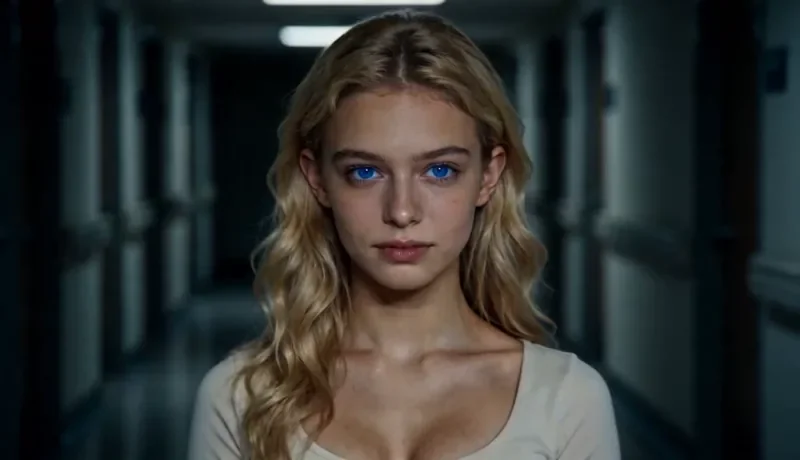
Dolly Zoom
22 creditsThe Vertigo effect: the subject stays the same size while the background stretches away behind them.
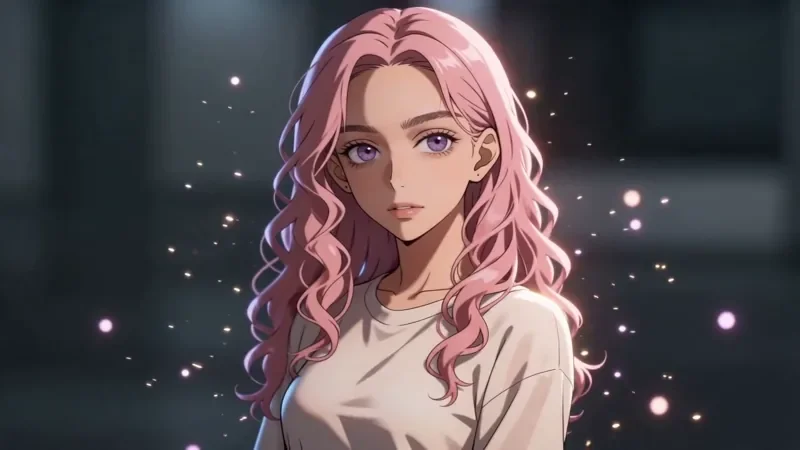
Bullet Time
27 creditsA frozen moment with the camera orbiting 360 degrees around your subject, particles hanging in the air.
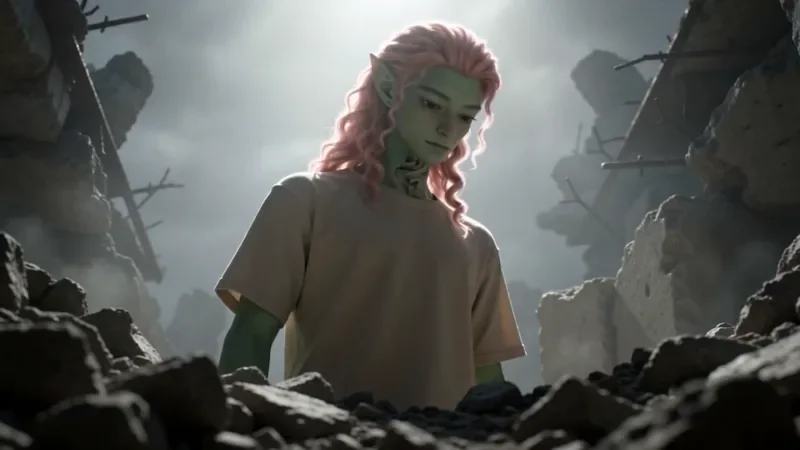
Worm's Eye Hero Shot
32 creditsAn extreme low angle from the ground that makes your subject tower over the camera, backlit against the sky.
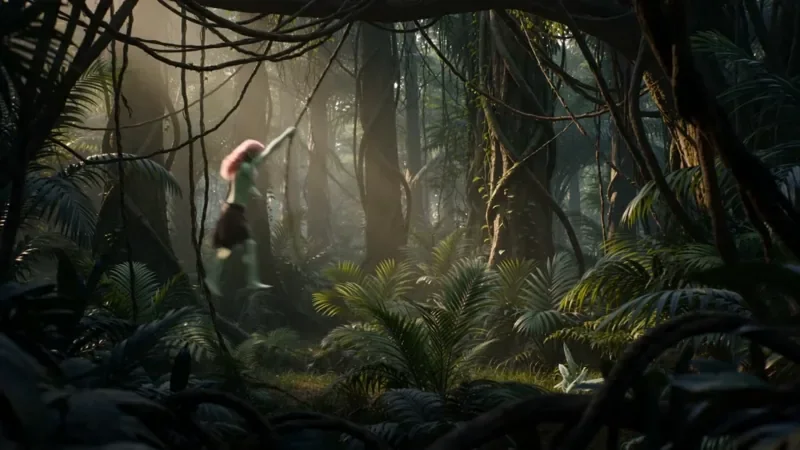
Multi Angle Shot
42 creditsOne action shown from three angles with hard cuts: a wide shot, an extreme close-up and a reverse angle.
Frequently asked questions
Why does the background stretch in a dolly zoom?
The camera moves away from the subject while the lens zooms in. The two moves cancel out for the subject, so it stays the same size, but the background changes perspective and appears to grow or stretch behind them.
Can I put my own character in these shots?
Yes. Save the person as a character first, then mention their @handle or add them as a reference.
Do I need a subscription?
Yes. Video templates, like all video generation, need the Creator plan or above. The 10 starter credits cover images only.
Try it in the studio
New accounts get 10 starter credits for images. Video starts on the Creator plan, and the cost is shown before every generation.