Guide · FPV drone
FPV drone shot prompts for AI video
Prompts and steps for FPV drone-style AI video: fast dives, banked turns and fly-throughs, made with a one-click Seedance 2.0 template. No drone or pilot needed.
- Seedance 2.0
- 8 seconds
- 16:9 by default
- 42 credits
Official BytePlus partner · Built on BytePlus, ByteDance's official AI platform
Short answer
To get an FPV drone shot without a drone, use the FPV Drone template: describe the building or landmark, the gap the camera banks through and the time of day, and the template handles the dive, the turn and the low glide. The default 8-second 1080p render costs 42 credits (26 at 720p), including the template fee, and the studio shows the cost before you generate. For a shot that flies in through a window, use the Through the Window Drone template instead.
Updated:
How to make the shot
- 1
Pick the structure
Tall, textured structures work best: glass towers, cliffs, stadiums, cathedrals. The camera needs something to dive along.
- 2
Name the gap
FPV shots feel fast because the camera threads through something: between two towers, under a bridge, through an arch. Say what it is.
- 3
Set the light
Hard, low light gives the shot energy: sunset, sunrise, or a stormy sky with breaks in the cloud. Lens flare on the turns comes with the template's look.
- 4
Generate
The default 8-second 1080p render costs 42 credits (26 at 720p), including the template fee, and the studio shows the cost before you generate.
FPV prompt ideas
City
Dive down the side of a glass skyscraper at sunset, bank between two towers and skim low over a plaza full of people.
Nature
Dive down a sea cliff in Ireland, bank through a rock arch and glide low over the waves as they break.
Venue
Dive from above a floodlit football stadium at night, bank through the gap in the roof and skim over the pitch.
Template example
Dive down the side of a glass skyscraper at sunset, bank between two towers and skim over the plaza.
Writing an FPV prompt without the template
You can describe the move yourself in the video studio: "FPV drone shot, fast dive down the building, sharp banked turn, low glide over the ground, wide fisheye lens, motion blur". The template is quicker because its camera recipe is already tested.
Real FPV flying near buildings and crowds is restricted in many places. Generating the shot avoids permits and pilots; label realistic AI footage where the platform asks you to.
Templates for this guide
Each template has its own page with a preview, the credit cost and a link to the studio.
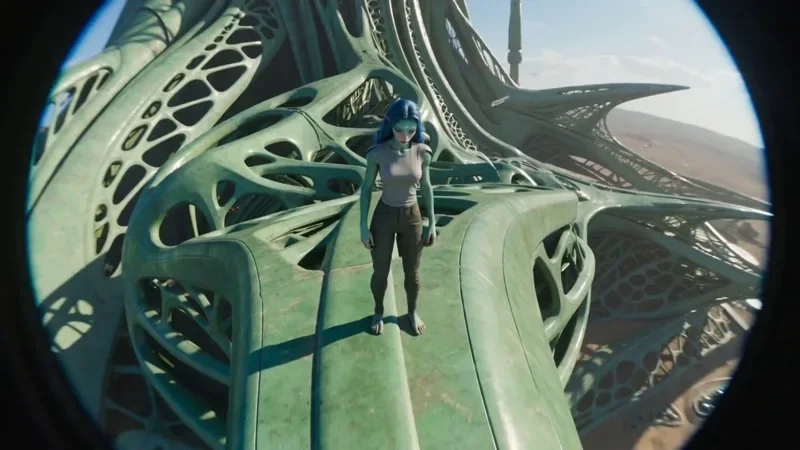
FPV Drone
42 creditsAn aggressive FPV dive down the side of a building, banking through a gap and pulling up into a low glide.
Through the Window Drone
52 creditsA drone glide that flies through a window or doorway and continues into the space inside.
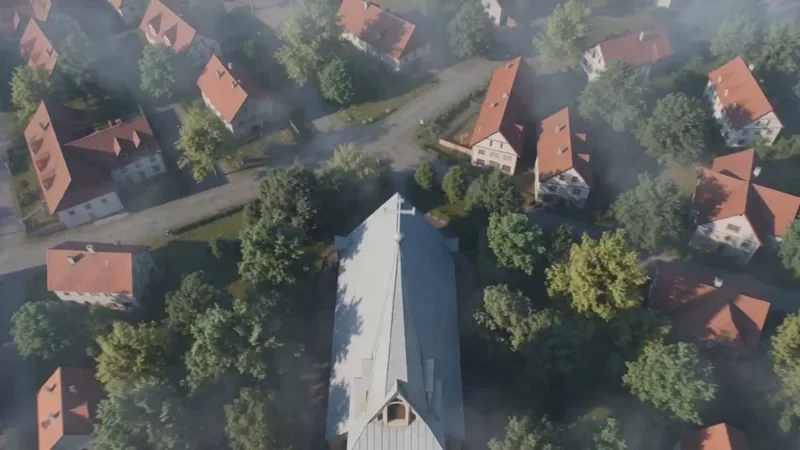
Crane Down Sky Reveal
42 creditsThe camera descends from high above, through a layer of cloud or canopy, to reveal your subject at ground level.
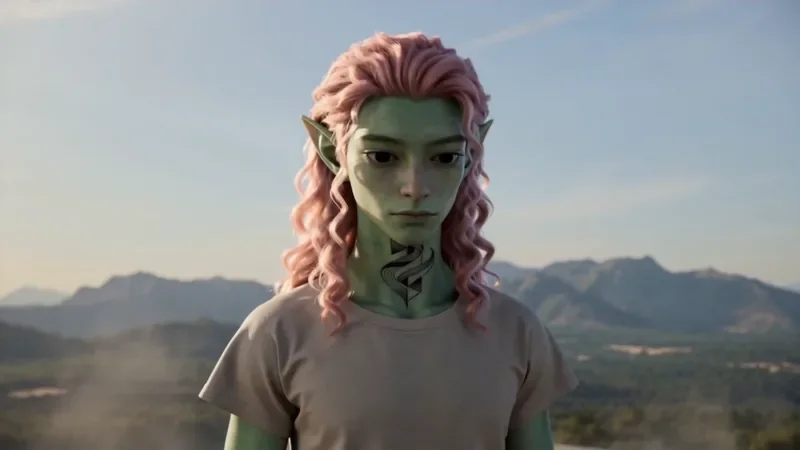
Spiral Ascend
42 creditsThe camera orbits your subject while rising, finishing directly overhead in a bird's-eye view.
Frequently asked questions
Which template is best for real estate?
FPV Drone for exteriors and landmarks, and Through the Window Drone for a shot that flies from outside into a room. Through the Window Drone costs 52 credits by default.
Can I use my own building?
Yes. Add a clear photo of it as a reference and describe it in the prompt.
How many credits does the FPV Drone template cost?
42 credits for the default 8-second 1080p render, or 26 credits at 720p. That includes the 2-credit template fee. The studio shows the exact cost before you generate, and higher resolutions cost more.
Try it in the studio
New accounts get 10 starter credits for images. Video starts on the Creator plan, and the cost is shown before every generation.