Guide · Prompting
Seedance 2.0 prompt guide: how to write shots that work
How to write Seedance 2.0 prompts that work: subject, action, setting, camera and style, with example prompts for 4 to 15 second clips.
- 4 to 15 s clips
- 480p, 720p, 1080p, 4K
- Up to 9 image references
Official BytePlus partner · Built on BytePlus, ByteDance's official AI platform
Short answer
A good Seedance 2.0 prompt describes one shot in this order: who or what is in it, what they do, where it happens, how the camera moves and what it should look like. Keep it to one continuous action per clip, name the camera move in plain film language (dolly in, orbit, crane down, handheld), and use references for anything that must look exact. Clips run 4 to 15 seconds; a 5-second clip costs 15 credits at 720p.
Updated:
How to write the prompt
- 1
Start with the subject
Say exactly who or what is on screen: "a young chef in a white jacket", not "a person". Specific nouns and one or two visual details give the model something to hold on to.
- 2
Give one clear action
Describe a single continuous action that fits the clip length. In 4 to 15 seconds one beat reads well: she plates the noodles and looks up. Three actions in one clip usually blur together.
- 3
Set the scene and light
Name the place, the time of day and the light: "a narrow ramen shop at night, warm tungsten light, steam in the air". Light is the fastest way to change the mood.
- 4
Direct the camera
Use film terms the model knows: slow dolly in, orbit around the subject, crane down, low-angle tracking shot, handheld, static wide shot. Say how fast it moves and where it ends.
- 5
Add style and references last
Finish with the look ("35mm film, shallow depth of field") and attach references for anything that must match: up to 9 images, 3 video clips and 3 audio clips per generation.
Example prompts you can adapt
Each one is a single shot with a subject, an action, a setting and a camera move.
Product
A matte black wireless speaker on a wet slate surface, water droplets beading on top. Slow orbit around the speaker, soft rim light from behind, dark studio background, macro detail.
Character
An old fisherman in a yellow raincoat pulls a net onto a small wooden boat at dawn. Handheld camera at deck level, grey sea, light rain, muted colours.
Reveal
Low-angle tracking shot along a neon-lit alley at night that rises to reveal a rooftop billboard. Wet pavement reflections, cyberpunk mood, steady gimbal movement.
Mood
A girl on a swing in a sunflower field at golden hour, hair moving in the wind. Slow push in from a wide shot to a medium shot, warm backlight, soft lens flare.
Common mistakes
Stacking several scenes in one prompt. Seedance 2.0 makes one continuous shot; if you need a cut, make two clips or use a multi-angle template.
Describing feelings instead of visuals. "An emotional moment" gives the model nothing to draw. "Her eyes fill with tears as she reads the letter" does.
Leaving the camera out. Without a camera instruction the model picks one for you. If the move matters, name it.
Settings that change the result
Aspect ratio is a setting, not a prompt word: pick 16:9, 4:3, 1:1, 3:4, 9:16 and 21:9 in the studio. Choose 9:16 for Reels and TikTok, 16:9 for YouTube and 21:9 for a cinematic letterbox.
Resolution changes the cost. A 5-second clip costs 15 credits at 720p, 25 at 1080p and 70 at 4K. Draft at 720p or with Seedance 2.0 Fast (12 credits for 5 s at 720p), then render the keeper at a higher resolution.
Templates for this guide
Each template has its own page with a preview, the credit cost and a link to the studio.
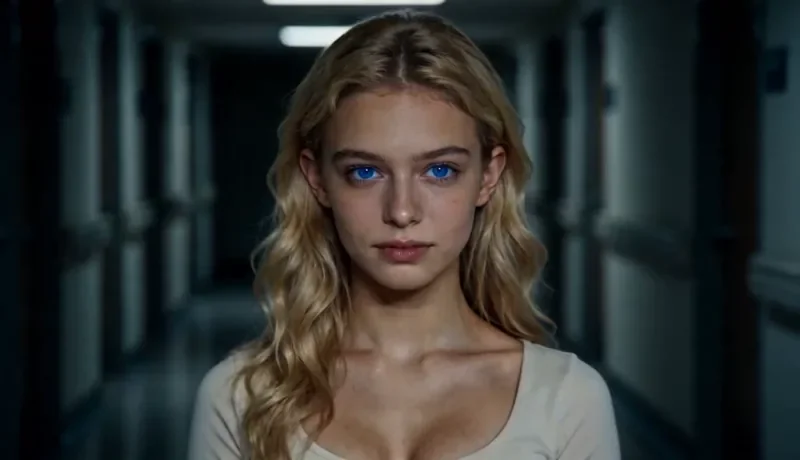
Dolly Zoom
22 creditsThe Vertigo effect: the subject stays the same size while the background stretches away behind them.
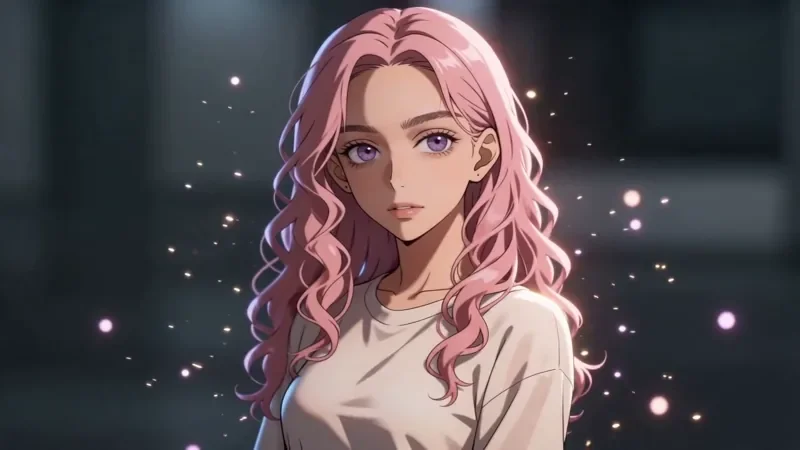
Bullet Time
27 creditsA frozen moment with the camera orbiting 360 degrees around your subject, particles hanging in the air.
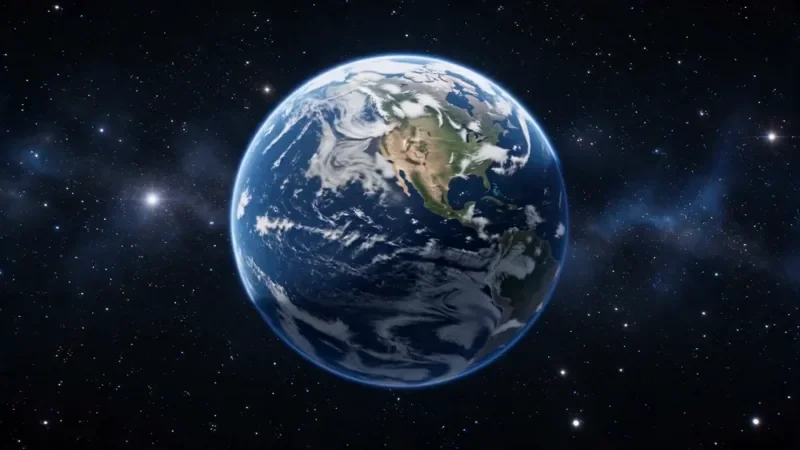
Earth Zoom
77 creditsOne continuous zoom from space, through the clouds and a city, down to a single subject in close-up.
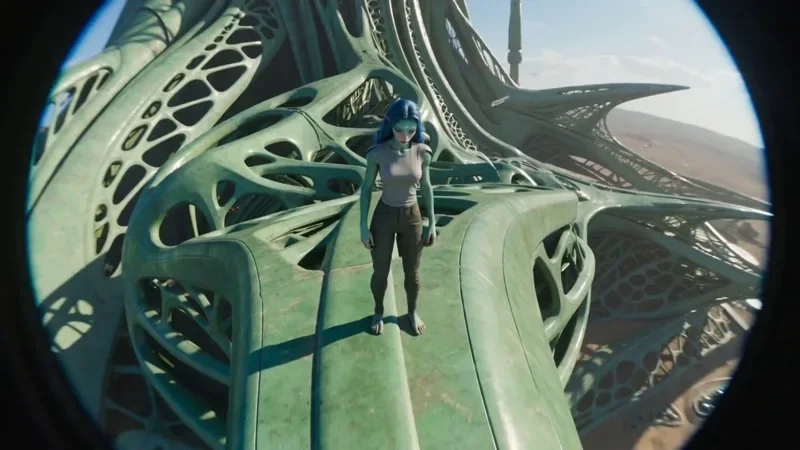
FPV Drone
42 creditsAn aggressive FPV dive down the side of a building, banking through a gap and pulling up into a low glide.
Frequently asked questions
How long can a Seedance 2.0 prompt be?
Long enough to describe one shot clearly, usually two to four sentences. Extra detail helps only when it is visual: materials, light, camera, framing. Repeating the same idea in different words does not.
Can I write prompts in languages other than English?
Yes. You can write the prompt in the language you prefer. Film terms such as dolly, crane or orbit are widely understood, so keep those if a translation feels vague.
Why does my clip ignore part of the prompt?
Usually because the prompt asks for more than one shot can hold. Cut it down to one subject, one action and one camera move, and move the must-have details to the start.
Do templates use the same prompting rules?
Templates already contain the camera direction and timing, so you only describe the subject and the setting. That is why they are the fastest way to get a complex move right.
Try it in the studio
New accounts get 10 starter credits for images. Video starts on the Creator plan, and the cost is shown before every generation.