Guide · Characters
How to keep the same AI character across every shot
How to keep one face consistent across AI images and videos: create a character once, call it by its @handle and reuse it in any shot or template.
- @handle in any prompt
- Images and video
- 4 credits per character
Official BytePlus partner · Built on BytePlus, ByteDance's official AI platform
Short answer
Create the character once in the character studio, save it, and mention its @handle in any image or video prompt, including the camera templates. The saved reference keeps the same identity across shots, so you stop re-describing the face every time. A finished character costs 4 credits; it is a one-off cost.
Updated:
Step by step
- 1
Create the character
Open the character studio. Upload a clear photo, or describe someone new, and pick style, hair, eyes and other details.
- 2
Save it
When you like the result, save it. It gets an @handle, for example @mara.
- 3
Call it in prompts
Write "@mara walks into the café and orders a coffee" in the image or video studio. The model uses the saved reference for her face.
- 4
Reuse it in templates
Templates work with characters too: put @mara at the end of an Earth zoom or in the middle of a bullet-time orbit.
Prompts that use a character
Image
@mara in a yellow raincoat on a Paris street at night, neon reflections on the wet pavement, 35mm photo.
Video
@mara looks back over her shoulder and laughs as she runs for the last train. Handheld tracking shot, platform lights.
Tips for a stronger likeness
Start from a clear, well-lit, front-facing photo. Hats, sunglasses and heavy shadows hide the features the model needs.
Keep outfit and hair in the prompt, not in the character, if you want to change them from shot to shot.
Real people
Only create characters from photos you have the rights and consent to use, such as yourself or someone who has agreed. Saved characters are registered in BytePlus's trusted asset library, and the Acceptable Use Policy forbids impersonation.
Templates for this guide
Each template has its own page with a preview, the credit cost and a link to the studio.
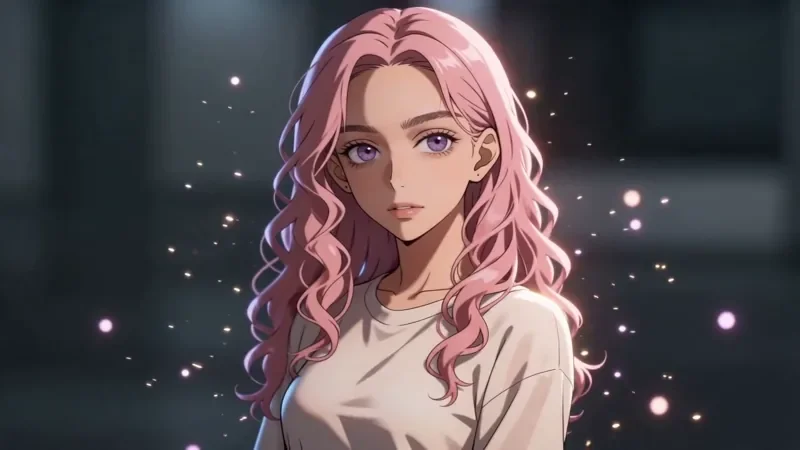
Bullet Time
27 creditsA frozen moment with the camera orbiting 360 degrees around your subject, particles hanging in the air.
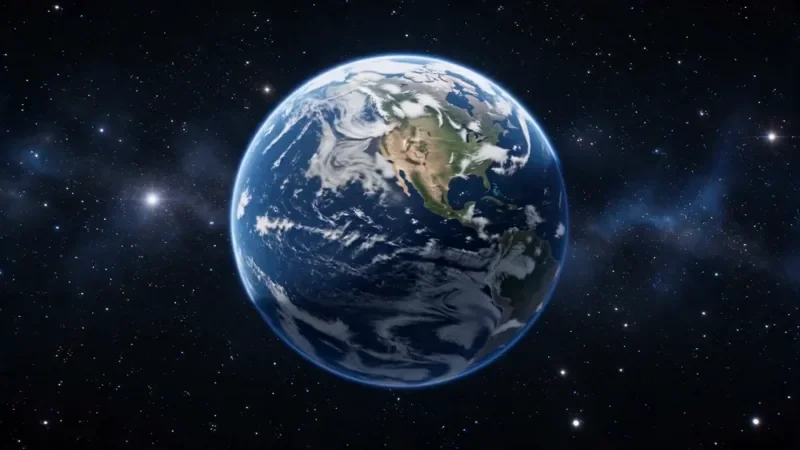
Earth Zoom
77 creditsOne continuous zoom from space, through the clouds and a city, down to a single subject in close-up.
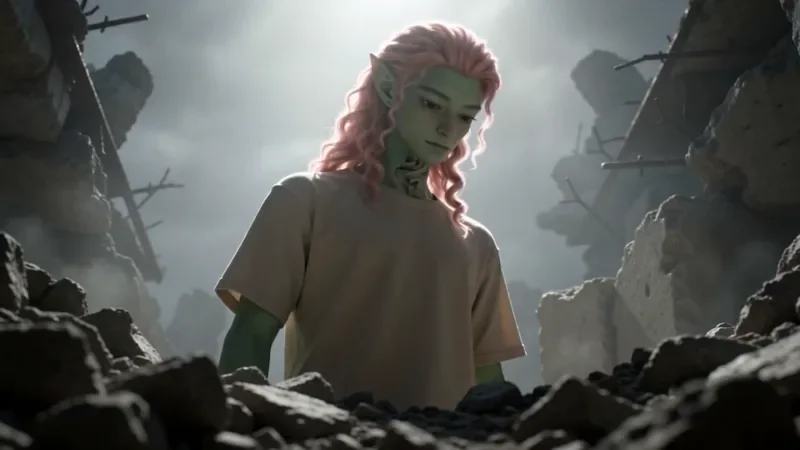
Worm's Eye Hero Shot
32 creditsAn extreme low angle from the ground that makes your subject tower over the camera, backlit against the sky.
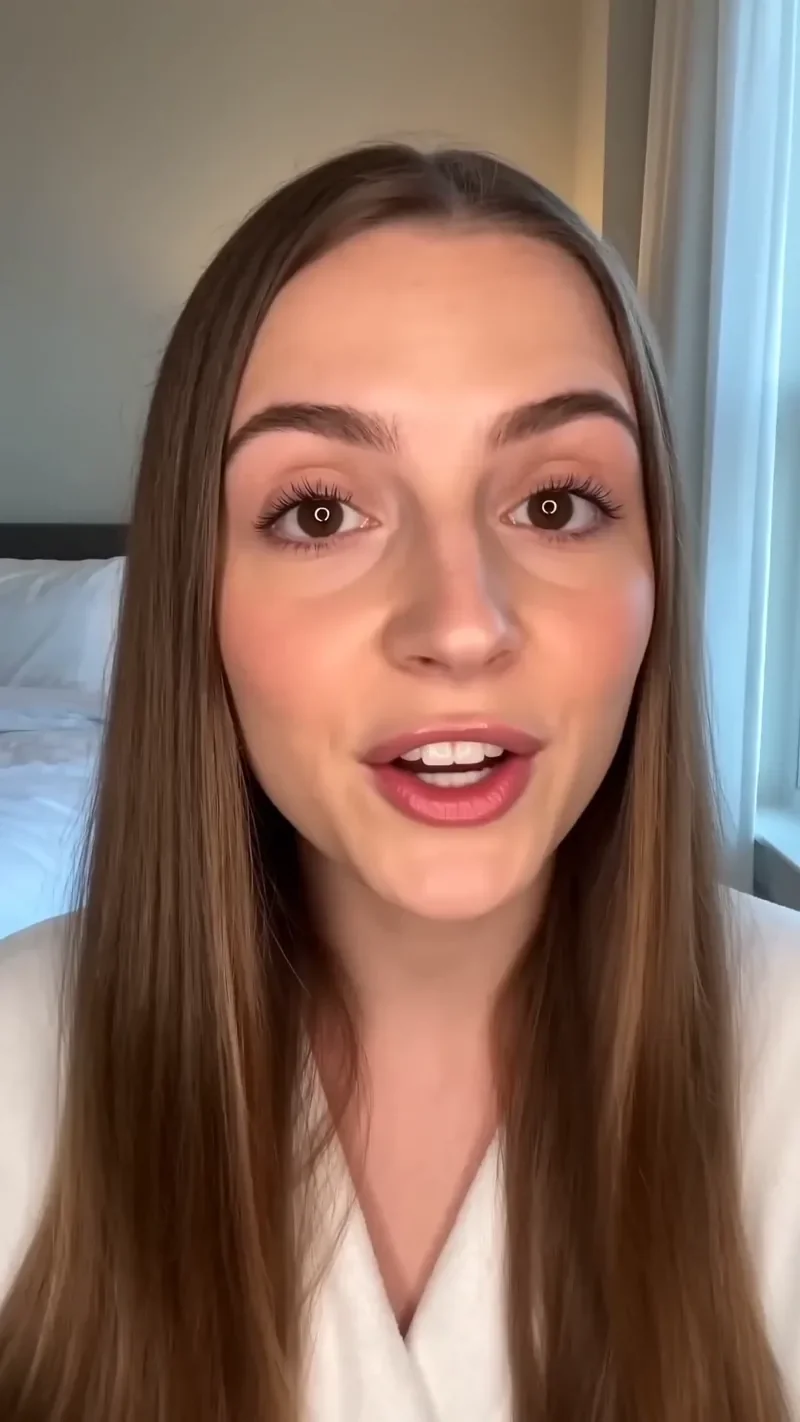
UGC Hook
42 creditsA vertical, social-first UGC opener with handheld movement and the product clearly in frame.
Frequently asked questions
Does using a saved character cost extra?
Creating it costs 4 credits. After that you pay the normal cost of the image or video you generate.
Can I use two characters in one shot?
Yes. Mention both @handles. Seedance 2.0 takes up to 9 image references per generation.
Can I make a character for free?
New accounts get 10 starter credits for images, which is enough to try the character studio.
Try it in the studio
New accounts get 10 starter credits for images. Video starts on the Creator plan, and the cost is shown before every generation.