Official BytePlus partnerBuilt on BytePlus, ByteDance's official AI platform
Guide · Product ads
How to make an AI product ad with Seedance 2.0
Turn a product photo into a video ad with Seedance 2.0: references, camera templates, formats for Reels and TikTok, and the credit cost.
- Product photo as reference
- Camera templates
- 9:16
- 1:1
- 16:9
Short answer
Upload a photo of your product as a reference, describe the surface, the light and the camera move, and generate with Seedance 2.0 or the Product Reveal template. Make a vertical cut (9:16) for Reels and TikTok and a landscape cut (16:9) for YouTube. A 5-second clip costs 15 credits at 720p and 25 at 1080p.
Updated:
Step by step
- 1
Prepare the product photo
A sharp photo on a clean background, with the whole product in frame. The clearer the reference, the more faithful the product looks in the video.
- 2
Image to video with references
In the video studio, add the photo as a reference. Seedance 2.0 takes up to 9 image, 3 video and 3 audio references, so you can add the logo, the packaging or a mood clip too.
- 3
Use the Product Reveal template
A smooth camera move and studio lighting in one clip of 6 seconds for 32 credits. Describe the surface, the setting and the mood.
- 4
Test a UGC-style hook with UGC Hook
A vertical, handheld opener with the product always in frame, in a 8-second clip. Good for testing several hooks for the same product.
- 5
Pick the format
Change the aspect ratio in the studio: 9:16 for Reels, TikTok and Shorts, 1:1 for the feed, 16:9 for YouTube and the web.
- 6
Check the cost and generate
The studio shows the credits before you generate: 15 credits for 5 seconds at 720p and 25 at 1080p with Seedance 2.0. If a generation fails, the credits come back automatically.
Example prompts
Add the product photo as a reference and adapt the surface, the light and the move.
Premium reveal
The product on wet stone, revealed by a slow push-in, soft rim light, clean reflections, commercial finish.
Top-down
Top-down shot of the product on pale linen, surrounded by its ingredients, the camera slowly rotates, natural morning light.
Social hook
A person holds the product up to the camera in a sunlit bathroom and shows it up close, handheld, vertical format.
Tips to make the product look good
Describe the material (glass, matte metal, fabric) and how the light falls. Ask for one camera move per shot and keep the product in the centre.
Test at 720p and render the final shot at 1080p. Powered by ByteDance's Seedance 2.0 and Seedream models via BytePlus.
Work out the cost of your campaign
The cost calculator tells you how many credits a batch of clips for your campaign needs and which plan covers it.
Templates for this guide
Each template has its own page with a preview, the credit cost and a link to the studio.
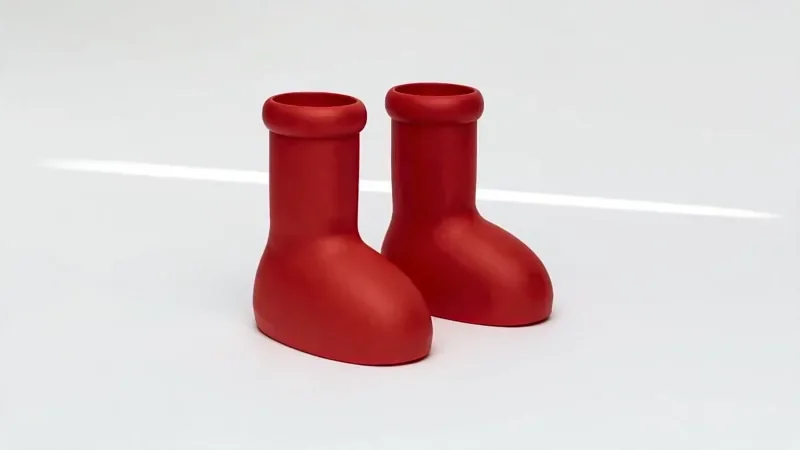
Product Reveal
32 creditsA short cinematic reveal with a smooth camera move and premium lighting for ads and storefronts.
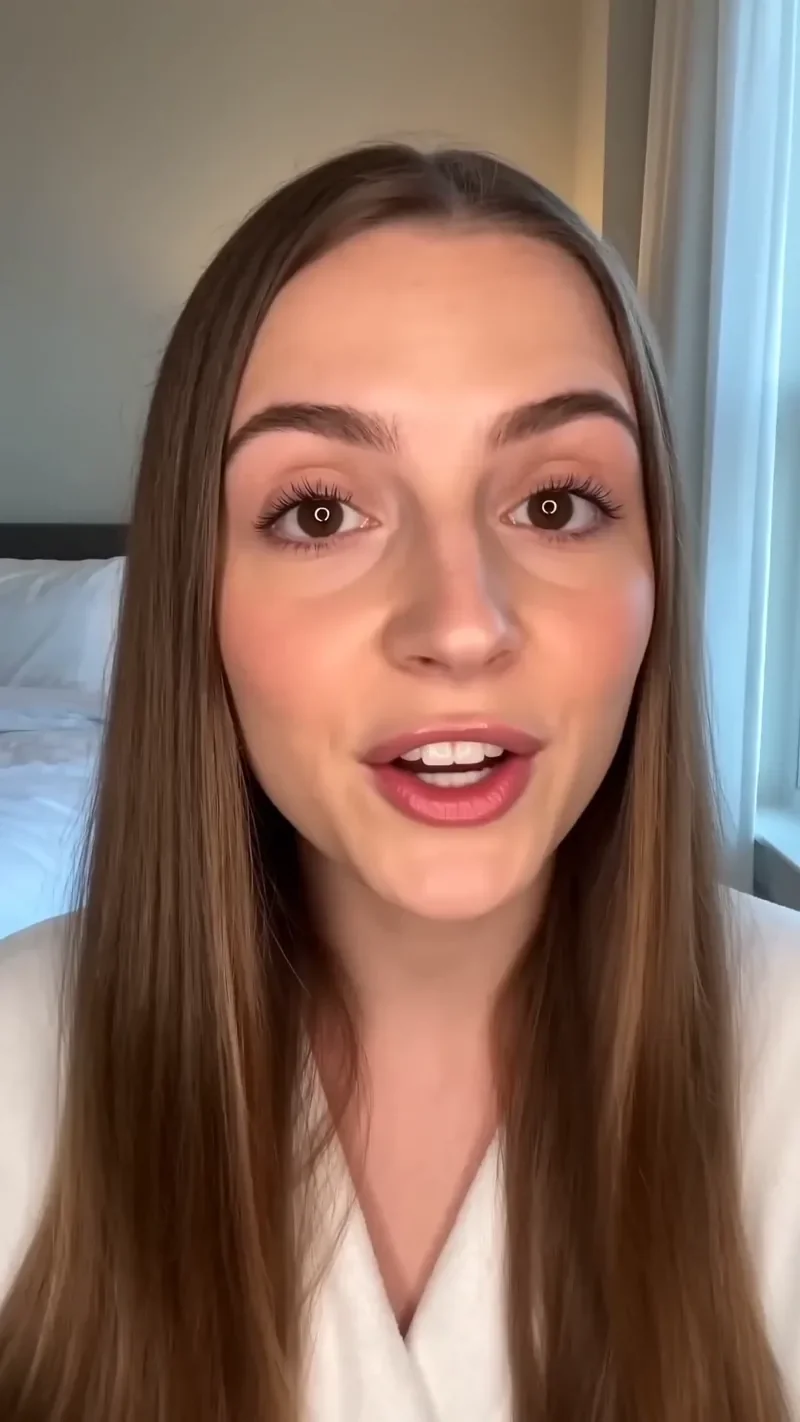
UGC Hook
42 creditsA vertical, social-first UGC opener with handheld movement and the product clearly in frame.

Top Down
32 creditsA perfectly overhead, 90-degree view that turns your scene into a clean, symmetrical composition.
Frequently asked questions
Will my exact product appear in the video?
With a sharp reference photo, the video follows your product's shape, colour and details. Each render is a new take, so check small details such as label text.
Which format should I use for Reels, TikTok and YouTube?
9:16 for Reels, TikTok and Shorts, and 16:9 for YouTube. You can change the aspect ratio in the studio before you generate.
How much does a product ad cost?
A 5-second Seedance 2.0 clip costs 15 credits at 720p and 25 at 1080p. The studio shows the cost before every generation.
Try it in the studio
New accounts get 10 starter credits for images. Video starts on the Creator plan, and the cost is shown before every generation.