 Official BytePlus partnerBytePlus, a ByteDance company
Add subtitles to a video, free
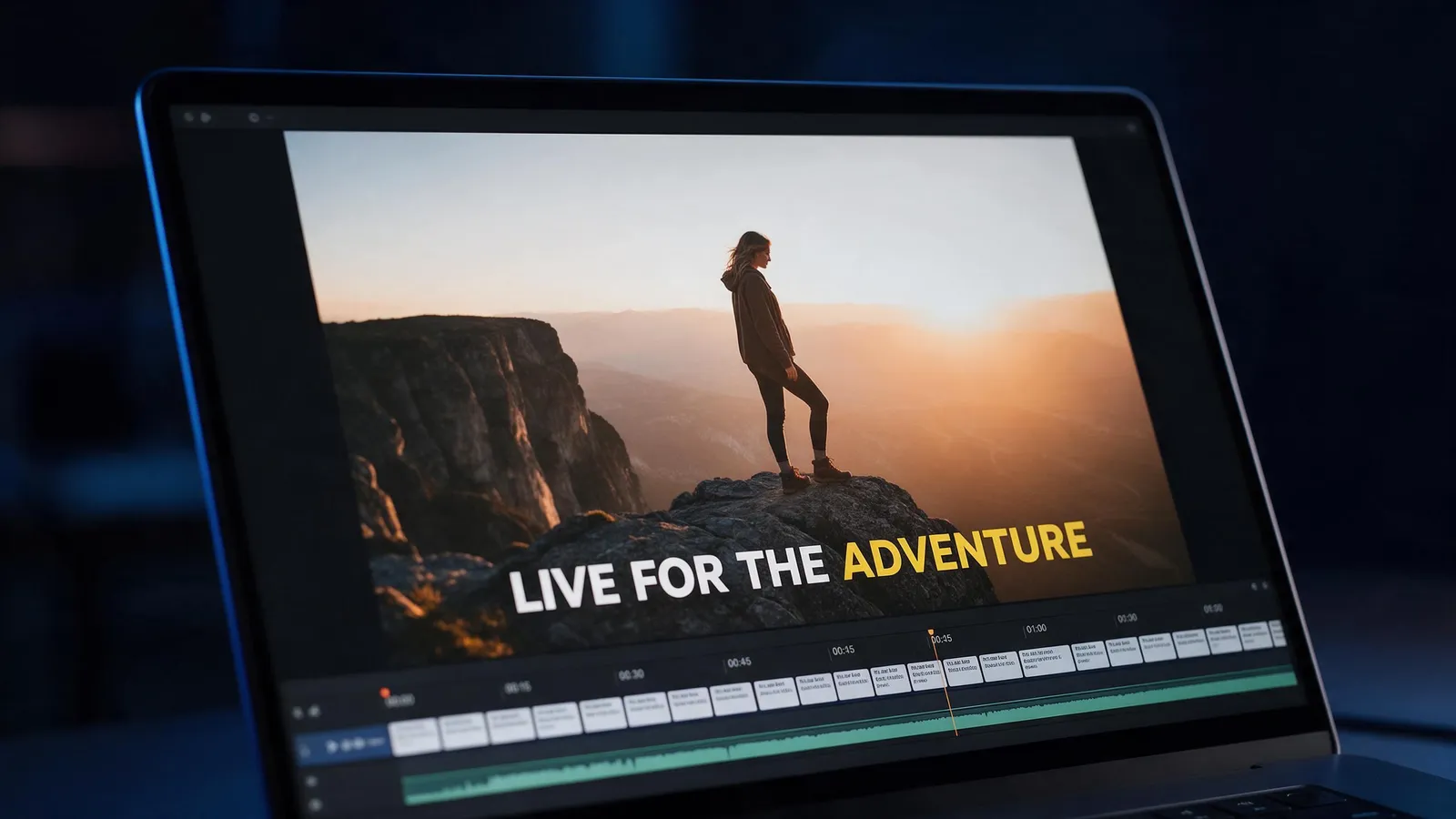
Turn speech into captions automatically, or bring your own SRT or VTT file, then restyle and fix any line on the timeline. Free accounts get 3 auto caption tries a month; importing a subtitle file is always free.
- Auto captions from speech
- SRT and VTT import
- Every line editable
- No download
On this page
How do you add subtitles to a video?
- 1
Upload your video
Open the editor and press Import, then Upload media. MP4, MOV and WebM files up to 200 MB work.
- 2
Open Captions
Choose Auto captions to turn the speech into timed captions, or import an SRT or VTT file you already have.
- 3
Pick a style
Choose a caption style, then fix any word or timing: every caption is its own text clip on the timeline.
- 4
Export
Pick the shape, quality and frame rate. The video with burned-in subtitles lands in your library.
What can you do with captions?
Auto captions
Speech becomes timed captions in English, Spanish, Portuguese, French, German, Italian, Russian, Arabic, Japanese, Korean or Chinese, or let it detect the language.
Import SRT or VTT
Already have subtitles? Import the file and they land on their own track, timed to the video. Free on every plan.
Styles
Clean, Outline, Pop and Glow caption styles, plus every font in the text panel.
Edit every line
Captions are normal text clips: change a word, move a line, or restyle one caption without touching the rest.
Is it free?
Editing is free for everyone, with every tool. A plan changes the export.
| Plan | Exports | Up to | Watermark |
|---|---|---|---|
| Free | 5 exports a month, up to 1 min each | 1080p | Small "Made on KreatorFlow.ai" mark |
| Creator | 60 export minutes a month, up to 10 min each | 2K | None |
| Pro | Unlimited exports, up to 30 min each | 4K | None |
| Max | Unlimited exports, up to 60 min each | 4K | None |
Questions
Are auto captions free?
Free accounts get 3 auto caption tries a month on videos up to 60 seconds. On paid plans they use 1 credit per started minute of speech. Importing an SRT or VTT file is free.
Which languages can it caption?
English, Spanish, Portuguese, French, German, Italian, Russian, Arabic, Japanese, Korean and Chinese. You can also let it detect the language.
Can I fix a wrong word?
Yes. Each caption is a text clip on its own track, so you can retype it, move it or change its timing.
Are the subtitles burned into the video?
Yes. The export has the captions drawn into the picture, so they show on TikTok, Reels, Shorts and anywhere else.
Does it work on a phone?
The editor is built for a laptop or desktop browser.
Open the editor free
Upload your clip and get it done in a few minutes.