

Try this in the studio
Make a video of yourself in five steps
- 1
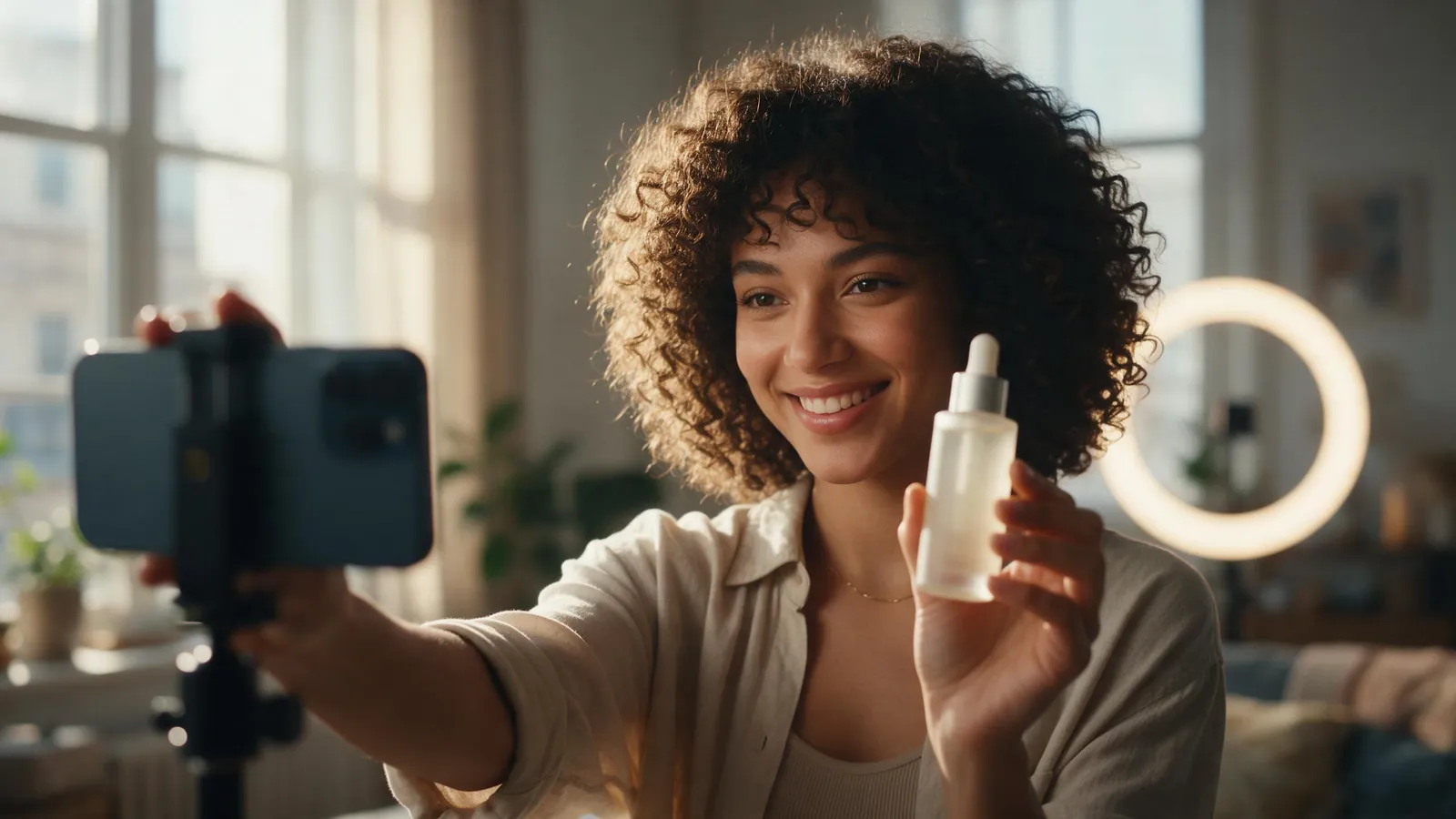
Take a clear selfie
Face the window or a soft light, look at the camera and keep your face and shoulders in frame. No sunglasses, no heavy filter, no one else in the shot.
- 2
Save it as a Character
Save the selfie as a Character in KreatorFlow. For video, a photo of a real person goes in as a saved Character, and you call it by its @handle in the prompt.
- 3
Write the prompt with the @handle
Start with the handle and one simple action: @you walks along a beach at sunset and smiles. Name the clothes and the place in plain words.
- 4
Pick the length and the shape
Choose Seedance 2.0 Fast for a first try. Clips run 4 to 15 seconds. Pick a shape (16:9, 4:3, 1:1, 3:4, 9:16, 21:9), such as 9:16 for a phone.
- 5
Check the face, then try again
Play the clip and compare the face with your selfie. If it drifts, make the action smaller, use a sharper selfie or shorten the clip, and run it again.
Video of yourself prompts
Replace @you with the handle of your saved Character.
Beach walk
@you walks slowly along a beach at sunset and smiles at the camera. The camera follows from the front at a steady speed. Soft warm light. No cuts.
Cafe
@you sits at a cafe table, lifts a cup and looks up with a small smile. Fixed camera, no camera movement. Soft daylight.
A good selfie makes a good clip
The clip can only be as close to you as the picture. A sharp selfie in even light with your whole face visible gives the model more to work with than a dark or angled one.
- Even light on your face
- Looking at the camera
- Nothing covering the face
- No filter that changes your skin or eyes
Keep it looking like you
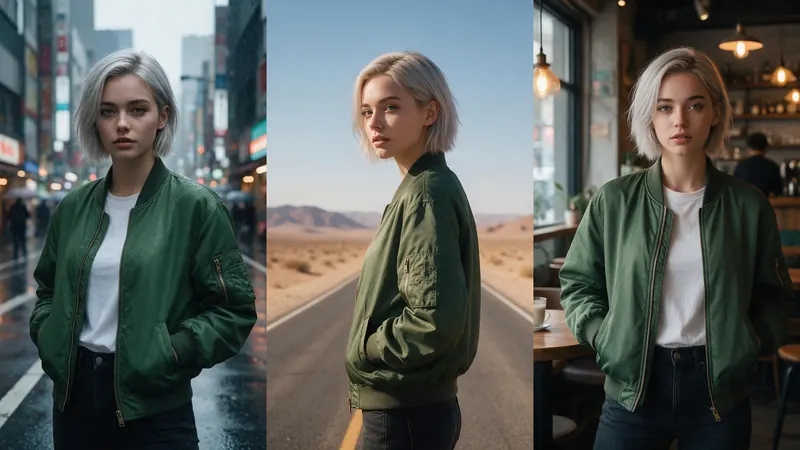
Run the same Character in every clip and change only the action and the place. Small actions hold up better than big ones, and a short clip drifts less. The result can still differ from your face, so check each clip against your selfie.
Your face, and other people's
Only use photos of people who agree to it, and photos you took or have the right to use. The model may refuse some photos of real people.
Use your own face, or the face of someone who agreed to it. Do not use a photo of another person without asking.
What it costs
A 5-second clip at 720p is 12 credits on Seedance 2.0 Fast and 17 on Seedance 2.0. The studio shows the credits before you generate. If a job fails, the credits come back automatically. A 5-second clip at 1080p on Seedance 2.0 is 33 credits. Leftover plan credits carry into the next paid month.