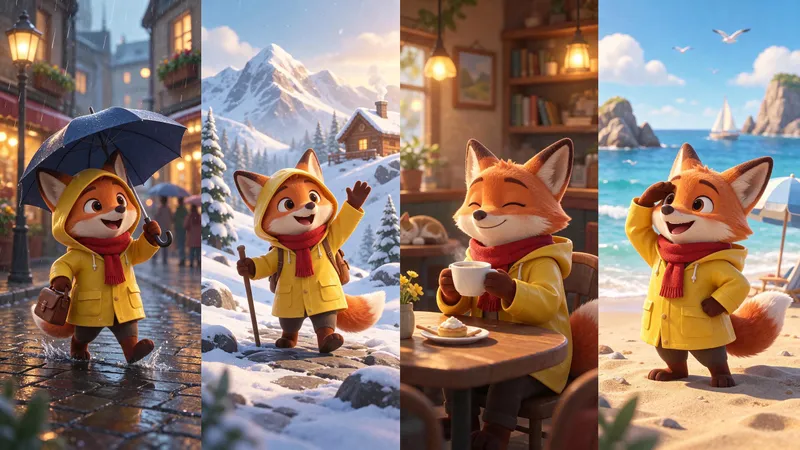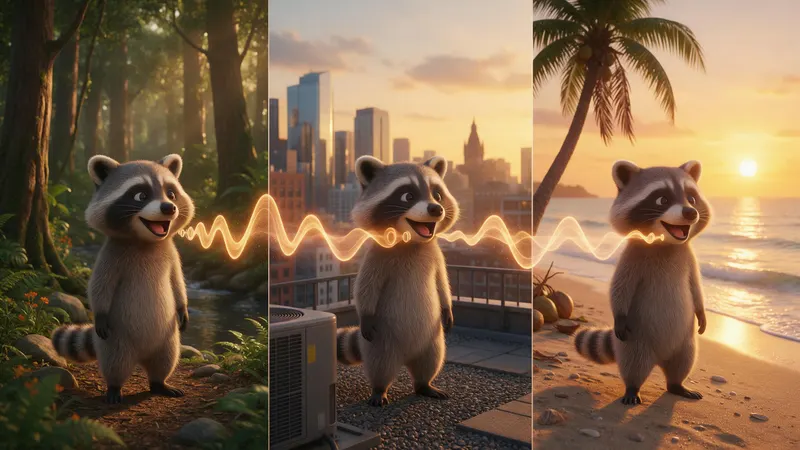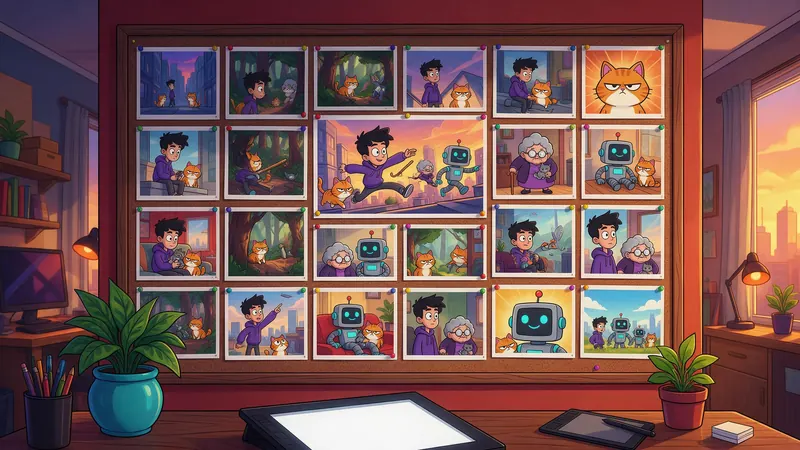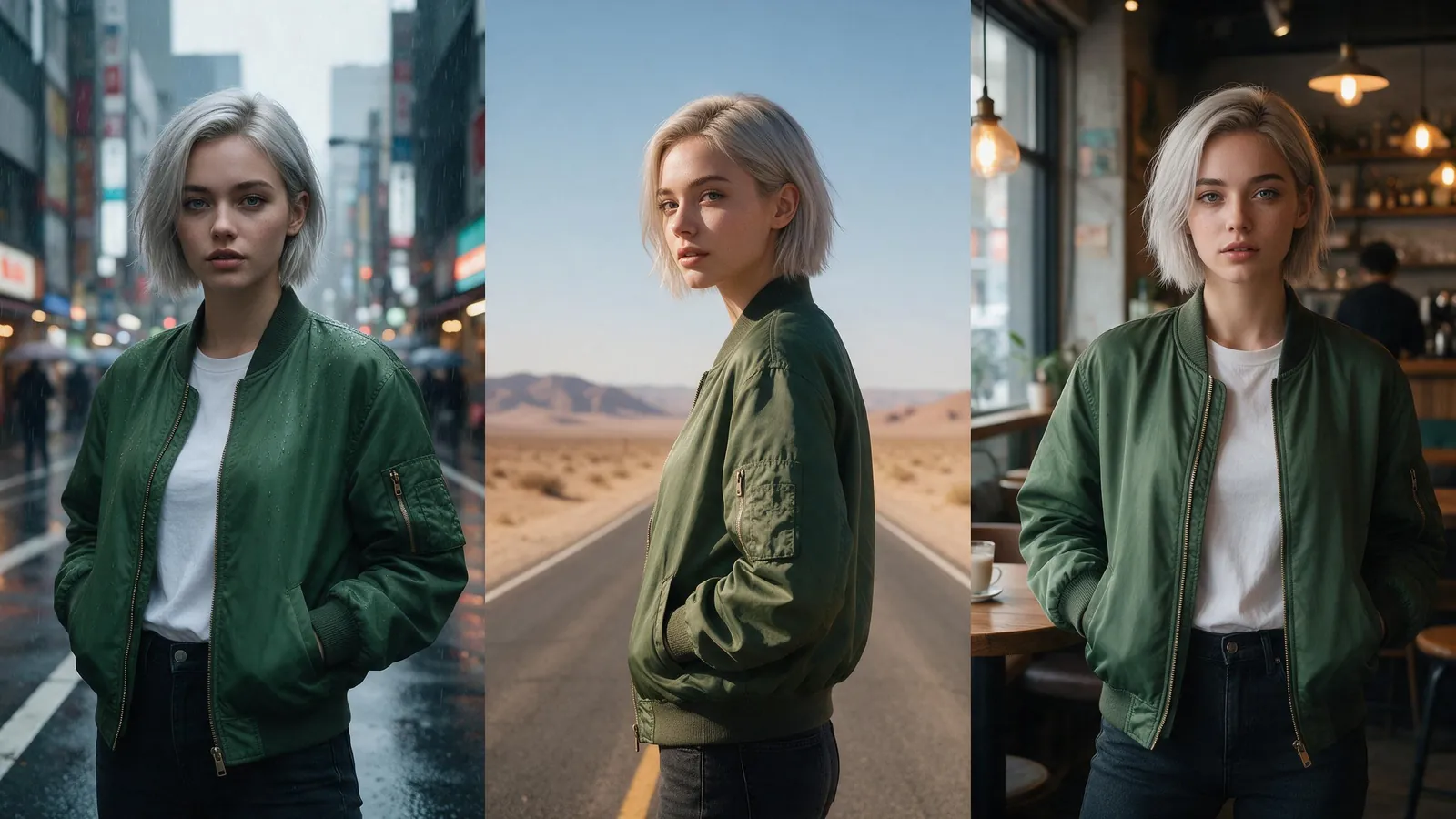


Try this in the studio
Keep the same character in six steps
- 1
Design the character once
Make a clear picture on a plain background in the image studio. Seedream 5.5 takes up to 10 reference images, so you can build on a sketch or a photo you own. A 1.5K picture costs 1 credit.
- 2
Make a character sheet
Ask for the same character from the front, the side and the back, in the same outfit. Pick the clearest views from the sheet as your references.
- 3
Write the fixed description
One sentence with the details that must not change: hair, clothes, one odd detail such as a scar or a hat. Save it in a note.
- 4
Save the character
Save the picture as a character, so you can call it in any later clip without uploading it again.
- 5
Start every clip from the reference
In the video studio add the character picture as a reference, then paste the fixed description at the start of the prompt. Up to 9 images fit in a clip.
- 6
Keep the style line the same
Add the same style line to every prompt, for example: soft film look, warm light. A new style line makes the character look new.
A fixed description and three shots
The first line stays the same. Only the second part changes.
Shot 1
Mia, a girl with short silver hair, a red scarf and round glasses. She walks along a rainy street at night and stops under a street lamp. The camera follows from the side. Soft rain.
Shot 2
Mia, a girl with short silver hair, a red scarf and round glasses. She sits in a small cafe and writes in a notebook. The camera pushes in slowly. Quiet cafe sounds.
Shot 3
Mia, a girl with short silver hair, a red scarf and round glasses. She runs up a hill at sunrise and looks back. The camera rises behind her. Wind.
Why characters drift
Each clip is made fresh. If you only describe the character in words, the model fills in the gaps differently each time. A reference picture removes most of the gaps, and a fixed description covers the rest.
Drift also comes from big changes between shots: a new angle, new light and a new place all at once. Change one of them per shot.
Keep the voice the same too
For a series, the voice matters as much as the face. Make the voice once in the voice tool, then reuse the same voice for every line.
Tools in KreatorFlow
The character generator makes the first picture, saved characters keep it ready, and the video studio uses it as a reference. The image guide covers the picture side in more detail.
A quick check before you post
Put the first frame of each clip side by side. Look at hair, clothes and face shape. If one clip is off, run it again with the reference first in the list, rather than rewriting the prompt.