Guide · Earth zoom
How to make an Earth zoom video with AI
Make the viral Earth zoom effect with AI: one continuous shot from space down to your city and subject. Step-by-step guide with example prompts and costs.
- Seedance 2.0
- 15 seconds
- 16:9 by default
- 77 credits
Official BytePlus partner · Built on BytePlus, ByteDance's official AI platform
Short answer
Open the Earth Zoom template in the KreatorFlow video studio, name the region, the city and the subject the camera should land on, and generate. The template scripts the whole descent from space to close-up as one continuous shot of 15 seconds, so you do not need to describe the camera move yourself. The default 15-second 1080p render costs 77 credits (47 at 720p), including the template fee, and the studio shows the cost before you generate.
Updated:
Step by step
- 1
Open the Earth Zoom template
It opens the video studio with the model, duration and camera recipe already set. You only write what the camera flies over and lands on.
- 2
Name the route
Say where the descent goes: the country or region, the city, the neighbourhood. Real, recognisable places read best because the model knows what they look like from above.
- 3
Choose a strong final subject
The ending is what people remember. Pick one specific subject in close-up: a chef plating noodles, a surfer paddling out, your shop's front door. Add a photo or a saved character if the final subject must be a specific person.
- 4
Generate and check the cost
The default 15-second 1080p render costs 77 credits (47 at 720p), including the template fee, and the studio shows the cost before you generate. If a generation fails, the credits are returned automatically.
Earth zoom prompt ideas
Travel
Zoom from space into Portugal, down to Lisbon, over the red rooftops of Alfama, ending on a yellow tram turning a corner.
Local business
Zoom from space into the UK, down to Manchester, into a busy street, ending on the neon sign of a small coffee shop.
Story opener
Zoom from space into Iceland, down to a black-sand beach, ending on a lone photographer setting up a tripod at sunrise.
Template example
Zoom from space into Tokyo, down to a small ramen shop, ending on a chef plating noodles.
Why the Earth zoom works
It answers "where are we?" in a few seconds and ends on a clear subject, which makes it a strong hook for the first moments of a short video. Travel creators land on a destination, brands land on a shop or a product, and storytellers land on a character.
Doing it by hand means stitching satellite imagery, drone footage and a close-up with careful transitions. The template produces the whole descent in one render.
Tips for a cleaner descent
Keep each stage believable: a city should sit where it really is, and the final location should fit it. A ramen shop in Tokyo reads better than a ski chalet in Tokyo.
Use 9:16 for Reels, Shorts and TikTok, and keep the final subject centred so it survives cropping.
Templates for this guide
Each template has its own page with a preview, the credit cost and a link to the studio.
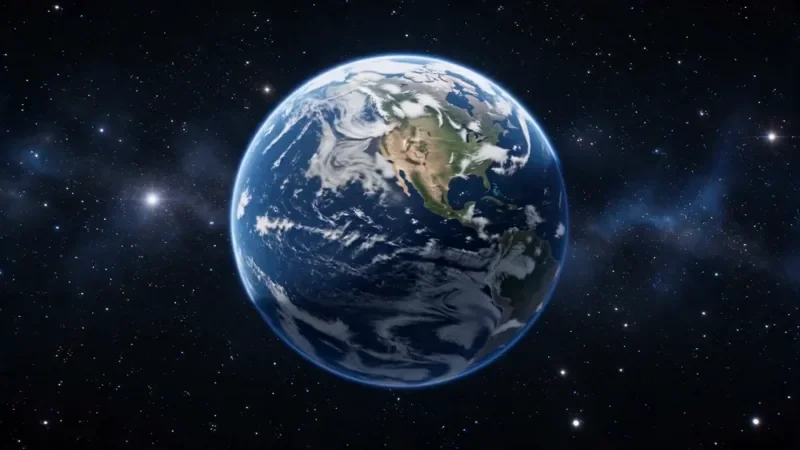
Earth Zoom
77 creditsOne continuous zoom from space, through the clouds and a city, down to a single subject in close-up.
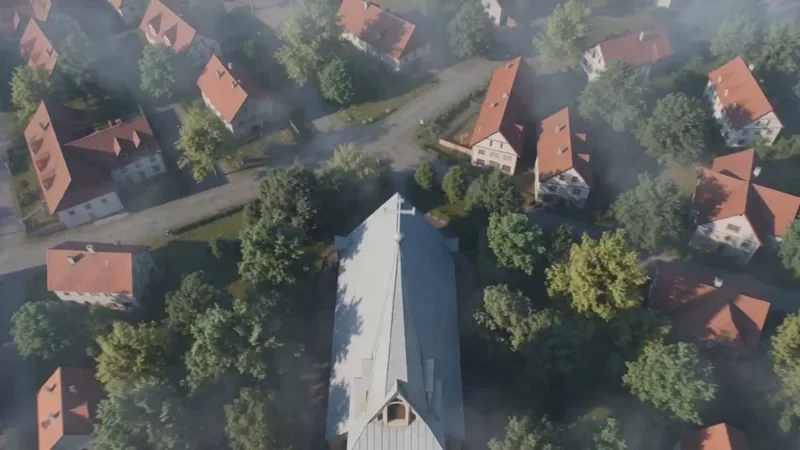
Crane Down Sky Reveal
42 creditsThe camera descends from high above, through a layer of cloud or canopy, to reveal your subject at ground level.
Through the Window Drone
52 creditsA drone glide that flies through a window or doorway and continues into the space inside.
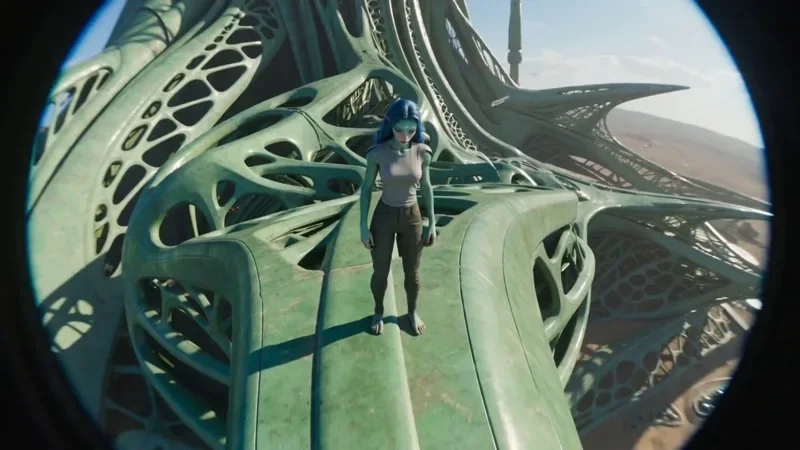
FPV Drone
42 creditsAn aggressive FPV dive down the side of a building, banking through a gap and pulling up into a low glide.
Frequently asked questions
Is the Earth zoom free to make?
Video generation starts on the Creator plan. New accounts get 10 starter credits, which cover images only.
Can I end the zoom on my own product or face?
Yes. Add a reference photo, or a saved character for a person, and describe it as the final subject. Only use photos you have the rights and consent to use.
How long is the Earth zoom video?
The template renders a 15-second clip so each stage of the descent has time to read. The duration is part of the template recipe, so it stays fixed while the template is applied.
Try it in the studio
New accounts get 10 starter credits for images. Video starts on the Creator plan, and the cost is shown before every generation.