

Image template
Neon Sign Text AI Image Template
Displays the words as a glowing neon sign on a brick wall at night.
- Image template
- Landscape (16:9)
- From 3 credits per image
 Official BytePlus partnerBytePlus, a ByteDance company
Last updated
On this page
What the Neon Sign Text template makes
This template creates an image of your chosen words displayed as a glowing neon sign on a brick wall at night. It provides a ready-made scene for text-based visuals. The output is a static image with a 16:9 aspect ratio. You simply enter the text to see it rendered in the neon style.
Ideas to try
- Brand logo display for social media
- Event title graphic for posters
- Personal quote for a digital banner
How it works
Opens in the image studio.
- 1
Open the template
Press Use this template to open Neon Sign Text in the image studio.
- 2
Enter your sign text
Type the specific words you want to appear on the sign into the required field.
- 3
Generate and save
Click generate to create the image, then save your final result.
Questions
What text format is required?
What is the image aspect ratio?
Which image models are supported?
How much does Neon Sign Text cost?
More image templates
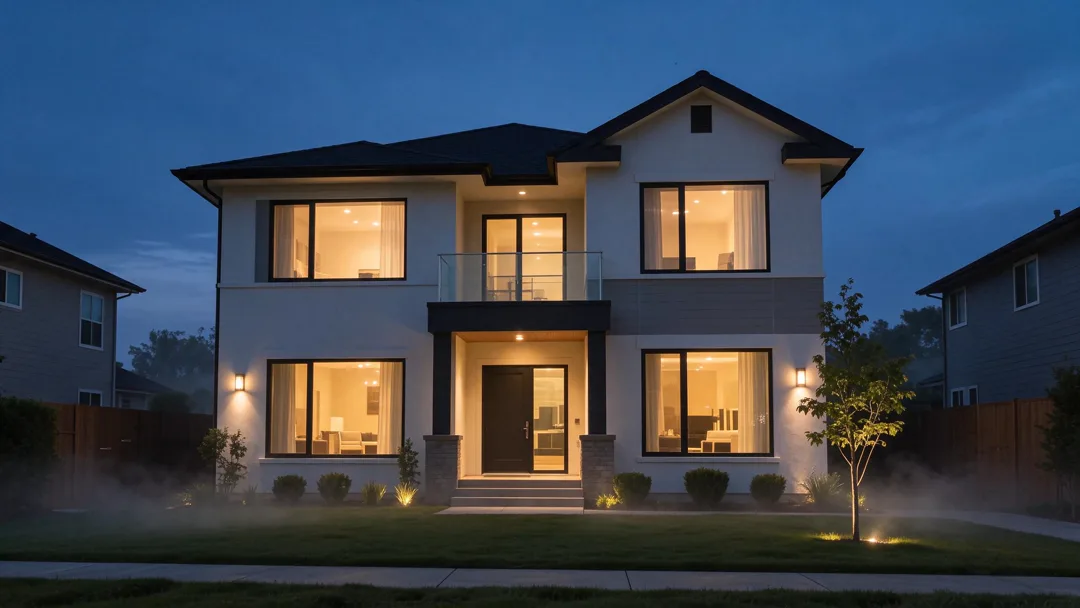
Real Estate Twilight
16:9
Photographs the house at twilight with warm interior lights and a deep blue sky.
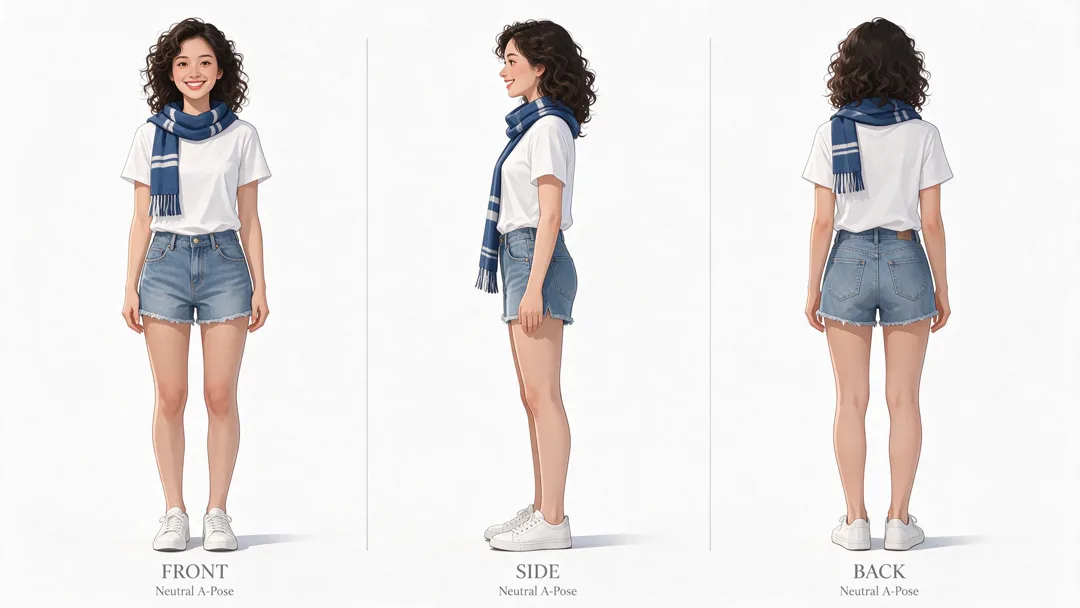
Character Turnaround
16:9
Creates a character sheet with front, side, and back views on a white background.

Plush Toy Version
1:1
Transforms the subject into a soft plush toy with visible stitching and fabric texture.
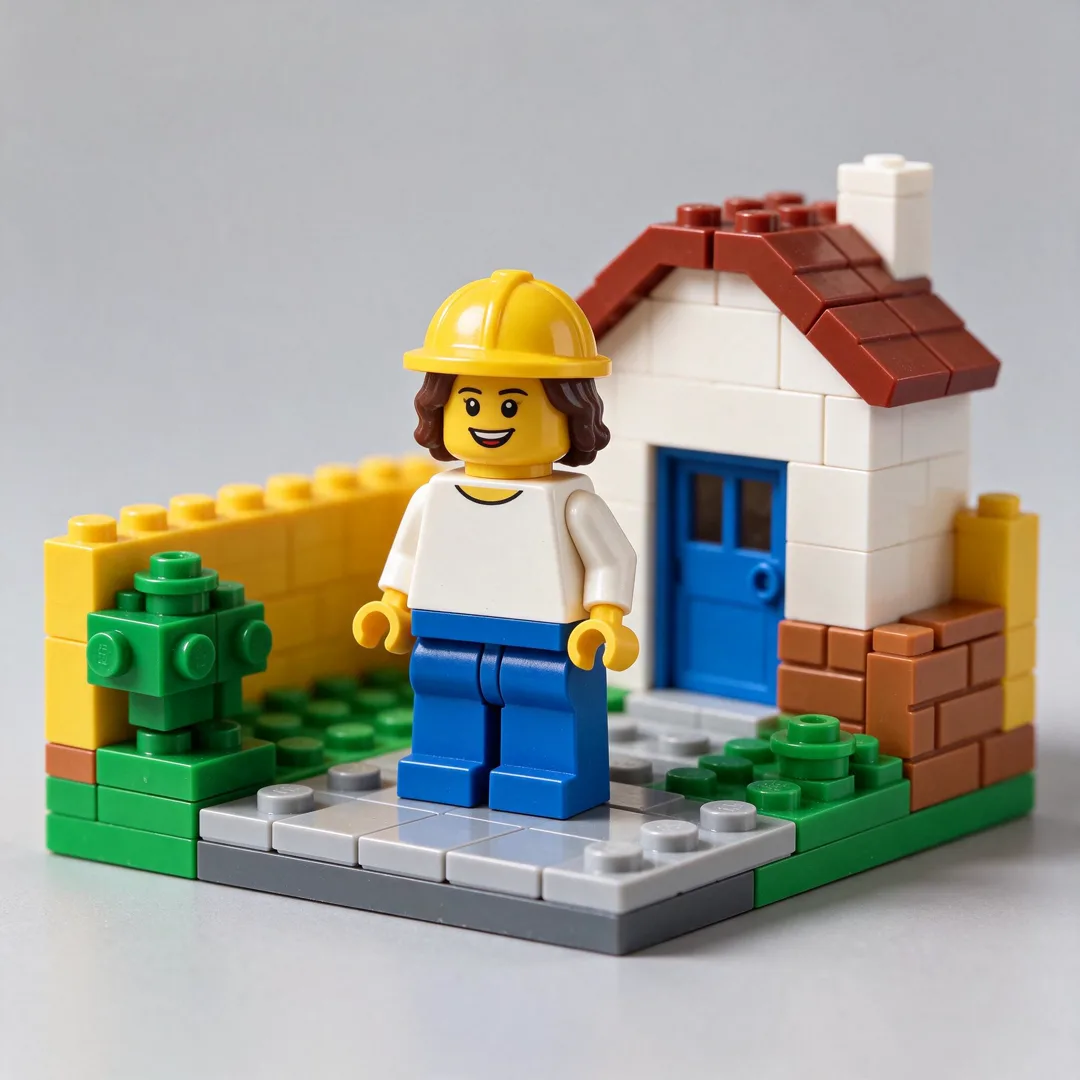
Toy Brick Figure
1:1
Renders the subject as a generic toy-brick minifigure in a brick-built scene.
Try Neon Sign Text
Open the template in the image studio, add what it asks for and generate. New accounts get 110 free credits: 10 on sign-up + 100 for linking Discord.