Guide · No watermark
How to make AI videos without a watermark
How to make AI videos with no watermark on any paid plan: what KreatorFlow sends to the model, what you download, and what platforms still ask you to label.
- No watermark on any plan
- No end card
- Video from Creator
Official BytePlus partner · Built on BytePlus, ByteDance's official AI platform
Short answer
On KreatorFlow every paid plan downloads clean files: each video request is sent to the model with its watermark option switched off, and no logo, badge or end card is added. There is no watermark tier. Video starts on the Creator plan; what changes between plans is credits, top resolution (Pro, Max and Business add 1080p and 4K) and storage.
Updated:
Step by step
- 1
Pick a plan with video
Video generation starts on the Creator plan. Starter credits and credit packs on their own cover images.
- 2
Generate in the studio
Write a prompt or use a template. The request goes to the model with the watermark option off.
- 3
Download the file
What you download is the clip itself, with no logo, badge or end card.
- 4
Label it where required
TikTok, YouTube, Instagram and many ad platforms ask creators to label realistic AI-generated content. No visible mark is added, so follow each platform's rules.
Developer API
The /v1 video and image endpoints accept a watermark parameter that defaults to false, so API output is clean too unless you ask for a mark.
Templates for this guide
Each template has its own page with a preview, the credit cost and a link to the studio.
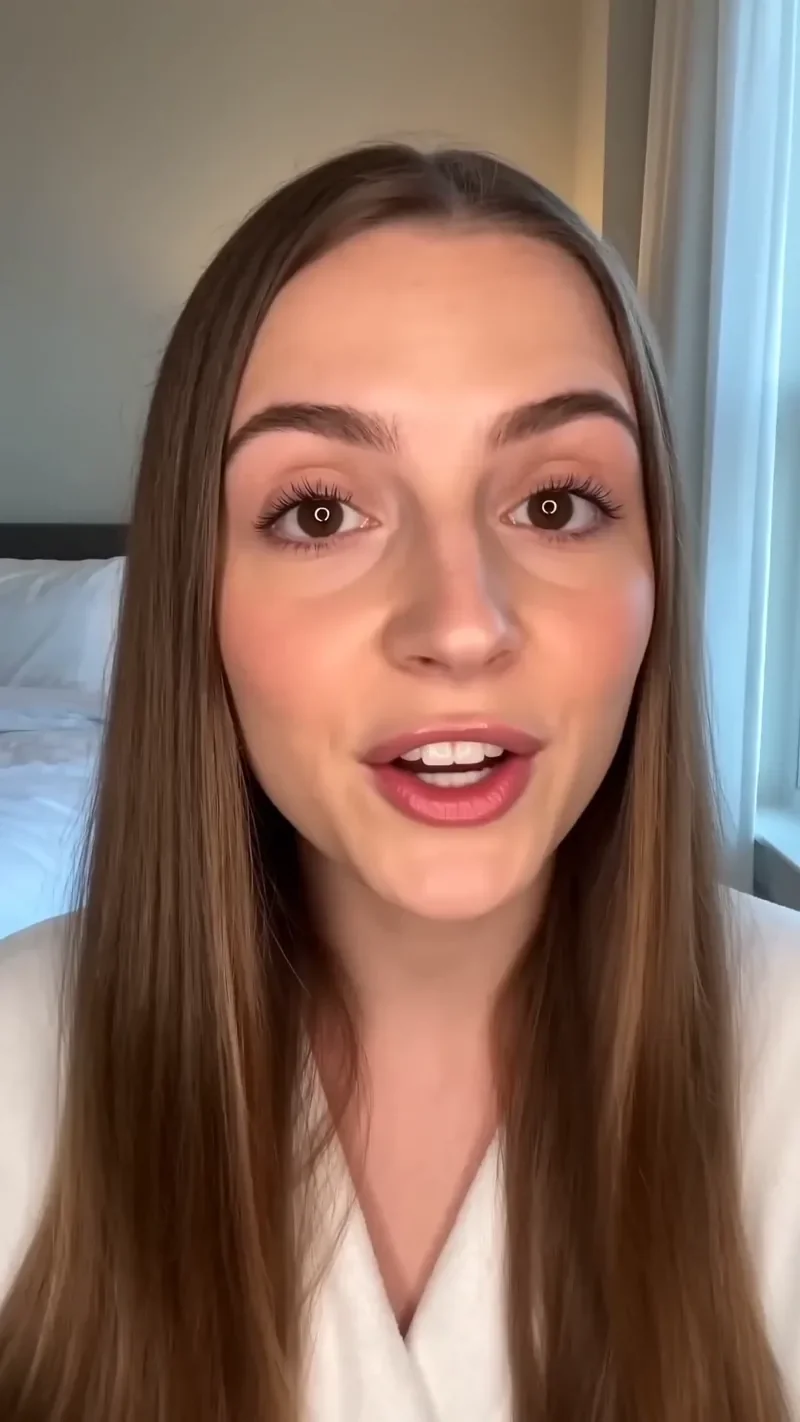
UGC Hook
42 creditsA vertical, social-first UGC opener with handheld movement and the product clearly in frame.
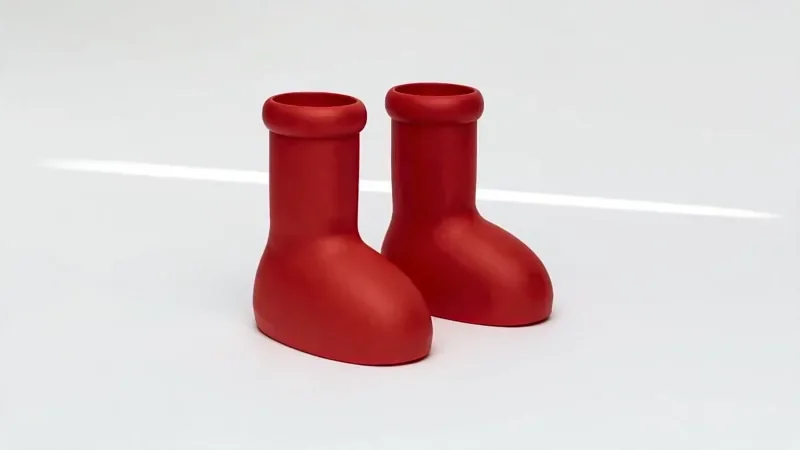
Product Reveal
32 creditsA short cinematic reveal with a smooth camera move and premium lighting for ads and storefronts.
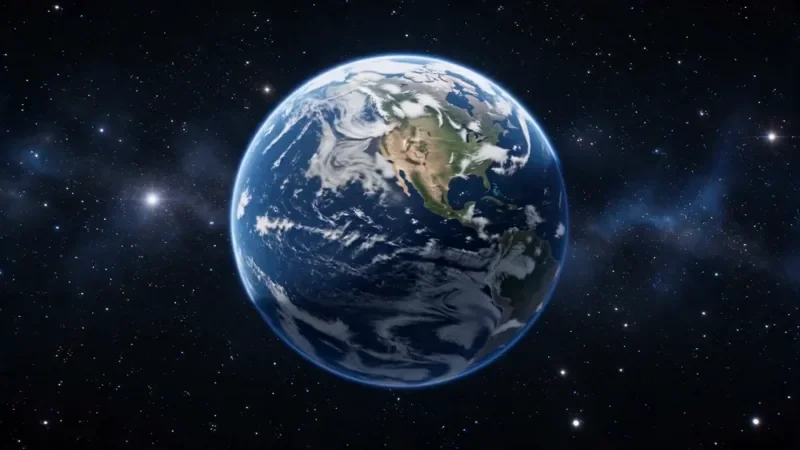
Earth Zoom
77 creditsOne continuous zoom from space, through the clouds and a city, down to a single subject in close-up.
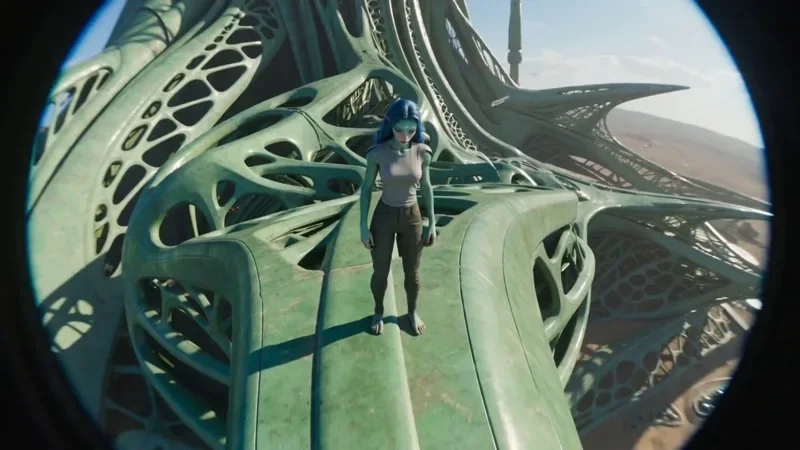
FPV Drone
42 creditsAn aggressive FPV dive down the side of a building, banking through a gap and pulling up into a low glide.
Frequently asked questions
Is there a watermark on the cheapest plan?
No. Creator, Pro, Max and Business all download the same clean files.
Are images watermark-free too?
Yes, including images made with the 10 free starter credits.
Do I own the videos?
Under our Terms, the images and videos you generate are yours to the extent the law allows.
Try it in the studio
New accounts get 10 starter credits for images. Video starts on the Creator plan, and the cost is shown before every generation.