Clean downloads
AI video generator with no watermark
Generate AI video from text or a photo with ByteDance's Seedance models and download it clean: no watermark, no logo and no end card on any plan. Clips run 4 to 15 seconds in 480p to 4K, with generated audio if you want it.
- No watermark
- No logo or end card
- Every video plan
- 480p to 4K
- Commercial projects
Official BytePlus partner · Built on BytePlus ModelArk, ByteDance's official AI platform
Why no watermark matters
A watermark in the corner is fine for a test, but it rules a clip out for client work, ads, product pages and most social posts. Cropping it out costs resolution and often cuts into the shot, and blurring it looks worse than the mark itself. The simplest fix is a generator that never adds one.
KreatorFlow sends every Seedance request with the model's watermark option switched off and does not stamp its own branding on the result. That applies to text to video, image to video, video to video and every camera template, on every plan that can render video. The MP4 you download from your assets is ready to edit, post or hand to a client.
What you pay for instead is credits: a 5-second Seedance 2.0 clip at 720p costs 27 credits, and Seedance 2 Fast costs 17 for the same clip. The cost is shown before you generate and failed renders are refunded automatically.
What you get on every video plan
Clean files
No watermark, logo, badge or end card. The download is the clip the model rendered.
Text and image to video
Start from a prompt, animate a photo, or transform a clip you already have.
480p to 4K
Creator renders up to 720p. Pro, Max and Business also render 1080p and 4K, finished with an upscaling pass.
Camera templates
Dolly zoom, Earth zoom, bullet time, FPV drone and more, set up in one click.
Consistent characters
Save a person once and call them by @handle to keep the same face across clips.
Generated audio
Turn on audio and the clip comes with sound generated alongside the picture.
How to make an AI video without a watermark
- 1
Open the video studio
Choose text to video or image to video, or pick a camera template for a ready-made move.
- 2
Describe the shot
Say what happens and how the camera moves. Add a photo, a clip or a saved character as a reference if you need a specific subject.
- 3
Generate and download
Check the credit cost, generate, then download the MP4 from your assets. There is nothing to crop or blur.
Try a camera template
Every template renders without a watermark too. Pick one, describe your subject and generate.
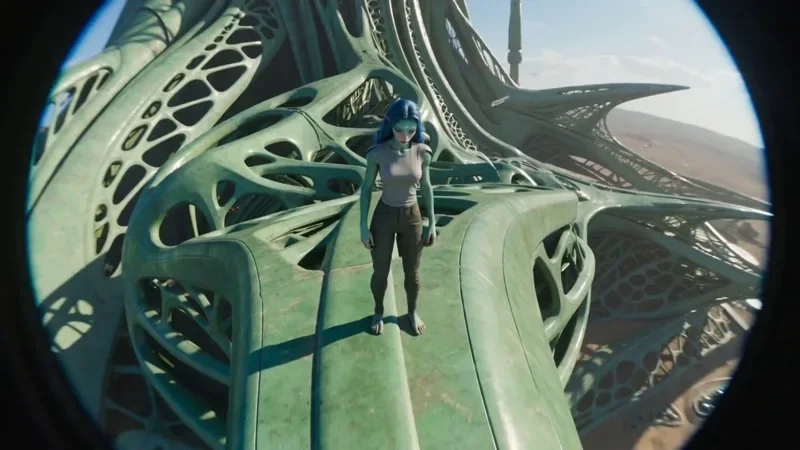
FPV Drone
66 creditsAn aggressive FPV dive down the side of a building, banking through a gap and pulling up into a low glide.
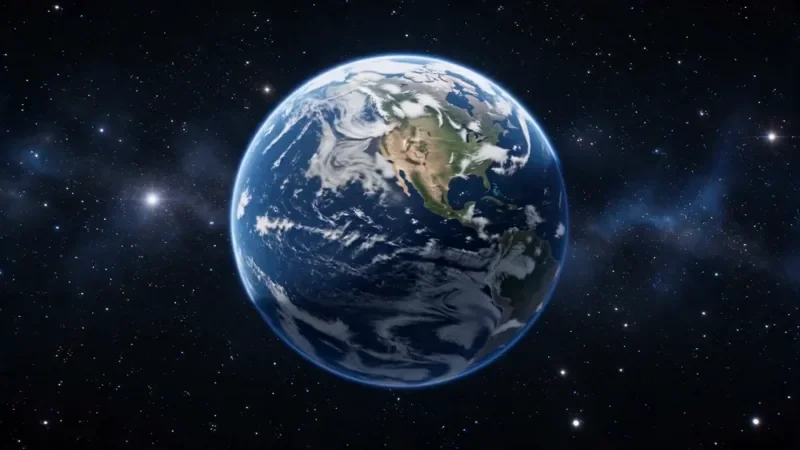
Earth Zoom
122 creditsOne continuous zoom from space, through the clouds and a city, down to a single subject in close-up.
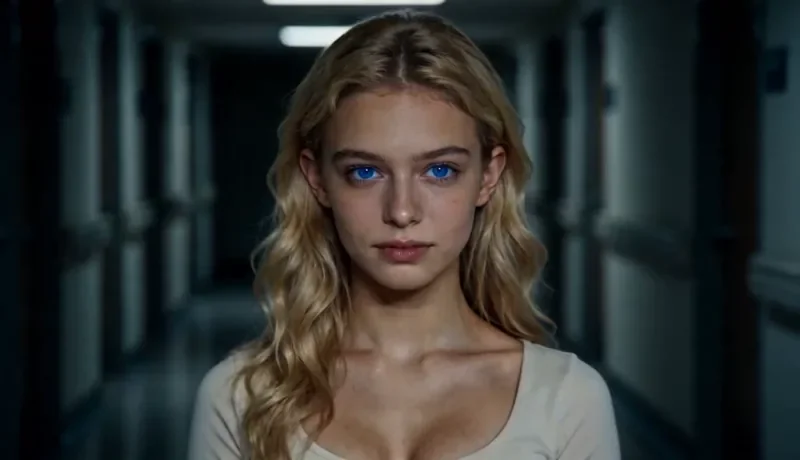
Dolly Zoom
34 creditsThe Vertigo effect: the subject stays the same size while the background stretches away behind them.
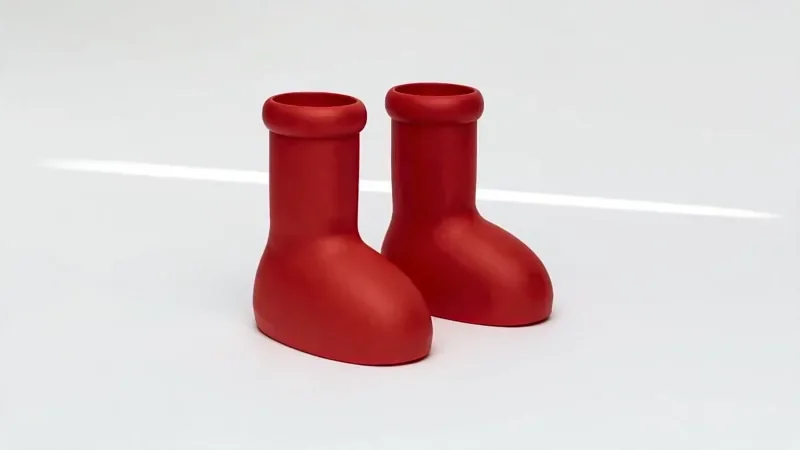
Product Reveal
50 creditsA short cinematic reveal with a smooth camera move and premium lighting for ads and storefronts.
Still your responsibility
- Follow the AI-content labelling rules of the platform you post to
- Only use faces and voices you have the rights and consent to use
- No impersonation or misleading use of AI video
- The Acceptable Use Policy applies to every render
Read the full Acceptable Use Policy and the Terms of Service for who owns generated content.
No-watermark AI video questions
Does KreatorFlow put a watermark on AI videos?
No. Every video request is sent to the model with its watermark option switched off, and KreatorFlow does not add a logo, badge or end card. The file you download is the clip itself.
Is there a watermark on the cheapest plan?
No. There is no watermark tier: Creator, Pro, Max and Business all download the same clean files. What changes between plans is the number of credits, the top resolution (Creator renders up to 720p; Pro, Max and Business also 1080p and 4K) and storage.
Can I make a watermark-free AI video for free?
Not a video. New accounts get 10 one-time starter credits, but they cover images only; video generation starts on the Creator plan. Images made with the starter credits have no watermark either.
Do I have to say the video is AI-generated?
No visible mark is added, but the rules of the place you post still apply. TikTok, YouTube, Instagram and many ad platforms ask creators to label realistic AI-generated content, and our Acceptable Use Policy forbids impersonation and misleading use.
Does the developer API add a watermark?
No, not unless you ask for one. The /v1 video and image endpoints accept a watermark parameter that defaults to false.
Which models make the videos?
ByteDance's Seedance models, which KreatorFlow runs as an official BytePlus partner. Seedance 2.0 makes 4 to 15 second clips in 480p to 4K, and Seedance 2.5 goes up to 30 seconds. Seedance 2 Fast is the cheaper option for drafts.
Make a clean AI video
Open the video studio and download your first clip without a watermark. Video starts on the Creator plan at $19 for the first month.