Consistent characters
AI character generator for consistent characters
Design a character once and keep the same face, hair and style in every image and video you make. Start from a photo or a description, shape the details, then drop the character into any prompt with its @handle.
- Photo or description
- Reusable @handle
- Images and videos
- 3 credits per character
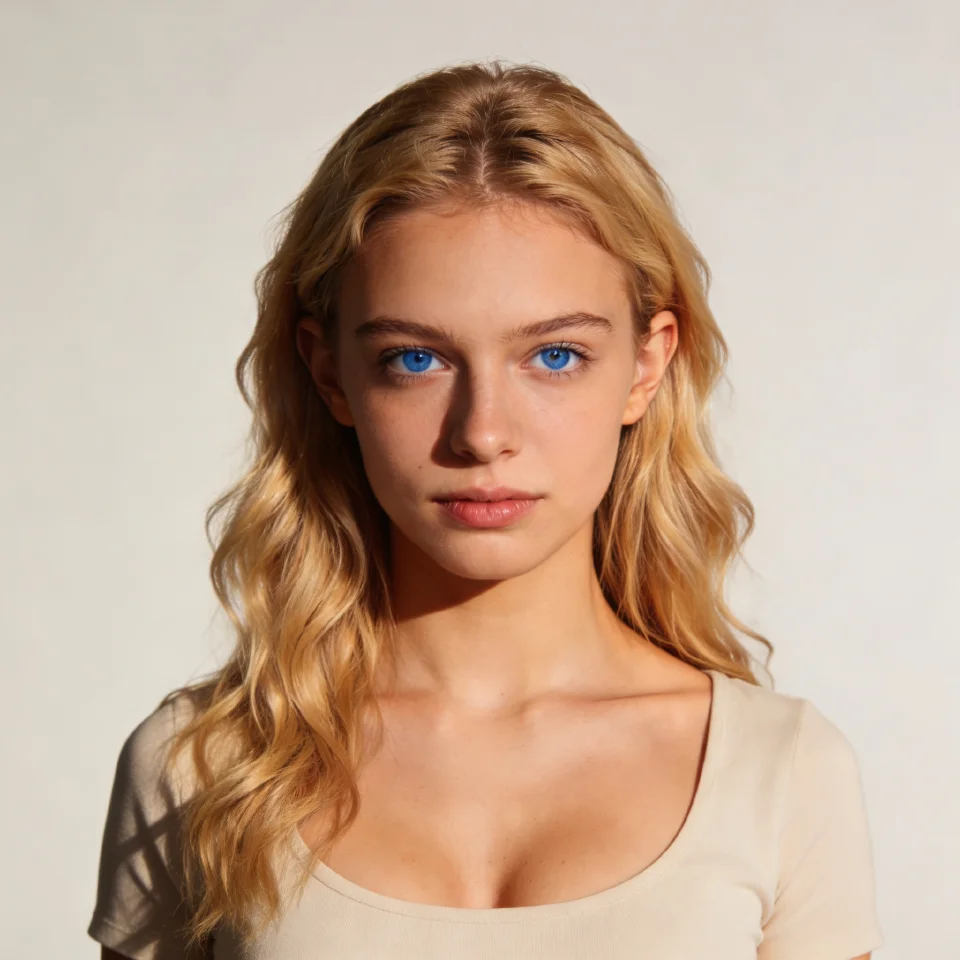
Why character consistency matters
Generative models invent a new face every time you describe a person. That is fine for a single picture, but it breaks a story, a brand mascot or a series of ads, where the audience needs to recognise the same character from one shot to the next. Rewriting a long description in every prompt still leaves you with a slightly different person each time.
KreatorFlow solves this with saved characters. You build the character once in the character studio and it becomes a reusable reference with its own @handle. When you mention that handle in the image or video studio, the character reference goes with the prompt, so the model has a concrete face to follow instead of a description to interpret.
How it works
- 1
Add a face
Upload a clear photo, or describe someone new and let Seedream 4.5 design them.
- 2
Shape the look
Choose the style, hair, eyes and details such as marks or tattoos, then generate the character portrait.
- 3
Use it anywhere
Save the character and drop its @handle into any image or video prompt, or add it as a reference.
What you can control
Face
Face shape, expression and overall appearance, from a photo or from a written description.
Hair and eyes
Haircut, colour, texture and styling, plus eye colour and iris detail, each with its own optional reference.
Marks and details
Tattoos, scars, marks and other body details that should appear every time.
Style
Render style, lighting and art direction, from photoreal to illustrated.
Origins
Human looks, plus fantasy and sci-fi options for game, comic and story characters.
A private library
Characters are saved to your account and workspace, ready to reuse whenever you need them.
Where consistent characters help
- AI influencers and recurring hosts
- Brand mascots across a campaign
- Comics, storyboards and picture books
- Short films and series with recurring cast
- Game and concept art characters
- UGC-style ads with the same presenter
Put your character in motion
Saved characters work with Seedance 2.0 and every camera template. Try these with your own character:
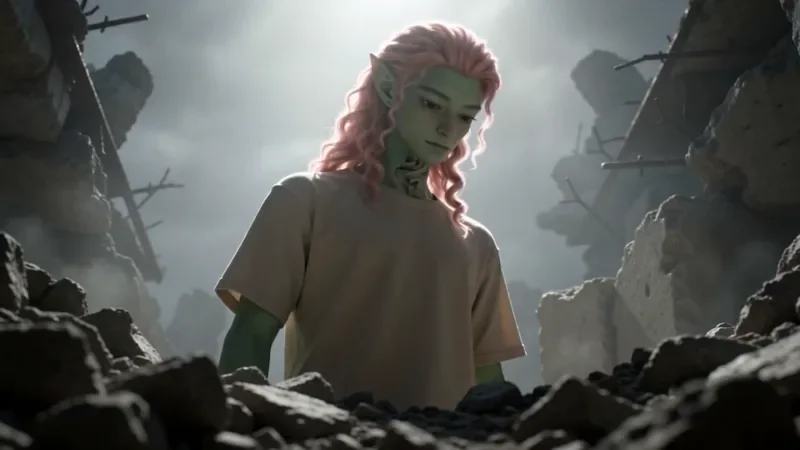
Worm's Eye Hero Shot
50 creditsAn extreme low angle from the ground that makes your subject tower over the camera, backlit against the sky.
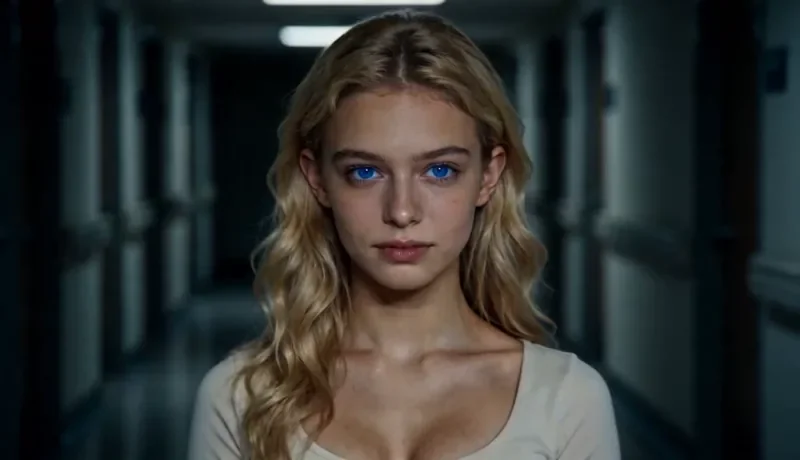
Dolly Zoom
34 creditsThe Vertigo effect: the subject stays the same size while the background stretches away behind them.
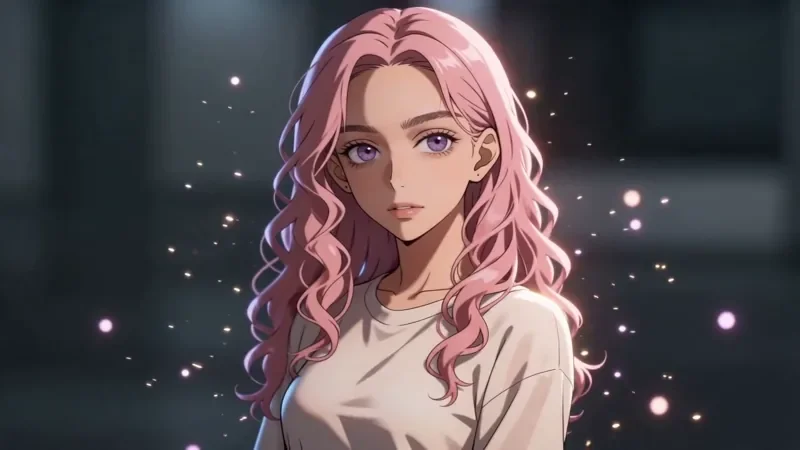
Bullet Time
42 creditsA frozen moment with the camera orbiting 360 degrees around your subject, particles hanging in the air.
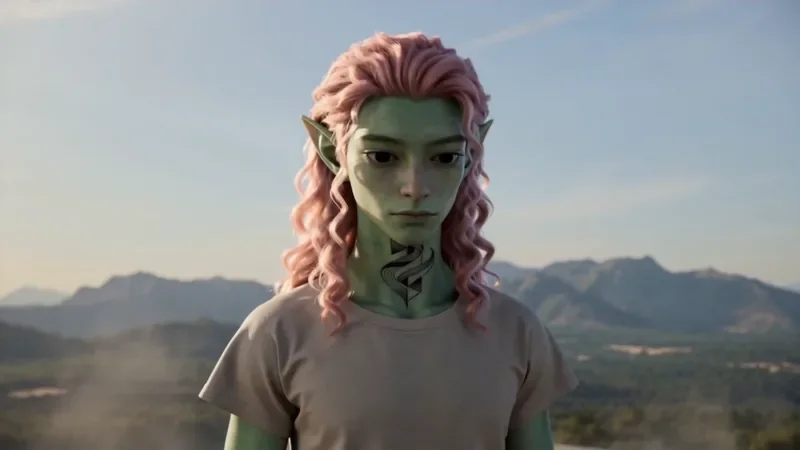
Spiral Ascend
66 creditsThe camera orbits your subject while rising, finishing directly overhead in a bird's-eye view.
You can also start from any still in the image to video mode, or read more about the Seedance 2.0 video generator.
Tips for a strong character
Start from a sharp, evenly lit, front-facing photo with the face clearly visible; sunglasses, heavy shadows and extreme angles make identity harder to hold. Keep the first version simple and neutral, because a plain reference adapts to more scenes than one with a strong pose or costume. You can always put costumes, settings and moods in the prompt when you use the character later.
Character generator questions
What is a consistent AI character?
It is a saved reference of a person or creature that the image and video models use every time you mention it. Instead of re-describing a face in each prompt, you call the character by its @handle and the result keeps the same identity.
How do I create a character?
Open the character studio, upload a clear photo or describe someone new, pick the style, hair, eyes and details you want, and generate. When you like the result, save it and it gets an @handle.
How many credits does a character cost?
A finished character costs 3 credits (a Seedream 4.5 image plus a 2-credit character fee). Optional detail references, such as a specific hairstyle or eye close-up, cost 1 credits each. Using a saved character later costs nothing extra beyond the image or video you generate.
Can I use my characters in videos?
Yes. Mention the character's @handle in the video studio, or add it as a reference, and Seedance 2.0 uses it to keep the same face in your clip. It also works with the camera templates.
Can I make a character from a real person?
Only from photos you have the rights and consent to use, such as yourself or someone who has agreed. Saved characters are registered in BytePlus's trusted asset library, which is what lets a real face be used as a reference in Seedream images and Seedance 2.0 videos. The acceptable use policy applies, and you are responsible for the likenesses you upload.
Build your first character
Open the character studio and save a reusable character. New accounts get 10 starter credits.