

Try this in the studio
Product photo to video in five steps
- 1
Start with a clean photo
Use a sharp photo with the product large in the frame and a simple background. Use a photo you own or have the right to use.
- 2
Add it in the video studio
Add the photo as a reference and say what it is: the product on image 1.
- 3
Write one shot
Name the surface, the light and one camera move: a slow push in, a turntable, a hand picking it up. One move per clip.
- 4
Choose the shape and the length
Pick the shape (16:9, 4:3, 1:1, 3:4, 9:16, 21:9): 9:16 for stories and reels, 16:9 for a website. Clips run 4 to 30 seconds. Start with 5 seconds.
- 5
Test cheap, then make the final
Run the first version on Seedance 2.5 Flash (17 credits for 5 seconds at 720p). When the shot is right, make the final on Seedance 2.5, where 5 seconds at 1080p is 55 credits.
Product prompts to copy
Add your product photo, then paste one.
Slow reveal
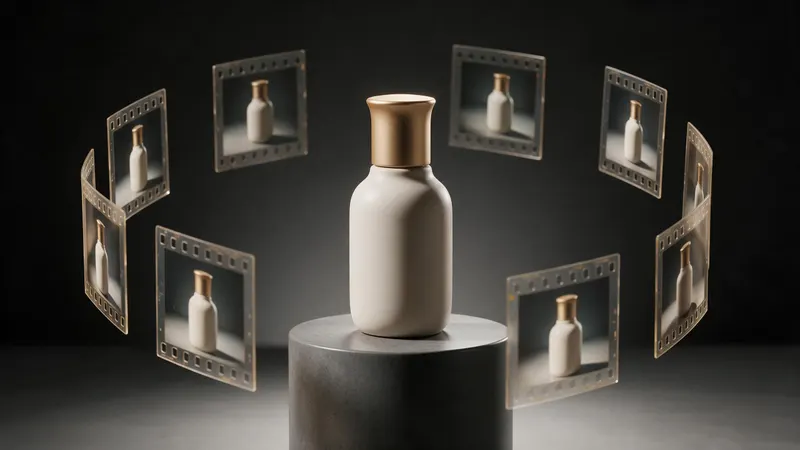
Product on image 1 sits on a dark stone surface. Soft side light. The camera pushes in slowly. A quiet low tone.
Turntable
Product on image 1 turns slowly on a clean studio turntable with soft reflections. The camera stays still. Soft light.
In hand
A hand picks up the product on image 1 and turns it toward the camera. Morning light. The camera holds steady.
Spinning the product
For a spin, use the Product Turntable template or write turntable in the prompt. A template sets the camera and the look, and you add your photo.
Check the label
Small print on a label can change between frames. Keep the product large in the frame, check the text in every second of the clip, and run it again if a word looks wrong.
Cost and the badge
New accounts get 110 free credits: 10 on sign-up + 100 for linking Discord. Free accounts get a small "Made on KreatorFlow.ai" badge on what they make. Paid plans add no badge. Leftover plan credits roll over into the next paid month.