Official BytePlus partnerBuilt on BytePlus, ByteDance's official AI platform
Styles
AI art styles for images and video
Pick a look in the studio's style picker and KreatorFlow adds it to your prompt. Your own words stay the same, and a style never adds credits.
All styles
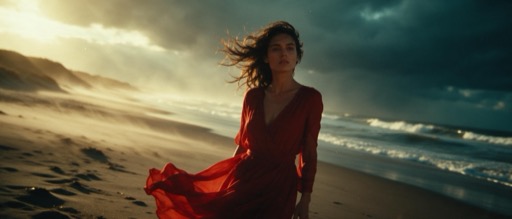
Cinematic
Thumbnails and posters that need drama · Product hero shots with mood · Short story scenes and trailers
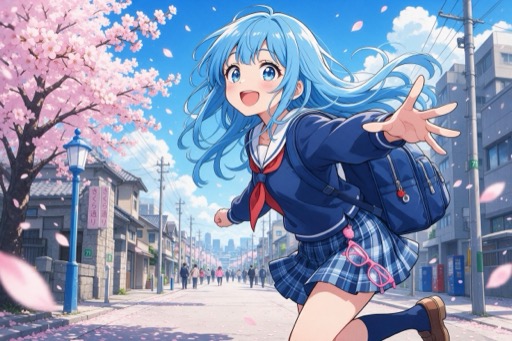
Anime
Character art and profile pictures · Fan-style scenes for social posts · Short animated loops and openings

Cartoon
Mascots and brand characters · Kids' content and explainers · Stickers, emotes and reaction images
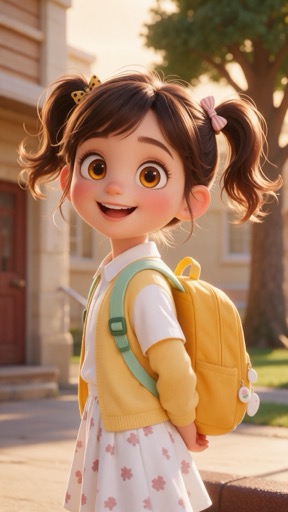
3D animation
Family-friendly characters and mascots · Toy and product concepts · Storybook scenes for short videos
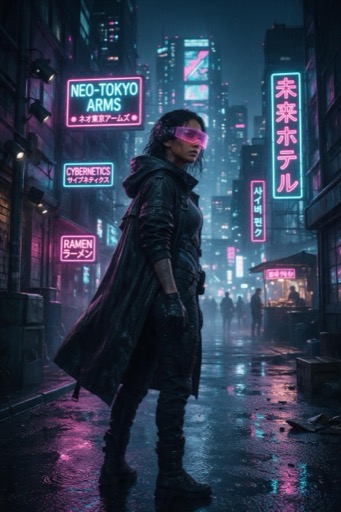
Cyberpunk
Music visuals and album art · Gaming and tech promos · Moody character portraits
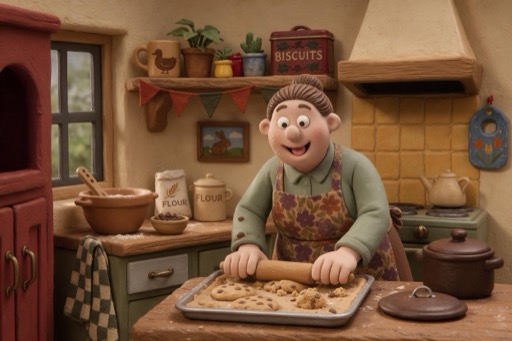
Claymation
Charming ads and social posts · Explainers that should feel warm · Holiday and greeting content
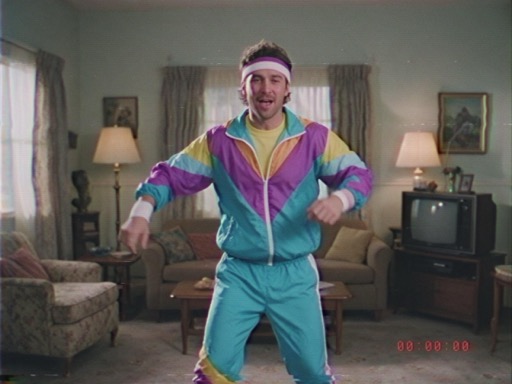
90s VHS
Nostalgia posts and throwback edits · Music videos and lo-fi visuals · Found-footage style storytelling
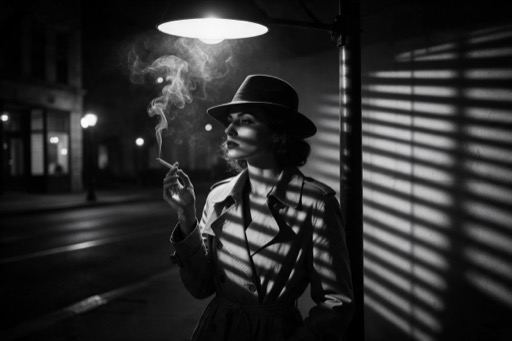
Film Noir
Mystery and thriller teasers · Striking portraits · Fashion and perfume ads with drama
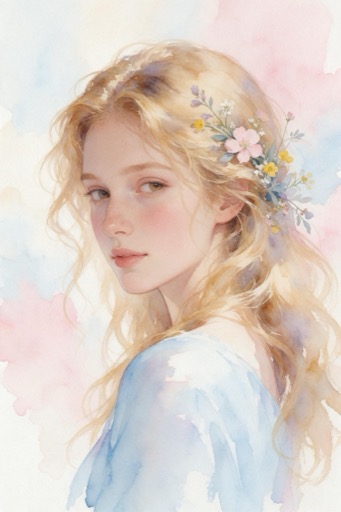
Watercolor
Wedding and event invitations · Travel and food illustrations · Calm, gentle social content
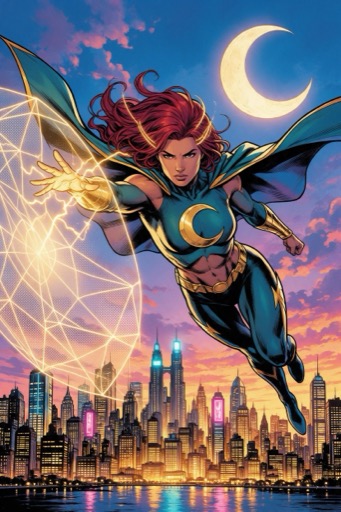
Comic book
Hero shots and action scenes · Covers and promo art · Storyboards and panel sequences
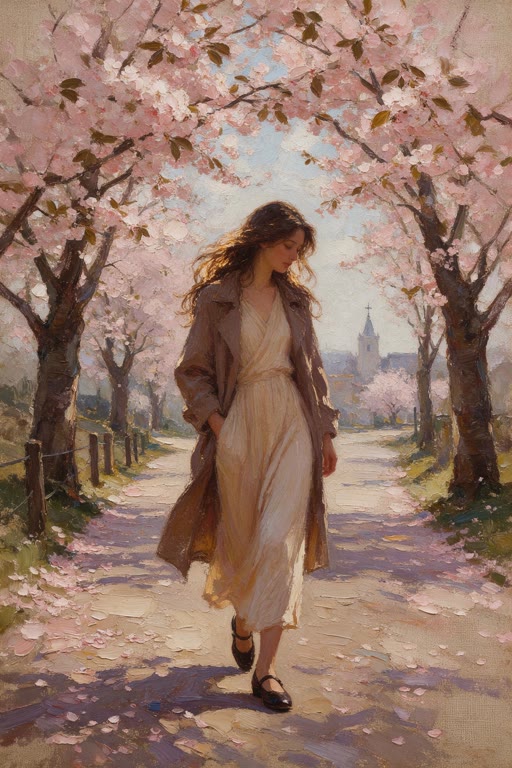
Oil painting
Portraits and pet portraits · Wall art and prints · Elegant, timeless brand imagery
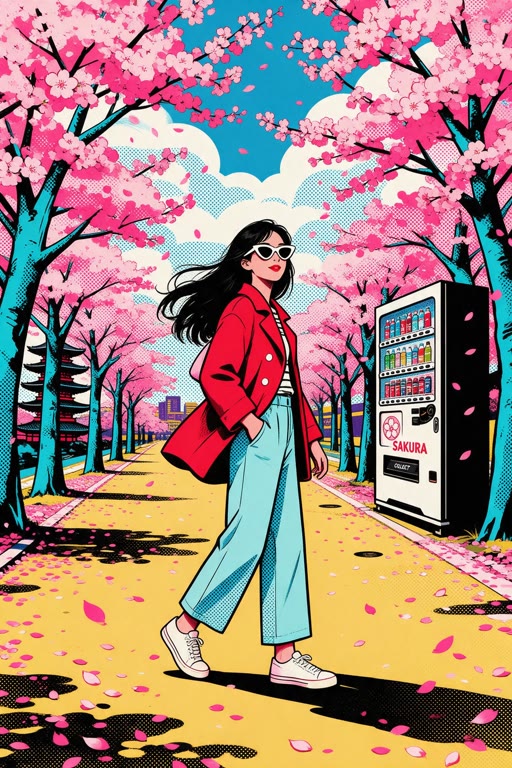
Pop art
Eye-catching social posts and ads · Posters and merch designs · Product shots that need to stand out
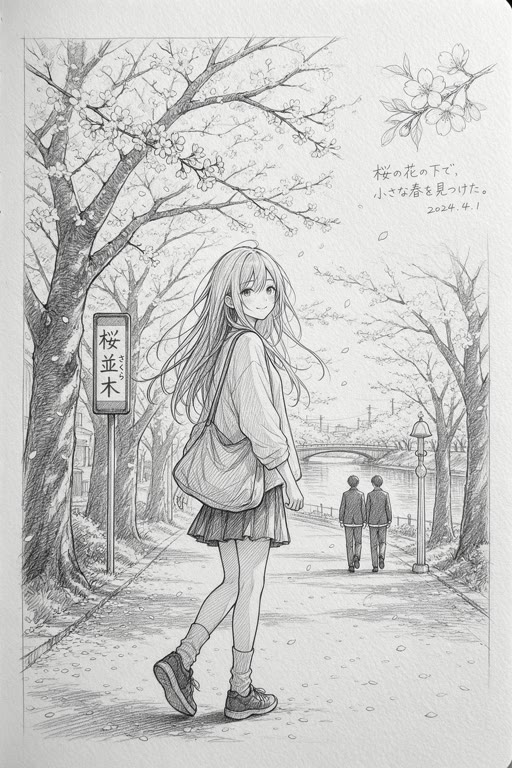
Pencil sketch
Concept art and early ideas · Portraits and architecture studies · Tutorial and storyboard visuals
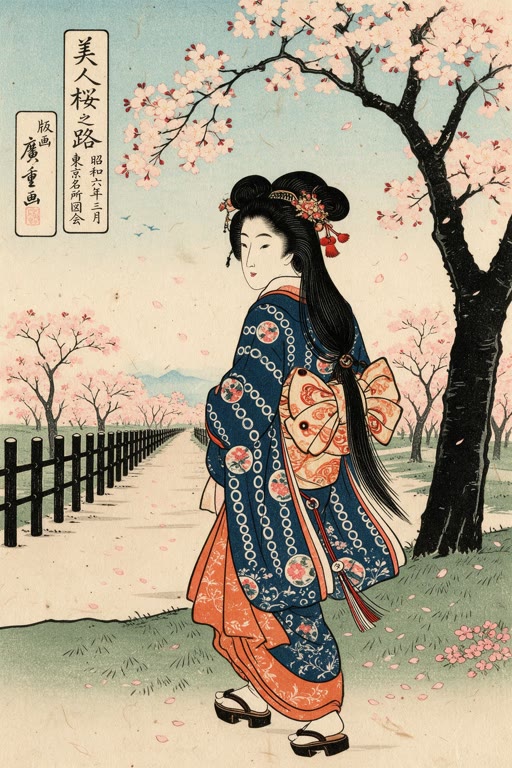
Ukiyo-e
Landscapes with waves, mountains and weather · Posters and decorative prints · Modern subjects drawn in a classic style
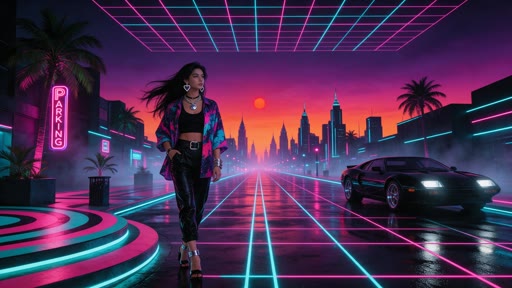
Synthwave
Music covers and visualisers · Gaming and stream graphics · Retro-themed ads
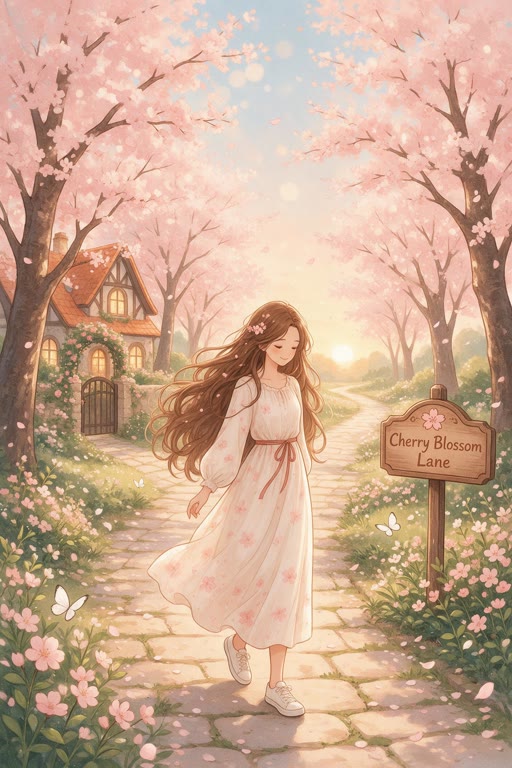
Storybook
Children's books and bedtime stories · Classroom and learning material · Gentle brand stories and greetings
How to use it
- 1
Open a studio
Go to the image studio for pictures or the video studio for clips.
- 2
Pick a style
Choose a style in the style picker. The preview tile shows the look.
- 3
Write your prompt
Describe the subject and scene in your own words. The style adds the look on top; your text is never replaced.
- 4
Generate
The credit cost is shown before you generate, and it is the same with or without a style.
What it costs
A style is free to use: it only changes the prompt, so the price is the normal price of the generation.
For example, one Seedream 4.5 image is 2 credits and a 5-second Seedance 2.0 clip at 720p is 15 credits, with or without a style.
Questions
What is a style in KreatorFlow?
A one-click look, such as anime or watercolor, that is added to your prompt in the image and video studios. Your own words stay the same.
Do styles cost extra?
No. You pay the normal price of the image or clip, for example 2 credits for a Seedream 4.5 image.
AI art styles for images and video
Open the image studio, pick the style and write your prompt. New accounts get free starter credits.