

Get started
Do AI previs in six steps
- 1
Write the shot in one sentence
Who is in it, where, what happens and how the camera moves. One shot at a time.
- 2
Open Stage and describe it to Kiryu
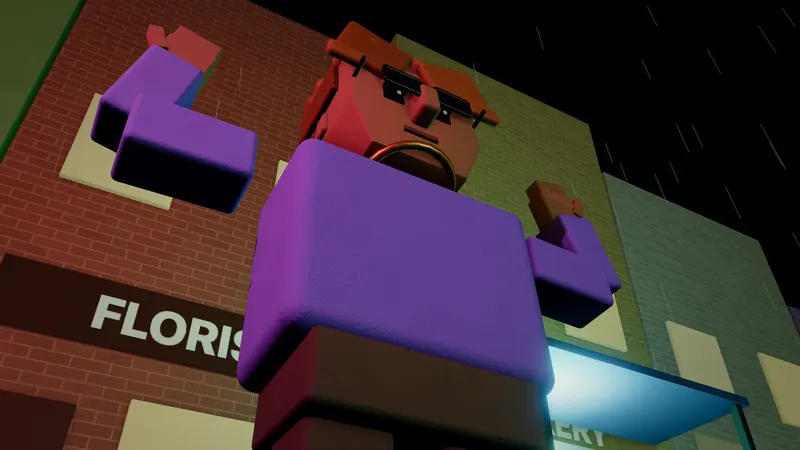
Go to Stage. You can start without an account. Pick one of 22 examples or type your idea. Kiryu builds the scene in 3D in your browser.
- 3
Fix it by chat
Say make it night, move her left, add a crowd or make the shot wider. Building and every edit you type spend no credits, within daily fair-use limits.
- 4
Write the camera move
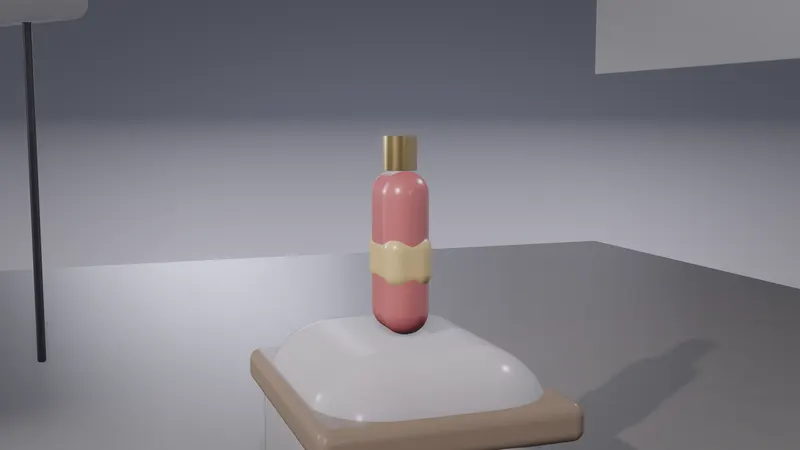
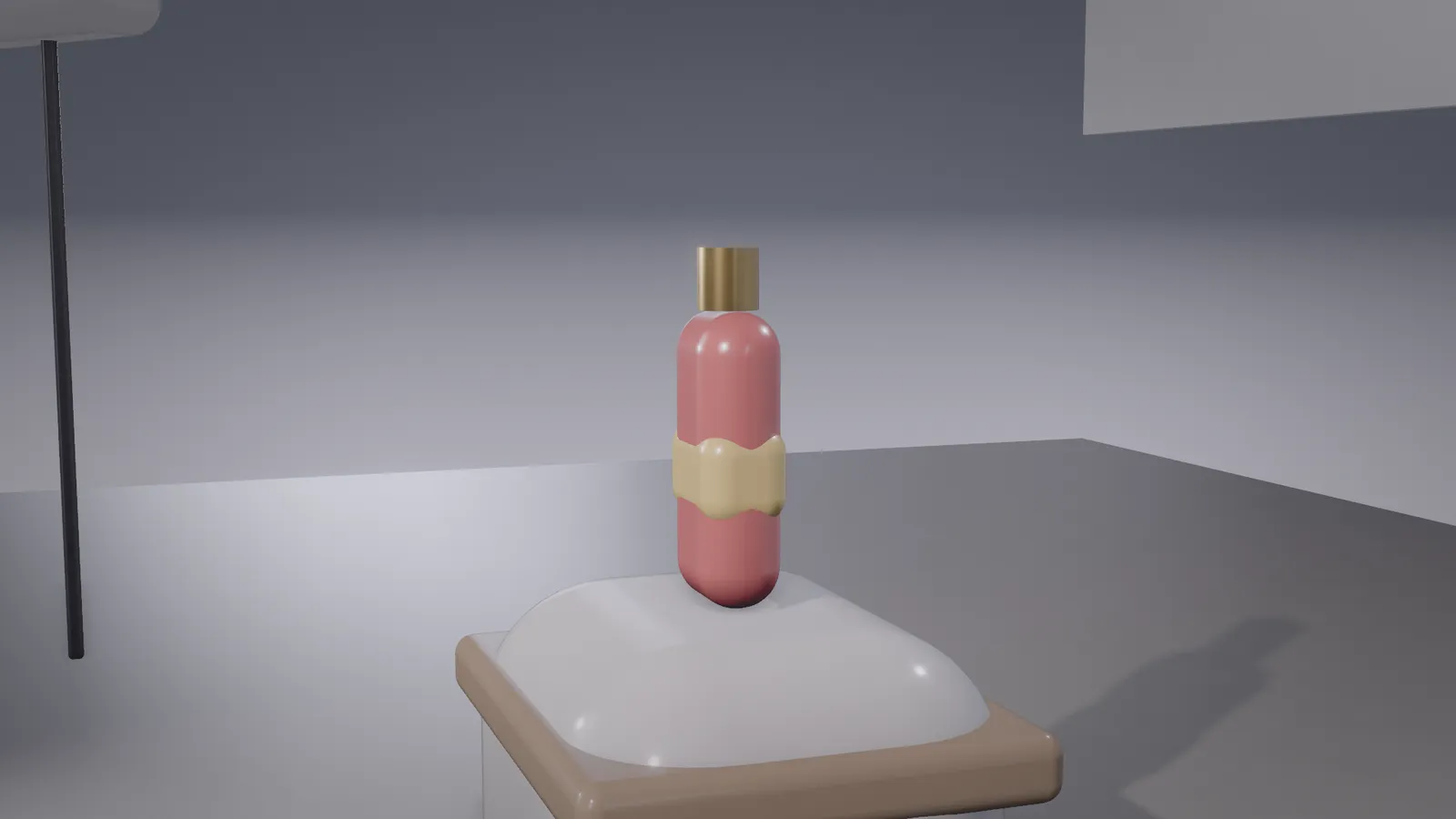
Pick a framing (11 of them), a lens (14, 24, 35, 50, 85, 135 mm) and a camera move such as push in, orbit, crash zoom or vertigo. Each move writes keys you can drag on the timeline.
- 5
Play it and check the timing
Press Space. Each shot can be up to 15 seconds and a sequence holds up to 36 shots.
- 6
Export, then decide on AI video
Export the previs video and clean start and end frame PNGs, all free. If the shot works, Make it real hands it to Seedance 2.5. Making the video needs a paid plan; free accounts can plan, preview and export the previs.
What previs is
Previs, short for previsualisation, is a rough 3D version of a shot made before the final footage. Film crews use it to decide camera positions and timing. For AI video it does a similar job: the model sees pictures and text, not your 3D scene, so a framed start frame and a clear brief carry your plan to it.
Why plan before you generate
AI video models make the motion themselves, so a vague prompt gives a different shot each time. A planned start frame fixes who stands where and how the shot is framed. You still treat the camera move as strong guidance, not a locked path.
Tools for AI previs
You can block a shot in a full 3D suite such as Blender, with or without an AI assistant driving it through MCP. That gives you full control and a long setup. Stage is the shorter route for this one job: it runs in the browser, builds from menus and keeps the camera moves editable.
Limits of Stage previs
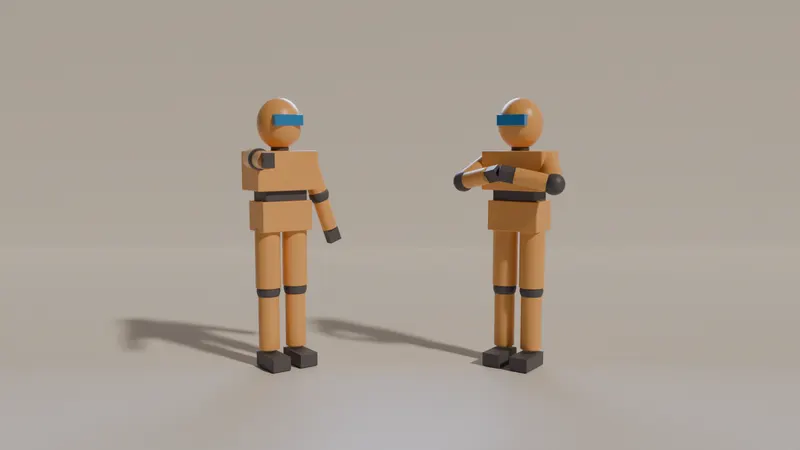
Scenes are built from menus of sets, props, characters, creatures and moves. There is no free modelling, sculpting, UV work or node materials, and it renders in real time, not path-traced. You can import your own .glb, .gltf or .vrm model. Free and signed-out exports carry a small "Staged with KreatorFlow" mark.
In Simple mode, Make it real sends Stage's own render of every shot to Seedance 2.5 (or to Kitsune, which keeps Stage's exact motion) and makes the whole video at 720p, showing the exact credits before you confirm.