Get started
From storyboard to video
- 1
Write the beats
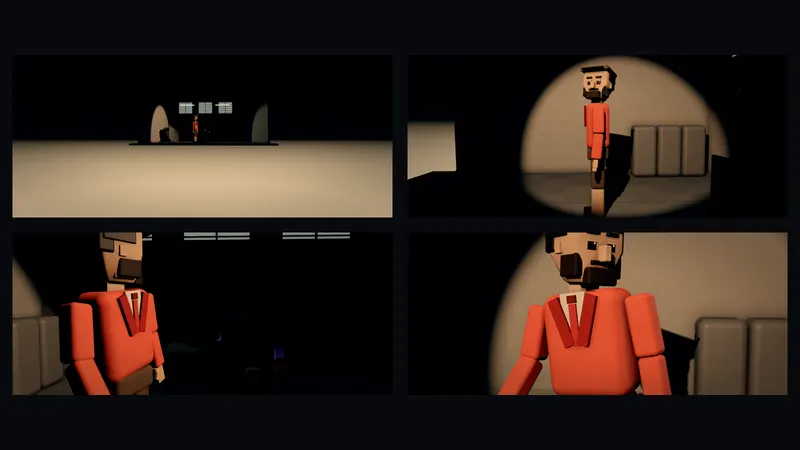
List the shots in plain words: 1 wide, a woman enters the cafe. 2 close-up on her face. 3 over the shoulder, the barista smiles.
- 2
Build it
Paste them into the Kiryu box. Each beat becomes a shot you can reorder and trim.
- 3
Fix panels
Say what is wrong in shot 2 and Kiryu changes only that.
- 4
Export the frames
In Export, download frames to get clean PNGs of the first and last frame of every shot.
- 5
Make it real
Press Make it real to turn the shots into an AI video.
Good to know
Shots run 2 to 15 seconds. Keep each request to a few sentences, and save a scene file to back up your storyboard.
Planning in Stage is free. Making the video needs a paid plan; free accounts can plan, preview and export the previs.