Guide · Seedance models
Seedance 2.0 vs Fast vs Mini vs 2.5: which model to use
Which Seedance model to use for which job: Seedance 2.0 for final renders, Fast for drafts, Mini for high-volume tests. Credits per clip at every resolution.
- Seedance 2.0
- Seedance 2.0 Fast
- Seedance 2.0 Mini
- Seedance 2.5
- seedance-1-5
Official BytePlus partner · Built on BytePlus, ByteDance's official AI platform
Short answer
Use Seedance 2.0 for final renders and anything with references (up to 9 images, 3 clips and 3 audio clips), and Seedance 2.0 Fast for quick drafts. Seedance 2.0 Mini is the pick for high-volume tests and the cheapest 1080p. Seedance 2.5 is for longer clips of up to 30 seconds. On KreatorFlow a 5-second clip at 720p costs 15 credits with Seedance 2.0 and 12 with Fast, and 5 with Mini.
Updated:
Which model for which job
- 1
Final renders: Seedance 2.0
Clips of 4 to 15 seconds at 480p, 720p, 1080p and 4K, with image, video and audio references in one generation. The model for the shot you publish.
- 2
Drafts: Seedance 2.0 Fast
Quicker and cheaper, up to 1080p. Test the prompt, the framing and the camera move here before you move to Seedance 2.0.
- 3
Volume tests and budget 1080p: Seedance 2.0 Mini
The cheapest way to try many variations. Its 1080p is rendered at 720p and upscaled to 1080p, which is why a 5-second clip costs only 7 credits.
- 4
Long clips: Seedance 2.5
Clips of 4 to 30 seconds when a shot needs more time.
One prompt, from draft to final
Test the prompt on the cheaper model, then render it with Seedance 2.0 once it works. Every render is a new take, so expect small differences.
Product
A glass perfume bottle on black marble, the camera slowly orbits it, soft studio light, gold reflections.
Travel
Drone shot at sunrise over a black-sand beach, waves breaking slowly, one person walking towards the water.
Character
@mara looks out of a night train window, city lights sliding across her face, medium shot, calm mood.
The models at a glance
Credits for a 5-second clip: the same numbers the studio charges. The studio always shows the cost before you generate.
| Model | Best for | Resolutions | Clip length | Credits per 5 s |
|---|---|---|---|---|
| Seedance 2.0 | Final renders and anything with references | 480p, 720p, 1080p and 4K | 4 to 15 s | 480p: 12 · 720p: 15 · 1080p: 25 · 4K: 70 |
| Seedance 2.0 Fast | Quick drafts and prompt tests | 480p, 720p and 1080p | 4 to 15 s | 480p: 10 · 720p: 12 · 1080p: 20 |
| Seedance 2.0 Mini | High-volume tests and the cheapest 1080p | 480p, 720p and 1080p | 4 to 15 s | 480p: 4 · 720p: 5 · 1080p: 7 |
| Seedance 2.5 | Longer clips | 480p, 720p, 1080p and 4K | 4 to 30 s | 480p: 24 · 720p: 24 · 1080p: 50 · 4K: 120 |
| seedance-1-5 | 480p, 720p and 1080p | 4 to 15 s | 480p: 2 · 720p: 5 · 1080p: 11 |
A workflow that saves credits
Make the first versions with Fast or Mini at 720p. When the shot works, render it with Seedance 2.0 at the final resolution: a 5-second clip at 1080p costs 25 credits.
If a specific face, product or style has to show up, use Seedance 2.0: it takes up to 9 image, 3 video and 3 audio references in one generation.
Price your own batch
The cost calculator tells you how many credits a batch of clips needs on each model and resolution, and which plan covers it.
KreatorFlow is an official partner of BytePlus, ByteDance's enterprise AI platform. Every model in this guide is one of ByteDance's Seedance models.
Templates for this guide
Each template has its own page with a preview, the credit cost and a link to the studio.
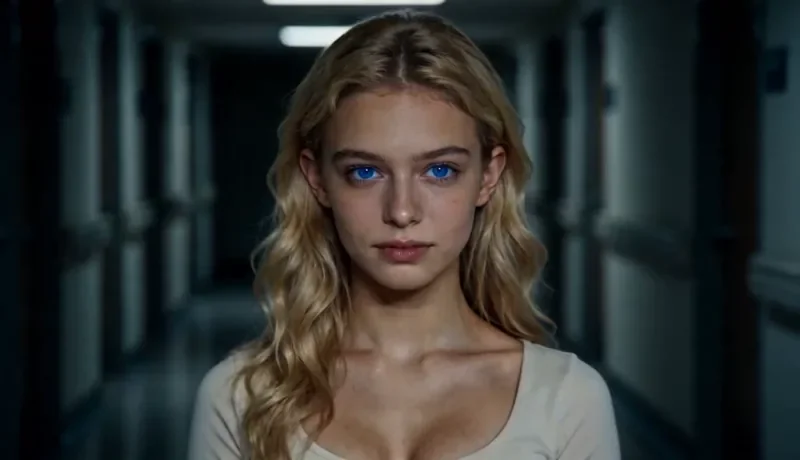
Dolly Zoom
22 creditsThe Vertigo effect: the subject stays the same size while the background stretches away behind them.
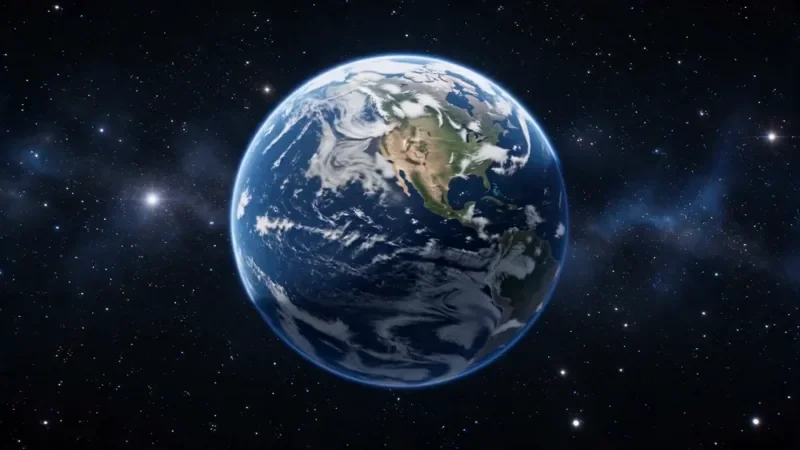
Earth Zoom
77 creditsOne continuous zoom from space, through the clouds and a city, down to a single subject in close-up.

Bullet Time
27 creditsA frozen moment with the camera orbiting 360 degrees around your subject, particles hanging in the air.
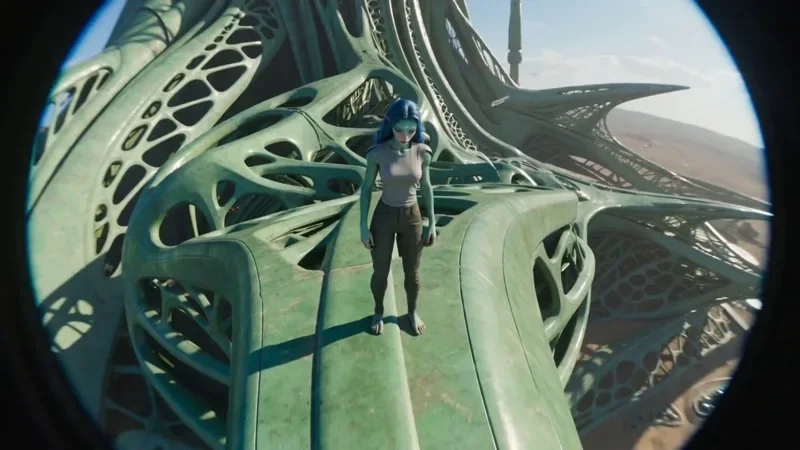
FPV Drone
42 creditsAn aggressive FPV dive down the side of a building, banking through a gap and pulling up into a low glide.
Frequently asked questions
Which Seedance model is the best?
It depends on the job: Seedance 2.0 for final renders and references, Fast for drafts, Mini for high-volume tests.
Can I use the same prompt on different models?
Yes. Draft on the cheaper model, then render the same prompt with Seedance 2.0. Each render is a new take, so expect small differences.
Is Mini's 1080p native 1080p?
No. Mini renders at 720p and upscales the result to 1080p, which makes it the cheapest way to get a 1080p clip (7 credits for 5 seconds). For the most detail, use Seedance 2.0.
Try it in the studio
New accounts get 10 starter credits for images. Video starts on the Creator plan, and the cost is shown before every generation.