Get started
From idea to video, no Blender
- 1
Type the scene
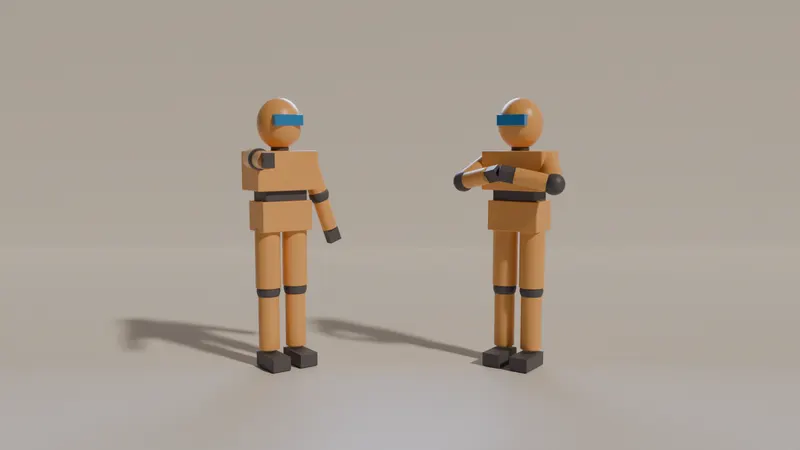
Describe it in the Kiryu box: two friends argue in a kitchen at night, the camera slowly pushes in.
- 2
Let Kiryu build it
Kiryu casts the characters, builds the set, lights it and places the camera.
- 3
Change it by talking
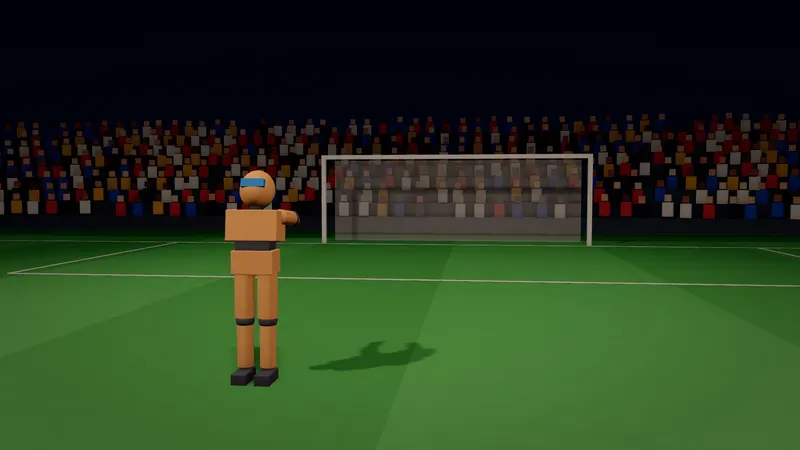
Make it golden hour. Move her left. Add a crowd. Each change is one undo.
- 4
Save the 3D video
Open Save video for a free MP4 you can post.
- 5
Make it real
For an AI video, press Make it real. It shows the credits first.
What Stage does not do
Stage is a planner, not a full 3D suite. It does not open Blender files. It does import your own .glb, .gltf and .vrm models on a computer, up to 50 MB each.
Planning in Stage is free. Making the video needs a paid plan; free accounts can plan, preview and export the previs.