 Official BytePlus partnerBuilt on BytePlus, ByteDance's official AI platform
Use case · Food
AI food video that looks good enough to eat
Food clips live on texture: syrup that folds over itself, steam, a crust that cracks. Seedance 2.0 handles slow motion and macro well when the prompt names the textures, and Generate audio adds the sizzle for free.
- 3 tested prompts
- From 12 credits a clip
- Seedance 2.0
- Seedance 2 Fast
What you can make
- Slow-motion hero shots for recipes and menus
- Overhead table spreads for social posts
- Your own dish photo turned into a steaming clip
- ASMR-style cooking clips with generated sound
Prompts that work, with their settings
Paste a prompt into the video studio, set the options listed under it and add the references in the order shown. The first upload is “the first image” in the prompt.
Slow-motion syrup pour
Thick maple syrup pours in slow motion over a stack of fluffy pancakes topped with blueberries, the syrup folding over the edges, steam rising, warm side light, dark wooden table, macro lens, the camera slowly pushes in.
- Model
- Seedance 2.0
- Aspect ratio
- 9:16
- Length
- 5 seconds
- Resolution
- 720p
- References
- None (text to video)
- Generate audio
- Off
- Cost
- 15 credits, about $0.94 on Creator
Slow motion needs Seedance 2.0's detail; five seconds is one full pour.
Overhead taco spread
Top-down view of a rustic table filled with tacos, lime wedges, salsa verde and fresh coriander, hands reach in and take tacos one by one, bright natural light, vibrant colours, the sound of a busy kitchen.
- Model
- Seedance 2.0
- Aspect ratio
- 1:1
- Length
- 6 seconds
- Resolution
- 720p
- References
- None (text to video)
- Generate audio
- On (adds no credits)
- Cost
- 18 credits, about $1.13 on Creator
Overhead and square is the classic feed format, and generated kitchen sound adds no credits.
Your dish, steaming
The dish from the first image on its plate, steam rising gently, a sprig of fresh herbs drops onto it, the camera orbits a quarter turn at table height, soft window light. Keep the food exactly as in the photo.
- Model
- Seedance 2 Fast
- Aspect ratio
- 9:16
- Length
- 5 seconds
- Resolution
- 720p
- References
- 1. A sharp photo of your plated dish
- Generate audio
- On (adds no credits)
- Cost
- 12 credits, about $0.75 on Creator
A gentle move on your own photo keeps the dish real; Fast is cheap enough to animate a whole menu.
What these clips cost
| Shot | Model | Format | Credits | Price per clip |
|---|---|---|---|---|
| Slow-motion syrup pour | Seedance 2.0 | 9:16, 5 s, 720p | 15 | $0.94 on Creator |
| Overhead taco spread | Seedance 2.0 | 1:1, 6 s, 720p | 18 | $1.13 on Creator |
| Your dish, steaming | Seedance 2 Fast | 9:16, 5 s, 720p | 12 | $0.75 on Creator |
One take of all 3 shots is 45 credits, about $2.81 on the Creator plan. Prices per clip use each plan's monthly price and its guaranteed monthly credits (Creator: $25 for 400 credits; Pro: $49 for 800), and image references add no credits.
Free accounts can make video on Seedance 2 Fast and Seedance 2.0 Mini at 480p. A plan adds every video model, including Seedance 2.0 and 2.5, 720p (1080p and 4K on Pro and above), no queue and more credits. Creator renders up to 720p; 1080p is on the Pro, Max and Business plans. The studio shows the exact cost before you generate, and credits for a failed clip come back automatically. For a whole campaign, the AI video cost calculator adds it up.
Step by step
- 1
Name the texture
Crispy, glossy, molten, flaky: texture words matter more than the dish's name.
- 2
Light it from the side
"Warm side light" or "window light" brings out steam and gloss. Flat front light makes food look flat.
- 3
Choose one action
A pour, a bite, a cut or steam. One action per clip keeps the motion clean.
- 4
Add the sound
Turn on Generate audio and describe it: sizzle, crunch, pouring. It is included in the price.
Tips for better results
- Ask for "macro lens" and "shallow focus" for close-ups that feel like a food commercial.
- Steam and smoke read better on a dark background.
- Keep hands in frame when people take food: it makes the clip feel alive without showing faces.
- For a menu, animate each dish photo with the same move and light so the set looks consistent.
Mistakes to avoid
- Too many dishes in one shot: the model invents food at the edges.
- Fast camera moves around liquids: pours look best slow.
- Showing a dish you do not serve: if the clip is for your restaurant, start from a photo of the real plate.
Camera templates that fit
One-click camera moves from the template library. A template adds 2 credits to the clip's price; the card shows the total.
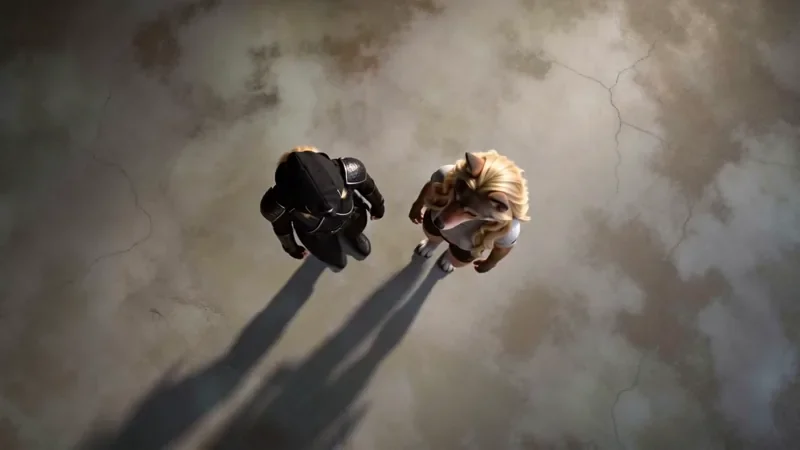
Top Down
32 creditsA perfectly overhead, 90-degree view that turns your scene into a clean, symmetrical composition.
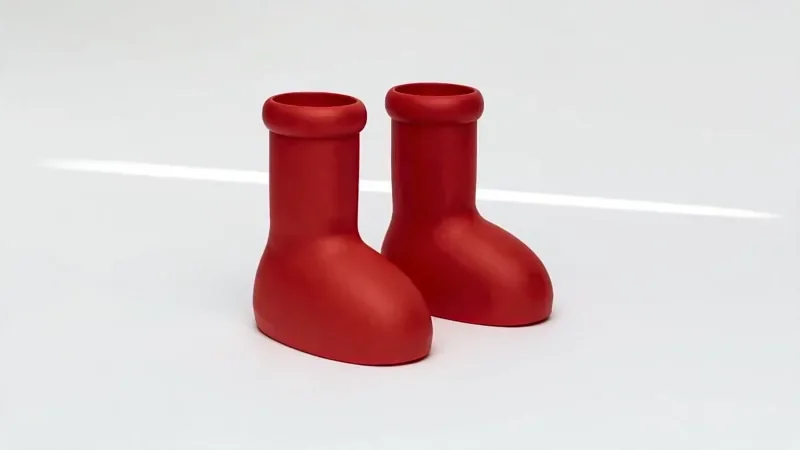
Product Reveal
32 creditsA short cinematic reveal with a smooth camera move and premium lighting for ads and storefronts.
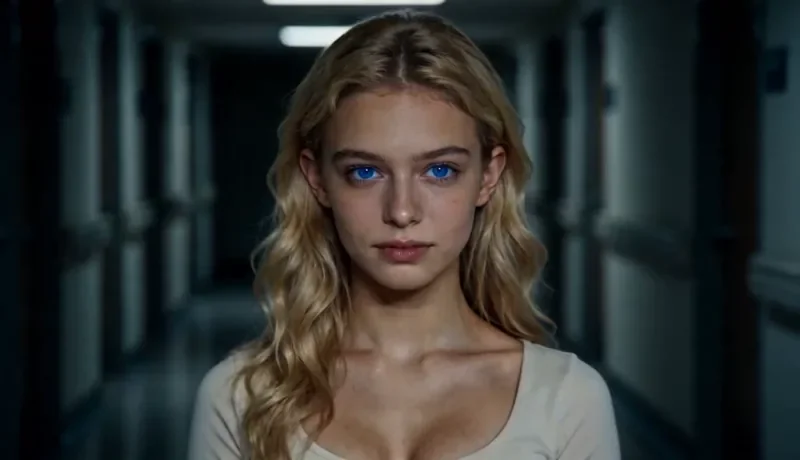
Dolly Zoom
22 creditsThe Vertigo effect: the subject stays the same size while the background stretches away behind them.
Questions
Can AI add the sizzling sound to a food video?
Yes. Turn on Generate audio and describe the sound in the prompt (sizzling, crunching, pouring). On Seedance 2.x it adds no credits.
Can I animate a photo of my own dish?
Yes. Add the photo as the first image and ask for steam, a garnish dropping in or a slow orbit. A 5-second Seedance 2 Fast clip at 720p is 12 credits.
What makes AI food look real?
Texture words, side light, macro framing and one slow action. Avoid wide shots of crowded tables, where small details get invented.
Make your first food clip
Copy a prompt above, open the video studio and generate. The cheapest shot on this page is 12 credits.