Guide · Image to video
Image to video with AI: how to get consistent results
How to turn a photo into an AI video that still looks like the original: choosing the image, writing the motion prompt and using up to 9 references.
- Up to 9 image references
- 4 to 15 s
- 15 credits for 5 s at 720p
Official BytePlus partner · Built on BytePlus, ByteDance's official AI platform
Short answer
Start from a sharp, well-lit image, then describe only what should move and how the camera behaves; do not re-describe what is already in the picture. With Seedance 2.0 you can add up to 9 reference images (for example a character, a product and a location) to one generation. For people you want to reuse, save them as a character first. A 5-second clip costs 15 credits at 720p.
Updated:
Step by step
- 1
Choose the right image
Sharp, evenly lit and uncluttered. Faces front-facing or three-quarter, products fully in frame. The model can only keep what it can see.
- 2
Open image to video
In the video studio, switch to image to video and upload the photo or pick one from your assets.
- 3
Describe the motion, not the picture
"She turns towards the camera and smiles as the wind moves her hair. Slow push in." The image already shows who she is.
- 4
Keep the move modest
Small, natural motion keeps the subject recognisable. A full 360 spin from one photo asks the model to invent the sides it has never seen.
- 5
Add references for anything exact
Use extra references for a product, a logo or a second person. Up to 9 images fit in one generation.
Motion prompts for photos
Portrait
She looks up from her book and smiles at the camera. Soft window light, slow push in, gentle breeze through the curtains.
Product
The perfume bottle rotates slowly on its base as light sweeps across the glass. Static camera, dark studio background.
Landscape
Clouds drift across the mountains and the lake ripples in the wind. Slow pan right.
Which model to use
Seedance 2.0 takes several references at once, so it suits scenes that combine a person, a product and a place. Seedance 1.5 uses a single image as the opening frame, which is useful when the first frame must match your photo exactly; 5 seconds at 720p costs 5 credits.
Photos of real people
Only animate photos you have the rights and consent to use. Photo references are registered in BytePlus's trusted asset library before the render, and the Acceptable Use Policy applies to every generation.
Templates for this guide
Each template has its own page with a preview, the credit cost and a link to the studio.
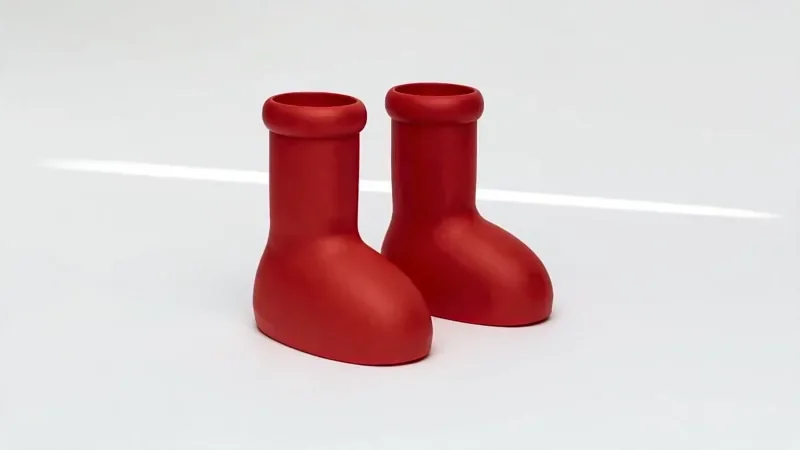
Product Reveal
32 creditsA short cinematic reveal with a smooth camera move and premium lighting for ads and storefronts.
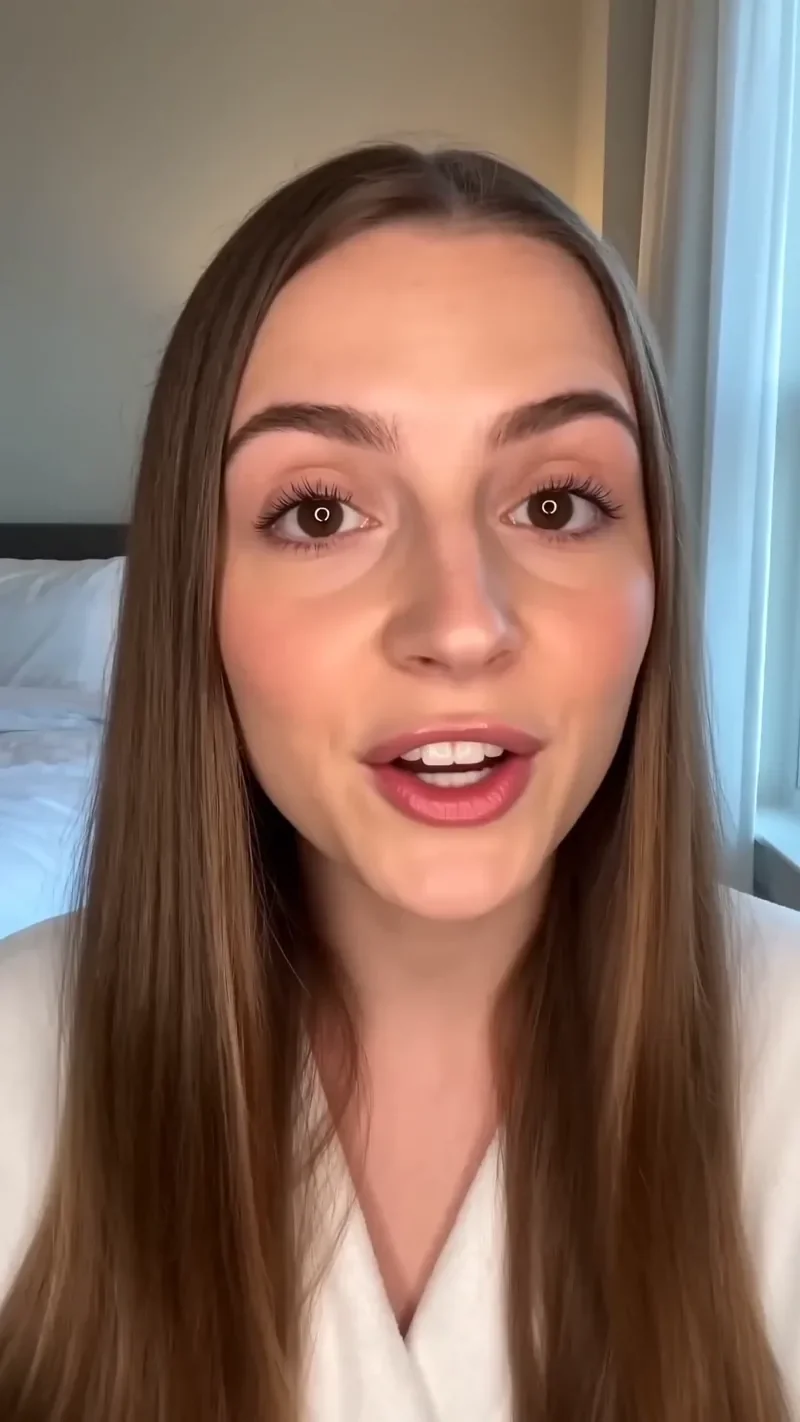
UGC Hook
42 creditsA vertical, social-first UGC opener with handheld movement and the product clearly in frame.
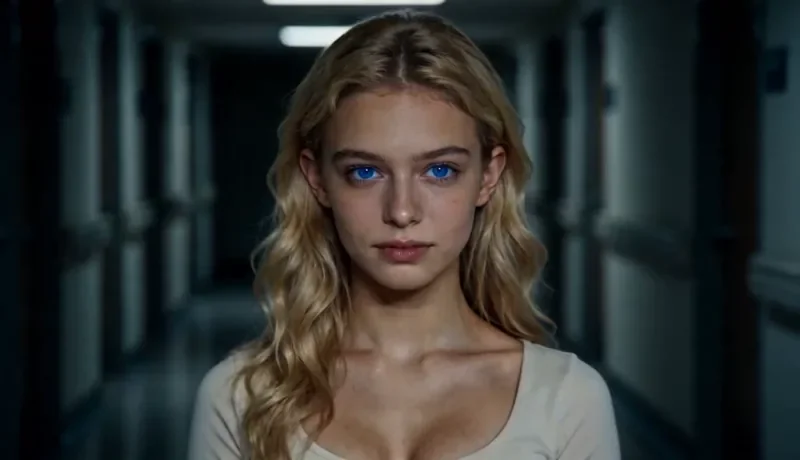
Dolly Zoom
22 creditsThe Vertigo effect: the subject stays the same size while the background stretches away behind them.
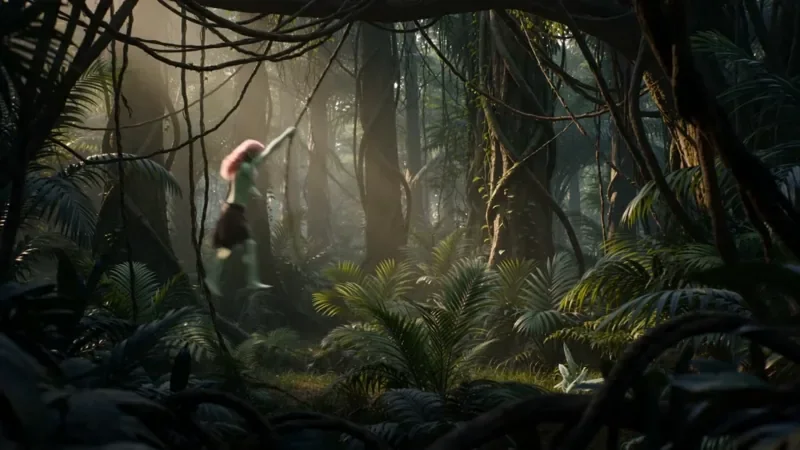
Multi Angle Shot
42 creditsOne action shown from three angles with hard cuts: a wide shot, an extreme close-up and a reverse angle.
Frequently asked questions
Why does the face change during the clip?
Usually because the photo is small, blurred or at a steep angle, or because the prompt asks for a big movement. Use a clearer photo, a smaller move, or save the person as a character.
Can I animate an image I made with AI?
Yes. Images from the image studio (2 credits each with Seedream 4.5) can go straight into image to video.
How much does it cost?
A 5-second Seedance 2.0 clip costs 15 credits at 720p or 25 at 1080p. Seedance 2.0 Fast costs 12 credits for 5 seconds at 720p. The studio shows the exact cost before you generate.
Try it in the studio
New accounts get 10 starter credits for images. Video starts on the Creator plan, and the cost is shown before every generation.