Video template
Through the Window Drone AI Video Effect
Flying a drone through a window is one of the most satisfying transitions in video, and one of the hardest to pull off. This template scripts the move: approach an opening, pass through it and continue into a completely different space.
- Seedance 2.0
- 10 seconds
- 16:9 default
- 82 credits at 1080p
- Audio included
How it works
Built on BytePlus ModelArk, ByteDance's official AI platform. This template renders with Seedance 2.0 through BytePlus.
- 1
Open Through the Window Drone in the studio
The video studio opens with the template applied: Seedance 2.0, 10-second timing and 16:9 framing are set for you.
- 2
Describe your shot
Describe the outside scene, the opening the camera flies through, the room inside and what happens there. You can also add a photo or a saved character as a reference.
- 3
Generate and download
The studio shows the credit cost before you start. The default 1080p render is 82 credits (56 at 720p).
What the Through the Window Drone template does
Over 10 seconds the camera glides towards a window, doorway or other opening, speeds up as it passes through and slows down to reveal the interior. The exterior and interior are kept visually distinct, and light bleeds through the opening during the pass so the transition feels continuous.
Something in the interior starts moving as the camera arrives, which gives the reveal a payoff. You choose both scenes, their lighting and that interior action.
Example prompt: Glide across a snowy garden and through a frosted window into a warm cabin where a family is opening gifts.
Great for
- Real estate, hotels and hospitality
- Venue and restaurant reveals
- Story transitions from outside to inside
Questions
How many credits does the Through the Window Drone template cost?
82 credits for the default 10-second 1080p render, or 56 credits at 720p. That includes the 2-credit template fee. The studio shows the exact cost before you generate, and higher resolutions cost more.
Do I need to upload a photo?
No. You can describe the subject in words. If you want a specific person, add a photo or one of your saved characters as a reference in the studio.
Which AI model makes the Through the Window Drone video?
Seedance 2.0. While the template is applied it keeps the model, source mode, audio setting and timing matched so the shot renders as designed. You can still change quality and aspect ratio (the default is 16:9). Clips include generated audio by default.
Do I need a subscription?
Templates run on credits, so you can use them with a monthly plan or with a one-off credit pack. On the Creator plan video renders at up to 720p; Pro, Max and Business can also render 1080p and 4K.
Related video effects
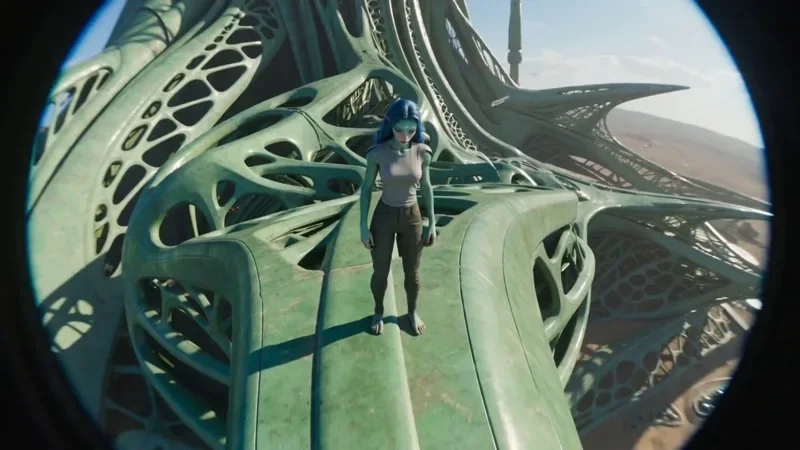
FPV Drone
66 creditsAn aggressive FPV dive down the side of a building, banking through a gap and pulling up into a low glide.
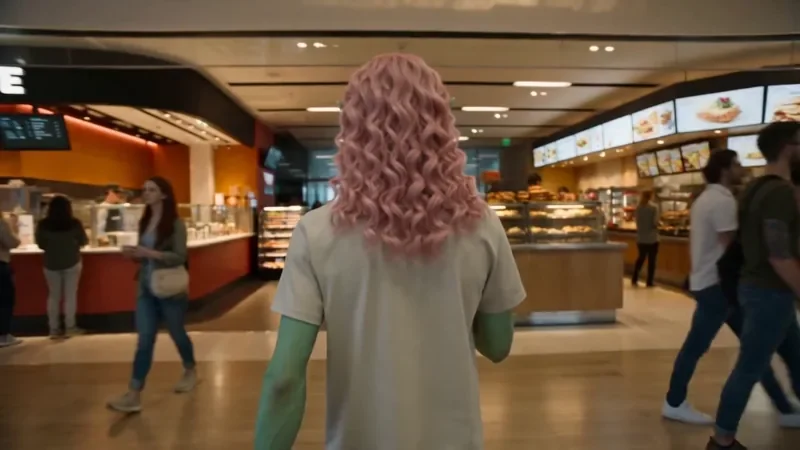
One Take
122 creditsA continuous long take that follows your subject from one space into the next with no cuts.
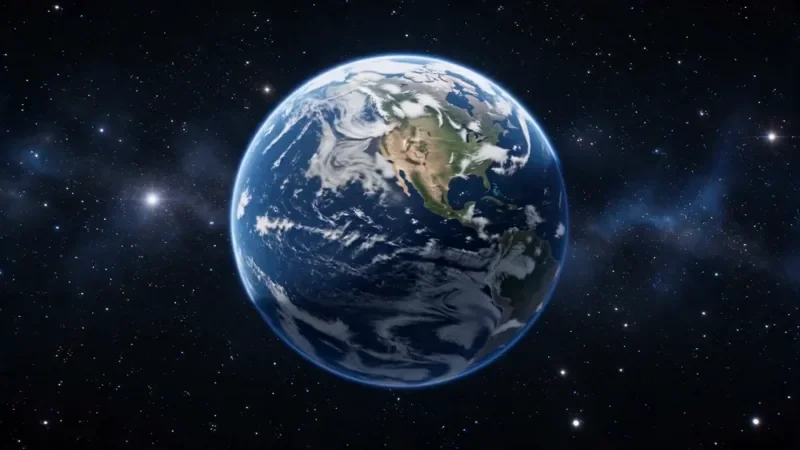
Earth Zoom
122 creditsOne continuous zoom from space, through the clouds and a city, down to a single subject in close-up.
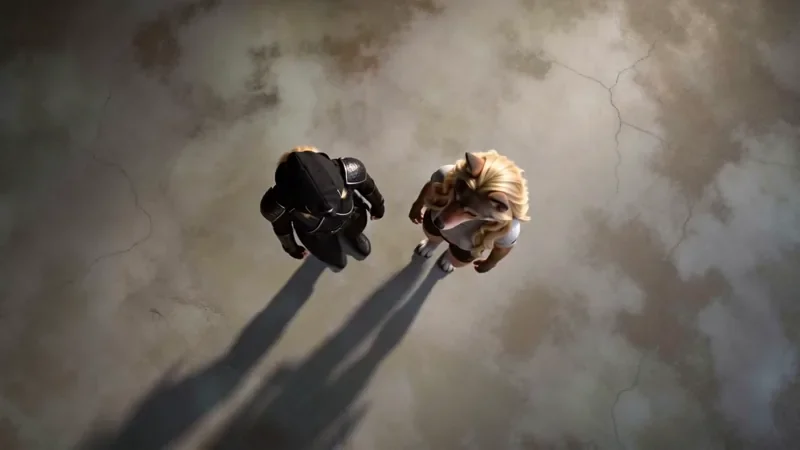
Top Down
50 creditsA perfectly overhead, 90-degree view that turns your scene into a clean, symmetrical composition.
Make your own Through the Window Drone video
Open the template in the video studio, describe your shot and generate. New accounts get 10 starter credits.