Seedance 2.0 on KreatorFlow
Seedance 2.0 AI video generator
Write a prompt or add a photo and Seedance 2.0 turns it into a cinematic clip of 4 to 15 seconds, in 480p, 720p, 1080p or 4K, with generated audio if you want it. KreatorFlow wraps the model in a studio with references, saved characters and one-click camera templates.
- Text to video
- Image to video
- 480p to 4K
- 4 to 15 seconds
- Generated audio
What you can make with Seedance 2.0
Seedance 2.0 is a video model that understands camera language. Ask for a slow push-in, an orbit, a crane down or a handheld feel and it follows the direction, while keeping the subject and the scene coherent across the shot. That makes it a good fit for ads, music videos, short films, product content and social clips where the camera move carries the story.
In the KreatorFlow video studio you pick the model, choose a mode and describe the shot. The same studio handles text to video when you start from words only, image to video when you want to animate a still, and video to video when you want to transform a clip you already have. You can also switch to Seedance 2 Fast for quicker, cheaper drafts, then render the keeper with the standard model.
Every finished clip is saved to your assets, so you can reuse it as a reference, download it or publish it to your portfolio.
Seedance 2.0 features in the studio
720p, 1080p and 4K output
Choose 480p for fast tests, 720p for social, or 1080p and 4K for final delivery. Higher resolutions are finished with an upscaling pass and cost more credits.
4 to 15 second clips
Set the length yourself or let smart duration pick one that fits the prompt. Longer clips cost proportionally more.
Image to video
Add a photo and describe what should happen. The model animates your image while keeping the subject recognisable.
Rich references
Guide a shot with up to 9 images, 3 clips and 3 audio references in one generation.
Saved characters
Create a character once in the character studio, then call it with its @handle to keep the same face across videos.
Aspect ratios for every feed
Render 16:9, 4:3, 1:1, 3:4, 9:16, 21:9. Vertical 9:16 for Reels, Shorts and TikTok; 16:9 or 21:9 for widescreen.
How to make a Seedance 2.0 video
- 1
Choose a mode
Open the video studio and pick text to video, image to video or video to video. Seedance 2.0 is selected by default.
- 2
Describe the shot
Write what happens and how the camera moves. Add images, clips or a saved character as references if you want a specific look or subject.
- 3
Pick quality and generate
Set resolution, aspect ratio and length. The credit cost updates as you change settings, and you confirm before anything is charged.
What a Seedance 2.0 clip costs
Credits are calculated from the clip length and resolution. These are the prices for a 5-second clip with the standard model.
5 seconds at 480p
15
credits
5 seconds at 720p
27
credits
5 seconds at 1080p
40
credits
5 seconds at 4K
120
credits
Plans start at $19 for the first month on Creator ($25 a month after that) with 500 credits a month, and credit packs are available without a subscription. Camera templates add 2 credits to a render. See pricing for every plan and pack.
One-click Seedance 2.0 templates
Templates package a tested camera recipe with the right settings. Pick one, describe your subject and generate.
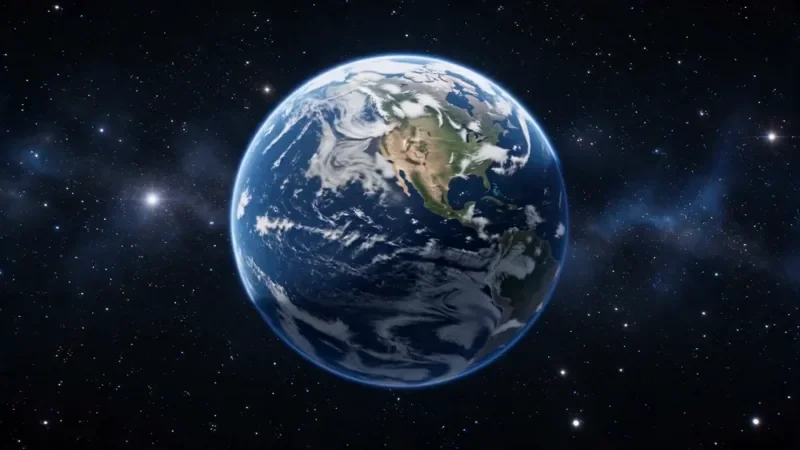
Earth Zoom
122 creditsOne continuous zoom from space, through the clouds and a city, down to a single subject in close-up.
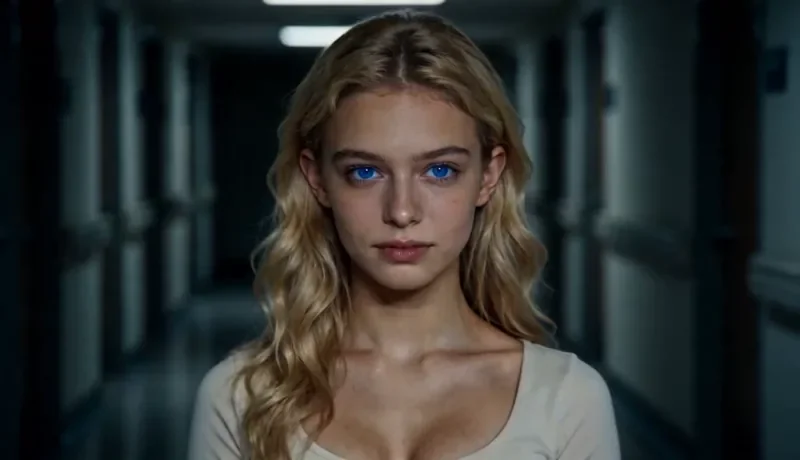
Dolly Zoom
34 creditsThe Vertigo effect: the subject stays the same size while the background stretches away behind them.
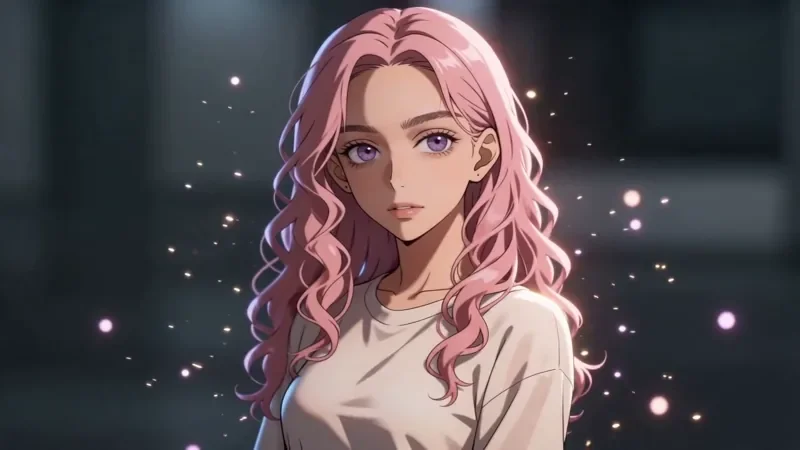
Bullet Time
42 creditsA frozen moment with the camera orbiting 360 degrees around your subject, particles hanging in the air.
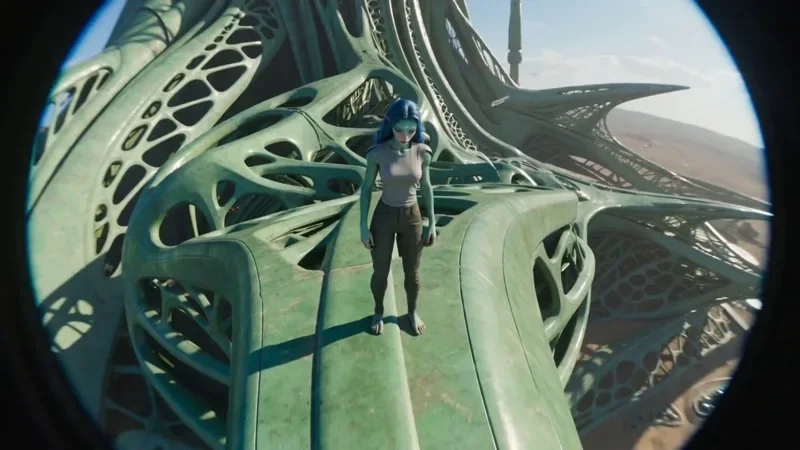
FPV Drone
66 creditsAn aggressive FPV dive down the side of a building, banking through a gap and pulling up into a low glide.
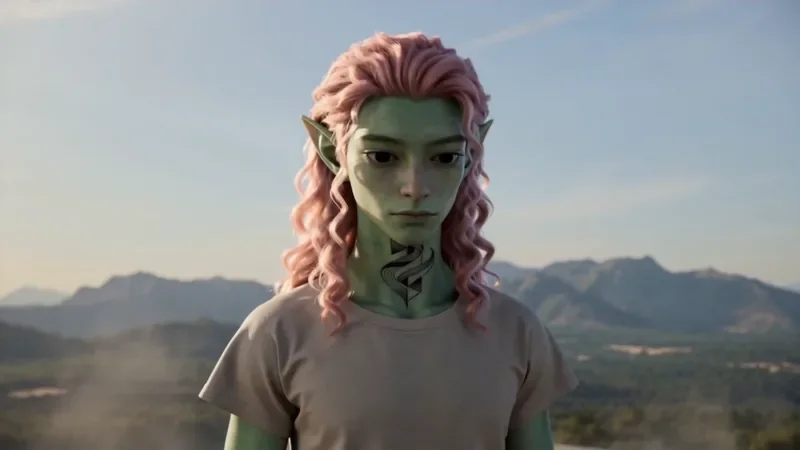
Spiral Ascend
66 creditsThe camera orbits your subject while rising, finishing directly overhead in a bird's-eye view.
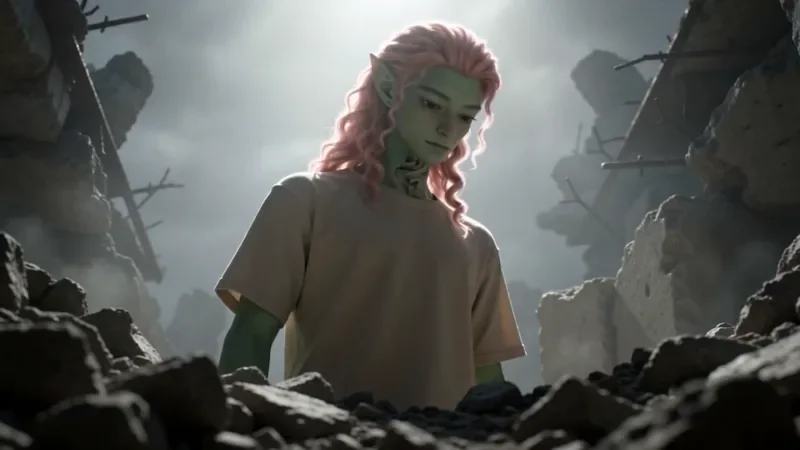
Worm's Eye Hero Shot
50 creditsAn extreme low angle from the ground that makes your subject tower over the camera, backlit against the sky.
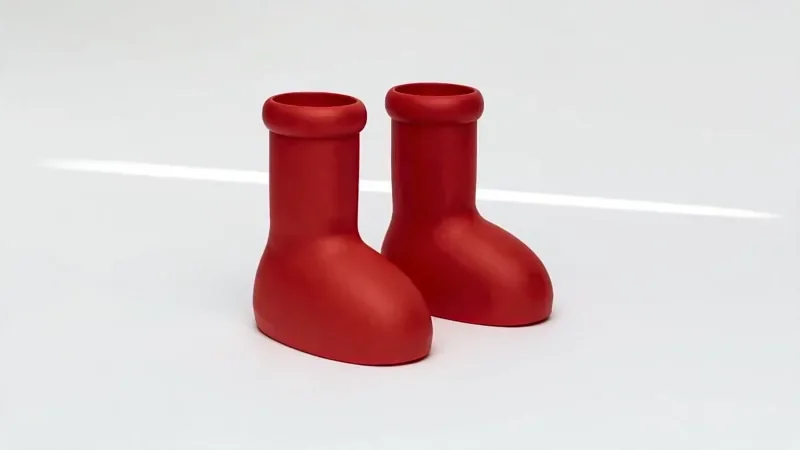
Product Reveal
50 creditsA short cinematic reveal with a smooth camera move and premium lighting for ads and storefronts.
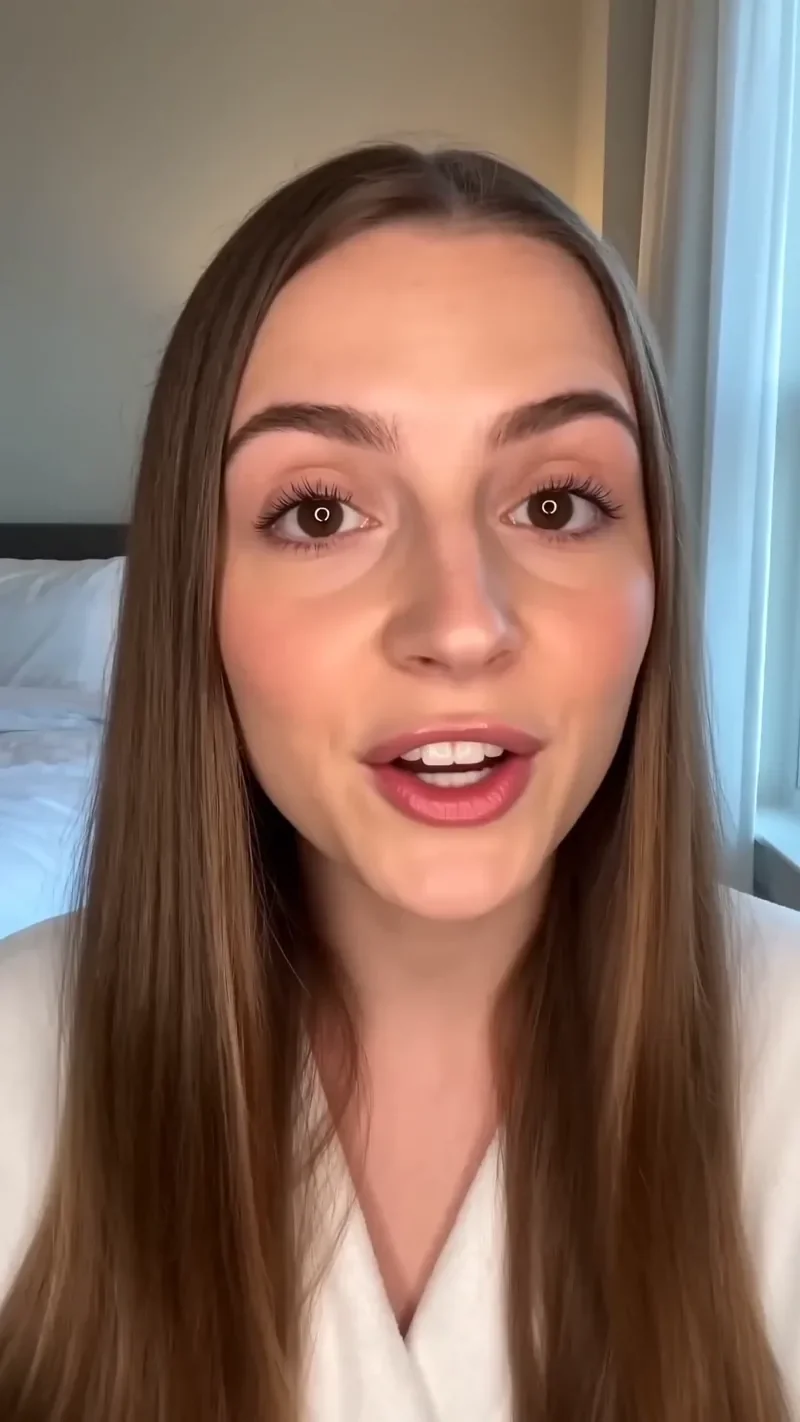
UGC Hook
66 creditsA vertical, social-first UGC opener with handheld movement and the product clearly in frame.
Tips for better Seedance 2.0 prompts
Describe the shot the way a director would. Name the subject, the setting, the light and the camera move in plain sentences, and keep one main action per clip. Short clips of 4 to 8 seconds are easier to control than long ones, so test an idea at 480p or 720p, then render the final version at a higher resolution once the motion looks right.
If you need the same person in several shots, build them once in the AI character generator and reuse the character as a reference. To animate a picture you already have, start from the image to video mode.
Seedance 2.0 questions
What is Seedance 2.0?
Seedance 2.0 is a video generation model from ByteDance. On KreatorFlow you use it from the video studio to turn a text prompt, one or more images, or reference clips into a short video with optional generated audio. KreatorFlow is a BytePlus partner, built on BytePlus ModelArk, ByteDance's official AI platform, and runs Seedance 2.0 through it.
Is there a Seedance 2.0 API?
Yes. The KreatorFlow developer API exposes Seedance 2.0, Seedance 2 Fast and Seedream through /v1 endpoints with one API key, prepaid tokens, uploads and webhooks. See the Seedance 2.0 API page for pricing and a curl example.
What resolutions and lengths can I make?
Seedance 2.0 on KreatorFlow renders at 480p, 720p, 1080p or 4K, and clips run from 4 to 15 seconds. 1080p and 4K are finished with an upscaling pass. Aspect ratios are 16:9, 4:3, 1:1, 3:4, 9:16, 21:9.
How many credits does a Seedance 2.0 video cost?
It depends on length and resolution. A 5-second clip costs 15 credits at 480p, 27 credits at 720p, 40 credits at 1080p, 120 credits at 4K. Seedance 2 Fast is cheaper for drafts, for example 17 credits for 5 seconds at 720p. The studio always shows the cost before you generate.
Can I use my own images and clips as references?
Yes. Seedance 2.0 in the studio accepts up to 9 reference images, 3 reference clips and 3 audio references, and your saved characters can be dropped into a prompt by their @handle.
Which plan do I need for 1080p and 4K?
The Creator plan renders video at up to 720p. Pro, Max and Business can also render 1080p and 4K. Credit packs work on any account. New accounts get 10 one-time starter credits.
Try Seedance 2.0 on KreatorFlow
Open the video studio and make your first clip. New accounts get 10 starter credits to explore the studio.