Video template
Crane Down Sky Reveal AI Video Effect
A crane-down reveal opens high in the air and descends to ground level, uncovering the subject only once the camera drops below a layer of cloud, canopy or structure. This template scripts the whole descent in one smooth move.
- Seedance 2.0
- 8 seconds
- 16:9 default
- 66 credits at 1080p
- Audio included
How it works
Built on BytePlus ModelArk, ByteDance's official AI platform. This template renders with Seedance 2.0 through BytePlus.
- 1
Open Crane Down Sky Reveal in the studio
The video studio opens with the template applied: Seedance 2.0, 8-second timing and 16:9 framing are set for you.
- 2
Describe your shot
Describe the setting from above, what the camera passes through on the way down and what your subject is doing when they come into view. You can also add a photo or a saved character as a reference.
- 3
Generate and download
The studio shows the credit cost before you start. The default 1080p render is 66 credits (45 at 720p).
What the Crane Down Sky Reveal template does
The camera starts roughly 50 metres up, tilted down, and lowers in a continuous crane move while the tilt levels out to nearly horizontal. The environment reads at several scales on the way: wide aerial context, then mid-scale architecture or landscape, then close ground detail.
Your subject appears midway, already in the middle of an action you choose, and the shot ends on a medium framing of them. It is an 8-second establishing shot that also introduces a character.
Example prompt: Descend through morning mist over a pine forest to a hiker lighting a camp stove.
Great for
- Establishing shots for travel, real estate and outdoor brands
- Character introductions in short films
- Event and venue reveals
Questions
How many credits does the Crane Down Sky Reveal template cost?
66 credits for the default 8-second 1080p render, or 45 credits at 720p. That includes the 2-credit template fee. The studio shows the exact cost before you generate, and higher resolutions cost more.
Do I need to upload a photo?
No. You can describe the subject in words. If you want a specific person, add a photo or one of your saved characters as a reference in the studio.
Which AI model makes the Crane Down Sky Reveal video?
Seedance 2.0. While the template is applied it keeps the model, source mode, audio setting and timing matched so the shot renders as designed. You can still change quality and aspect ratio (the default is 16:9). Clips include generated audio by default.
Do I need a subscription?
Templates run on credits, so you can use them with a monthly plan or with a one-off credit pack. On the Creator plan video renders at up to 720p; Pro, Max and Business can also render 1080p and 4K.
Related video effects
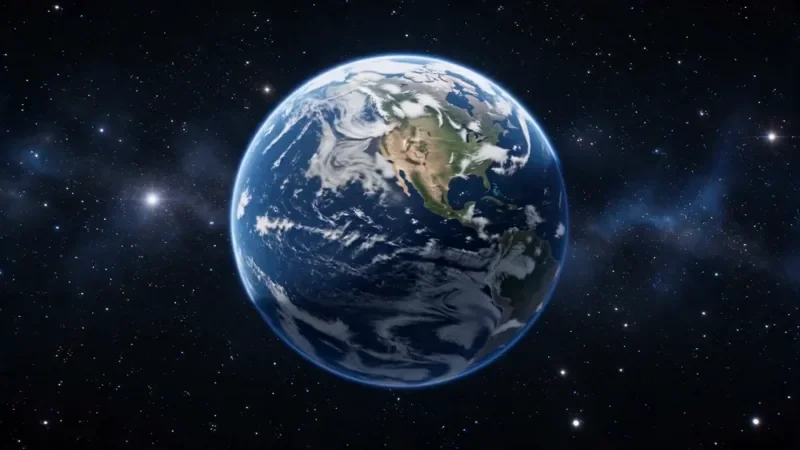
Earth Zoom
122 creditsOne continuous zoom from space, through the clouds and a city, down to a single subject in close-up.
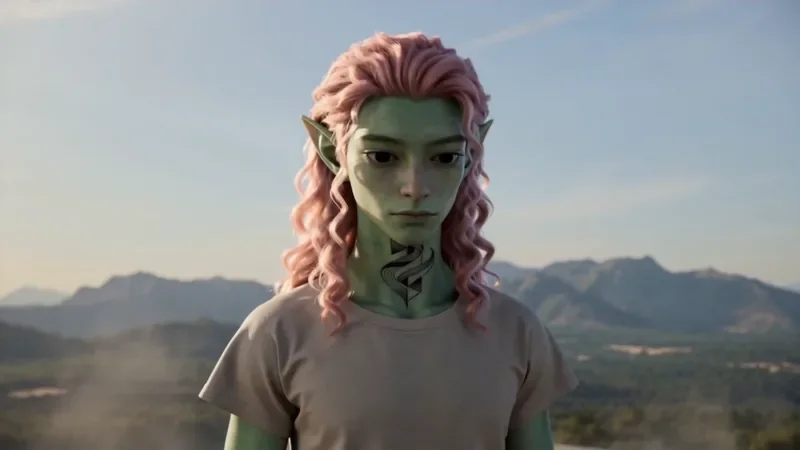
Spiral Ascend
66 creditsThe camera orbits your subject while rising, finishing directly overhead in a bird's-eye view.
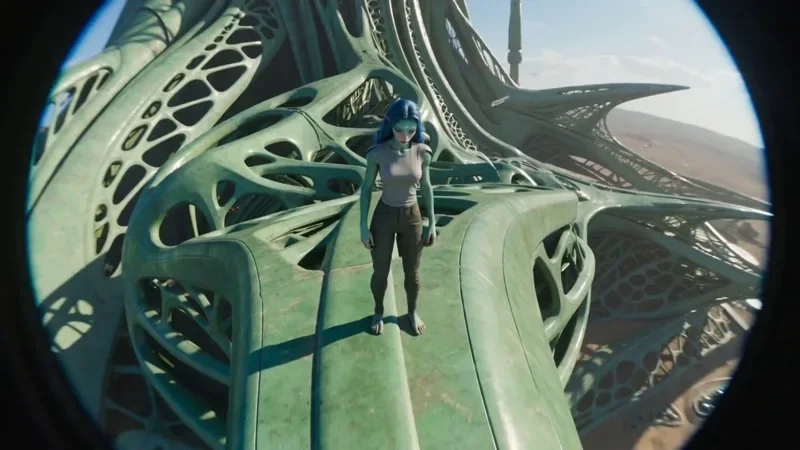
FPV Drone
66 creditsAn aggressive FPV dive down the side of a building, banking through a gap and pulling up into a low glide.
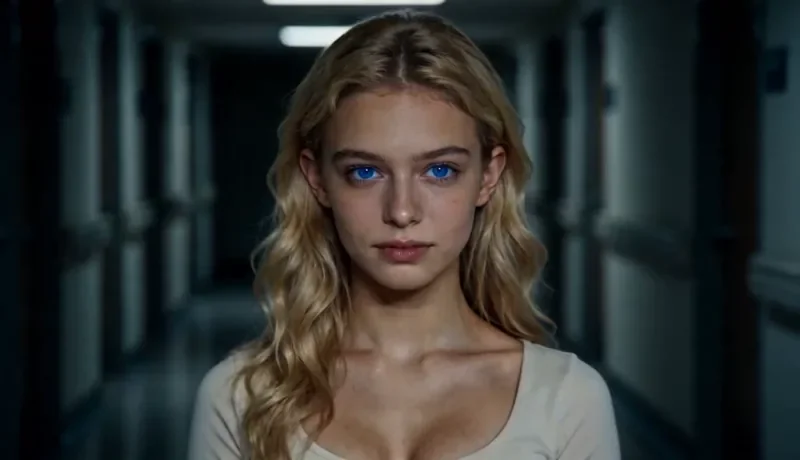
Dolly Zoom
34 creditsThe Vertigo effect: the subject stays the same size while the background stretches away behind them.
Make your own Crane Down Sky Reveal video
Open the template in the video studio, describe your shot and generate. New accounts get 10 starter credits.