Video template
Dolly Zoom AI Video Effect
The dolly zoom is the shot Hitchcock made famous in Vertigo: the camera pulls back while the lens zooms in, so your subject holds still in frame and the world behind them warps. This template sets up that move for you.
- Seedance 2.0
- 4 seconds
- 16:9 default
- 34 credits at 1080p
- Audio included
How it works
Built on BytePlus ModelArk, ByteDance's official AI platform. This template renders with Seedance 2.0 through BytePlus.
- 1
Open Dolly Zoom in the studio
The video studio opens with the template applied: Seedance 2.0, 4-second timing and 16:9 framing are set for you.
- 2
Describe your shot
Describe who is in the shot and where they are. Pick a location with obvious depth, like a long corridor or an open road. You can also add a photo or a saved character as a reference.
- 3
Generate and download
The studio shows the credit cost before you start. The default 1080p render is 34 credits (24 at 720p).
What the Dolly Zoom template does
Doing it for real needs a dolly, a zoom lens and a lot of practice to keep the subject the same size. The KreatorFlow template writes the camera direction for you: the camera travels backward, the lens zooms in at the same rate, and the background stretches behind a subject that stays centred.
It works best when the setting has strong depth, such as a long hallway, a street that runs to the horizon or a row of columns, because that is where the stretch reads clearly. Keep the subject mostly still; a small change of expression, like a realisation dawning, is enough.
Example prompt: A young woman in a red coat at the end of a long hotel corridor, realising she is not alone.
Great for
- Reaction and realisation moments in short films and trailers
- Dramatic beats in music videos and social edits
- Horror, thriller and suspense openers
Questions
Why does the background stretch in a dolly zoom?
The camera moves away from the subject while the lens zooms in. The two moves cancel out for the subject, so it stays the same size, but the background changes perspective and appears to grow or stretch behind them.
How many credits does the Dolly Zoom template cost?
34 credits for the default 4-second 1080p render, or 24 credits at 720p. That includes the 2-credit template fee. The studio shows the exact cost before you generate, and higher resolutions cost more.
Do I need to upload a photo?
No. You can describe the subject in words. If you want a specific person, add a photo or one of your saved characters as a reference in the studio.
Which AI model makes the Dolly Zoom video?
Seedance 2.0. While the template is applied it keeps the model, source mode, audio setting and timing matched so the shot renders as designed. You can still change quality and aspect ratio (the default is 16:9). Clips include generated audio by default.
Do I need a subscription?
Templates run on credits, so you can use them with a monthly plan or with a one-off credit pack. On the Creator plan video renders at up to 720p; Pro, Max and Business can also render 1080p and 4K.
Related video effects
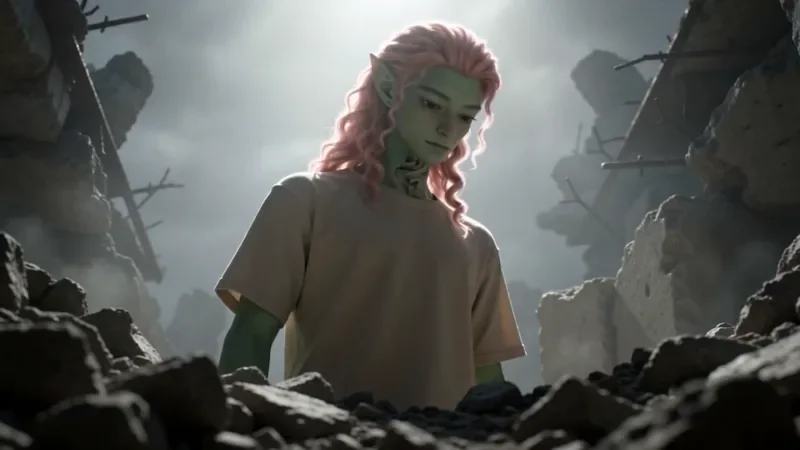
Worm's Eye Hero Shot
50 creditsAn extreme low angle from the ground that makes your subject tower over the camera, backlit against the sky.
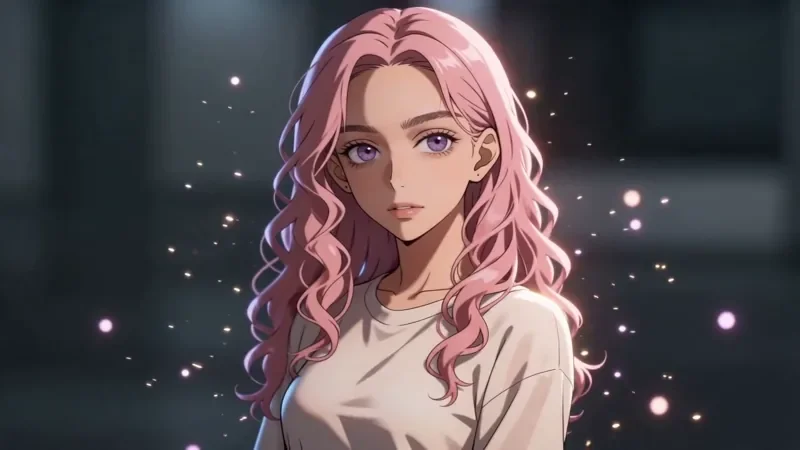
Bullet Time
42 creditsA frozen moment with the camera orbiting 360 degrees around your subject, particles hanging in the air.
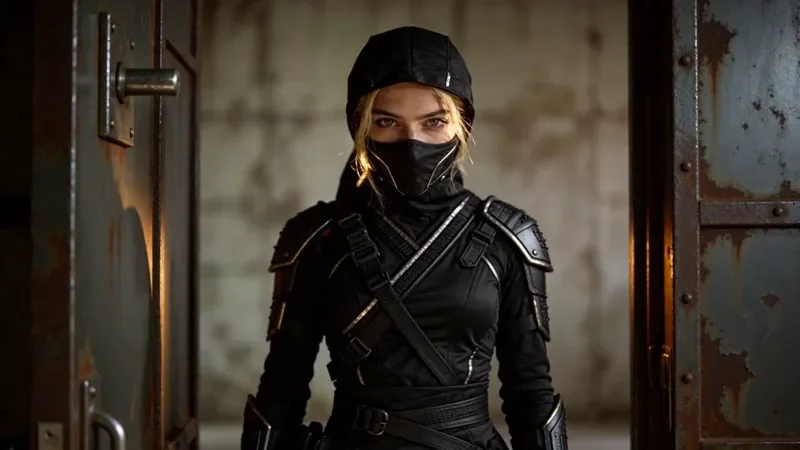
Whip Pan Transition
42 creditsA fast whip pan with motion blur that lands in a new scene, matched on an object in the same spot.
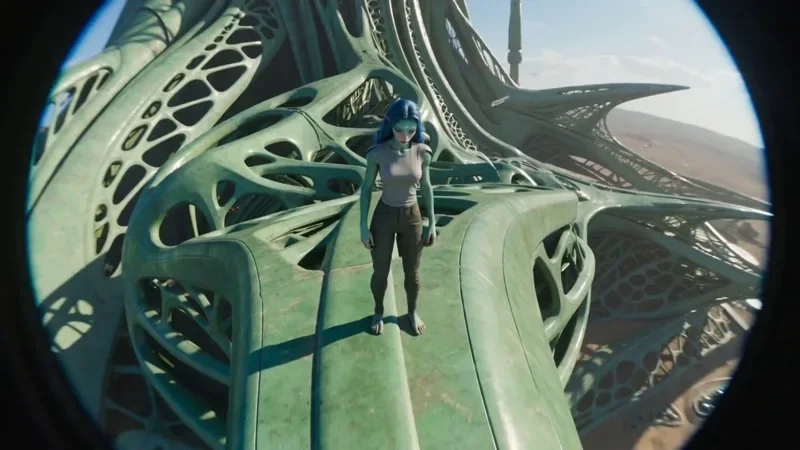
FPV Drone
66 creditsAn aggressive FPV dive down the side of a building, banking through a gap and pulling up into a low glide.
Make your own Dolly Zoom video
Open the template in the video studio, describe your shot and generate. New accounts get 10 starter credits.