Video template
Product Reveal AI Video Template
A good product reveal makes an everyday object look premium. This template gives you a short cinematic reveal with a smooth camera move, studio-grade lighting and a sharp commercial finish.
- Seedance 2.0
- 6 seconds
- 16:9 default
- 50 credits at 1080p
How it works
Built on BytePlus ModelArk, ByteDance's official AI platform. This template renders with Seedance 2.0 through BytePlus.
- 1
Open Product Reveal in the studio
The video studio opens with the template applied: Seedance 2.0, 6-second timing and 16:9 framing are set for you.
- 2
Describe your shot
Describe the product, the surface it sits on and the mood. Add a product photo or clip if you want your exact product. A reference photo or clip is optional.
- 3
Generate and download
The studio shows the credit cost before you start. The default 1080p render is 50 credits (34 at 720p).
What the Product Reveal template does
You can add a photo or a short clip of your product as a reference so the result shows your actual product. Without a reference, the template works from your description alone.
The 6-second clip is built for ads, product pages and launch posts. Describe the surface, the setting and the mood, and change the aspect ratio in the studio if you need a vertical cut for social.
Example prompt: A matte black wireless speaker on wet stone, revealed by a slow push-in with soft rim light.
Great for
- Ecommerce product pages and storefronts
- Paid social ads and launch teasers
- Packaging and hero shots for new products
Questions
How many credits does the Product Reveal template cost?
50 credits for the default 6-second 1080p render, or 34 credits at 720p. That includes the 2-credit template fee. The studio shows the exact cost before you generate, and higher resolutions cost more.
Do I need to upload a photo?
No. A reference is optional. Add a photo or short clip if you want a specific product or person, or describe it in words and let the template do the rest.
Which AI model makes the Product Reveal video?
Seedance 2.0. While the template is applied it keeps the model, source mode, audio setting and timing matched so the shot renders as designed. You can still change quality and aspect ratio (the default is 16:9).
Do I need a subscription?
Templates run on credits, so you can use them with a monthly plan or with a one-off credit pack. On the Creator plan video renders at up to 720p; Pro, Max and Business can also render 1080p and 4K.
Related video effects

Top Down
50 creditsA perfectly overhead, 90-degree view that turns your scene into a clean, symmetrical composition.
UGC Hook
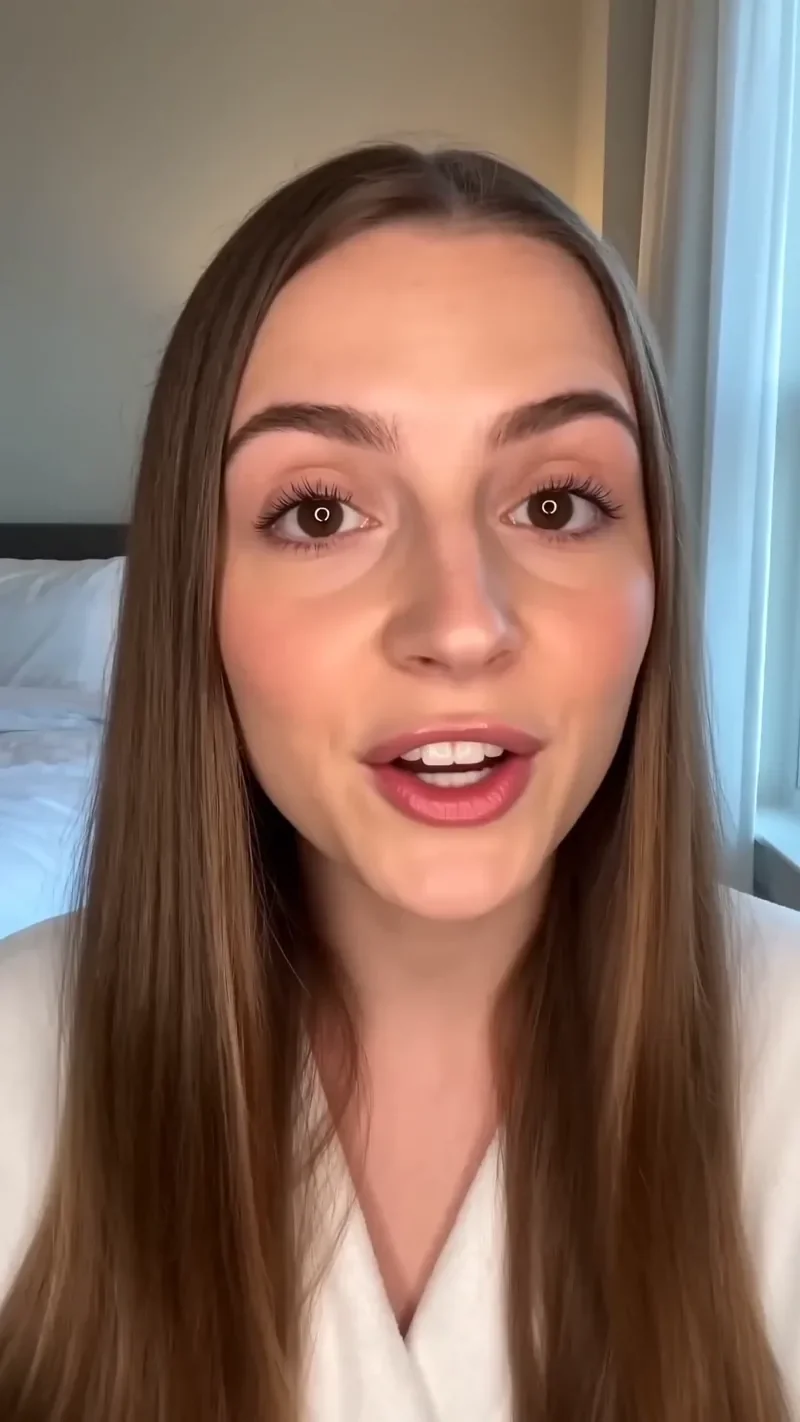
66 creditsA vertical, social-first UGC opener with handheld movement and the product clearly in frame.

Bullet Time
42 creditsA frozen moment with the camera orbiting 360 degrees around your subject, particles hanging in the air.
One Take
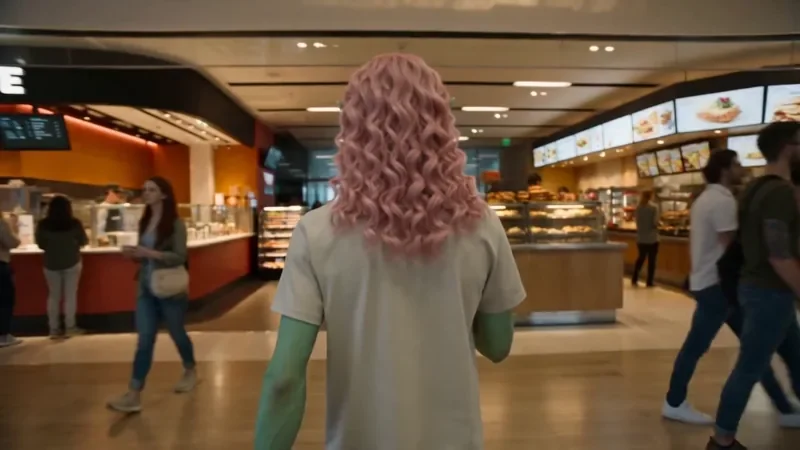
122 creditsA continuous long take that follows your subject from one space into the next with no cuts.
Make your own Product Reveal video
Open the template in the video studio, describe your shot and generate. New accounts get 10 starter credits.