Video template
Bullet Time AI Video Effect
Bullet time freezes a single moment and moves the camera around it. This template orbits a full 360 degrees around a subject caught mid-action, with everything in the scene held perfectly still.
- Seedance 2.0
- 5 seconds
- 16:9 default
- 42 credits at 1080p
- Audio included
How it works
Built on BytePlus ModelArk, ByteDance's official AI platform. This template renders with Seedance 2.0 through BytePlus.
- 1
Open Bullet Time in the studio
The video studio opens with the template applied: Seedance 2.0, 5-second timing and 16:9 framing are set for you.
- 2
Describe your shot
Describe the subject, the exact pose they are frozen in, the setting and what is floating in the air around them. You can also add a photo or a saved character as a reference.
- 3
Generate and download
The studio shows the credit cost before you start. The default 1080p render is 42 credits (29 at 720p).
What the Bullet Time template does
The recipe keeps the subject completely frozen, including hair and clothing, while the camera circles at chest height on a smooth, even path. Lighting stays anchored to the scene rather than the camera, which is what makes the orbit feel physical.
You choose the frozen pose, the environment and the particles suspended around the subject, such as raindrops, sparks, dust or petals. Short and punchy at 5 seconds, it suits action beats and hero moments.
Example prompt: A dancer frozen mid-leap on a rain-soaked street at night, raindrops hanging in the air.
Great for
- Action freeze-frames for sports, dance and stunts
- Fashion and beauty hero moments
- Product moments with particles frozen mid-air
Questions
How many credits does the Bullet Time template cost?
42 credits for the default 5-second 1080p render, or 29 credits at 720p. That includes the 2-credit template fee. The studio shows the exact cost before you generate, and higher resolutions cost more.
Do I need to upload a photo?
No. You can describe the subject in words. If you want a specific person, add a photo or one of your saved characters as a reference in the studio.
Which AI model makes the Bullet Time video?
Seedance 2.0. While the template is applied it keeps the model, source mode, audio setting and timing matched so the shot renders as designed. You can still change quality and aspect ratio (the default is 16:9). Clips include generated audio by default.
Do I need a subscription?
Templates run on credits, so you can use them with a monthly plan or with a one-off credit pack. On the Creator plan video renders at up to 720p; Pro, Max and Business can also render 1080p and 4K.
Related video effects
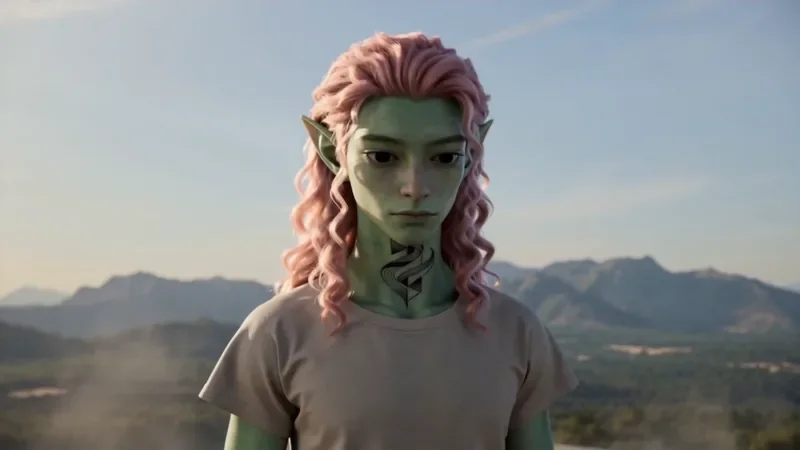
Spiral Ascend
66 creditsThe camera orbits your subject while rising, finishing directly overhead in a bird's-eye view.
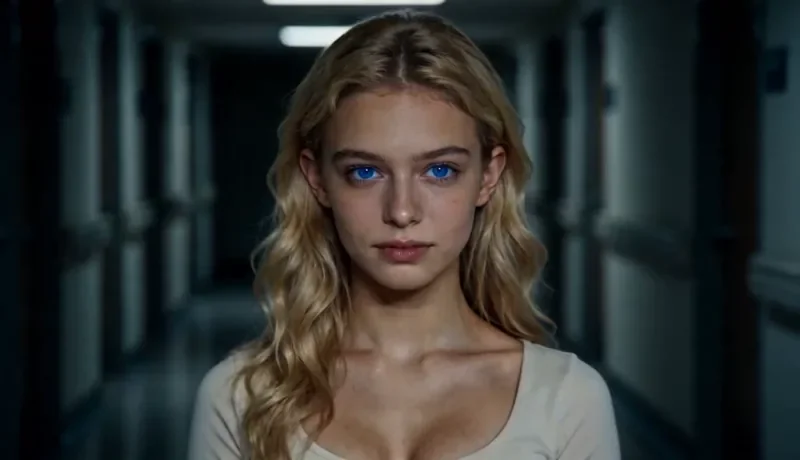
Dolly Zoom
34 creditsThe Vertigo effect: the subject stays the same size while the background stretches away behind them.
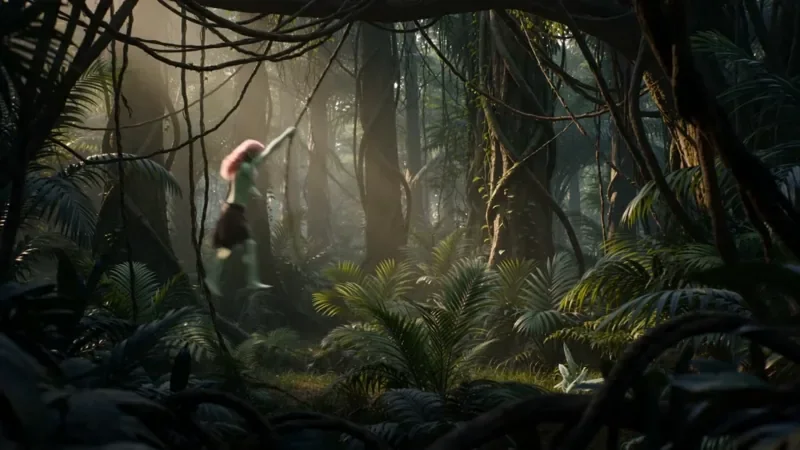
Multi Angle Shot
66 creditsOne action shown from three angles with hard cuts: a wide shot, an extreme close-up and a reverse angle.
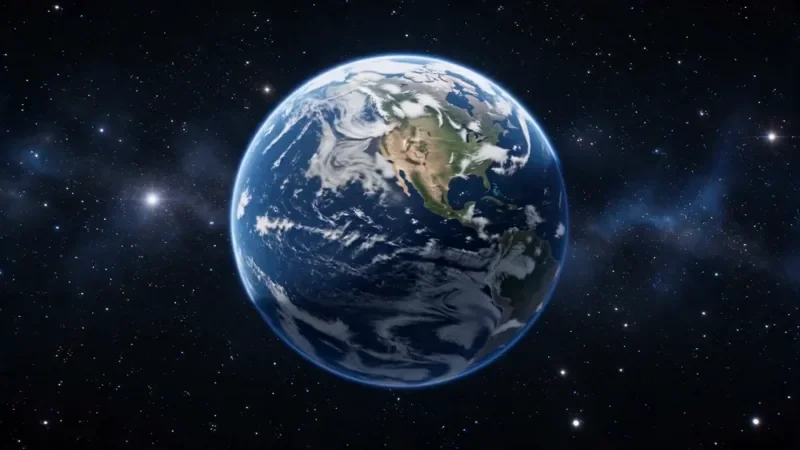
Earth Zoom
122 creditsOne continuous zoom from space, through the clouds and a city, down to a single subject in close-up.
Make your own Bullet Time video
Open the template in the video studio, describe your shot and generate. New accounts get 10 starter credits.