Try this in the studio
How to make one ad in every format
- 1
Start with the product and the message
Add product or logo photos as references and decide the one line the ad has to say.
- 2
Make the main format first
Pick the shape your main placement uses: 9:16 for stories and reels, 1:1 for the feed, 16:9 or 21:9 for a banner or a video thumbnail.
- 3
Quote the headline and place it
Type the headline in quotes and say where it sits ("top third, white bold sans serif"). Leave room for the platform's own buttons in 9:16.
- 4
Make the other shapes
Run the same prompt and references in the next aspect ratio. Seedream 5.5 keeps the ratio you pick, so you do not need to crop.
- 5
Test variations with edits
Change one element per edit (headline, colour, background) to make A/B versions. An edit costs 2 credits at 1.5K and 3 credits at 2K.
Formats made with Seedream 5.5
A square product shot, a 3:4 poster and a 16:9 landscape, each delivered at the shape it was made for.
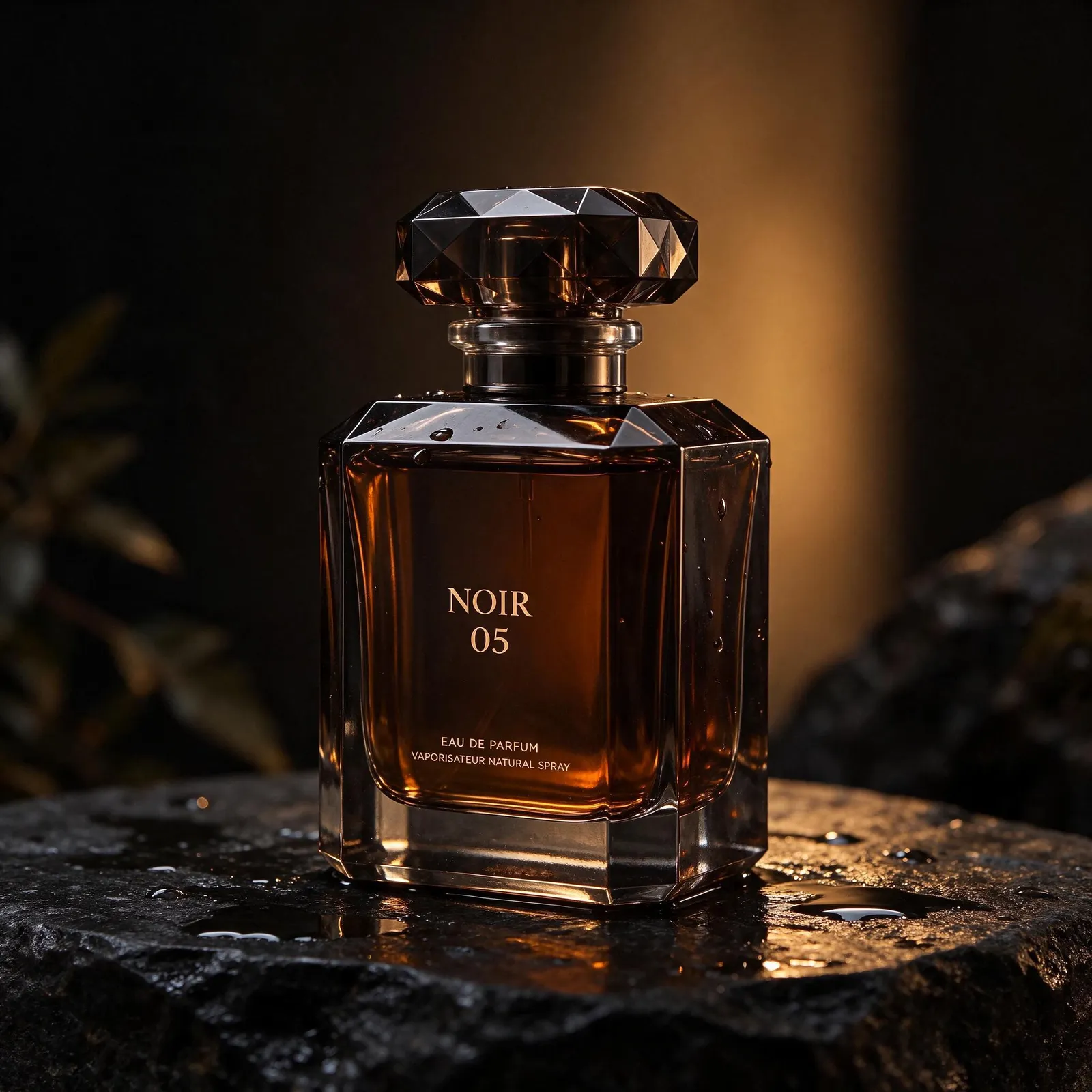
Product shot with a printed label: the large NOIR 05 and the two small lines under it are spelled correctly. 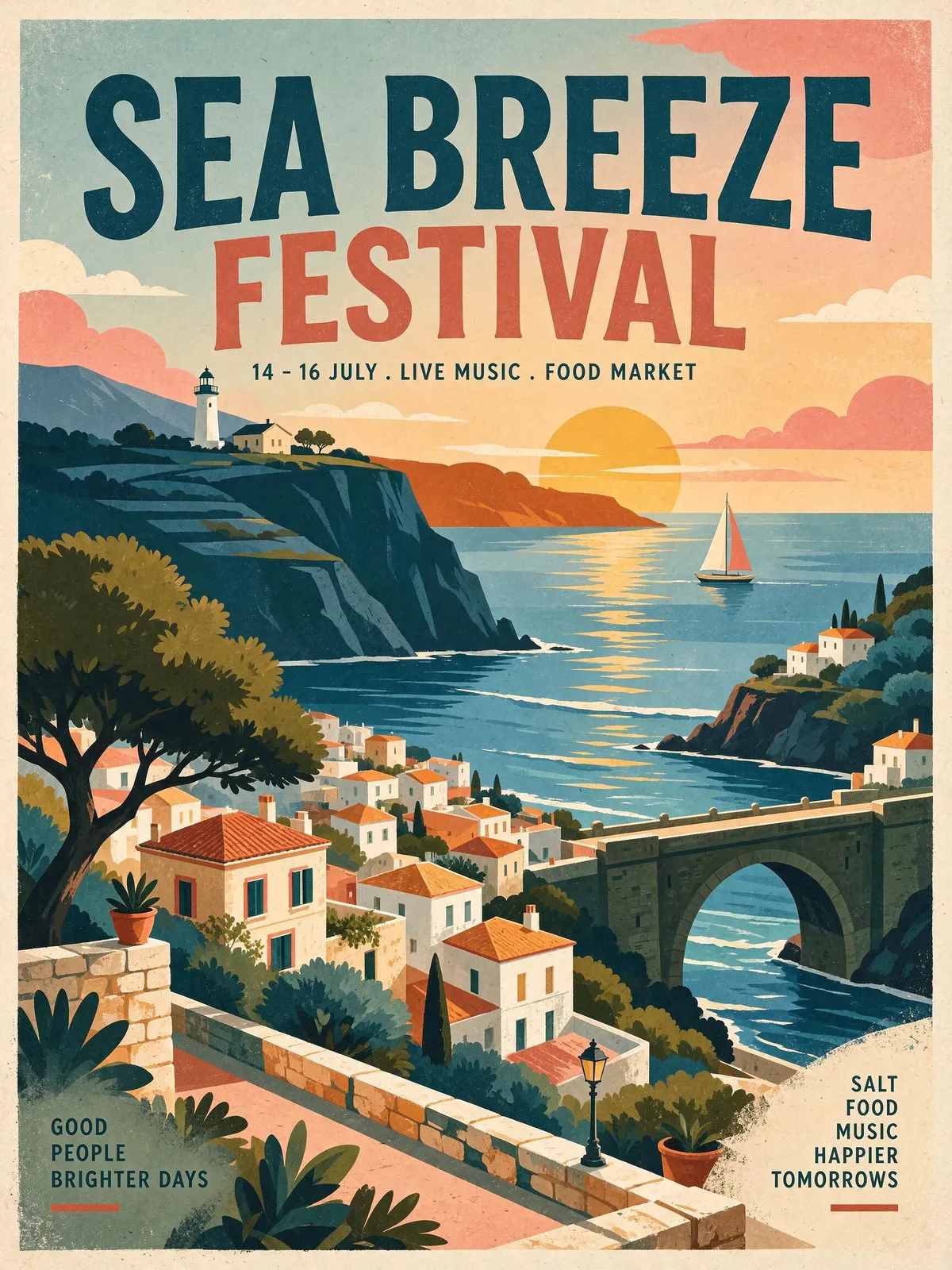
Poster with a headline, a date line and two small corner blocks of text, all spelled correctly. 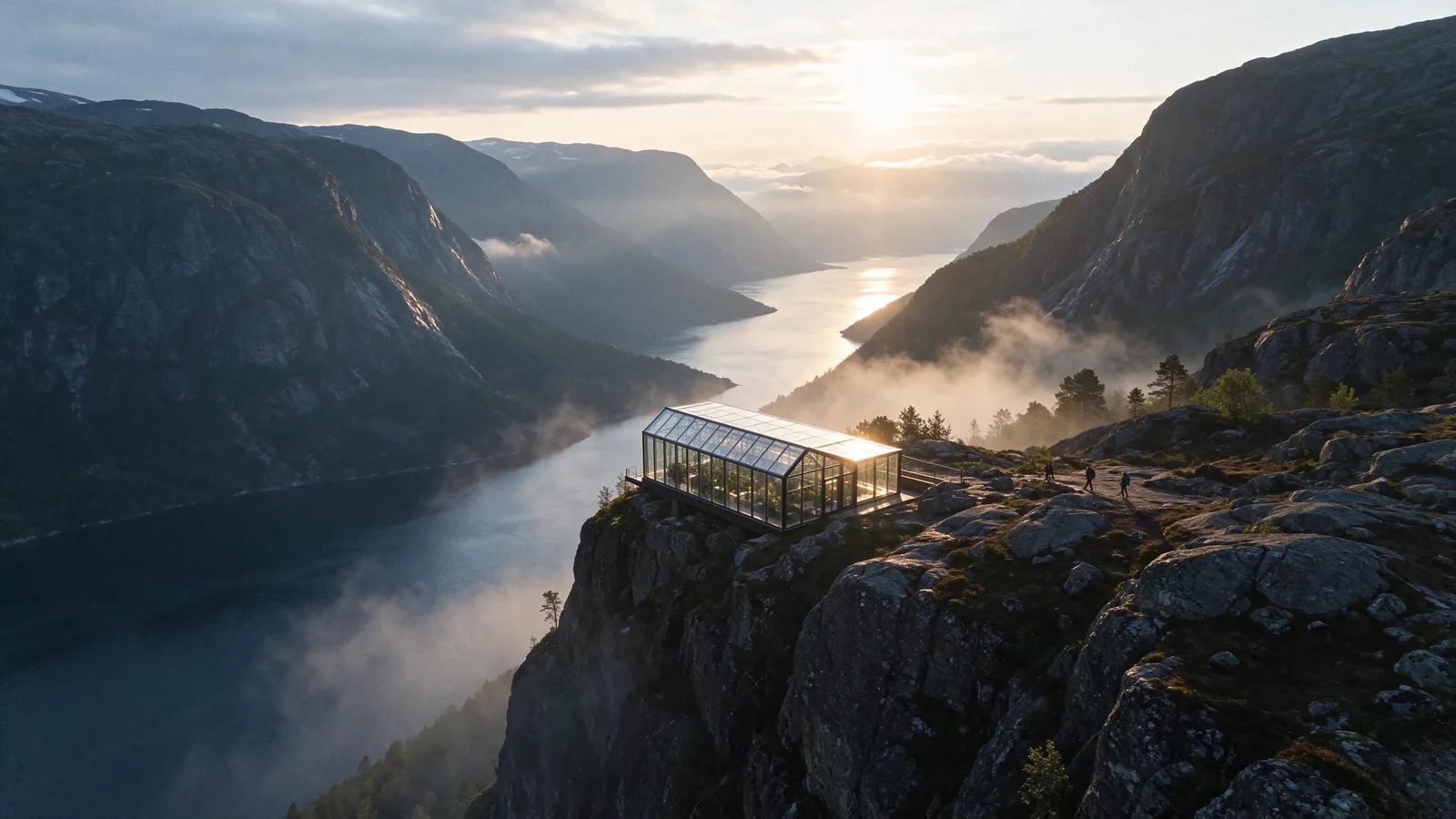
Wide 16:9 landscape: a glass greenhouse on a fjord cliff with mist and morning light.
Ad prompts to copy
Story ad, 9:16
Vertical story ad for a cold brew coffee can. The can stands on ice in bright morning light, condensation on the metal. Headline in the top third, bold white sans serif: "Wake up colder". Leave the bottom fifth plain for buttons.
Feed post, 1:1
Square social post for a running shoe: the shoe mid-stride above a wet city street at dawn, motion blur in the background. Small text bottom right: "New colour. Same grip." Clean, bright, high contrast.
Wide banner, 21:9
Wide web banner for a travel app: a glass greenhouse on a cliff above a misty fjord at sunrise, three hikers on the path. Empty sky on the left for a headline. Calm, cinematic light.
Sale card, 3:4
Portrait 3:4 sale card for a bakery: a croissant and a coffee on a marble counter, warm light. Headline at the top: "Two for Tuesday". Small line at the bottom: "Any pastry and a coffee".
Aspect ratios by placement
The studio offers 1:1, 3:4, 4:3, 2:3, 3:2, 9:16, 16:9 and 21:9, or Auto. Pick the ratio before you generate rather than cropping later, so the headline and the product stay where you put them.
- Stories and reels: 9:16
- Feed: 1:1 (or 3:4 for a taller post)
- Banners and thumbnails: 16:9 or 21:9
- Print flyers: 2:3 or 3:4
Keep the brand the same across versions
Reuse the same references (product, logo, a colour swatch) for every version, up to 10 of them. Every 2 reference images add 1 credit (rounded up), so 2 references at 1.5K come to 2 credits.
Turn the ad into a video
Any Seedream image can go to the Video studio as a starting frame, so the still ad and the video ad share one look.