Video template
Multi Angle Shot AI Video Effect
Editors cover big moments from several angles and cut between them. This template does that inside a single 8-second generation: a wide establishing shot, a hard cut to an extreme close-up and a hard cut to a reverse angle.
- Seedance 2.0
- 8 seconds
- 16:9 default
- 66 credits at 1080p
- Audio included
How it works
Built on BytePlus ModelArk, ByteDance's official AI platform. This template renders with Seedance 2.0 through BytePlus.
- 1
Open Multi Angle Shot in the studio
The video studio opens with the template applied: Seedance 2.0, 8-second timing and 16:9 framing are set for you.
- 2
Describe your shot
Describe the action and setting, the detail for the close-up and what the reverse angle should see. You can also add a photo or a saved character as a reference.
- 3
Generate and download
The studio shows the credit cost before you start. The default 1080p render is 66 credits (45 at 720p).
What the Multi Angle Shot template does
The action plays continuously across all three angles, so the close-up and the reverse show the same beat as the wide rather than restarting it. Lighting comes from one dramatic source that stays consistent between the cuts.
You describe the action, the detail the close-up should land on, such as hands, eyes or an impact point, and what the reverse angle looks towards.
Example prompt: A chef flips a pan of flames in a busy kitchen; close-up on the wrist; reverse angle on the diners watching.
Great for
- Action beats in trailers and short films
- Sports moments and product demos
- Punchy social clips that need coverage in one generation
Questions
How many credits does the Multi Angle Shot template cost?
66 credits for the default 8-second 1080p render, or 45 credits at 720p. That includes the 2-credit template fee. The studio shows the exact cost before you generate, and higher resolutions cost more.
Do I need to upload a photo?
No. You can describe the subject in words. If you want a specific person, add a photo or one of your saved characters as a reference in the studio.
Which AI model makes the Multi Angle Shot video?
Seedance 2.0. While the template is applied it keeps the model, source mode, audio setting and timing matched so the shot renders as designed. You can still change quality and aspect ratio (the default is 16:9). Clips include generated audio by default.
Do I need a subscription?
Templates run on credits, so you can use them with a monthly plan or with a one-off credit pack. On the Creator plan video renders at up to 720p; Pro, Max and Business can also render 1080p and 4K.
Related video effects
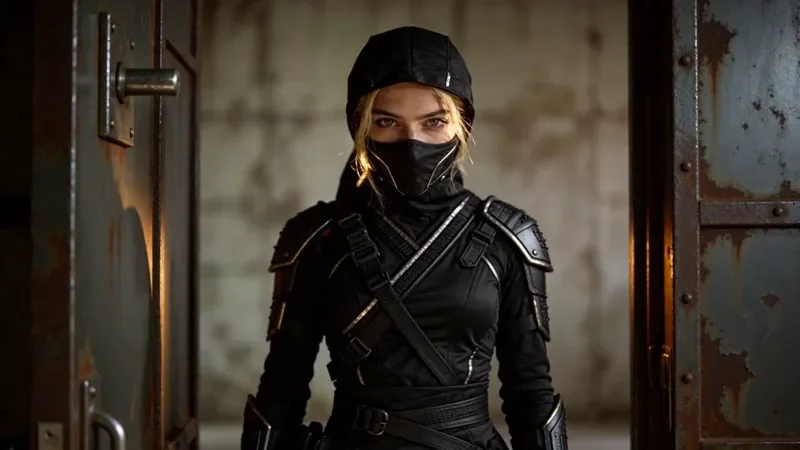
Whip Pan Transition
42 creditsA fast whip pan with motion blur that lands in a new scene, matched on an object in the same spot.
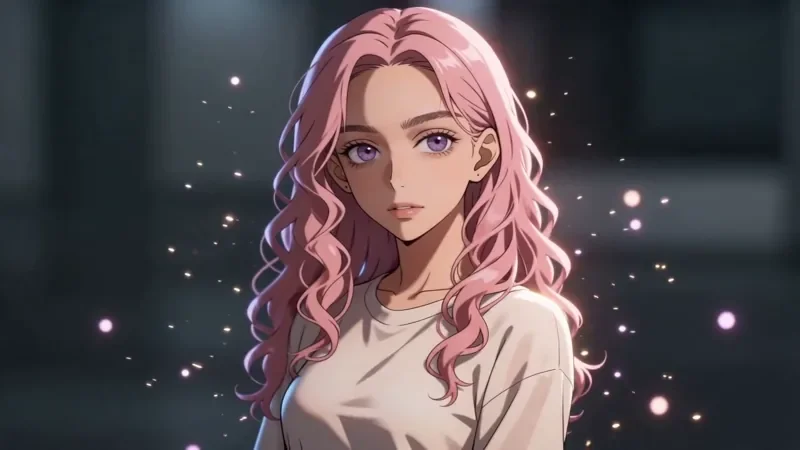
Bullet Time
42 creditsA frozen moment with the camera orbiting 360 degrees around your subject, particles hanging in the air.
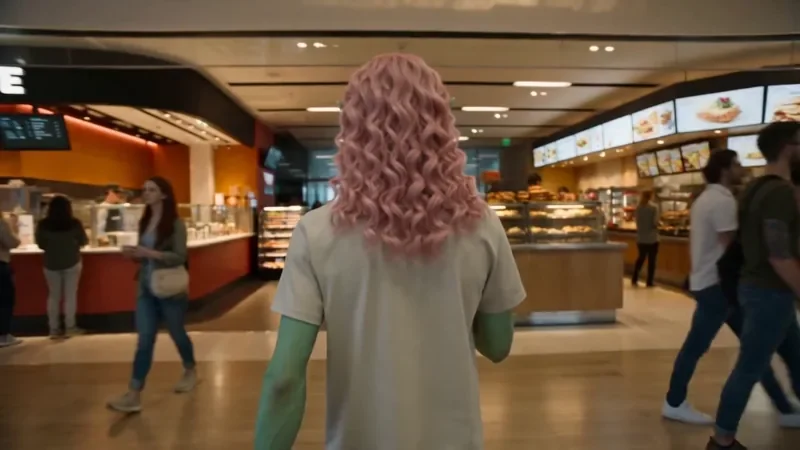
One Take
122 creditsA continuous long take that follows your subject from one space into the next with no cuts.
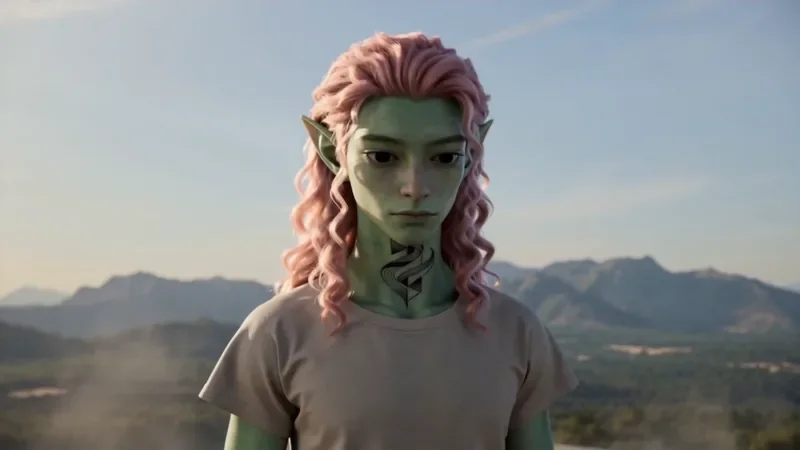
Spiral Ascend
66 creditsThe camera orbits your subject while rising, finishing directly overhead in a bird's-eye view.
Make your own Multi Angle Shot video
Open the template in the video studio, describe your shot and generate. New accounts get 10 starter credits.