Video template
Worm's Eye Hero Shot AI Video Effect
Shooting from the ground up makes anyone look larger than life. This template places the camera at ground level, pointing almost straight up, for a vertical hero reveal.
- Seedance 2.0
- 6 seconds
- 9:16 default
- 50 credits at 1080p
- Audio included
How it works
Built on BytePlus ModelArk, ByteDance's official AI platform. This template renders with Seedance 2.0 through BytePlus.
- 1
Open Worm's Eye Hero Shot in the studio
The video studio opens with the template applied: Seedance 2.0, 6-second timing and 9:16 framing are set for you.
- 2
Describe your shot
Describe the subject, the single slow action they perform and the sky or ceiling above them. You can also add a photo or a saved character as a reference.
- 3
Generate and download
The studio shows the credit cost before you start. The default 1080p render is 50 credits (34 at 720p).
What the Worm's Eye Hero Shot template does
The camera tilts up slowly to reveal more of the subject's height while a wide 18mm look exaggerates scale. The subject is backlit by the sky or sun, which gives a strong silhouette and rim light, with a little fill from below.
The action is slow and weighted: turning the head, raising an arm, taking a single step or opening the eyes. The template renders in vertical 9:16 by default, ready for Reels, Shorts and TikTok.
Example prompt: A firefighter taking one step forward against a smoky orange sky.
Great for
- Character and hero introductions
- Athletes, performers and cosplay
- Vertical social content that needs impact in the first second
Questions
How many credits does the Worm's Eye Hero Shot template cost?
50 credits for the default 6-second 1080p render, or 34 credits at 720p. That includes the 2-credit template fee. The studio shows the exact cost before you generate, and higher resolutions cost more.
Do I need to upload a photo?
No. You can describe the subject in words. If you want a specific person, add a photo or one of your saved characters as a reference in the studio.
Which AI model makes the Worm's Eye Hero Shot video?
Seedance 2.0. While the template is applied it keeps the model, source mode, audio setting and timing matched so the shot renders as designed. You can still change quality and aspect ratio (the default is 9:16). Clips include generated audio by default.
Do I need a subscription?
Templates run on credits, so you can use them with a monthly plan or with a one-off credit pack. On the Creator plan video renders at up to 720p; Pro, Max and Business can also render 1080p and 4K.
Related video effects
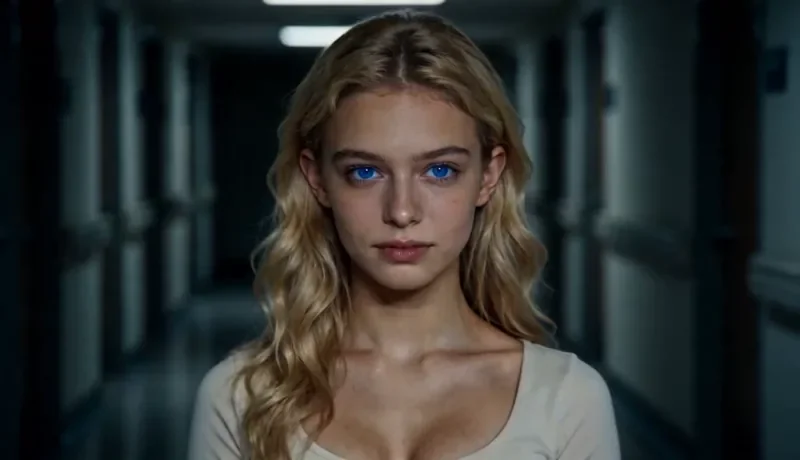
Dolly Zoom
34 creditsThe Vertigo effect: the subject stays the same size while the background stretches away behind them.
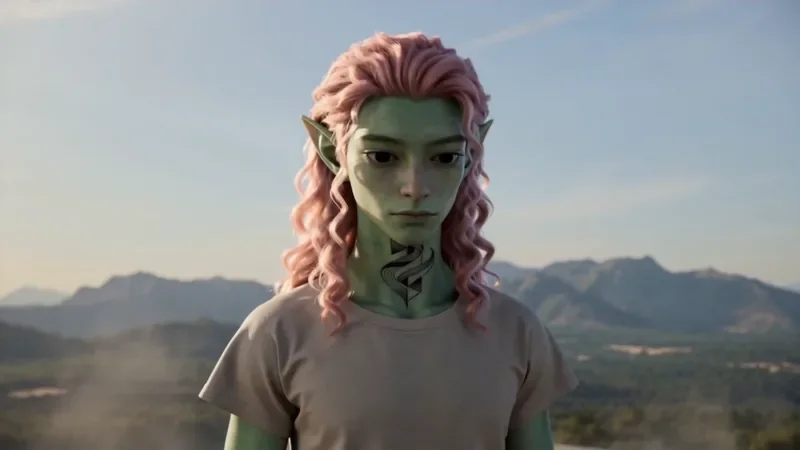
Spiral Ascend
66 creditsThe camera orbits your subject while rising, finishing directly overhead in a bird's-eye view.
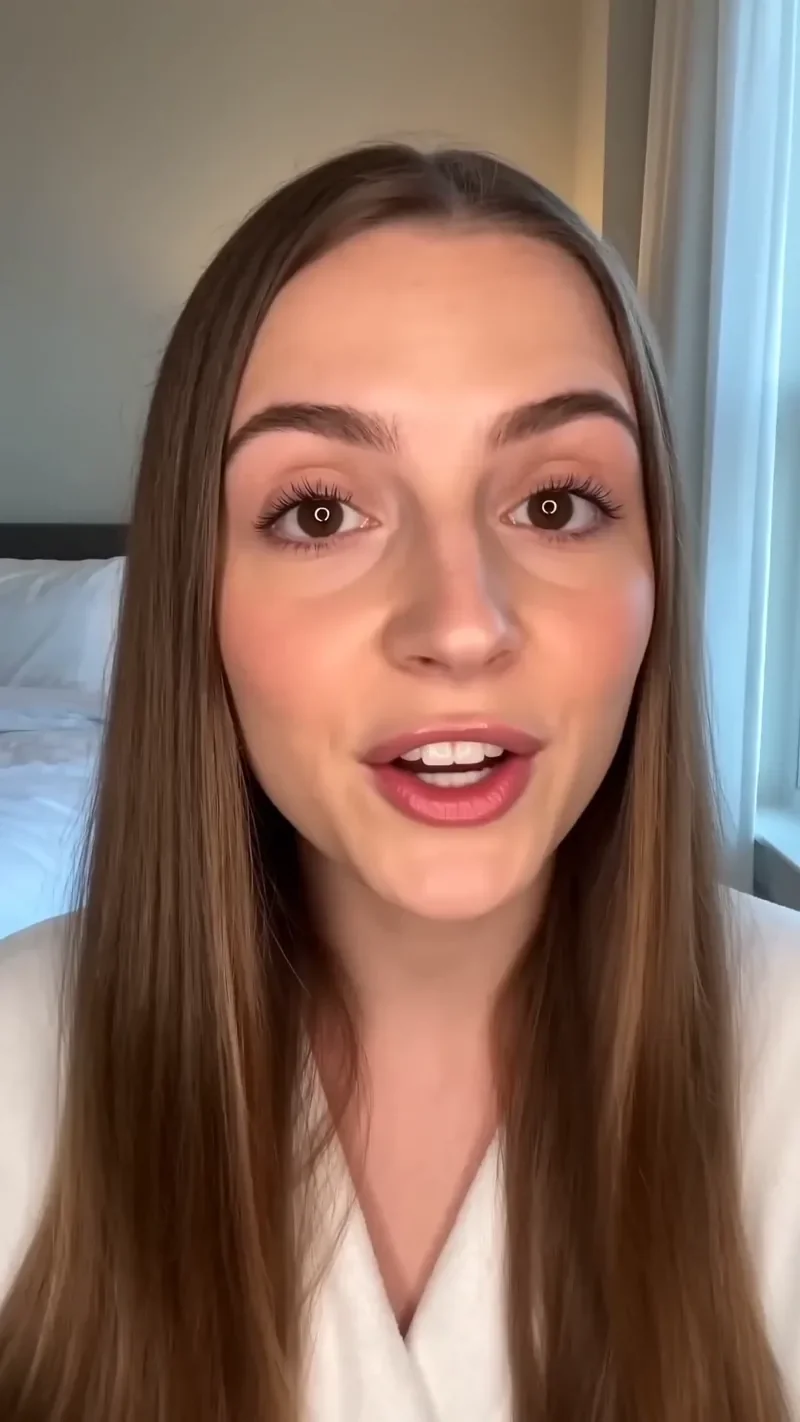
UGC Hook
66 creditsA vertical, social-first UGC opener with handheld movement and the product clearly in frame.
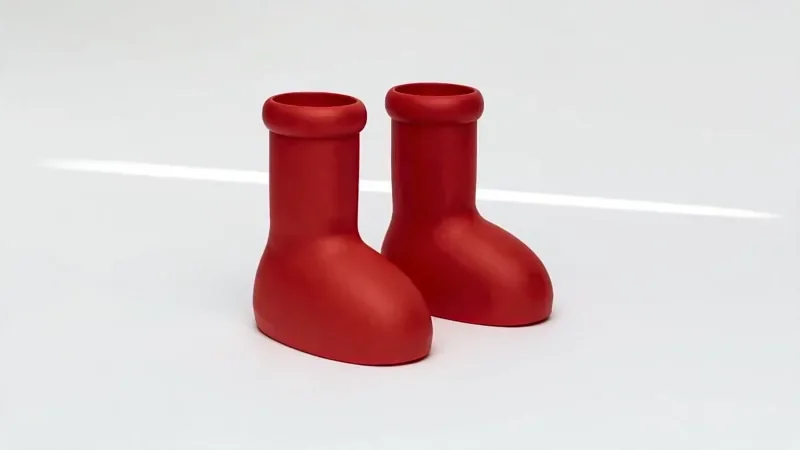
Product Reveal
50 creditsA short cinematic reveal with a smooth camera move and premium lighting for ads and storefronts.
Make your own Worm's Eye Hero Shot video
Open the template in the video studio, describe your shot and generate. New accounts get 10 starter credits.