BytePlus partner · Seedance 2.0
Unrestricted AI video generator
Make Seedance 2.0 video with fewer content filters. Pro, Max and Business renders go to BytePlus's unrestricted model endpoints, and real faces can be used as characters and references when you have permission. The rules that protect people still apply, and they are listed plainly below.
- Seedance 2.0
- Fewer content filters
- Real face references
- Clear rules
What unrestricted means on KreatorFlow
People search for an unrestricted AI video generator or uncensored AI video tool because mainstream generators refuse too much. A prompt with a stunt fall, a horror scene, a boxing match or simply a realistic human face gets bounced, even when the idea is completely ordinary. KreatorFlow takes a different approach without pretending the rules disappear.
Built on BytePlus ModelArk, ByteDance's official AI platform. BytePlus offers Seedance 2.0 through more than one model endpoint: a standard endpoint with stricter content filtering and an unrestricted endpoint with fewer filters. When your account is on the Pro, Max and Business plan, every Seedance video render is routed to the unrestricted endpoint automatically. There is no toggle to find and nothing to request. You write the prompt in the same video studio and the request simply goes through the less filtered route.
In practice that means AI video without filters getting in the way of normal creative work: action, mature drama, horror, fashion, fitness and realistic people are far less likely to be refused. It does not mean every request is accepted. BytePlus still applies its own safety checks on every endpoint, and KreatorFlow's Acceptable Use Policy covers every account, prompt, upload and output.
Who gets unrestricted video, and how to unlock it
These are the actual rules the studio applies when it chooses an endpoint for your render.
Pro, Max and Business: unrestricted
Every Seedance 2.0 and Seedance 2 Fast render on these plans uses the unrestricted endpoint. Pro starts at $35 for the first month, then $49 a month.
Creator: standard filtering
Creator ($19 for the first month) unlocks video generation on the standard endpoint. Upgrade to Pro or above for unrestricted routing on the same account.
Real faces on every video plan
Photo references and saved characters are registered in BytePlus's trusted asset library before the render, so a real face you have permission to use can drive the video.
Free accounts can explore the image studio with 10 starter credits, but video generation needs a paid plan. When a render is refused, the studio tells you whether an upgrade would help and refunds the credits for the failed generation.
Real face AI video, done properly
Real face AI video is the most common reason creators hit a wall elsewhere. On KreatorFlow you can upload a photo of yourself, a model you have booked or a client who has agreed, save it once as a character in the AI character generator, and call it by its @handle in any Seedance 2.0 prompt. Up to 9 reference images can guide a single render, and the same character keeps the same face across every clip you make.
Behind the scenes the reference is registered in BytePlus's asset library and reviewed before it is used. That review is why real-person references work here when a raw upload would be rejected, and it is also why a photo can occasionally be refused. You must own the photo or have the person's consent, exactly as the Acceptable Use Policy requires.
Still not allowed
Unrestricted workflows have fewer creative limits, but they are not permission to create illegal, abusive or non-consensual content. These rules apply on every plan:
- Nothing involving minors in any sexual or sexualised way.
- No non-consensual intimate imagery or sexual deepfakes of real people.
- No sexualised content of a real person without their consent.
- Nothing illegal, and no instructions for illegal acts.
- No impersonation, fraud, phishing or misleading commercial content.
- No harassment, threats, doxxing or defamatory claims.
- No uploads of people, logos or private material you lack the rights to use.
- No attempts to bypass moderation or abuse the credit system.
Breaking these rules can lead to content removal, restricted features, account suspension and, for serious illegal content, reports to the relevant authorities. Read the full Acceptable Use Policy and Terms.
How to make unrestricted AI video
- 1
Choose Pro or above
Pick Pro, Max and Business on the pricing page. Routing switches to the unrestricted endpoint as soon as the plan is active.
- 2
Save your characters
Upload the photos you have permission to use and save them as characters, so real faces are ready for any prompt.
- 3
Write the shot and generate
Describe the scene in the video studio, choose 4 to 15 seconds and a resolution, then generate. A 5-second 720p clip costs 27 credits.
Templates that work well with real faces
Every camera template runs on the same endpoint as your plan, so unrestricted routing applies here too.
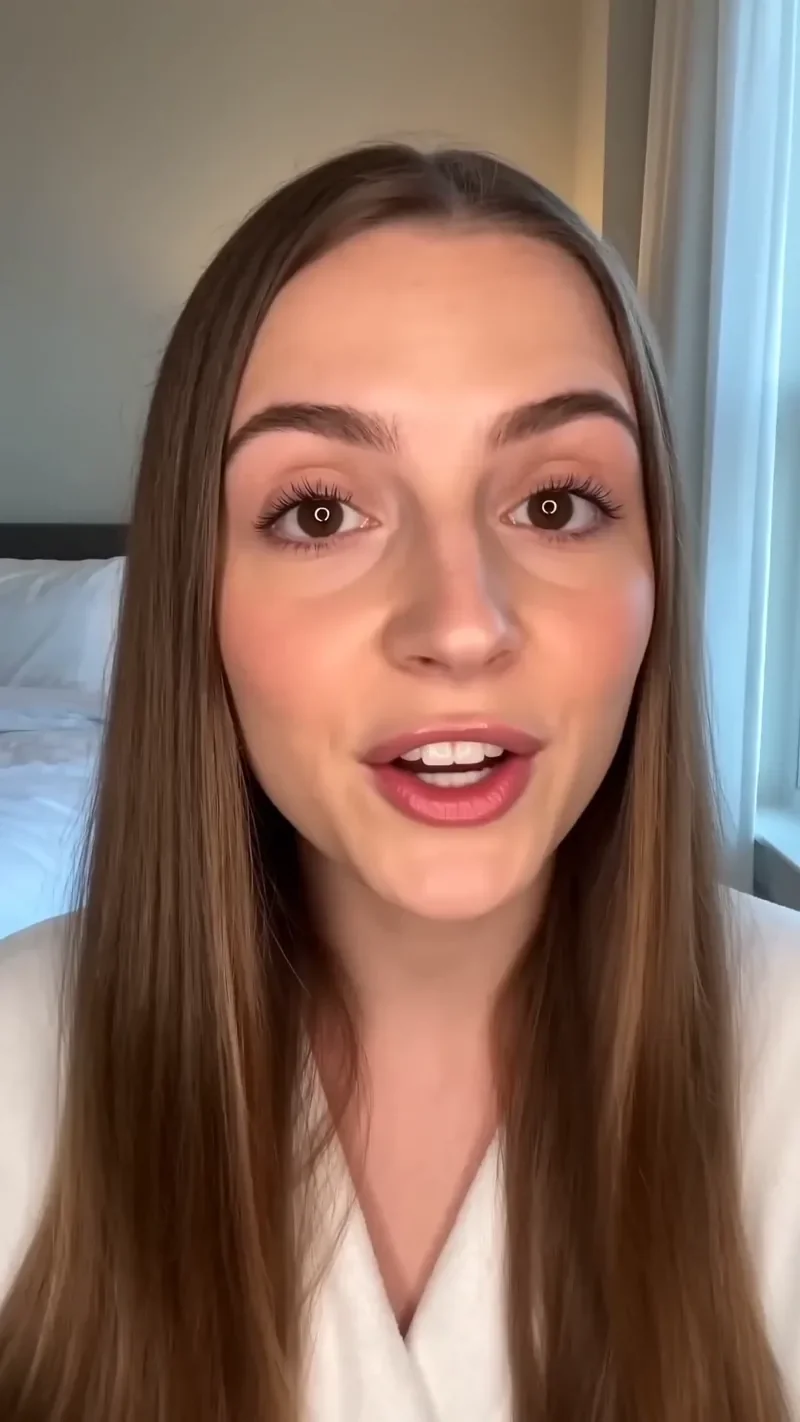
UGC Hook
66 creditsA vertical, social-first UGC opener with handheld movement and the product clearly in frame.
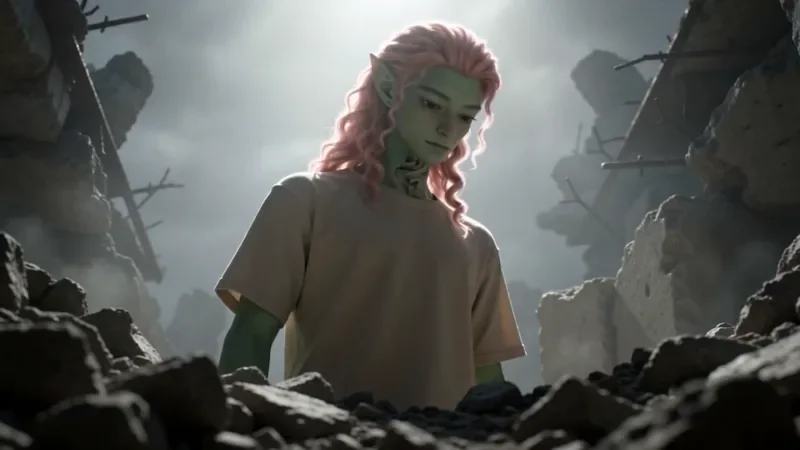
Worm's Eye Hero Shot
50 creditsAn extreme low angle from the ground that makes your subject tower over the camera, backlit against the sky.
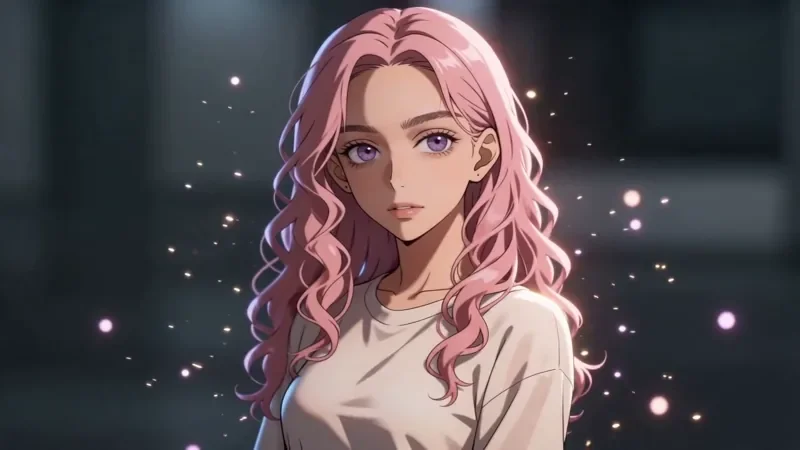
Bullet Time
42 creditsA frozen moment with the camera orbiting 360 degrees around your subject, particles hanging in the air.
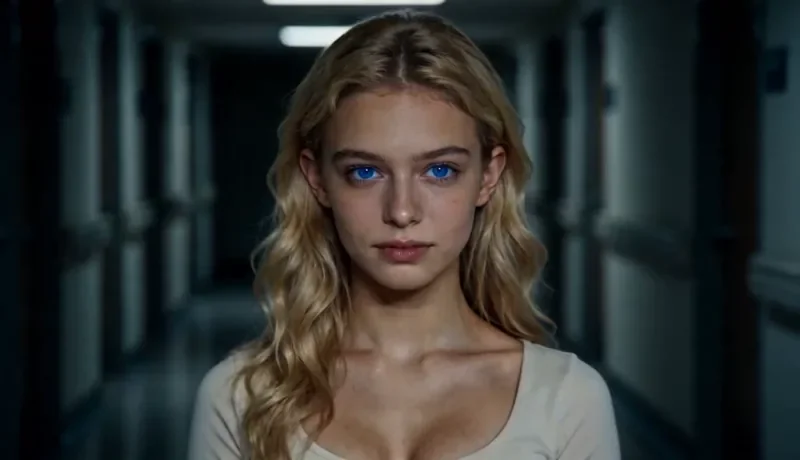
Dolly Zoom
34 creditsThe Vertigo effect: the subject stays the same size while the background stretches away behind them.
Unrestricted AI video questions
Is there a truly uncensored AI video generator?
Not a legitimate one. KreatorFlow's unrestricted mode means fewer content filters on the model endpoint, not an absence of rules. Anything illegal, anything involving minors and non-consensual imagery of real people stays blocked on every plan, and provider safety checks can still reject a request.
Which plans get unrestricted AI video?
Video renders on the Pro, Max and Business plans are sent to BytePlus's unrestricted Seedance 2.0 endpoints. Video generation starts on the Creator plan, which uses the standard filtered endpoint. The credits page in your account shows "Unrestricted workflows enabled" once your plan qualifies.
Can I make an AI video with a real face?
Yes, if you have the person's permission. On every video plan, photo references and saved characters are registered in BytePlus's trusted asset library before the render, which is the route BytePlus provides for real-person references. Save the photo as a character once and call it by its @handle in any prompt.
Why was my video rejected on an unrestricted plan?
BytePlus and KreatorFlow still run safety checks. Requests involving minors, sexual content of real people, impersonation or other policy violations are refused, and your credits are refunded when a generation fails. Rephrasing the prompt without the flagged element usually works for legitimate requests.
Is KreatorFlow part of ByteDance?
No. KreatorFlow is an independent studio and a BytePlus partner. It is built on BytePlus ModelArk, ByteDance's official AI platform, and runs ByteDance's Seedance 2.0 and Seedream models through it.
Unlock unrestricted Seedance 2.0 video
Powered by ByteDance's Seedance 2.0 and Seedream models via BytePlus. Choose Pro, Max or Business to route your renders to the unrestricted endpoint.