Comparison guide
A Higgsfield alternative for AI video effects
If you are weighing up AI video tools with cinematic camera effects, this page sets out exactly what KreatorFlow offers and what it costs, so you can compare it with Higgsfield or any other platform on your own terms.
- Seedance 2.0
- 14 camera templates
- Seedream images
- Public credit prices
An honest comparison
Higgsfield is an AI video platform known for camera-motion presets and visual effects. We are not going to tell you it is worse. Its features, models and prices change often, so the only fair way to compare is to check its current website on the day you decide, and to test the same idea on both platforms.
What we can do is be precise about KreatorFlow. Everything below comes straight from our product and our public pricing page, and every price on this page is calculated from the same credit rules the studio uses when you generate.
KreatorFlow at a glance
- Video model
- Seedance 2.0 and Seedance 2 Fast
- Image model
- Seedream 4.5
- Video resolutions
- 480p, 720p, 1080p, 4K (1080p and 4K on Pro, Max and Business)
- Clip length
- 4 to 15 seconds
- Video references
- Up to 9 images, 3 clips and 3 audio files
- Camera templates
- 14 one-click video templates
- Consistent characters
- Saved characters with an @handle, usable in images and videos
- Example video cost
- 27 credits for 5 s at 720p, 40 at 1080p
- Example image cost
- 1 credit per image (Seedream 4.5, 1K to 4K)
- Plans
- Creator $19 first month, then $25; Pro $35 first month, then $49; Max $70 first month, then $99
- Without a subscription
- Credit packs from $8 for 160 credits
- New accounts
- 10 one-time starter credits
What to compare before you choose
- Which video and image models each platform offers today
- The resolutions and clip lengths available on the plan you would buy
- The real cost of one finished clip, not only the plan price
- Whether you can buy credits without a subscription
- Whether characters stay consistent across images and videos
- Which camera effects are available, and how much control you keep
Why creators pick KreatorFlow
One workspace for images, characters and video. You can design a character in the character studio, make stills with Seedream, and animate them with Seedance 2.0 without moving files between tools. Everything lands in the same asset library.
Camera templates that stay editable. Each template is a written camera recipe with matched settings. You describe your own subject and scene, keep control of quality and aspect ratio, and can add your own images or characters as references.
Costs you can see. Credit costs are shown in the studio before every generation, and the same numbers are published on our pricing page. Drafts can run at 480p or 720p, or on Seedance 2 Fast, before you spend more on a final render.
Camera effects you can try today
Every template has its own page with a preview, the credit cost and a one-click link into the studio.

One Take
122 creditsA continuous long take that follows your subject from one space into the next with no cuts.

Bullet Time
42 creditsA frozen moment with the camera orbiting 360 degrees around your subject, particles hanging in the air.

Earth Zoom
122 creditsOne continuous zoom from space, through the clouds and a city, down to a single subject in close-up.
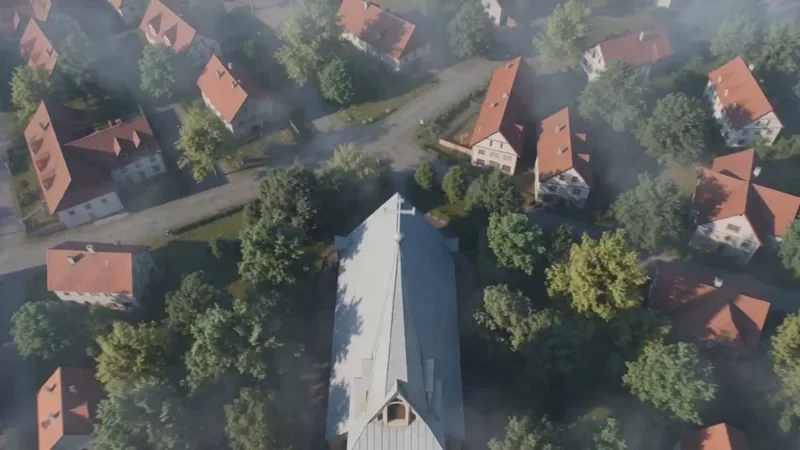
Crane Down Sky Reveal
66 creditsThe camera descends from high above, through a layer of cloud or canopy, to reveal your subject at ground level.
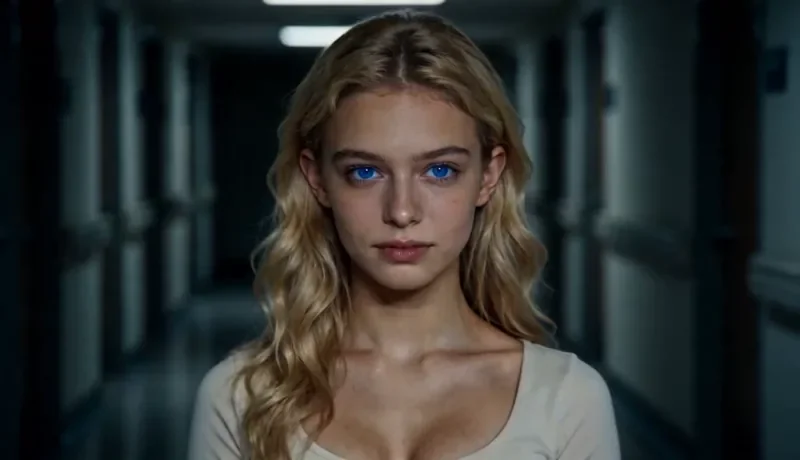
Dolly Zoom
34 creditsThe Vertigo effect: the subject stays the same size while the background stretches away behind them.
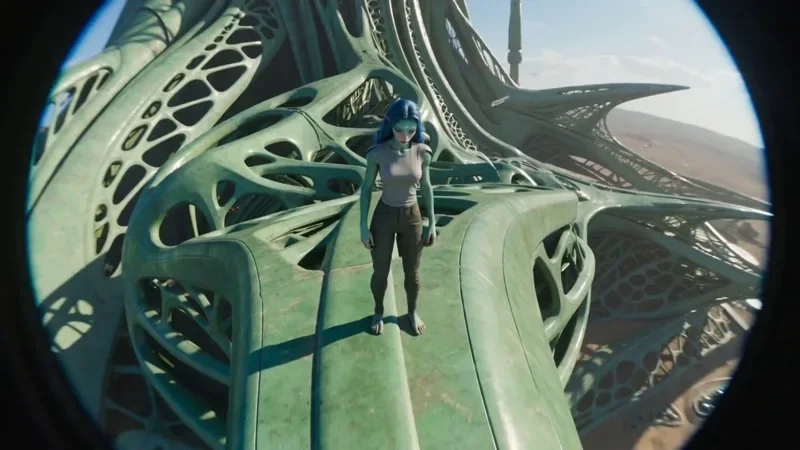
FPV Drone
66 creditsAn aggressive FPV dive down the side of a building, banking through a gap and pulling up into a low glide.
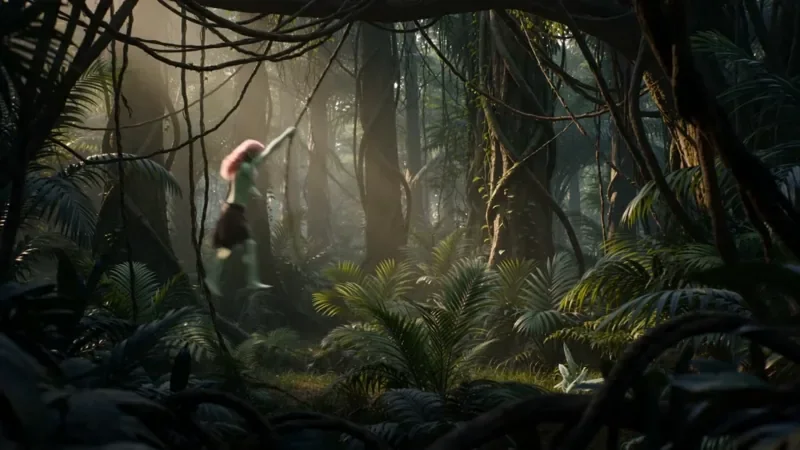
Multi Angle Shot
66 creditsOne action shown from three angles with hard cuts: a wide shot, an extreme close-up and a reverse angle.
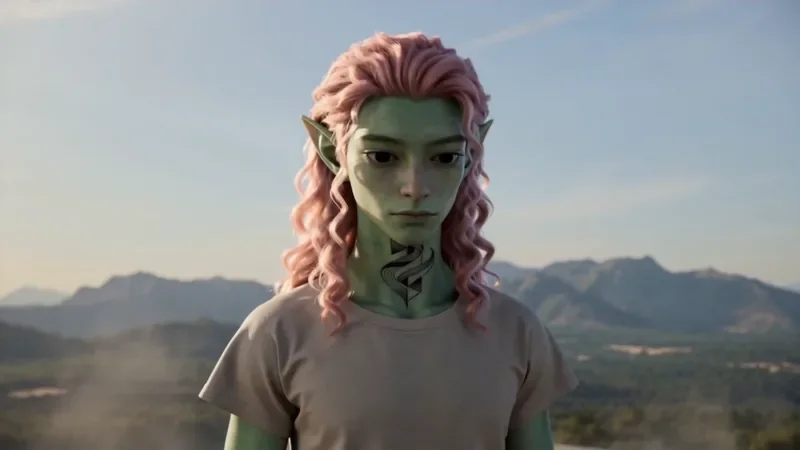
Spiral Ascend
66 creditsThe camera orbits your subject while rising, finishing directly overhead in a bird's-eye view.
Questions
Is KreatorFlow a Higgsfield alternative?
Both are AI creation platforms with camera-style video effects, so many creators look at them side by side. KreatorFlow is a BytePlus partner built on BytePlus ModelArk, ByteDance's official AI platform, and focuses on Seedance 2.0 video, one-click camera templates, Seedream images and reusable characters in one workspace. The right choice depends on the models, effects and prices you need.
How does KreatorFlow pricing work?
Everything runs on credits and the cost is shown before you generate. Plans start at $19 for the first month, and credit packs start at $8. A 5-second Seedance 2.0 clip at 720p costs 27 credits, and camera templates add 2 credits.
Can I compare the two fairly?
Yes. Run the same idea on both with the same length and resolution, and compare the results, the total credits used and how long each took. Check each platform's current pricing page on the day you compare, since prices and model lineups change.
Does KreatorFlow copy other platforms' effects?
No. KreatorFlow templates are our own prompt recipes built on well-known film techniques such as the dolly zoom, bullet time, crane shots and FPV drone moves. Those techniques predate AI and are not specific to any platform.
Test KreatorFlow with your own idea
Create an account and try the same shot you would make elsewhere. New accounts get 10 starter credits.