
 Official BytePlus partnerBytePlus, a ByteDance company
AI video for every use case, with prompts that work
13 use cases, each with three tested prompts, the exact studio settings and what every clip costs, worked out from the same credit code the studio charges with.
- 13 use cases
- 39 prompts
- Seedance 2.0 and 2 Fast
Pick your use case
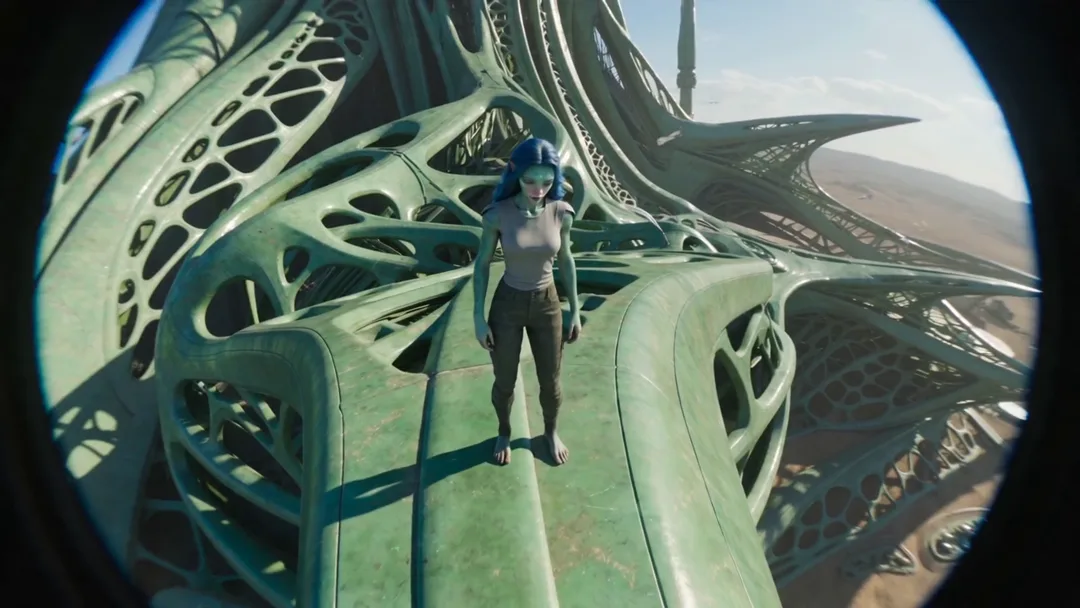 Real estateAI real estate videoRoom-by-room walk-in clips from the photos you already shot. A twilight exterior reveal for the top of the listing.Living-room walk-in: 27 credits
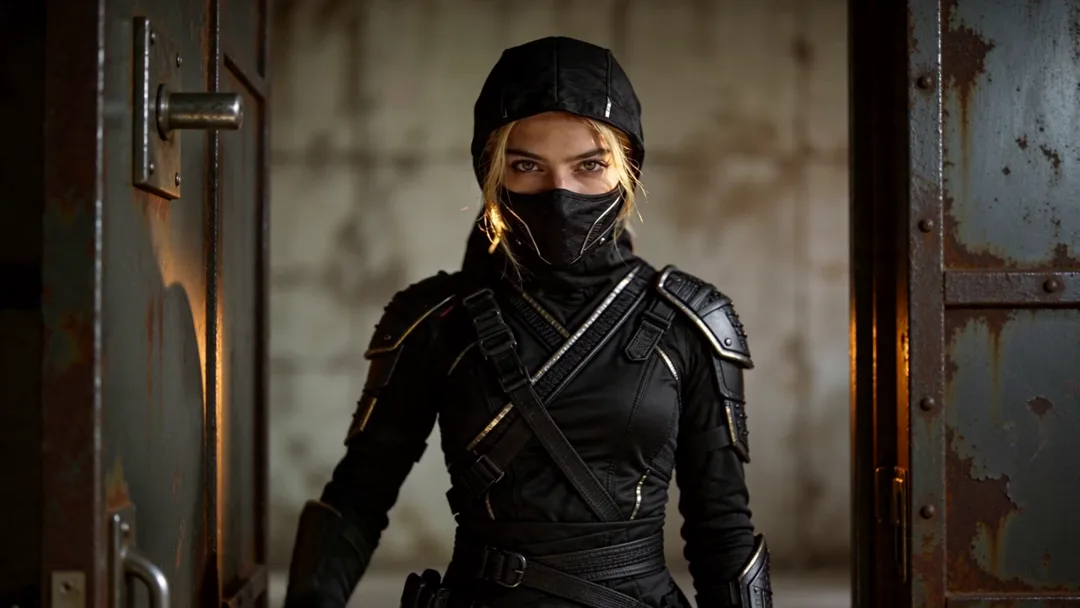 Music videoAI music video generatorPerformance shots of an artist character moving on the beat. Story cutaways for the verses.Performance on the beat: 34 credits
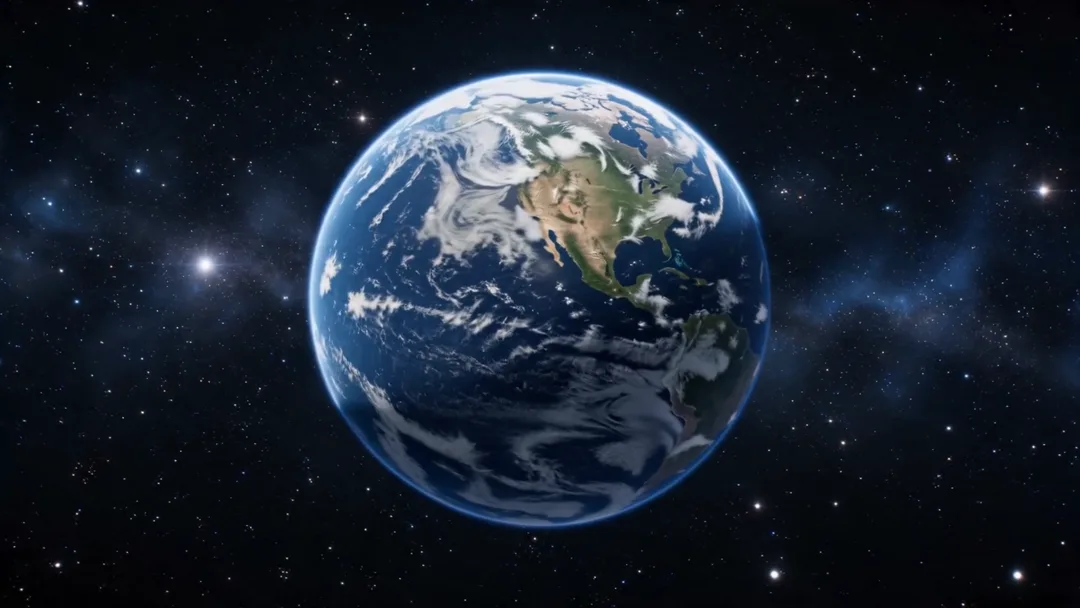 YouTube introAI YouTube intro makerA 4-second channel opener that plays before every episode. An Earth zoom that lands on your city or studio.Earth zoom to your city: 17 credits
 Logo animationAI logo animationA 4 to 5 second logo sting for the end of your videos. Animated logos for presentations and event screens.Metal rise from water: 17 credits
 WeddingAI wedding videoSave-the-date clips for messaging apps and stories. A venue reveal for the invitation website.Rings save-the-date: 20 credits
 BirthdayAI birthday videoA candles-and-confetti clip for the family chat. Your pet as the party guest, from one photo.Candles and confetti: 17 credits
 FoodAI food videoSlow-motion hero shots for recipes and menus. Overhead table spreads for social posts.Slow-motion syrup pour: 17 credits
- RestaurantAI restaurant videoA daily special teaser for stories. An evening ambience clip of your own dining room.Chef's special teaser: 20 credits
 FashionAI fashion videoLookbook turns for every piece in a drop. Street-style walking shots for campaign edits.Lookbook turn: 20 credits
 JewelryAI jewelry videoMacro turns for product pages. On-hand and on-neck clips for social.Sparkle macro turn: 33 credits
- Perfume adAI perfume adA slow-motion packshot for paid social. A notes-and-ingredients clip for the product page.Bottle in water: 40 credits
- Car commercialAI car commercialStock-car reveals for dealership listings and socials. Spec ads and concept spots for a portfolio.Coastal road tracking shot: 53 credits
- TravelAI travel videoDestination openers for travel channels and agencies. Your trip photos turned into short living clips.FPV flight over a bay: 27 credits
Every use case at a glance
The first shot of each page: the model, format and credits it uses.
| Use case | Shot | Model | Format | Credits |
|---|---|---|---|---|
| Real estate | Living-room walk-in | Seedance 2.0 | 16:9, 8 s, 720p | 27 |
| Music video | Performance on the beat | Seedance 2.0 | 9:16, 10 s, 720p | 34 |
| YouTube intro | Earth zoom to your city | Seedance 2.0 | 16:9, 5 s, 720p | 17 |
| Logo animation | Metal rise from water | Seedance 2.0 | 16:9, 5 s, 720p | 17 |
| Wedding | Rings save-the-date | Seedance 2.0 | 9:16, 6 s, 720p | 20 |
| Birthday | Candles and confetti | Seedance 2.0 | 1:1, 5 s, 720p | 17 |
| Food | Slow-motion syrup pour | Seedance 2.0 | 9:16, 5 s, 720p | 17 |
| Restaurant | Chef's special teaser | Seedance 2.0 | 9:16, 6 s, 720p | 20 |
| Fashion | Lookbook turn | Seedance 2.0 | 9:16, 6 s, 720p | 20 |
| Jewelry | Sparkle macro turn | Seedance 2.0 | 1:1, 5 s, 1080p | 33 |
| Perfume ad | Bottle in water | Seedance 2.0 | 9:16, 6 s, 1080p | 40 |
| Car commercial | Coastal road tracking shot | Seedance 2.0 | 21:9, 8 s, 1080p | 53 |
| Travel | FPV flight over a bay | Seedance 2.0 | 16:9, 8 s, 720p | 27 |
More ways people use KreatorFlow
Product and UGC ads have their own step-by-step guides, faceless channels and animated series are made in the AI cartoon maker, and any look on these pages can be changed with a one-click art style.
Questions
Which model should I use for my use case?
Are these prompts free to use?
Can I use my own photos?
Which plan do I need?
Pick a prompt and generate
Every prompt on these pages runs in the video studio as written. The cost is shown before you generate.