 Official BytePlus partnerBuilt on BytePlus, ByteDance's official AI platform
Use case · Travel
AI travel video for destinations, trips and tours
Travel clips sell a feeling of arriving. Seedance 2.0 knows famous places by name, so a prompt can fly you over a real bay or dive from space to a town, and your own trip photos can come alive with moving water and clouds.
- 3 tested prompts
- From 12 credits a clip
- Seedance 2.0
- Seedance 2 Fast
What you can make
- Destination openers for travel channels and agencies
- Your trip photos turned into short living clips
- Space-to-street zooms that show where a place is
- Vertical teasers for tours and hotels
Prompts that work, with their settings
Paste a prompt into the video studio, set the options listed under it and add the references in the order shown. The first upload is “the first image” in the prompt.
FPV flight over a bay
An FPV drone flies low over turquoise water toward tall limestone islands in Ha Long Bay, then climbs over a ridge to reveal the whole bay full of islands, morning haze, fast and smooth.
- Model
- Seedance 2.0
- Aspect ratio
- 16:9
- Length
- 8 seconds
- Resolution
- 720p
- References
- None (text to video)
- Generate audio
- Off
- Cost
- 24 credits, about $1.50 on Creator
Eight seconds fits the low run and the climb, and the place name sets the landscape.
Your trip photo, alive
The scene from the first image comes to life: clouds drift, the water moves gently, leaves sway in the breeze, a slow push-in. Keep the place exactly as in the photo.
- Model
- Seedance 2 Fast
- Aspect ratio
- 9:16
- Length
- 5 seconds
- Resolution
- 720p
- References
- 1. Your own travel photo
- Generate audio
- On (adds no credits)
- Cost
- 12 credits, about $0.75 on Creator
Small natural motion on your own photo looks real, and generated ambience (waves, wind) adds no credits.
Space to Santorini
From space the camera dives toward the island of Santorini, through thin clouds, down to the white houses and blue domes on the cliff at sunset.
- Model
- Seedance 2.0
- Aspect ratio
- 16:9
- Length
- 5 seconds
- Resolution
- 720p
- References
- None (text to video)
- Generate audio
- Off
- Cost
- 15 credits, about $0.94 on Creator
Five seconds is the classic length for a location zoom at the start of a travel edit.
What these clips cost
| Shot | Model | Format | Credits | Price per clip |
|---|---|---|---|---|
| FPV flight over a bay | Seedance 2.0 | 16:9, 8 s, 720p | 24 | $1.50 on Creator |
| Your trip photo, alive | Seedance 2 Fast | 9:16, 5 s, 720p | 12 | $0.75 on Creator |
| Space to Santorini | Seedance 2.0 | 16:9, 5 s, 720p | 15 | $0.94 on Creator |
One take of all 3 shots is 51 credits, about $3.19 on the Creator plan. Prices per clip use each plan's monthly price and its guaranteed monthly credits (Creator: $25 for 400 credits; Pro: $49 for 800), and image references add no credits.
Free accounts can make video on Seedance 2 Fast and Seedance 2.0 Mini at 480p. A plan adds every video model, including Seedance 2.0 and 2.5, 720p (1080p and 4K on Pro and above), no queue and more credits. Creator renders up to 720p; 1080p is on the Pro, Max and Business plans. The studio shows the exact cost before you generate, and credits for a failed clip come back automatically. For a whole campaign, the AI video cost calculator adds it up.
Step by step
- 1
Name the place
Real place names work: "Ha Long Bay", "the Dolomites", "Santorini". Add the time of day.
- 2
Pick the move
FPV for energy, a slow rise for scale, a space zoom for "where we are".
- 3
Bring your photos in
Add a trip photo as the first image and ask only for natural motion: clouds, water, leaves.
- 4
Cut the travel edit
Open with the zoom, mix generated flights with your living photos, and add music in your editor.
Tips for better results
- Add weather and light ("morning haze", "golden hour", "after rain") to every prompt: it does more than adjectives.
- Keep living-photo motion small; big moves on a still photo invent things off the edges.
- Use 9:16 for tour teasers and 16:9 for channel videos.
- The FPV drone and Earth zoom templates are tuned for exactly these moves.
Mistakes to avoid
- Presenting a generated scene as real footage of a hotel or a beach: label AI-made destination clips.
- Asking for a specific building interior by name: the model invents it. Use your own photo.
- Crowds in close-up: keep people small and in the distance.
Camera templates that fit
One-click camera moves from the template library. A template adds 2 credits to the clip's price; the card shows the total.
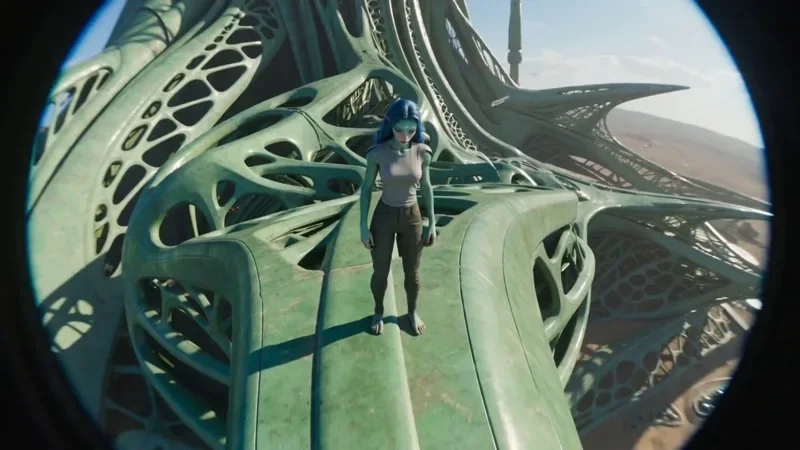
FPV Drone
42 creditsAn aggressive FPV dive down the side of a building, banking through a gap and pulling up into a low glide.
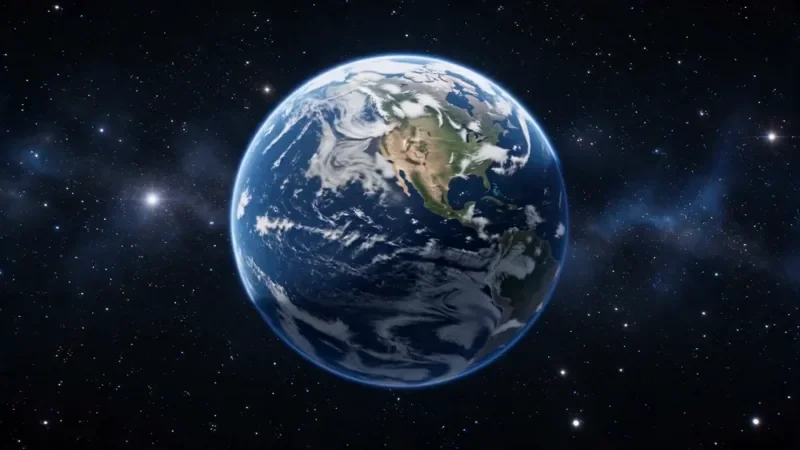
Earth Zoom
77 creditsOne continuous zoom from space, through the clouds and a city, down to a single subject in close-up.
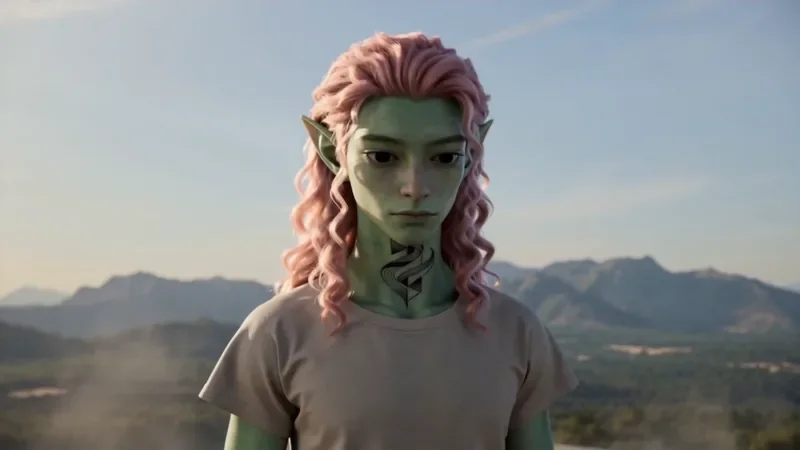
Spiral Ascend
42 creditsThe camera orbits your subject while rising, finishing directly overhead in a bird's-eye view.
Questions
Can AI make a video of a real place?
It knows well-known places by name and gets the landscape and landmarks broadly right, but details are generated. For a specific hotel or street, start from your own photo of it.
How long can one travel clip be?
Seedance 2.0 makes 4 to 15 second clips; Seedance 2.5 goes up to 30 seconds (120 credits at 720p). An 8-second FPV flight at 720p is 24 credits.
Can I animate my holiday photos?
Yes. Add the photo as the first image and ask for small natural motion. A 5-second Seedance 2 Fast clip at 720p is 12 credits.
Make your first travel clip
Copy a prompt above, open the video studio and generate. The cheapest shot on this page is 12 credits.