 Official BytePlus partnerBuilt on BytePlus, ByteDance's official AI platform
Use case · YouTube intro
AI YouTube intro maker for short, sharp openers
A good intro is over before viewers think about skipping. Seedance clips start at 4 seconds, so you can make an opener that sets the channel's mood, then add your channel name and logo in your editor where the lettering stays sharp.
- 3 tested prompts
- From 10 credits a clip
- Seedance 2.0
- Seedance 2 Fast
What you can make
- A 4-second channel opener that plays before every episode
- An Earth zoom that lands on your city or studio
- A seasonal intro variant for a series or a special
- A matching 9:16 opener for Shorts
Prompts that work, with their settings
Paste a prompt into the video studio, set the options listed under it and add the references in the order shown. The first upload is “the first image” in the prompt.
Earth zoom to your city
Start in space above Earth at night, the camera dives through thin clouds toward the coast of Lisbon, city lights growing brighter, ending on a rooftop at dusk. Fast, smooth, cinematic.
- Model
- Seedance 2.0
- Aspect ratio
- 16:9
- Length
- 5 seconds
- Resolution
- 720p
- References
- None (text to video)
- Generate audio
- On (adds no credits)
- Cost
- 15 credits, about $0.94 on Creator
Five seconds is enough for the dive, and generated audio (a whoosh through the clouds) adds no credits on Seedance 2.0.
Neon title stage
A dark studio set, neon tubes flicker on one by one in electric blue, fog rolls across the floor, the camera dollies forward to an empty glowing stage, energetic, clean empty centre for a title.
- Model
- Seedance 2 Fast
- Aspect ratio
- 16:9
- Length
- 4 seconds
- Resolution
- 720p
- References
- None (text to video)
- Generate audio
- Off
- Cost
- 10 credits, about $0.63 on Creator
The shortest clip the studio makes, with an empty centre so your channel name can sit on top.
Desk stop-motion
Top-down view of a creator's wooden desk, a laptop, a coffee cup and a notebook slide into place one after another in a quick stop-motion rhythm, morning light, playful snappy timing, ending on a tidy desk.
- Model
- Seedance 2.0
- Aspect ratio
- 16:9
- Length
- 6 seconds
- Resolution
- 720p
- References
- None (text to video)
- Generate audio
- Off
- Cost
- 18 credits, about $1.13 on Creator
Stop-motion timing needs Seedance 2.0's steadier objects; six seconds gives each object its own beat.
What these clips cost
| Shot | Model | Format | Credits | Price per clip |
|---|---|---|---|---|
| Earth zoom to your city | Seedance 2.0 | 16:9, 5 s, 720p | 15 | $0.94 on Creator |
| Neon title stage | Seedance 2 Fast | 16:9, 4 s, 720p | 10 | $0.63 on Creator |
| Desk stop-motion | Seedance 2.0 | 16:9, 6 s, 720p | 18 | $1.13 on Creator |
One take of all 3 shots is 43 credits, about $2.69 on the Creator plan. Prices per clip use each plan's monthly price and its guaranteed monthly credits (Creator: $25 for 400 credits; Pro: $49 for 800), and image references add no credits.
Free accounts can make video on Seedance 2 Fast and Seedance 2.0 Mini at 480p. A plan adds every video model, including Seedance 2.0 and 2.5, 720p (1080p and 4K on Pro and above), no queue and more credits. Creator renders up to 720p; 1080p is on the Pro, Max and Business plans. The studio shows the exact cost before you generate, and credits for a failed clip come back automatically. For a whole campaign, the AI video cost calculator adds it up.
Step by step
- 1
Decide the length
Pick 4 or 5 seconds in the studio. Longer intros lose viewers before the episode starts.
- 2
Leave room for the name
Ask for "a clean empty centre" or "ending on a wide sky" so your channel name has space.
- 3
Generate two or three takes
Intros play on every video, so pick the take you will not get tired of.
- 4
Add your name and logo
Put the lettering on in your editor: generated text can come out misspelled. Export a 16:9 version and a 9:16 one.
Tips for better results
- Use the same last frame every time: end the prompt on a fixed image ("ending on a tidy desk") so the cut to the episode is clean.
- Match the intro to the channel: an Earth zoom for travel, a neon stage for gaming, a desk for tutorials.
- Turn Generate audio on for whooshes and ambience; it costs nothing extra on Seedance 2.x.
- Render the Shorts version at 9:16 rather than cropping the 16:9 one, or the subject ends up off frame.
Mistakes to avoid
- Asking the model to write the channel name: add it in your editor instead.
- A 15-second intro: it is the most skipped part of a video.
- Busy centre frames that fight with the title.
Add a voiceover
A one-line voice tag for the end of the intro, made in the Text to Speech studio. This 96-character script is 2 credits.
Voiceover script
This is Open Road, the channel where we cook dinner in every country we drive through. Let's go.
Camera templates that fit
One-click camera moves from the template library. A template adds 2 credits to the clip's price; the card shows the total.
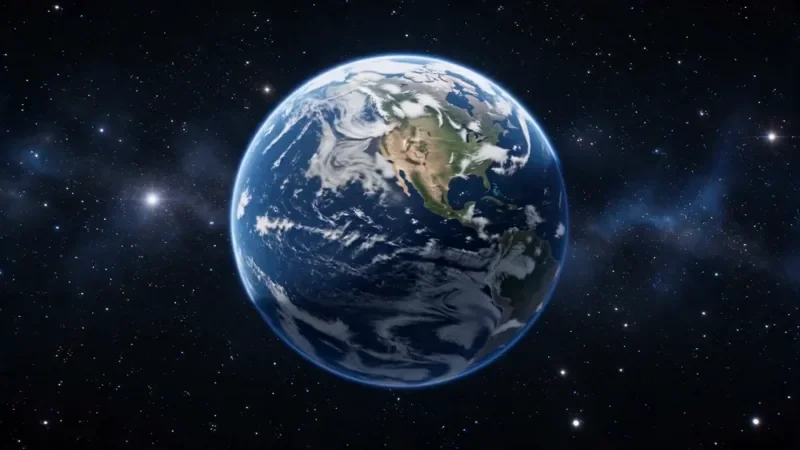
Earth Zoom
77 creditsOne continuous zoom from space, through the clouds and a city, down to a single subject in close-up.
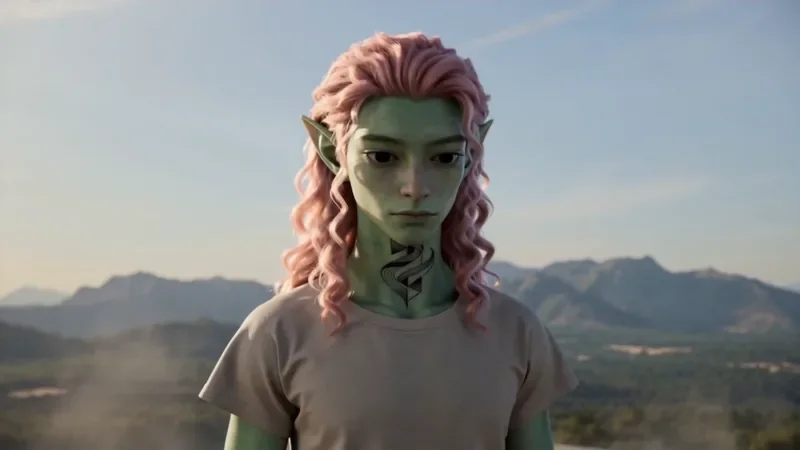
Spiral Ascend
42 creditsThe camera orbits your subject while rising, finishing directly overhead in a bird's-eye view.
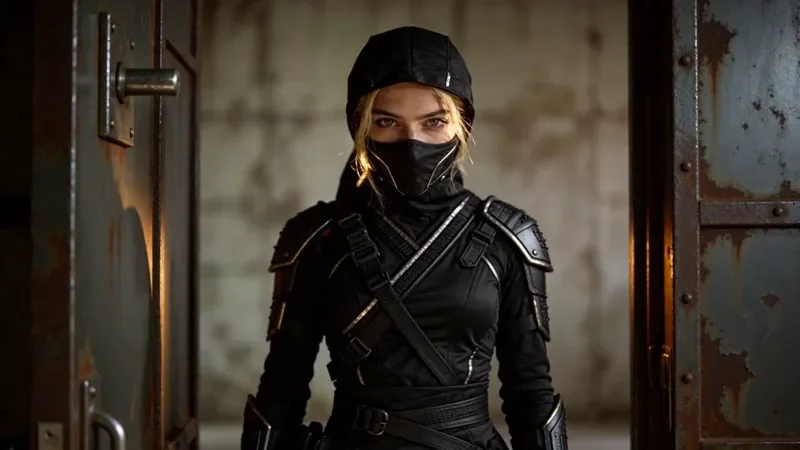
Whip Pan Transition
27 creditsA fast whip pan with motion blur that lands in a new scene, matched on an object in the same spot.
Questions
How long should a YouTube intro be?
Short: 4 or 5 seconds. A 4-second Seedance 2 Fast intro at 720p is 10 credits and a 5-second Seedance 2.0 one is 15.
Can the AI write my channel name in the intro?
Do not rely on it: generated lettering can come out misspelled. Leave an empty space in the shot and add the name and logo in your editor.
Does the intro have a watermark?
No. KreatorFlow does not add a watermark to generated videos, so the intro is ready to use on your channel.
Make your first youtube intro clip
Copy a prompt above, open the video studio and generate. The cheapest shot on this page is 10 credits.