 Official BytePlus partnerBuilt on BytePlus, ByteDance's official AI platform
Use case · Fashion
AI fashion video for lookbooks, campaigns and drops
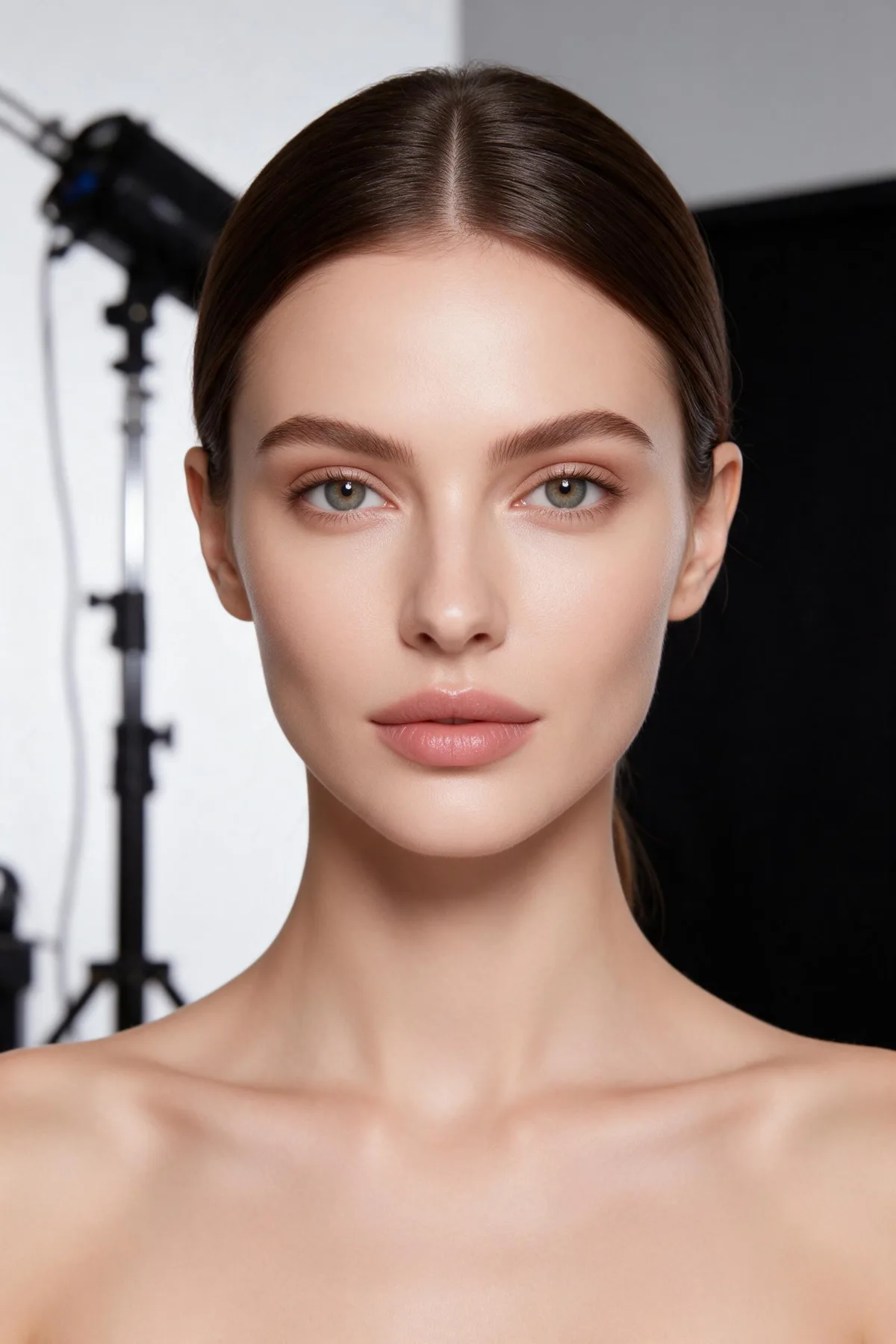
Add a photo of the garment and a model image, and Seedance 2.0 dresses the model and moves the camera around them. Keep the same model across a whole collection by saving them as a character, then add street-style and fabric shots for the edit.
- 3 tested prompts
- From 10 credits a clip
- Seedance 2.0
- Seedance 2 Fast
What you can make
- Lookbook turns for every piece in a drop
- Street-style walking shots for campaign edits
- Fabric and detail close-ups
- Vertical clips for product pages and stories
Prompts that work, with their settings
Paste a prompt into the video studio, set the options listed under it and add the references in the order shown. The first upload is “the first image” in the prompt.
Lookbook turn
The woman from the first image wears the jacket from the second image, she turns slowly on a white studio cyclorama, soft key light, the camera circles her at waist height, the fabric moving naturally.
- Model
- Seedance 2.0
- Aspect ratio
- 9:16
- Length
- 6 seconds
- Resolution
- 720p
- References
- 1. The model (a saved character or an AI image) 2. A flat or on-hanger photo of the garment
- Generate audio
- Off
- Cost
- 18 credits, about $1.13 on Creator
Two image references, one for the person and one for the garment, and "from the first/second image" tells the model which is which.
Street-style walk
A man in an oversized camel coat walks toward the camera down a rainy cobbled street, the coat swinging with each step, low angle, shallow focus, overcast soft light, editorial look.
- Model
- Seedance 2.0
- Aspect ratio
- 9:16
- Length
- 5 seconds
- Resolution
- 1080p
- References
- None (text to video)
- Generate audio
- Off
- Cost
- 25 credits, about $1.53 on Pro
A low-angle walk is the campaign shot; 1080p keeps the fabric texture for the hero edit.
Fabric macro
Extreme close-up of emerald silk rippling in a gentle breeze, light sliding over the folds, slow motion, dark background.
- Model
- Seedance 2 Fast
- Aspect ratio
- 16:9
- Length
- 4 seconds
- Resolution
- 720p
- References
- None (text to video)
- Generate audio
- Off
- Cost
- 10 credits, about $0.63 on Creator
Detail inserts are short, so the four-second Fast clip is the cheap way to cut between looks.
What these clips cost
| Shot | Model | Format | Credits | Price per clip |
|---|---|---|---|---|
| Lookbook turn | Seedance 2.0 | 9:16, 6 s, 720p | 18 | $1.13 on Creator |
| Street-style walk | Seedance 2.0 | 9:16, 5 s, 1080p | 25 | $1.53 on Pro |
| Fabric macro | Seedance 2 Fast | 16:9, 4 s, 720p | 10 | $0.63 on Creator |
One take of all 3 shots is 53 credits, about $3.25 on the Pro plan. Prices per clip use each plan's monthly price and its guaranteed monthly credits (Creator: $25 for 400 credits; Pro: $49 for 800), and image references add no credits.
Free accounts can make video on Seedance 2 Fast and Seedance 2.0 Mini at 480p. A plan adds every video model, including Seedance 2.0 and 2.5, 720p (1080p and 4K on Pro and above), no queue and more credits. Creator renders up to 720p; the 1080p shots need the Pro, Max and Business plans. The studio shows the exact cost before you generate, and credits for a failed clip come back automatically. For a whole campaign, the AI video cost calculator adds it up.
Start from a still image
A neutral base model in plain clothes is easiest to dress with your garment photos later. A Seedream 4.5 image is 2 credits.
Image studio prompt
Full-body studio photo of a tall woman with short dark hair and a neutral expression, standing on a white cyclorama, soft even light, plain grey t-shirt and black trousers
Step by step
- 1
Make or save the model
Generate a model in the image studio or save one as a character, so every look in the collection is worn by the same person.
- 2
Photograph each garment
A flat-lay or hanger photo on a plain background, with the whole piece in frame.
- 3
Add both as references
The model first, the garment second, then say "the woman from the first image wears the jacket from the second image".
- 4
Cut the edit
Mix lookbook turns, a walk and fabric inserts. Add music and the product names in your editor.
Tips for better results
- Describe how the fabric moves ("swinging", "rippling", "stiff") so leather and silk do not look the same.
- Keep the studio background identical across a collection for a clean lookbook page.
- Use the multi-angle template when you need front, side and back of one look.
- Name the colour exactly ("camel", "emerald", "off-white") in every prompt for that piece.
Mistakes to avoid
- Garment photos with a person already wearing them: the two references fight. Use flat-lays.
- Using a real model's photo without a release: only use people who agreed to it.
- Busy prints in fast moves: patterns can shimmer. Slow the move down.
Camera templates that fit
One-click camera moves from the template library. A template adds 2 credits to the clip's price; the card shows the total.
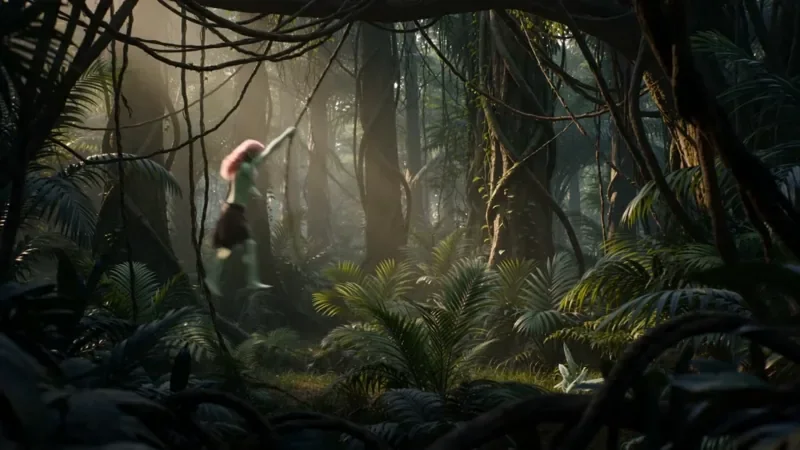
Multi Angle Shot
42 creditsOne action shown from three angles with hard cuts: a wide shot, an extreme close-up and a reverse angle.
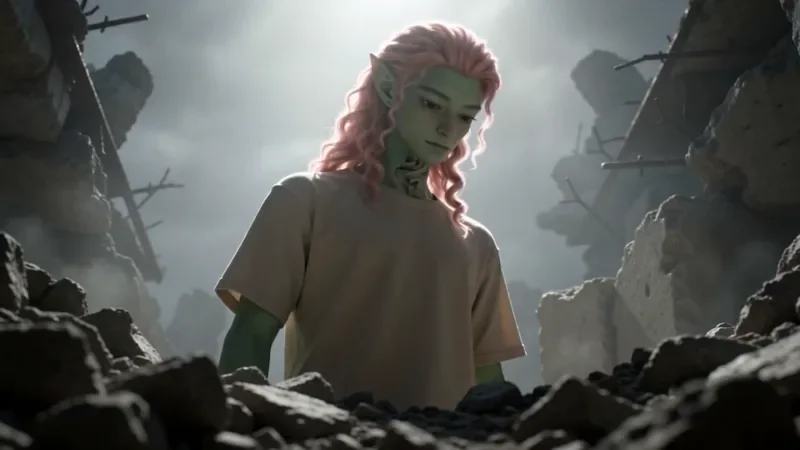
Worm's Eye Hero Shot
32 creditsAn extreme low angle from the ground that makes your subject tower over the camera, backlit against the sky.

Bullet Time
27 creditsA frozen moment with the camera orbiting 360 degrees around your subject, particles hanging in the air.
Questions
Can I put my own clothes on an AI model?
Yes. Add the model image and a photo of the garment as image references (up to 9 per clip) and say which is which in the prompt. Image references add no credits.
How do I keep the same model across a collection?
Save the model as a character once (4 credits) and use the @handle in every prompt.
What does a 10-look lookbook cost?
Ten 6-second Seedance 2.0 turns at 720p are 180 credits, about $11.25 on the Creator plan.
Make your first fashion clip
Copy a prompt above, open the video studio and generate. The cheapest shot on this page is 10 credits.