How can we help?
Search the Help Center or ask the assistant for an instant answer. If it can't help, it will email our team for you.
Popular questions
What is KreatorFlow?Getting startedHow do I create my first image or video?Getting startedHow do credits work?CreditsIs there a free trial or free credits?CreditsWhat is the Creator Pass (Unlimited Week)?Creator Pass & offersWhat plans do you offer?Plans & billingHow do I cancel my subscription?Plans & billingMy generation failed. Do I get my credits back?Refunds
Lyric video guides
Short videos: make a video, use your own footage, place clips, edit with Kiryu, export.
 0:30
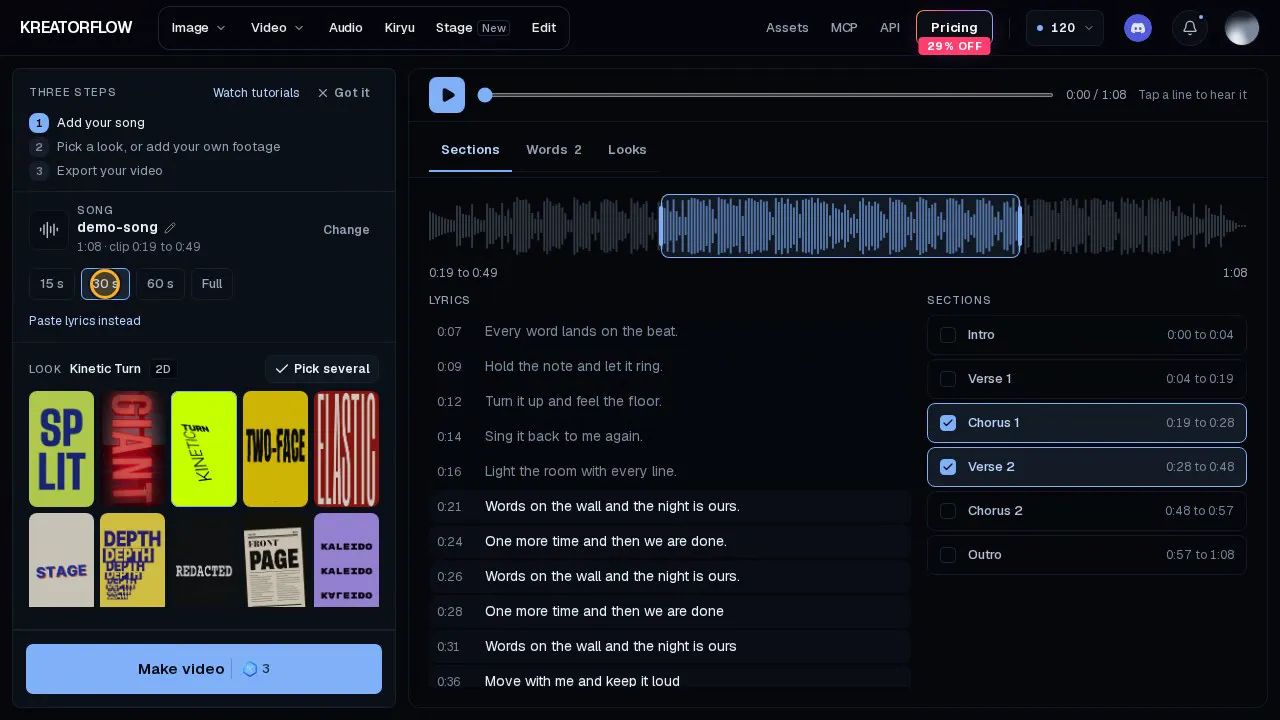
Make your first video
Add a song, pick a look, get a lyric video.
- Pick a look and add your song
- Tap a line to hear it
- Make video: 1 credit per 10 s
 0:23
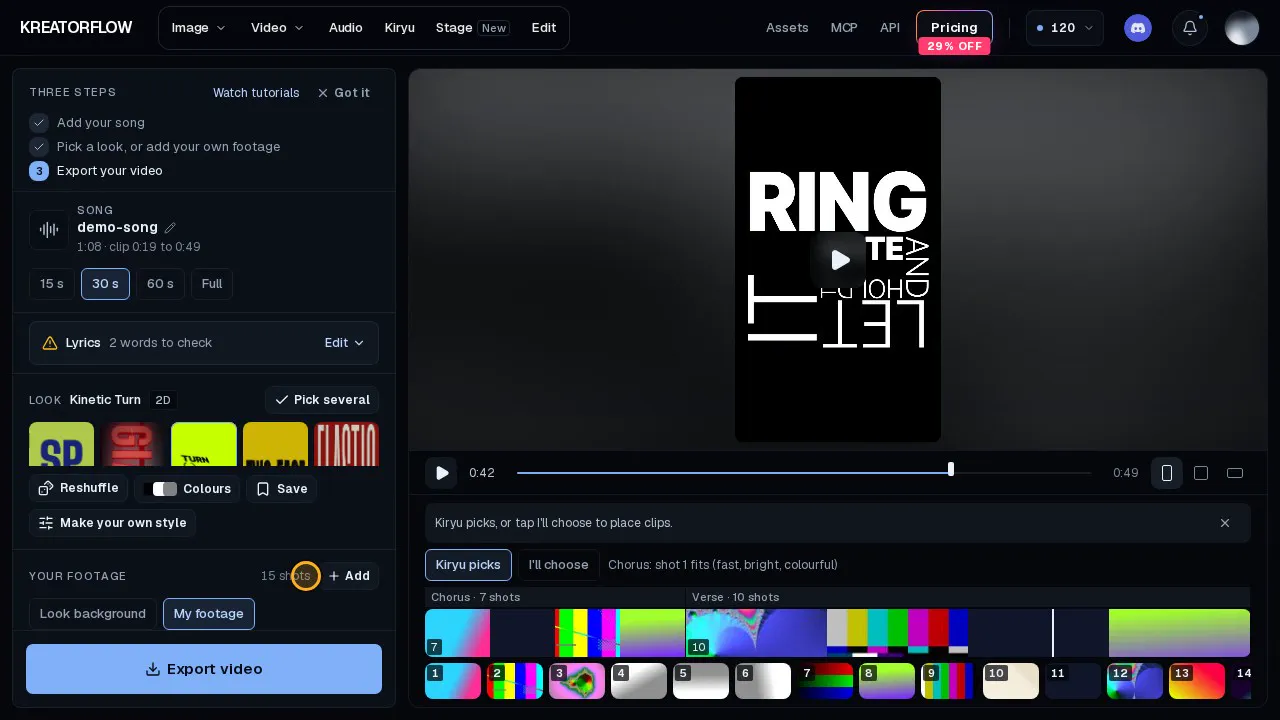
Turn one long video into shots
Drop one video in and it is split into shots.
- Add one long video
- Remove the shots you do not want
- Kiryu cuts each part across shots
 0:23
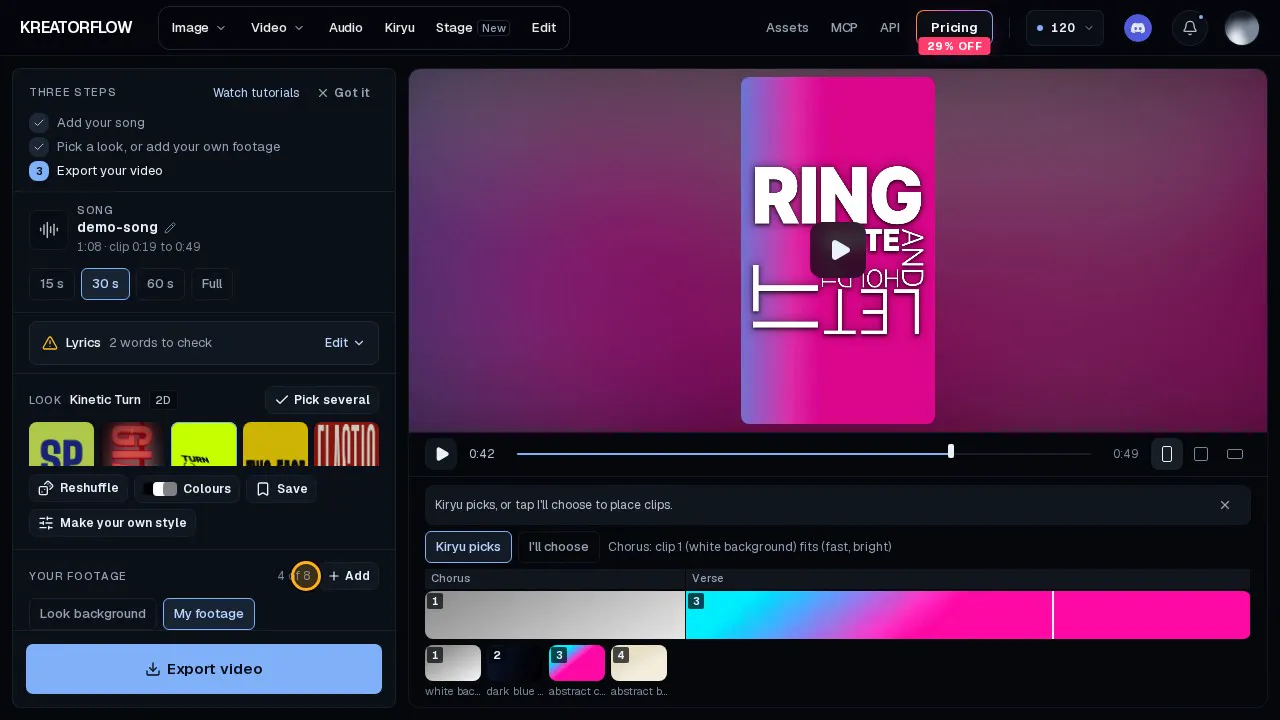
Use your own footage
Play the words over your own clips.
- Open Your footage
- Add up to 8 clips
- Switch to My footage
 0:23
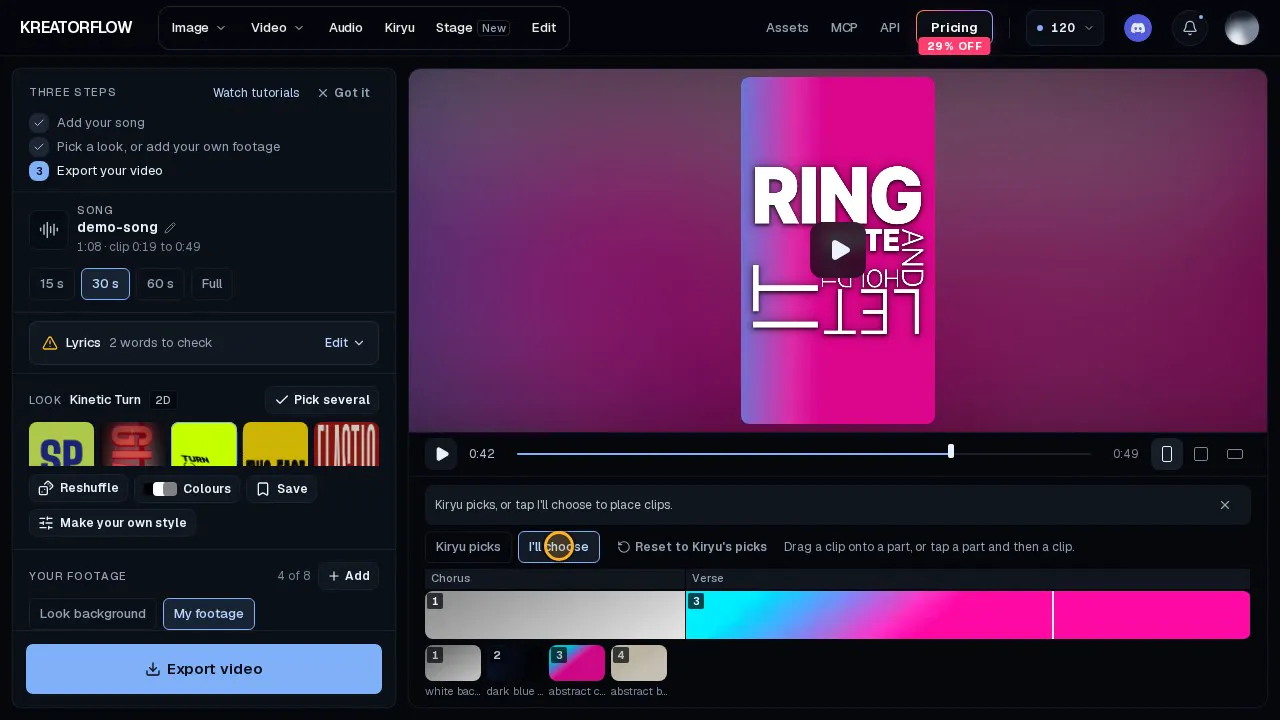
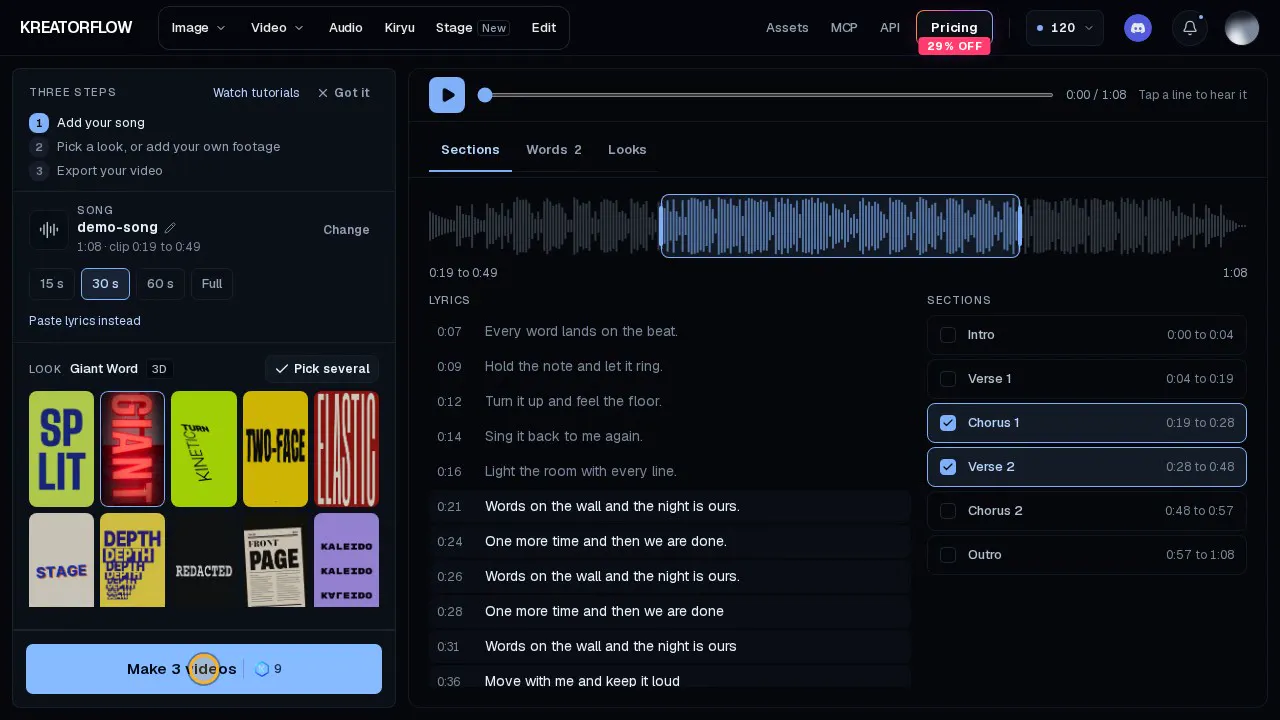
Choose which clip goes where
Let Kiryu pick, or place each clip yourself.
- Kiryu picks by default
- Tap I'll choose
- Tap a part, then a clip
 0:28
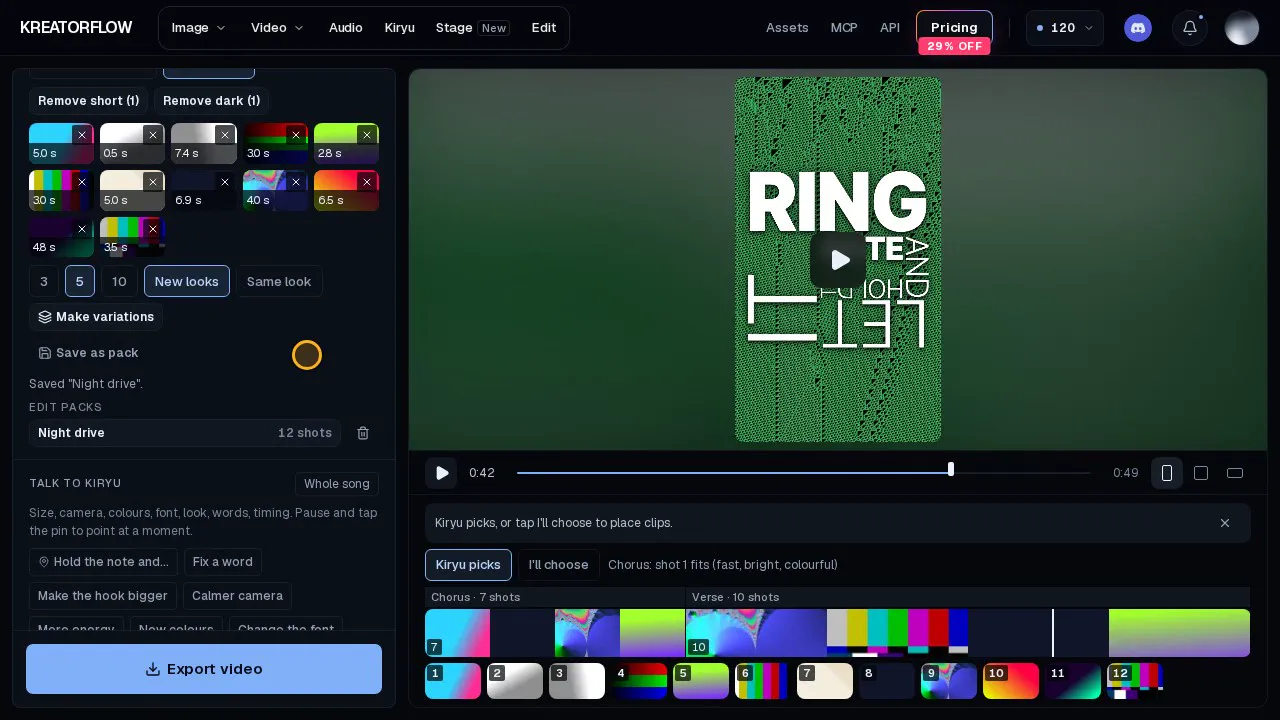
Make several at once
Pick several looks, then export them all.
- Tick several looks
- Add your song once
- Export all
 0:23
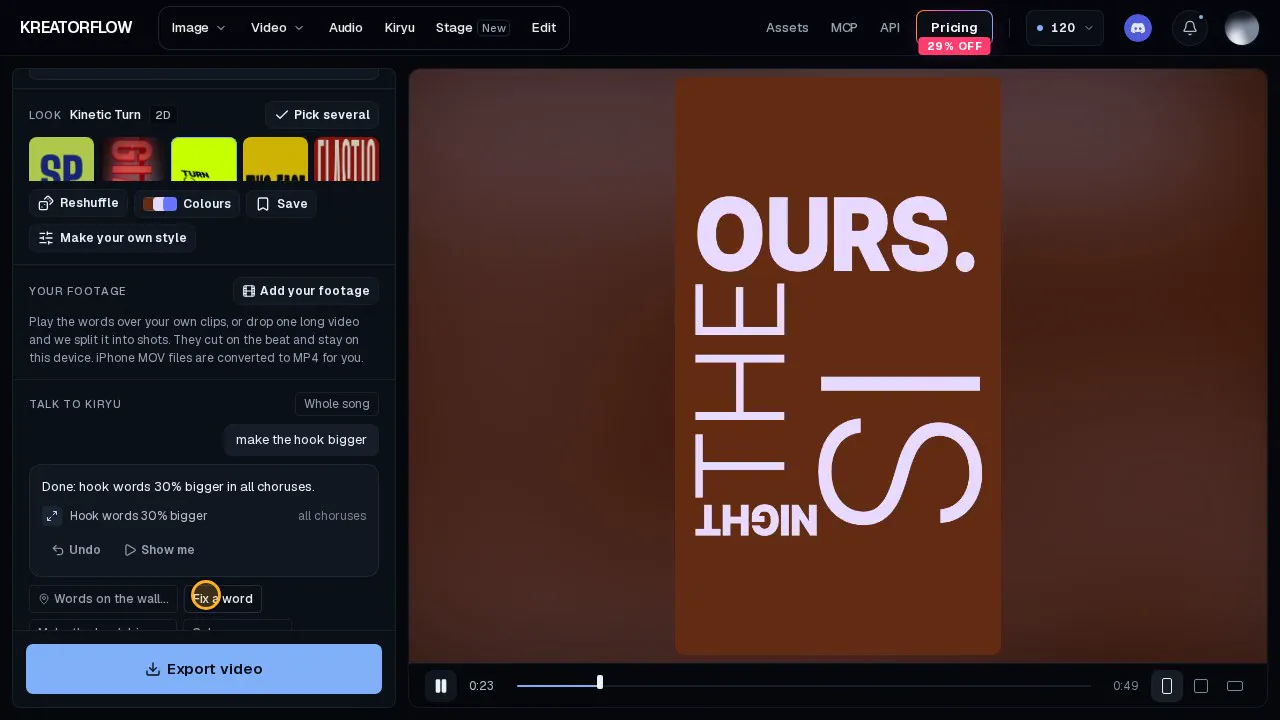
Packs and variations
Save a pack, then make 5 variations.
- Save as pack
- Make 5 variations
- Toggle Same look
 0:23
Edit with Kiryu
Fix a word, make the hook bigger.
- Tell Kiryu what to change
- Fix a word in Lyrics
- Undo any change
 0:25
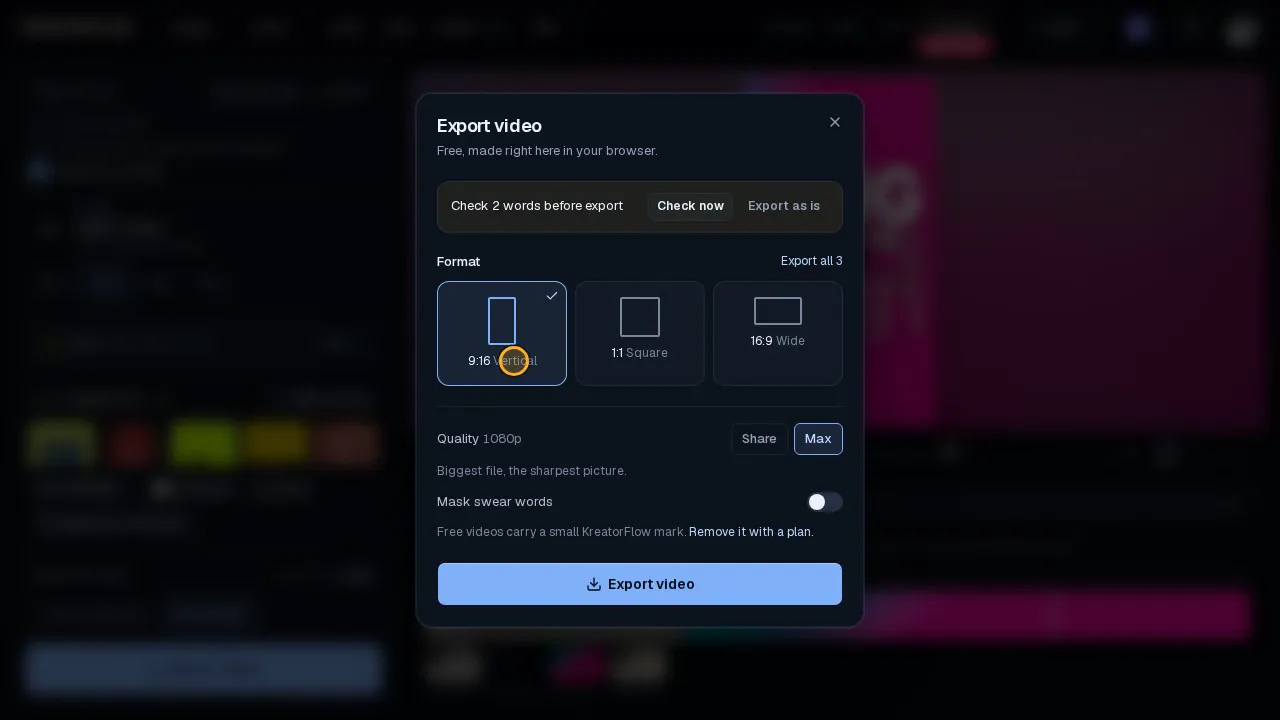
Export sizes
Vertical, square or wide, in your browser.
- Open Export
- Pick a size
- Choose the quality
Browse by topic
Getting startedWhat KreatorFlow is and how to make your first image or video.11 articlesCreditsHow credits work, what things cost, daily claims and expiry.11 articlesCreator Pass & offersUnlimited Week, discount codes, the trial and special offers.6 articlesPlans & billingPlans, upgrades, invoices, failed payments and cancelling.9 articlesRefundsAutomatic refunds for failed jobs and our refund policy.2 articlesTroubleshootingFailed, stuck or blocked generations, error messages and uploads.12 articlesImages, video & toolsModels, quality, length, audio, Edit, Kitsune and limits.31 articlesCharacters, assets & templatesConsistent characters, saved assets, templates and Explore.6 articlesTeams & BusinessTeam workspaces, seats, roles and shared credits.1 articlesAccount & privacySigning up, logging in, emails, your data and deleting your account.6 articlesAffiliate programEarn commission by referring creators.3 articlesDeveloper API & MCPBuild on KreatorFlow with the API, or connect it to Claude, ChatGPT and other AI assistants.5 articles
All help articles
Guides from the blog
Step-by-step prompts, model comparisons, prices and API tutorials.