
 Official BytePlus partnerBytePlus, a ByteDance company
AI video effect
AI Old Photo Animation video effect: how to make it
Old photo animation brings a scanned family photo to life with small, natural motion: a blink, a breath, a slight head turn and a smile. In KreatorFlow you use the scan as the first frame in the video studio, ask for gentle motion and keep the original sepia or black and white look in the prompt.
- Seedance 2.5
- 5 seconds, 9:16
- 24 credits at 720p
- Works from your photo
On this page
How to make the Old Photo Comes Alive effect in KreatorFlow
Built on BytePlus, a ByteDance company. The effect renders on Seedance 2.5 through BytePlus.
- 1
Open the video studio and add your photo
Pick Seedance 2.5, set 5 seconds and add your photo as the first frame. A first-frame clip keeps the photo's own shape, so crop the photo to 9:16 first for a vertical clip.
- 2
Describe the effect
Ask for small motion only: blink, breathe, a slight head turn, a smile, a few strands of hair moving. Say which look to keep (sepia, black and white, film grain, paper texture). Start from the example prompt below and change the details.
- 3
Generate and download
A 5-second clip on Seedance 2.5 costs 24 credits at 720p and 50 at 1080p. Leave audio off if you will add music when you post. The price is shown before you generate, and failed generations give the credits back.
Example prompt
Copy it, or open the studio with it filled in, then change the subject and setting.
Old Photo Comes Alive prompt
Vertical 9:16 clip, 5 seconds. A faded sepia 1940s studio portrait of an AI-generated young woman with curled hair and a lace collar, centred in frame. The photo comes alive: she blinks, breathes, turns her head slightly towards the camera and gives a soft smile, a few strands of hair moving. Keep the sepia tone, film grain and paper texture, static camera, gentle and nostalgic.
Seedance 2.5, 9:16, 5 seconds
Tips for a better result
- Scan or photograph the print flat, in even light, with no glare.
- Only use family photos you have the right to use, never photos of celebrities.
- Big movements break the illusion: less motion looks more real.
Questions
How do I make an AI Old Photo Animation video?
Old photo animation brings a scanned family photo to life with small, natural motion: a blink, a breath, a slight head turn and a smile. In KreatorFlow you use the scan as the first frame in the video studio, ask for gentle motion and keep the original sepia or black and white look in the prompt.
How much does the AI Old Photo Animation effect cost?
A 5-second clip on Seedance 2.5 costs 24 credits at 720p and 50 at 1080p. The studio shows the price before you generate, and failed generations give the credits back.
Can I use my own photo for the AI Old Photo Animation effect?
Yes. Use a photo of yourself, or of someone who agreed to it. Never use photos of celebrities, strangers or anyone under 18. You can also skip the photo and describe an AI-generated person instead.
Can I animate a black and white photo without colouring it?
Yes. Say keep the black and white look, film grain and paper texture in the prompt and the clip stays in the original style. If you want colour, describe the colours you want instead.
Is it OK to animate photos of relatives who have passed away?
Many people make these as tributes. Use photos your family is comfortable with, keep the motion gentle, and share the clip with the people who knew them before posting it publicly.
Related effects
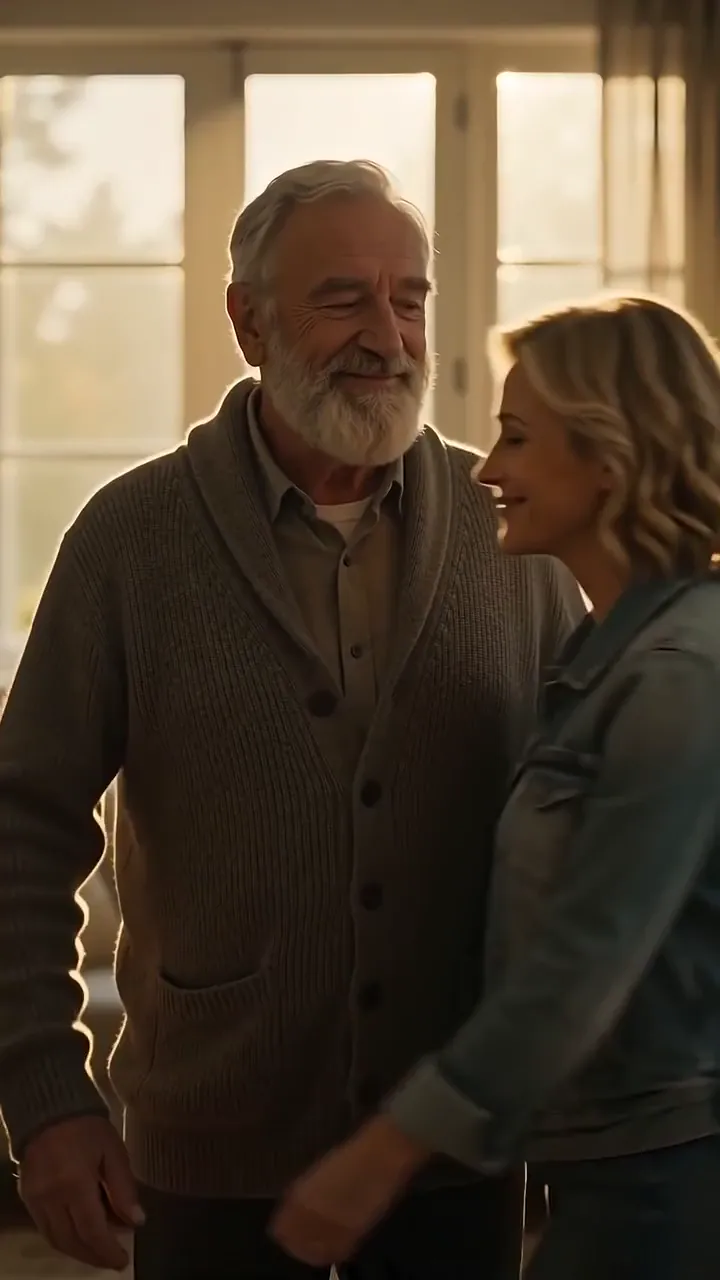
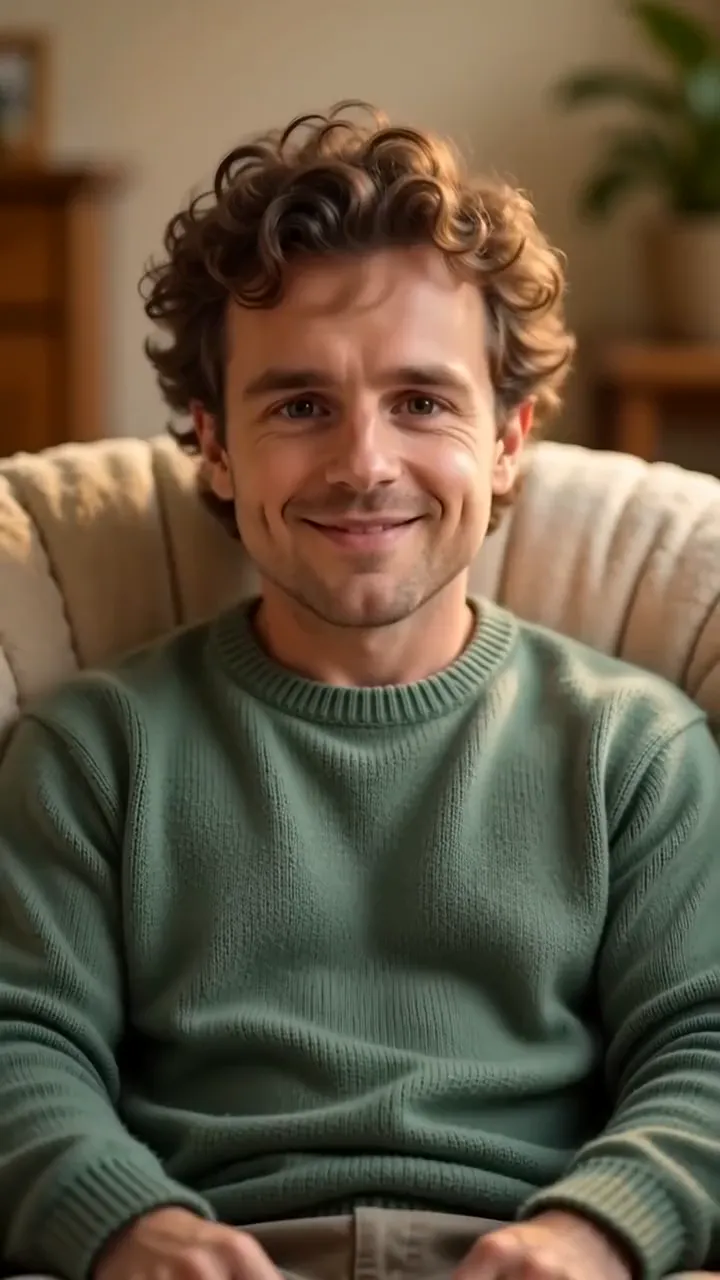
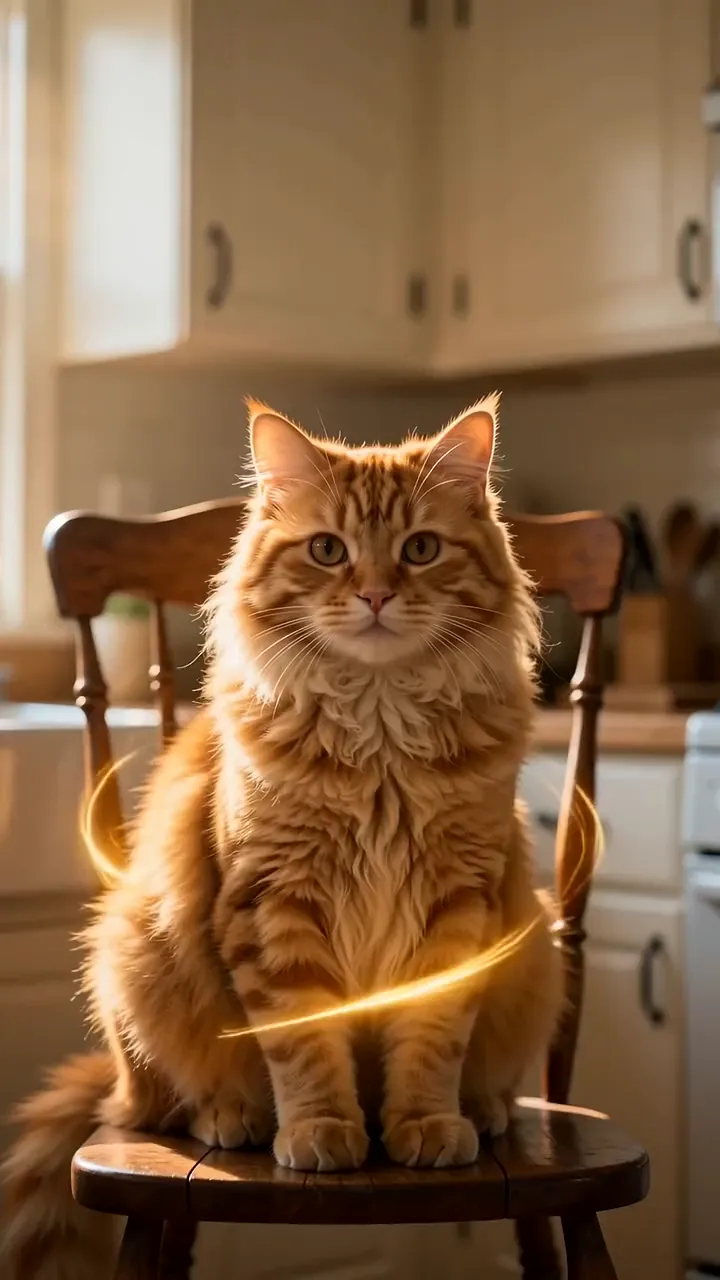
Make your own Old Photo Comes Alive video
The studio opens with the example prompt, 9:16 and 5 seconds filled in; nothing generates until you press Generate. New accounts get 25 starter credits for images and video. Free video covers Seedance 2 Fast and Seedance 2.0 Mini at 720p only, queued and rate limited. Other video models and 1080p and above need a plan.