
 Official BytePlus partnerBytePlus, a ByteDance company
AI video effect
AI Crush video effect: how to make it
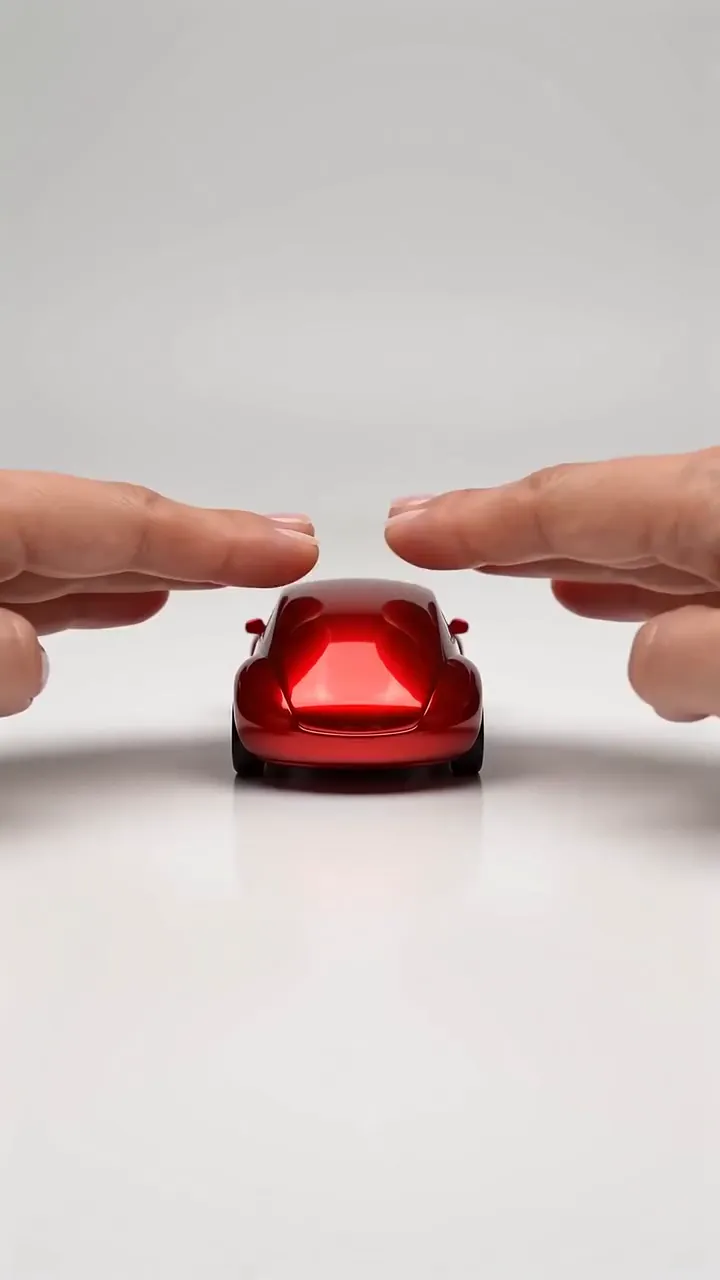
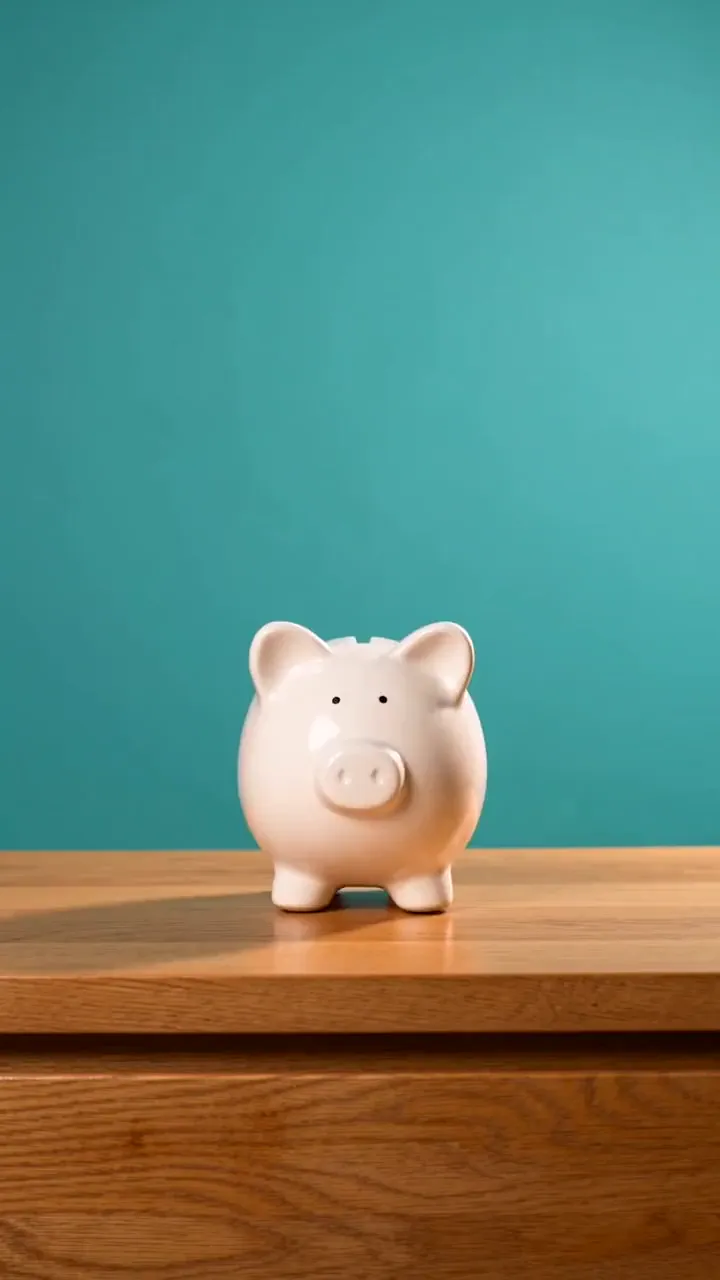
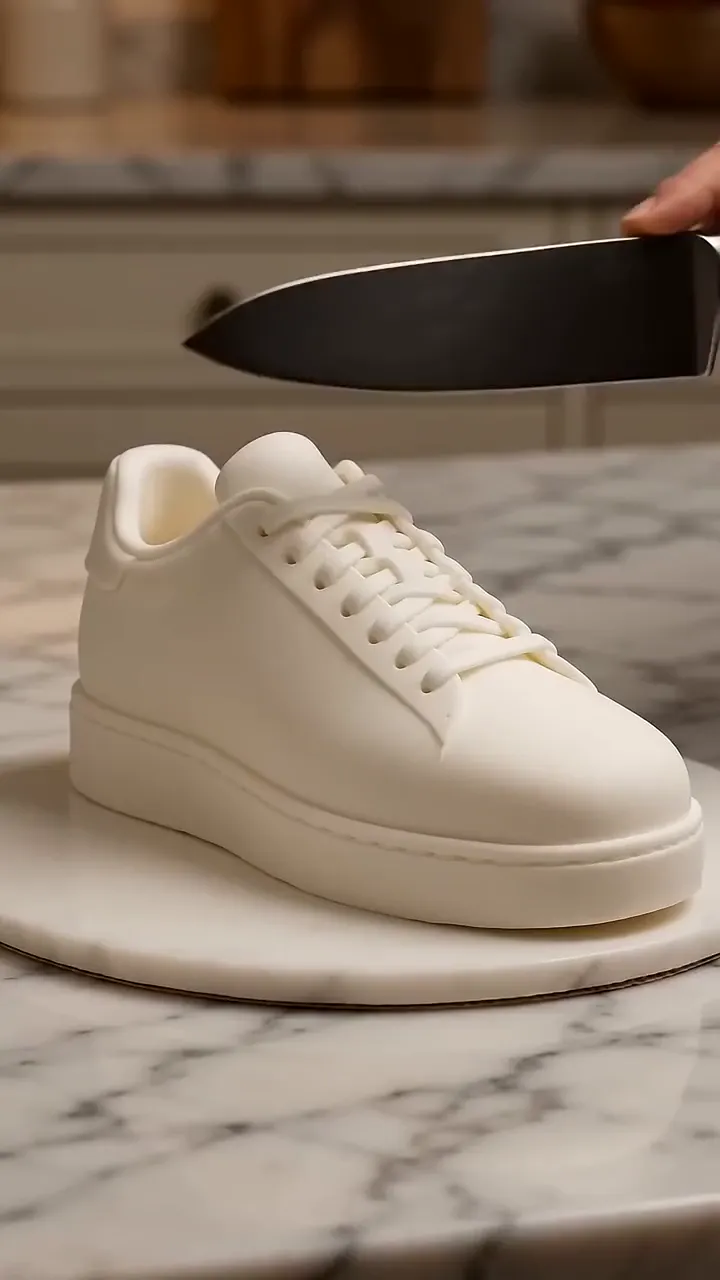
The AI crush effect shows a hydraulic press or a pair of hands flattening an object. In KreatorFlow you start from a photo of the object as the first frame in the video studio, describe the press lowering and the object squashing flat, and generate a 5-second clip on Seedance 2.5.
- Seedance 2.5
- 5 seconds, 9:16
- 24 credits at 720p
- Works from your photo
On this page
How to make the AI Crush effect in KreatorFlow
Built on BytePlus, a ByteDance company. The effect renders on Seedance 2.5 through BytePlus.
- 1
Open the video studio and add your photo
Pick Seedance 2.5, set 5 seconds and add your photo as the first frame. A first-frame clip keeps the photo's own shape, so crop the photo to 9:16 first for a vertical clip.
- 2
Describe the effect
Describe what crushes it (a press, two hands), how slowly, and the final flat shape. Satisfying slow motion is the key phrase. Start from the example prompt below and change the details.
- 3
Generate and download
A 5-second clip on Seedance 2.5 costs 24 credits at 720p and 50 at 1080p. Leave audio off if you will add music when you post. The price is shown before you generate, and failed generations give the credits back.
Example prompt
Copy it, or open the studio with it filled in, then change the subject and setting.
AI Crush prompt
Vertical 9:16 clip, 5 seconds. A bright yellow rubber duck sits centred on a steel plate under a hydraulic press. The press lowers slowly and flattens the duck into a perfect flat disc, rubber bulging out at the sides. Industrial workshop light, macro close-up, satisfying slow motion, static camera.
Seedance 2.5, 9:16, 5 seconds
Tips for a better result
- Objects only.
- Soft or rubbery objects look best when they bulge out.
- A macro close-up adds to the satisfying feel.
Questions
How do I make an AI Crush video?
The AI crush effect shows a hydraulic press or a pair of hands flattening an object. In KreatorFlow you start from a photo of the object as the first frame in the video studio, describe the press lowering and the object squashing flat, and generate a 5-second clip on Seedance 2.5.
How much does the AI Crush effect cost?
A 5-second clip on Seedance 2.5 costs 24 credits at 720p and 50 at 1080p. The studio shows the price before you generate, and failed generations give the credits back.
Can I use my own photo for the AI Crush effect?
Yes. Any photo of an object, toy, food or product works. Avoid logos and brand names on the object, and keep real people out of the effect.
Can I crush a product for an ad?
Yes, with your own product. Use a clean product photo as the first frame and describe the press. Keep other brands out of the shot.
Related effects
Make your own AI Crush video
The studio opens with the example prompt, 9:16 and 5 seconds filled in; nothing generates until you press Generate. New accounts get 25 starter credits for images and video. Free video covers Seedance 2 Fast and Seedance 2.0 Mini at 720p only, queued and rate limited. Other video models and 1080p and above need a plan.