
AI video effect
AI Moonwalk video effect: how to make it
The AI moonwalk effect shows a person gliding smoothly backwards across a dance floor. In KreatorFlow you add a reference photo or describe an AI-generated person, describe the backward glide on a smooth floor, and generate a 5-second clip on Seedance 2.5.
- Seedance 2.5
- 5 seconds, 9:16
- 26 credits at 720p
- Works from your photo
 Official BytePlus partnerBytePlus, a ByteDance company
On this page
How to make the AI Moonwalk effect in KreatorFlow
Built on BytePlus, a ByteDance company. The effect renders on Seedance 2.5 through BytePlus.
- 1
Open the video studio and add a reference
Pick Seedance 2.5, set 9:16 and 5 seconds, and add your photo, or one of someone who agreed, as a reference. You can also skip the photo and describe an AI-generated person.
- 2
Describe the effect
Describe the backward glide, a smooth floor and a finishing move like a spin and a point. Start from the example prompt below and change the details.
- 3
Generate and download
A 5-second clip on Seedance 2.5 costs 26 credits at 720p and 55 at 1080p. Leave audio off if you will add music when you post. The price is shown before you generate, and failed generations give the credits back.
Example prompt
Copy it, or open the studio with it filled in, then change the subject and setting.
AI Moonwalk prompt
Vertical 9:16 clip, 5 seconds. An AI-generated elderly man in a tweed suit and flat cap stands centred on a shiny wooden dance floor under a disco ball. He tips his cap and glides backwards in a smooth moonwalk, then spins and points at the camera. Colourful party lights, static camera, full body, funny and charming.
Seedance 2.5, 9:16, 5 seconds
Tips for a better result
- Shiny floors help the glide look smooth.
- Full body in frame, feet visible.
- An unexpected dancer makes it funnier.
- To copy an exact move from a clip, use Kitsune motion transfer with a stylised character. Kitsune needs a plan: Creator and up.
Questions
How do I make an AI Moonwalk video?
How much does the AI Moonwalk effect cost?
Can I use my own photo for the AI Moonwalk effect?
Can I copy an exact dance move from a clip?
Related effects
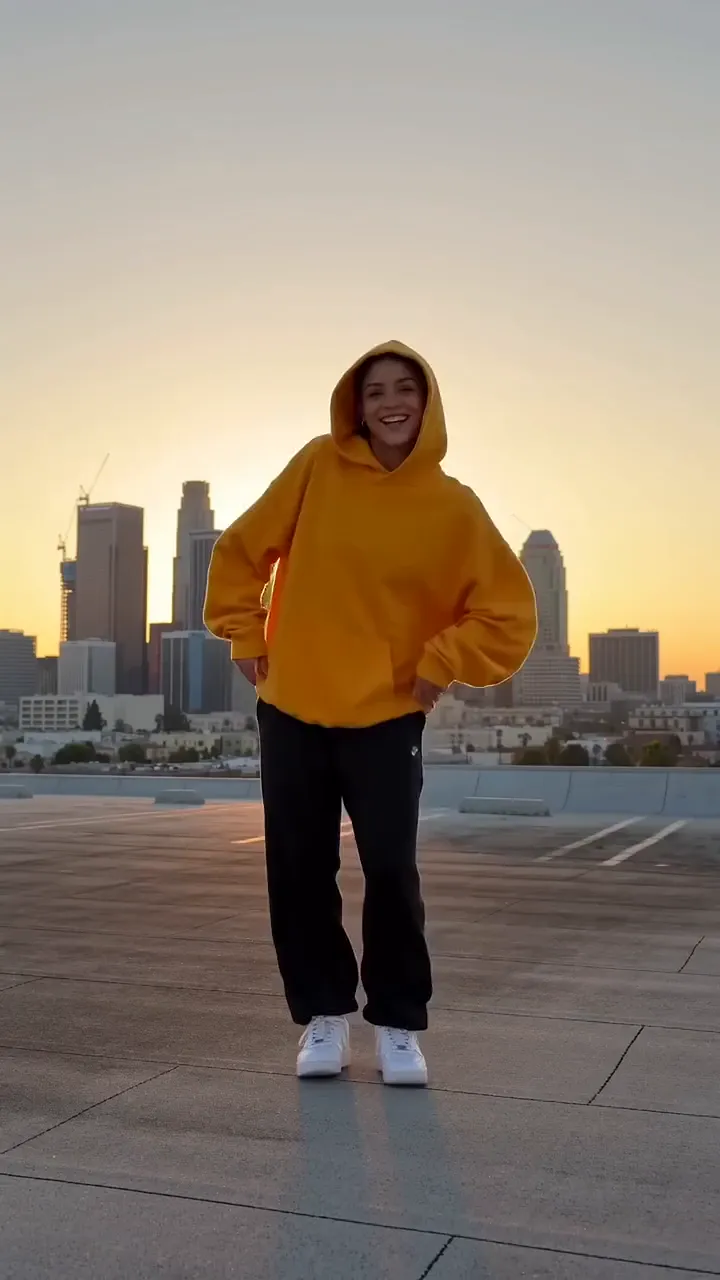
AI Photo Dance
Make one full-body photo break into a dance.
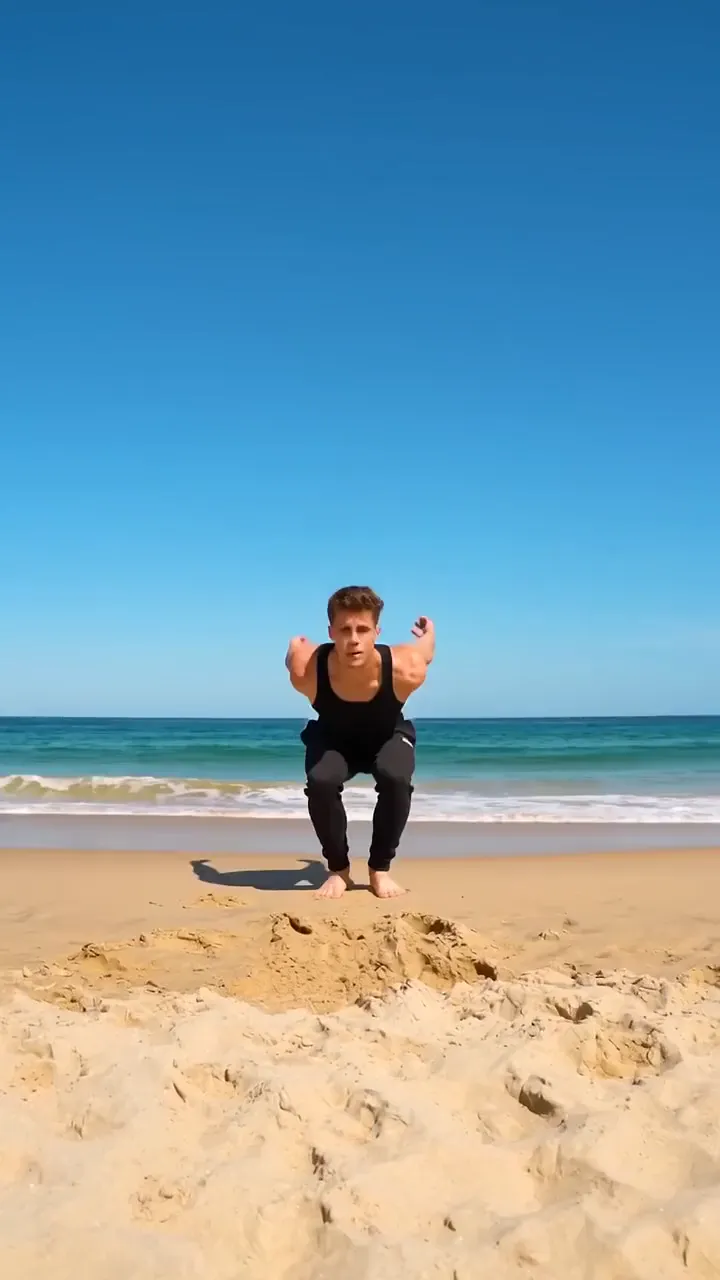
AI Backflip
A clean standing backflip from one photo.
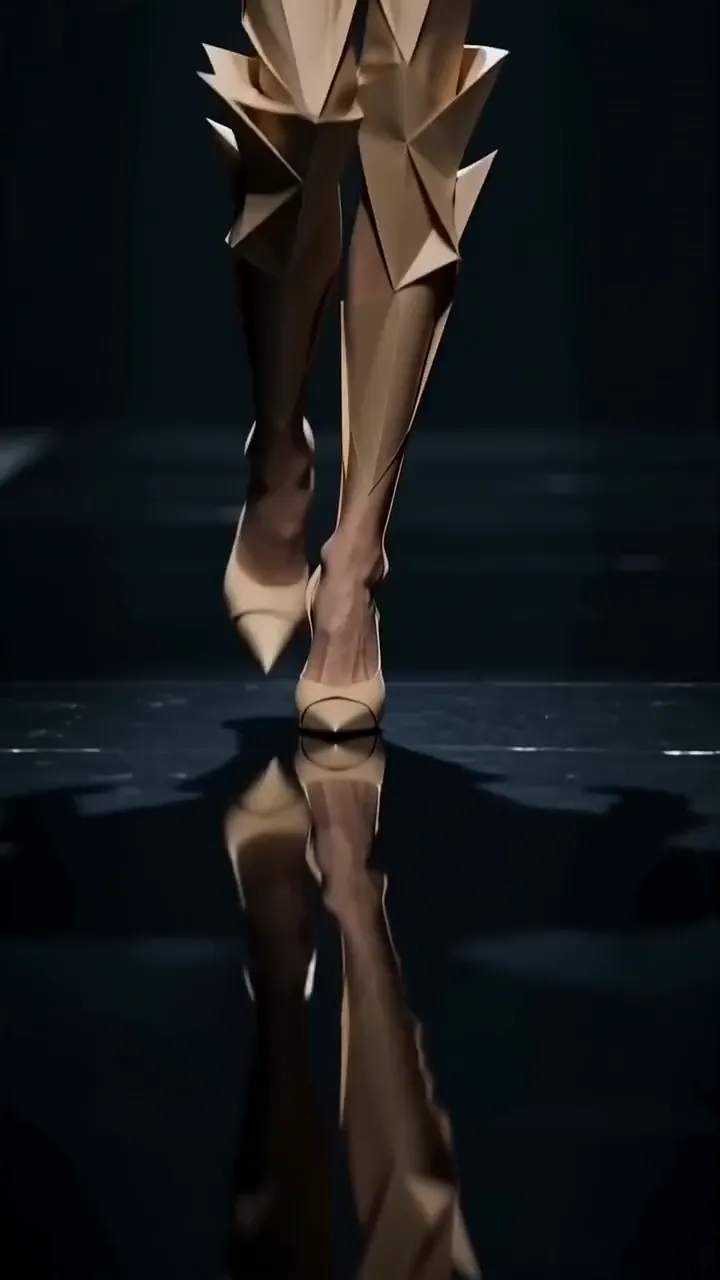
AI Runway Walk
A high-fashion catwalk with flashing cameras.
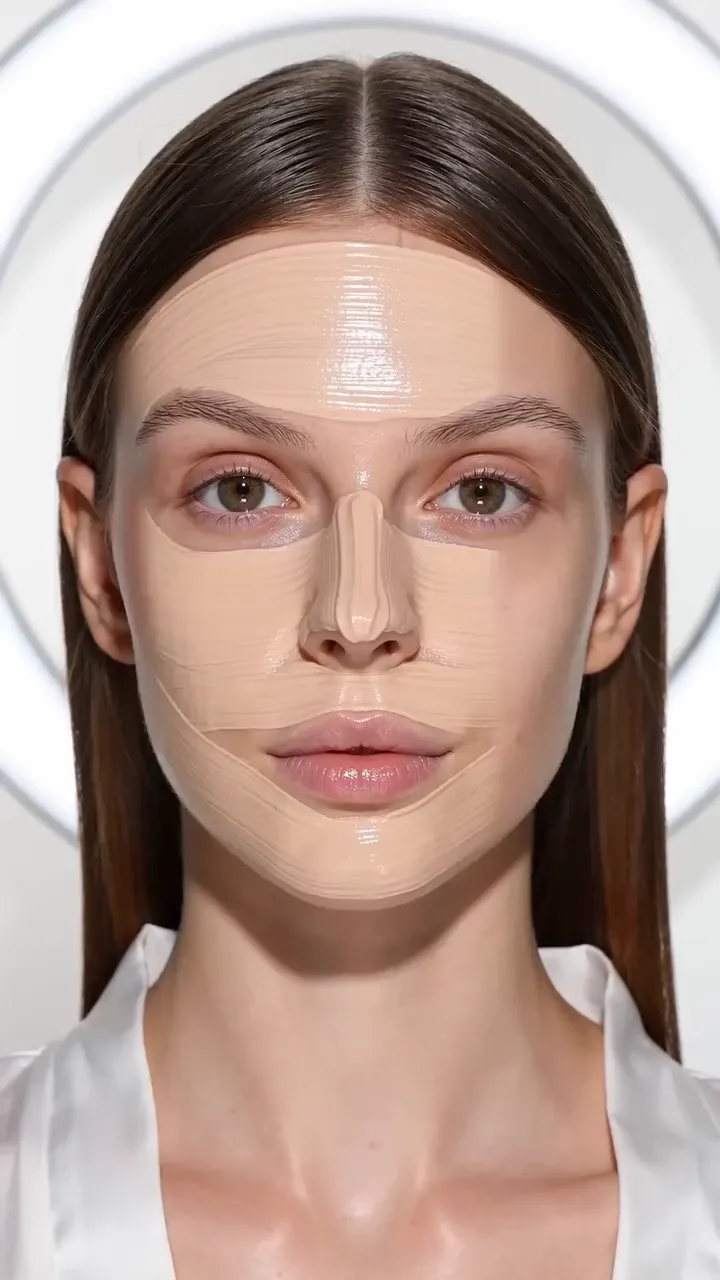
Makeup Timelapse
A full glam look appears step by step in a timelapse.
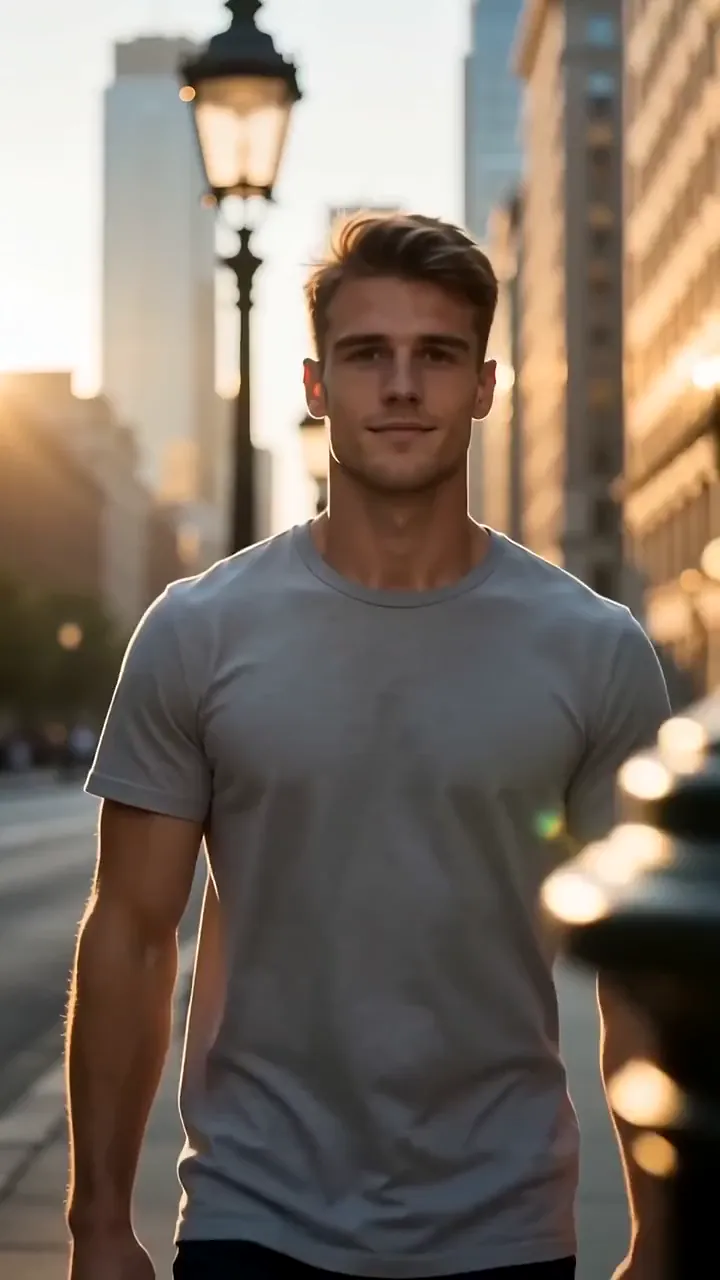
AI Outfit Change
Outfits switch each time you pass a lamp post.
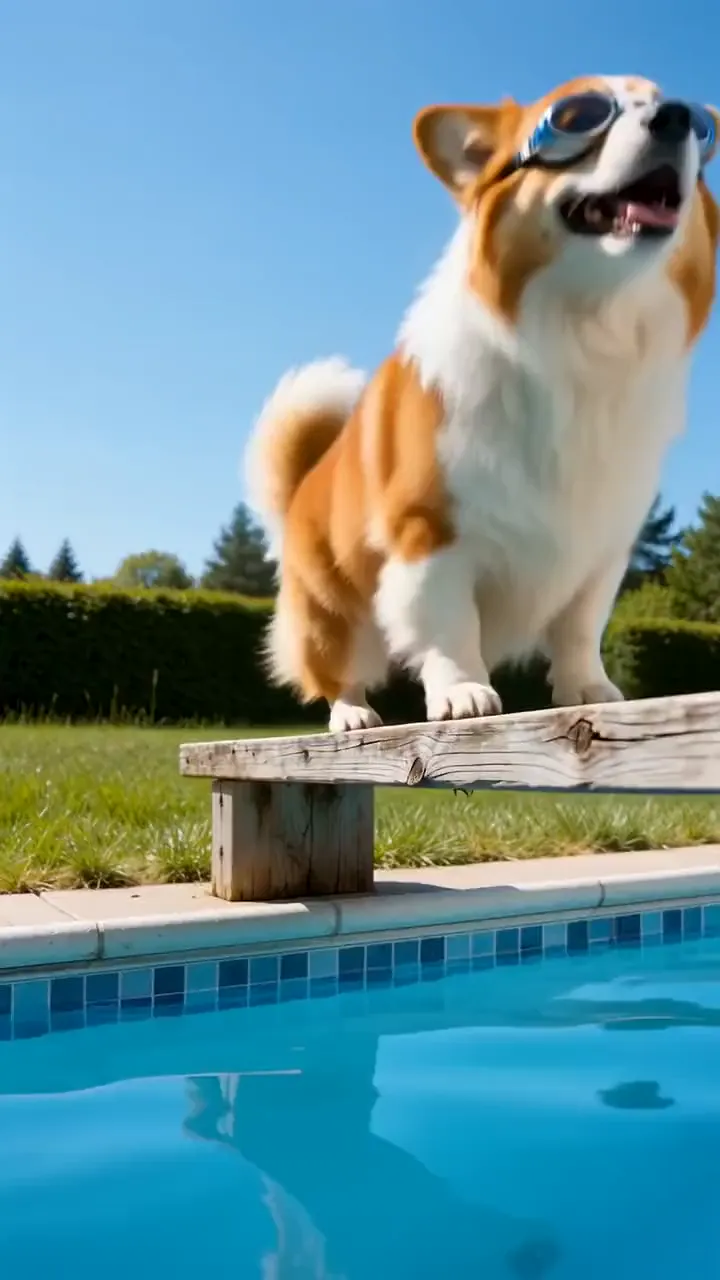
AI Pet Diving
Your pet in goggles dives off a board into a pool.
Make your own AI Moonwalk video
The studio opens with the example prompt, 9:16 and 5 seconds filled in; nothing generates until you press Generate. Video needs the Creator plan or above; new accounts get 110 free credits (10 on sign-up + 100 for linking Discord) to try the image studio first.