
 Official BytePlus partnerBytePlus, a ByteDance company
AI video effect
AI Inflate video effect: how to make it
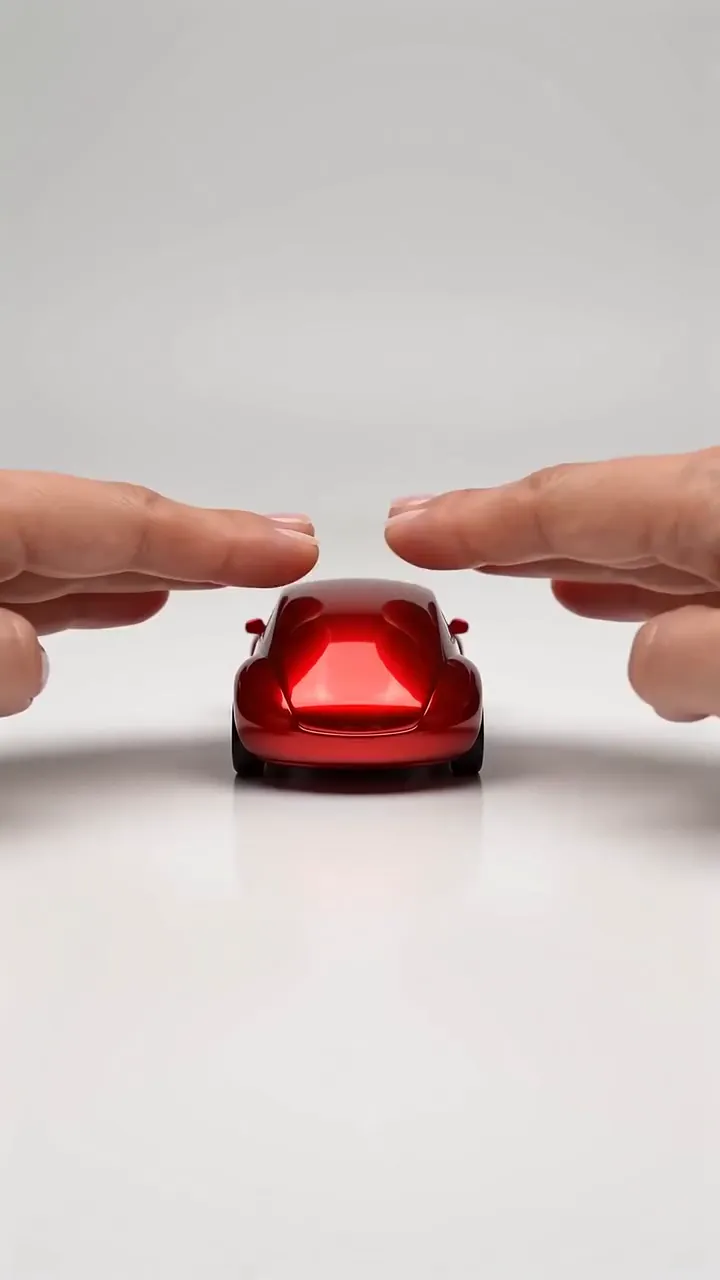
The AI inflate effect puffs up a pet, toy or object like a balloon until it floats away. In KreatorFlow you start from a photo as the first frame in the video studio, describe it getting rounder and lifting off, and generate a 5-second clip on Seedance 2.5.
- Seedance 2.5
- 5 seconds, 9:16
- 24 credits at 720p
- Works from your photo
On this page
How to make the AI Inflate effect in KreatorFlow
Built on BytePlus, a ByteDance company. The effect renders on Seedance 2.5 through BytePlus.
- 1
Open the video studio and add your photo
Pick Seedance 2.5, set 5 seconds and add your photo as the first frame. A first-frame clip keeps the photo's own shape, so crop the photo to 9:16 first for a vertical clip.
- 2
Describe the effect
Describe the swelling (slowly, rounder and tighter), the lift-off and the float. Keep the words soft and cartoonish. Start from the example prompt below and change the details.
- 3
Generate and download
A 5-second clip on Seedance 2.5 costs 24 credits at 720p and 50 at 1080p. Leave audio off if you will add music when you post. The price is shown before you generate, and failed generations give the credits back.
Example prompt
Copy it, or open the studio with it filled in, then change the subject and setting.
AI Inflate prompt
Vertical 9:16 clip, 5 seconds. A cute orange cartoon-style cat plush toy sits centred on a pastel pink background. It slowly inflates like a balloon, getting rounder and tighter, then lifts off the floor and floats up gently, bobbing in the air. Soft studio light, smooth comedic motion, bright and playful.
Seedance 2.5, 9:16, 5 seconds
Tips for a better result
- Toys, plushies and cartoon pets give the cutest result.
- Pastel or plain backgrounds help the shape stand out.
- Keep it soft and cartoonish rather than realistic.
Questions
How do I make an AI Inflate video?
The AI inflate effect puffs up a pet, toy or object like a balloon until it floats away. In KreatorFlow you start from a photo as the first frame in the video studio, describe it getting rounder and lifting off, and generate a 5-second clip on Seedance 2.5.
How much does the AI Inflate effect cost?
A 5-second clip on Seedance 2.5 costs 24 credits at 720p and 50 at 1080p. The studio shows the price before you generate, and failed generations give the credits back.
Can I use my own photo for the AI Inflate effect?
Yes. Any photo of an object, toy, food or product works. Avoid logos and brand names on the object, and keep real people out of the effect.
Can I inflate a photo of my pet?
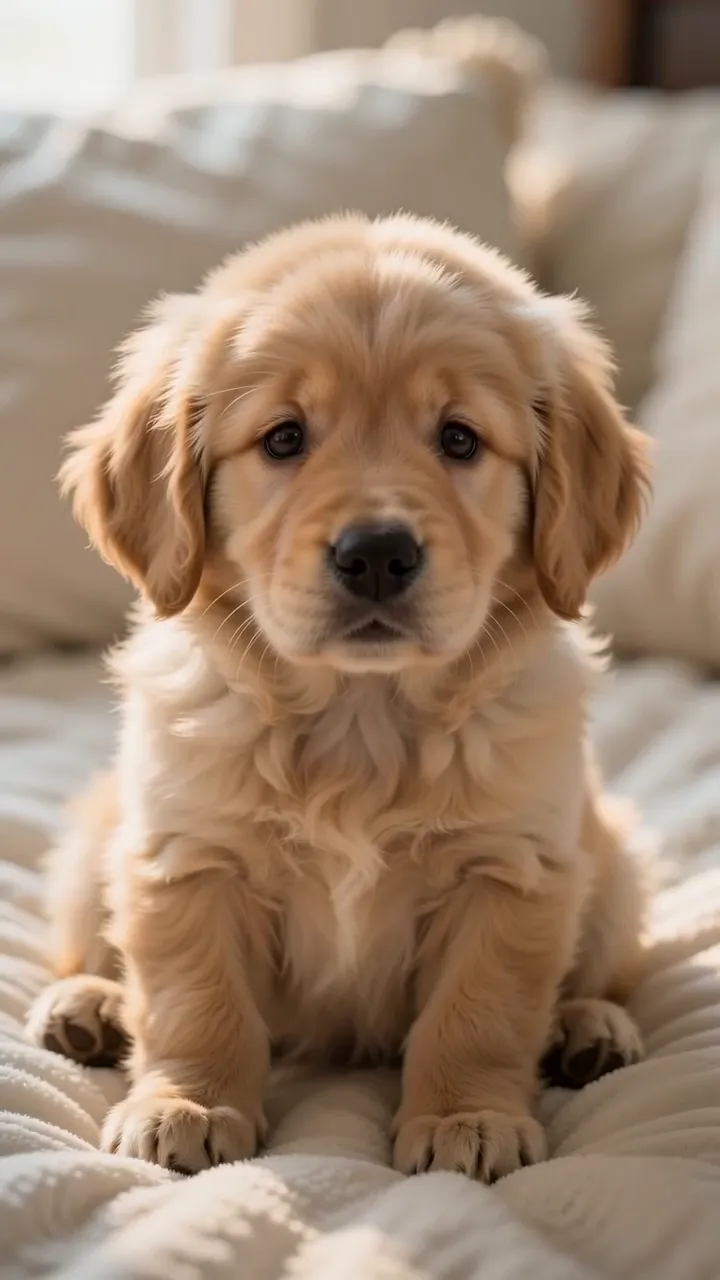
Yes. Use a clear photo of your pet as the first frame and ask for a cartoonish, gentle inflate and float. Words like soft, cute and bobbing keep it playful.
Related effects
Make your own AI Inflate video
The studio opens with the example prompt, 9:16 and 5 seconds filled in; nothing generates until you press Generate. New accounts get 25 starter credits for images and video. Free video covers Seedance 2 Fast and Seedance 2.0 Mini at 720p only, queued and rate limited. Other video models and 1080p and above need a plan.