
 Official BytePlus partnerBytePlus, a ByteDance company
AI video effect
AI Explode video effect: how to make it
The AI explode effect makes an object burst into a cloud of confetti, glitter or paper stars. In KreatorFlow you start from a photo of the object as the first frame in the video studio, describe a soft, festive burst in slow motion, and generate a 5-second clip.
- Seedance 2.5
- 5 seconds, 9:16
- 24 credits at 720p
- Works from your photo
On this page
How to make the AI Explode (Confetti Burst) effect in KreatorFlow
Built on BytePlus, a ByteDance company. The effect renders on Seedance 2.5 through BytePlus.
- 1
Open the video studio and add your photo
Pick Seedance 2.5, set 5 seconds and add your photo as the first frame. A first-frame clip keeps the photo's own shape, so crop the photo to 9:16 first for a vertical clip.
- 2
Describe the effect
Describe a short build-up (it trembles), a soft pop and what flies out (confetti, glitter, paper stars). Slow motion makes the burst satisfying. Start from the example prompt below and change the details.
- 3
Generate and download
A 5-second clip on Seedance 2.5 costs 24 credits at 720p and 50 at 1080p. Leave audio off if you will add music when you post. The price is shown before you generate, and failed generations give the credits back.
Example prompt
Copy it, or open the studio with it filled in, then change the subject and setting.
AI Explode (Confetti Burst) prompt
Vertical 9:16 clip, 5 seconds. A white ceramic piggy bank sits centred on a wooden table against a teal wall. It trembles, then bursts in a soft pop into a cloud of colourful confetti and paper stars that drift down slowly. Slow motion, bright party lighting, playful and harmless, static camera.
Seedance 2.5, 9:16, 5 seconds
Tips for a better result
- Keep it to objects and a harmless, festive burst.
- Explosions near people can be refused.
- Great for reveals, birthdays and product launches.
Questions
How do I make an AI Explode video?
The AI explode effect makes an object burst into a cloud of confetti, glitter or paper stars. In KreatorFlow you start from a photo of the object as the first frame in the video studio, describe a soft, festive burst in slow motion, and generate a 5-second clip.
How much does the AI Explode effect cost?
A 5-second clip on Seedance 2.5 costs 24 credits at 720p and 50 at 1080p. The studio shows the price before you generate, and failed generations give the credits back.
Can I use my own photo for the AI Explode effect?
Yes. Any photo of an object, toy, food or product works. Avoid logos and brand names on the object, and keep real people out of the effect.
Why confetti instead of a real explosion?
A festive burst is fun to share and safe for every platform. Real explosions, fire damage and anything near people can be refused, so the confetti version is the reliable way to get the effect.
Related effects
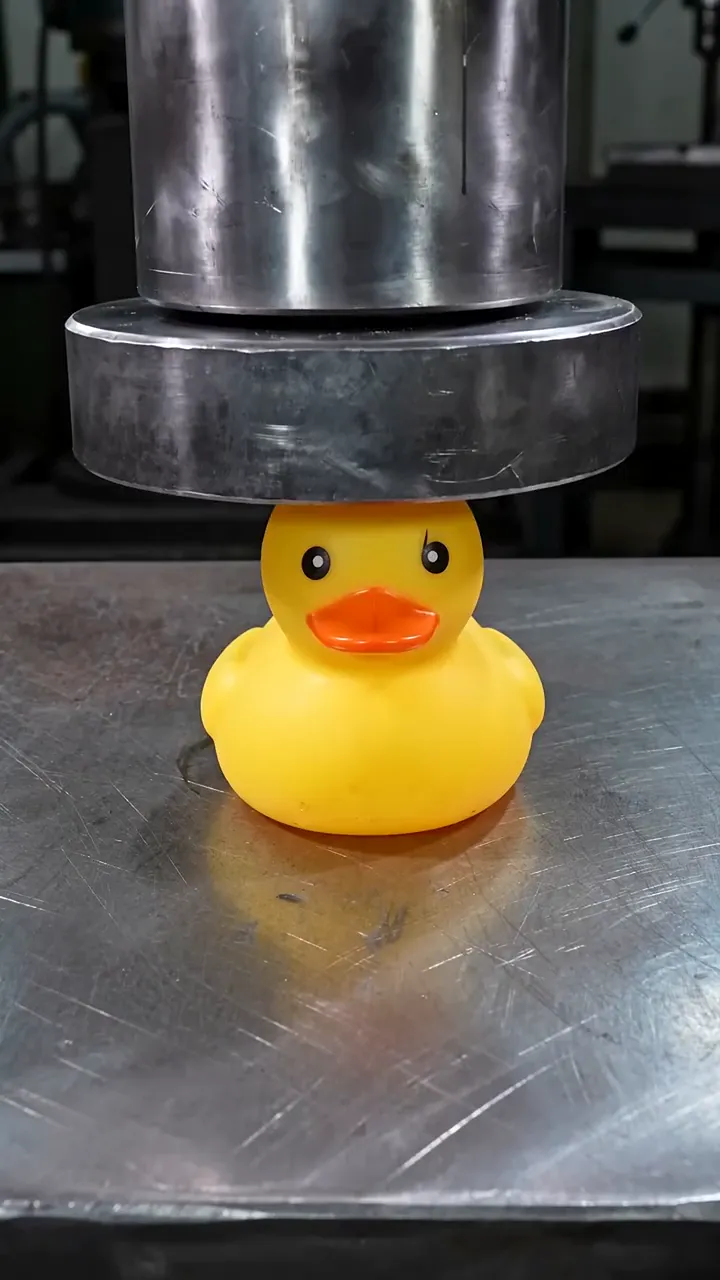
Make your own AI Explode (Confetti Burst) video
The studio opens with the example prompt, 9:16 and 5 seconds filled in; nothing generates until you press Generate. New accounts get 25 starter credits for images and video. Free video covers Seedance 2 Fast and Seedance 2.0 Mini at 720p only, queued and rate limited. Other video models and 1080p and above need a plan.